Two Strong Tools.
One Clear Choice
for Agencies That Scale.
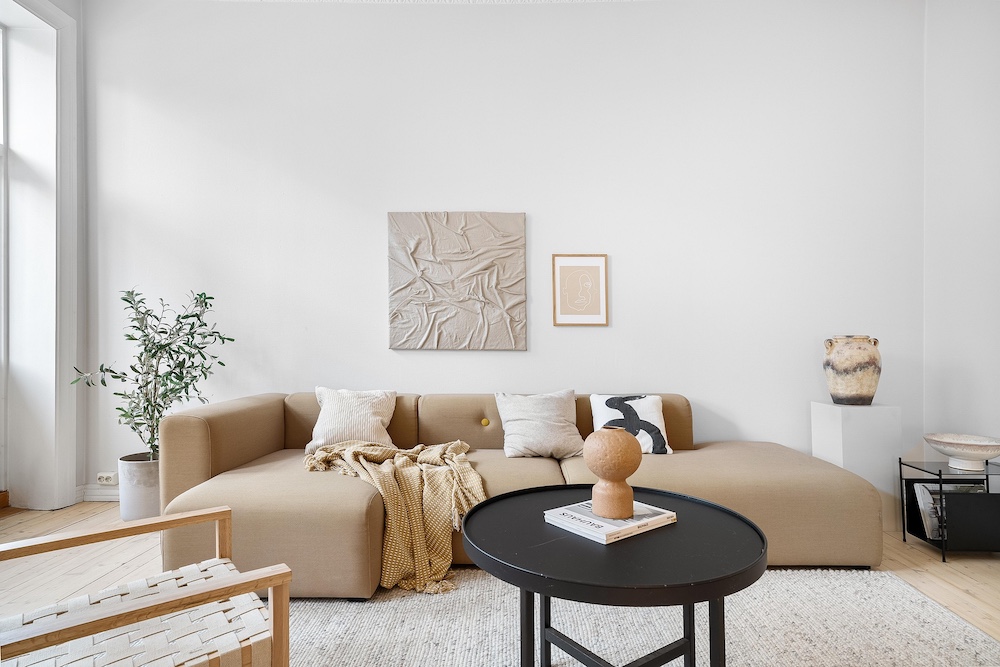
Apply Design produces genuinely excellent virtual staging — a clean interface, 18,000+ furniture pieces, and unlimited revisions make it a real contender. But real estate photography doesn't end at staging.
Stager AI adds HDR flambient editing, sky replacement, object removal, video walkthroughs, 3D floor plans, and a full REST API — making it the only platform where photographers can close their entire workflow in one subscription.
- ✓ AI staging across 15+ designer interior styles
- ✓ HDR flambient merge — not available on Apply Design
- ✓ REST API for agencies processing 100+ listings/month
- ✓ Native iOS & Android + white-label plans
- ✓ Credits roll over — never lose what you paid for
★★★★★ 4.9/5 · 1,842 verified reviews
Where Each Tool Actually Wins.
Drag-and-drop furniture control with 18,000+ pieces gives designers unmatched customisation. Multi-angle consistency and 360° staging support are genuine differentiators — and their DIY editor at $7/image is the most affordable entry point in the market for hands-on users who want pixel-level control.
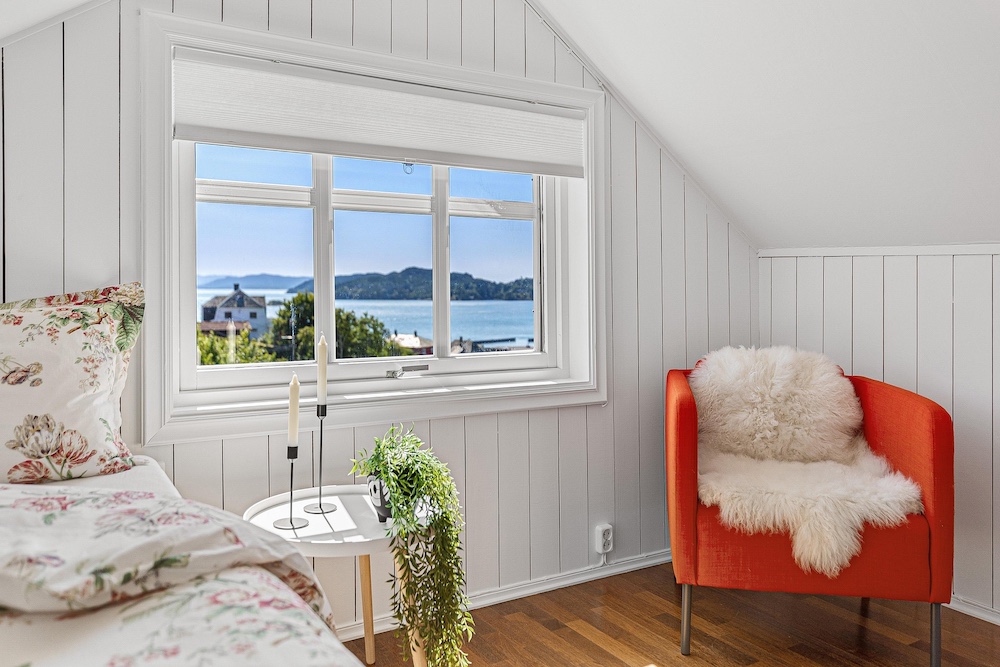
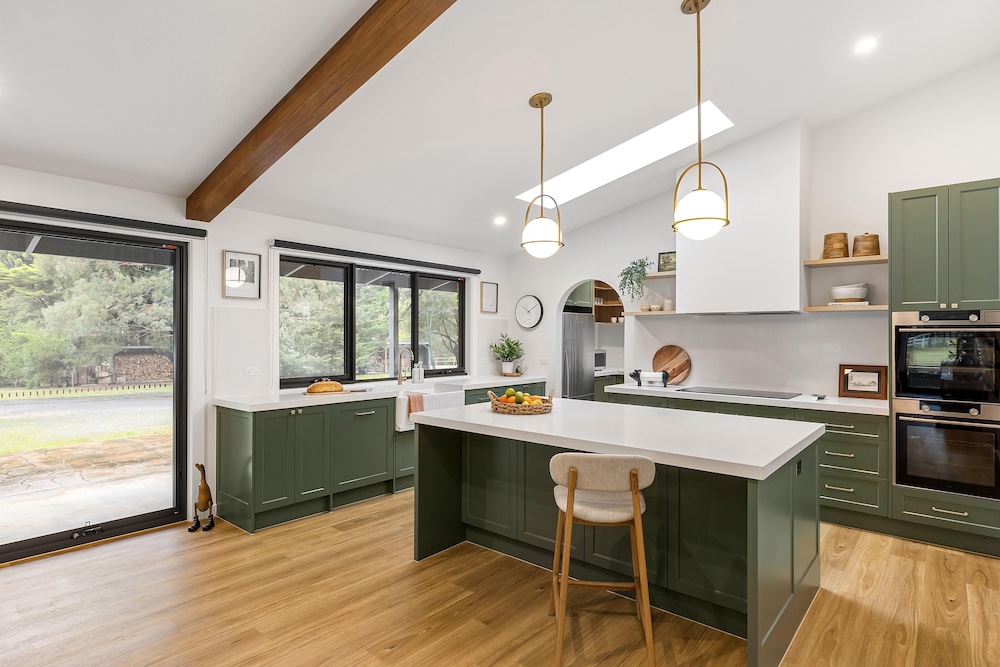
You need more than staging. HDR flambient merging, sky replacement, object removal, day-to-dusk, video walkthroughs, and a REST API make Stager AI the only platform that covers the full real estate media workflow. Faster processing, rolling credits, and batch API access make it the clear choice at agency scale.
Every Room.
Every Style. Under 60 Seconds.
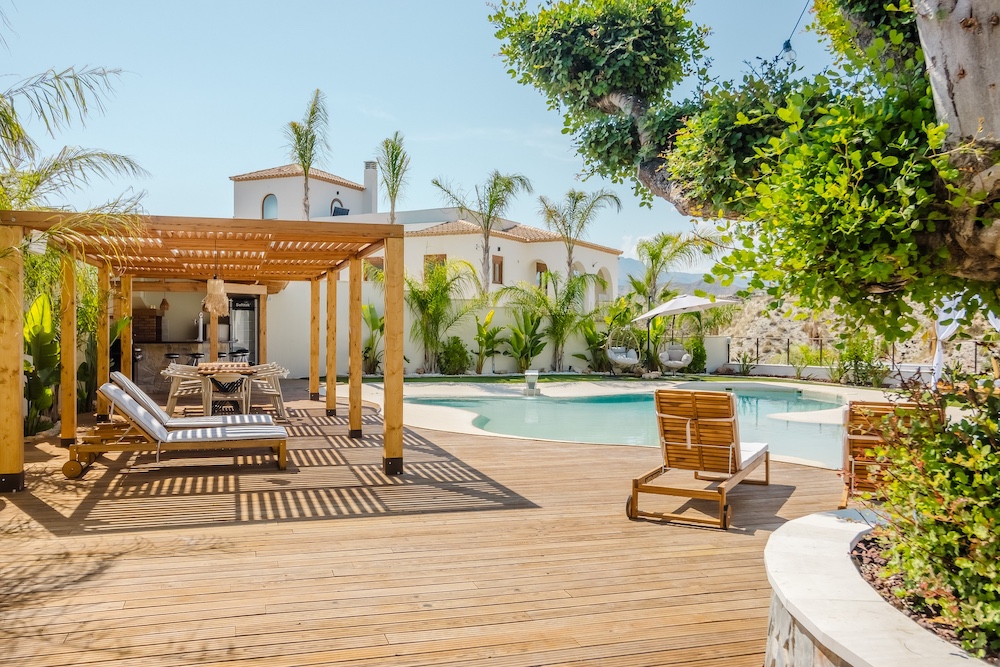
No Photoshop. No manual editor. No credit expiry. Every image below was produced from a raw camera file via Stager AI's automated pipeline.
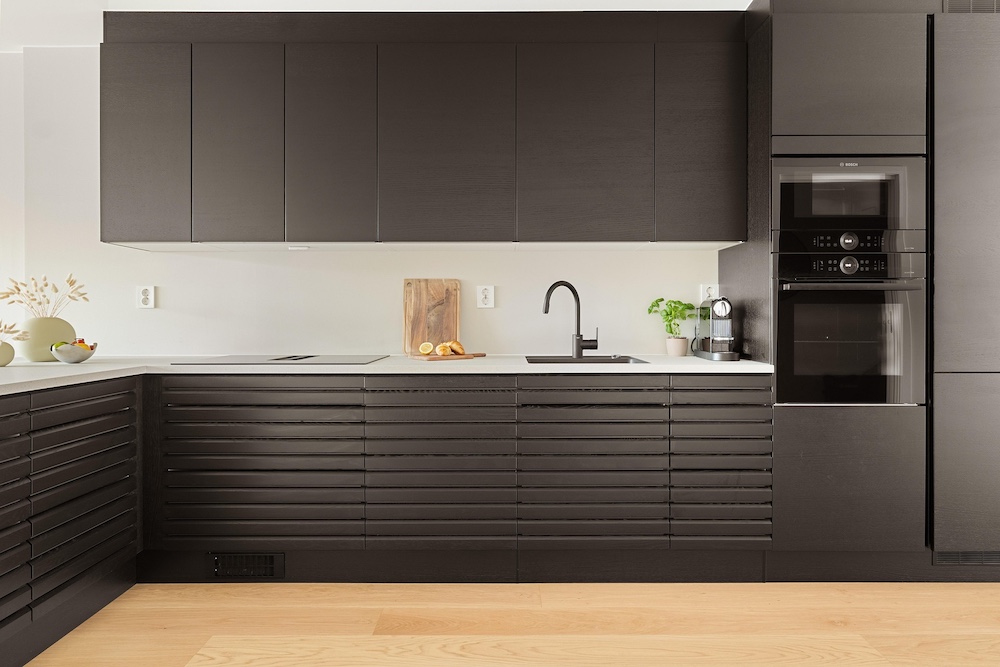
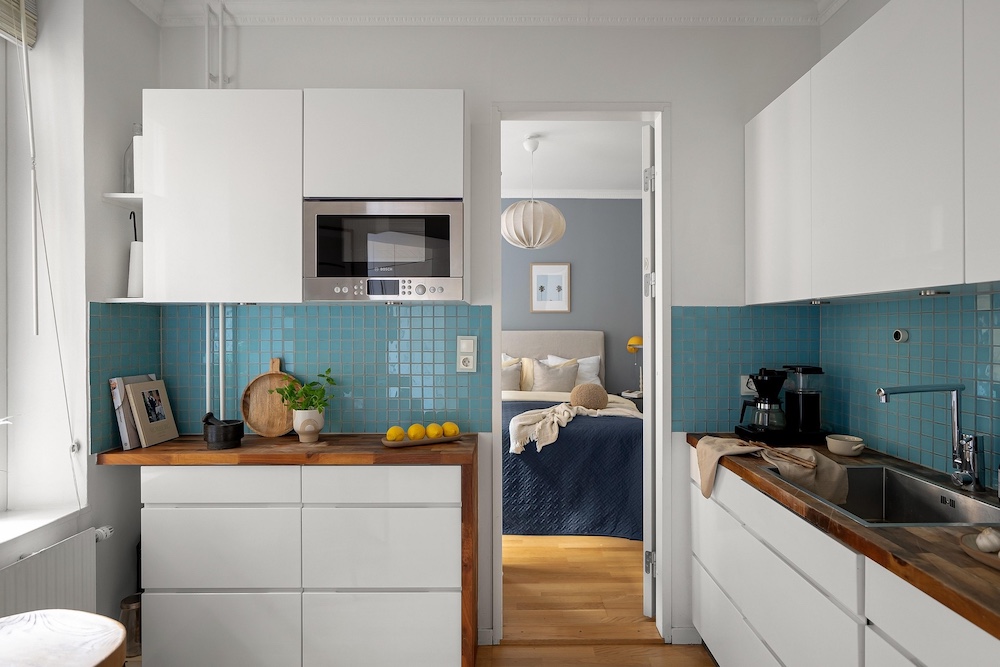
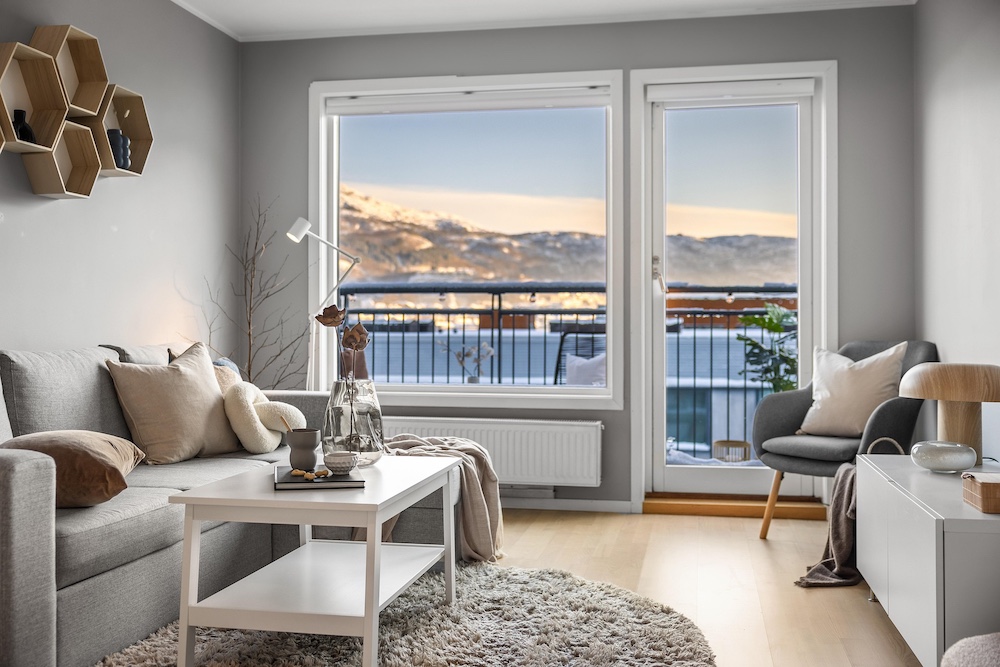
Apply Design vs Stager AI — Every Metric.
A fair comparison across staging quality, feature breadth, pricing, API access, and workflow integration. We call it honestly — including where Apply Design genuinely holds its own.
Apply Design Charges Per Image.
Stager AI Charges Per Scale.
Apply Design's coin model is transparent and fair at low volumes. But as monthly image counts grow, Stager AI's subscription tier drops the effective cost per image far below Apply Design's minimum coin rate — with no expiry penalty.
| Monthly Volume | Apply Design Cost | Stager AI Plan | Stager AI Cost | Saving |
|---|---|---|---|---|
| 10 images | $105.00 | Starter | ~$19.99 | -81% |
| 30 images | $315.00 | Growth | ~$49.00 | -84% |
| 80 images | $720.00 | Pro | ~$79.00 | -89% |
| 200 images | $1,680 | Agency | ~$149.00 | -91% |
| 500+ images | $3,500+ | Studio API | Custom | Max |
* Apply Design pricing based on published coin rates ($10.50 auto-stage / image). Stager AI pricing based on published plan rates. All prices USD.
Automate What Apply Design Forces You to Do Manually.
Apply Design is portal-only — every image requires a manual upload through their web interface. For photographers managing 10 listings a month, that's fine. For agencies processing hundreds, it's a hidden bottleneck that multiplies with every new agent.
Stager AI's REST API handles 50,000 exposures per hour with webhook delivery, batch endpoints, and sub-60-second latency — fully automatable into any CRM or listing pipeline.
- → OpenAPI 3.0 documentation, fully typed SDKs
- → Batch endpoint: 500 images in one request
- → Webhook callbacks — no polling required
- → White-label CDN output with custom domains
- → SOC 2 Type II compliant infrastructure
// Batch staging via REST — not possible on Apply Design
{
  "agency_id":  "ag_44201",
  "image_url":  "https://cdn.agency.com/raw/living.jpg",
  "service":    "virtual_staging",
  "options": {
    "style":       "nordic_minimal",
    "room_type":   "living_room",
    "hdr_enhance": true,
    "perspective_correction": "manhattan_grid"
  },
  "webhook_url": "https://crm.agency.com/stager"
}

// Delivered in ~38 seconds:
{
  "status":            "complete",
  "staged_image_url":  "https://cdn.stagerai.com/out/abc.webp",
  "processing_time_ms": 38140
}Stills Into Cinematic Walkthroughs. In Two Minutes.
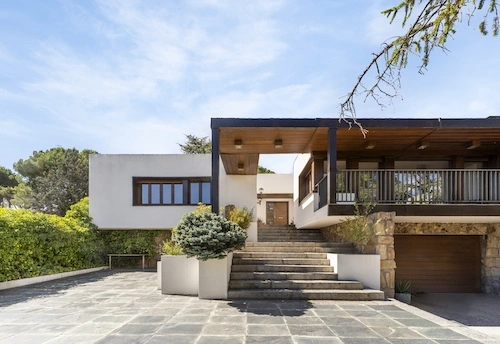
Apply Design recently added short video clips — a welcome addition. But Stager AI converts up to 15 full property stills into a seamless cinematic walkthrough with integrated spatial audio and MLS-ready MP4 export in under 2 minutes.
- ▪ 16:9 · 9:16 · 1:1 format outputs
- ▪ Spatial audio integration
- ▪ MLS & Zillow MP4 export
- ▪ Instagram Reels & TikTok ready
What Real Estate Pros Say After Switching from Apply Design.



Apply Design vs Stager AI — Honest Answers.
Stage, Edit & Deliver.
One Platform. One Subscription.
Join 12,000+ real estate photographers who replaced patchwork toolsets with Stager AI. Free trial. No credit card. Credits never expire.
★★★★★ 4.9/5 · 1,842 verified reviews