HDR editing that runs itself, built for media teams.
Connect Dropbox or our API once. Every shoot from every photographer is merged, edited in your house style and delivered at full resolution, without growing your editing team.
- Dropbox auto-import
- REST API with signed webhooks
- One style across every shooter
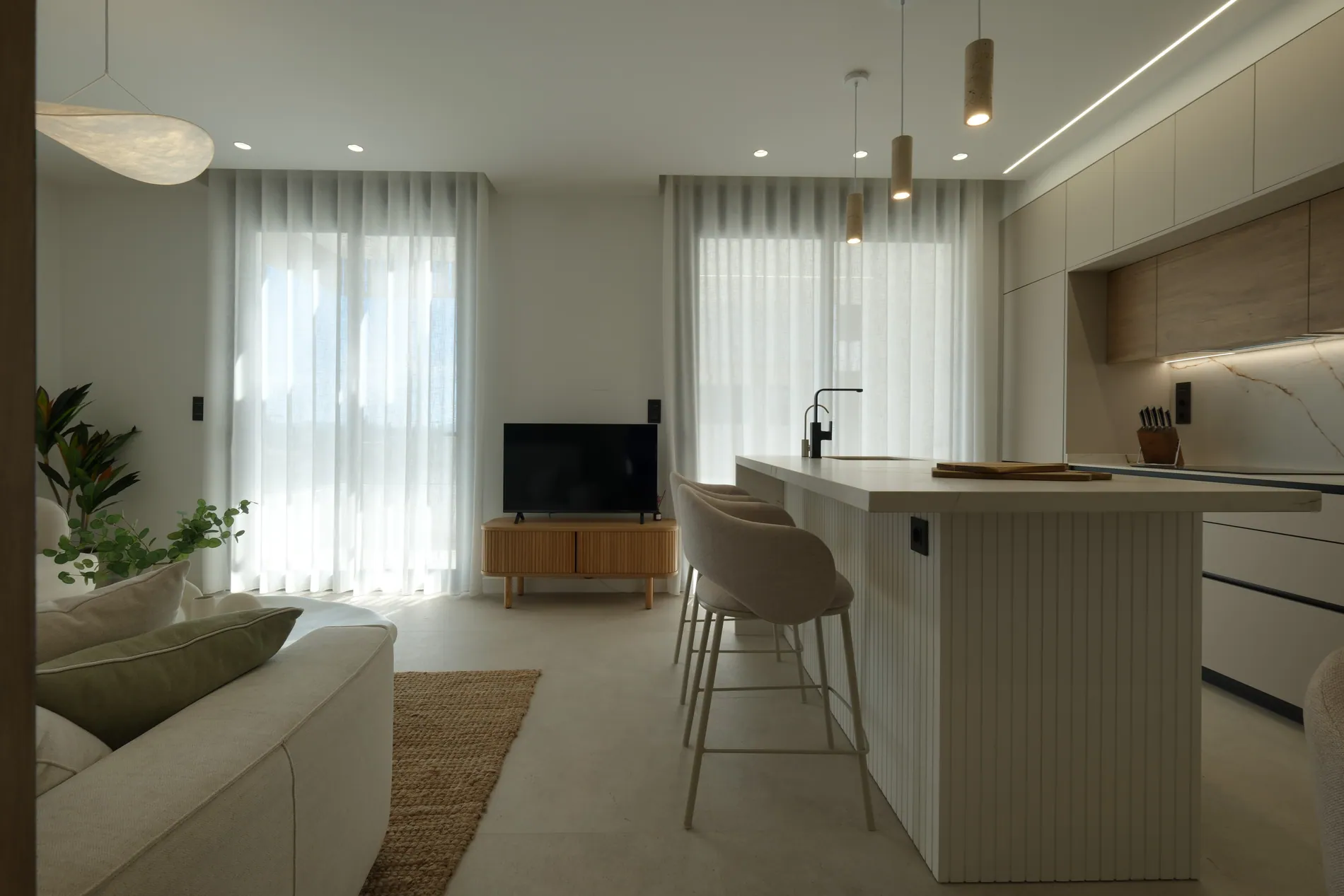
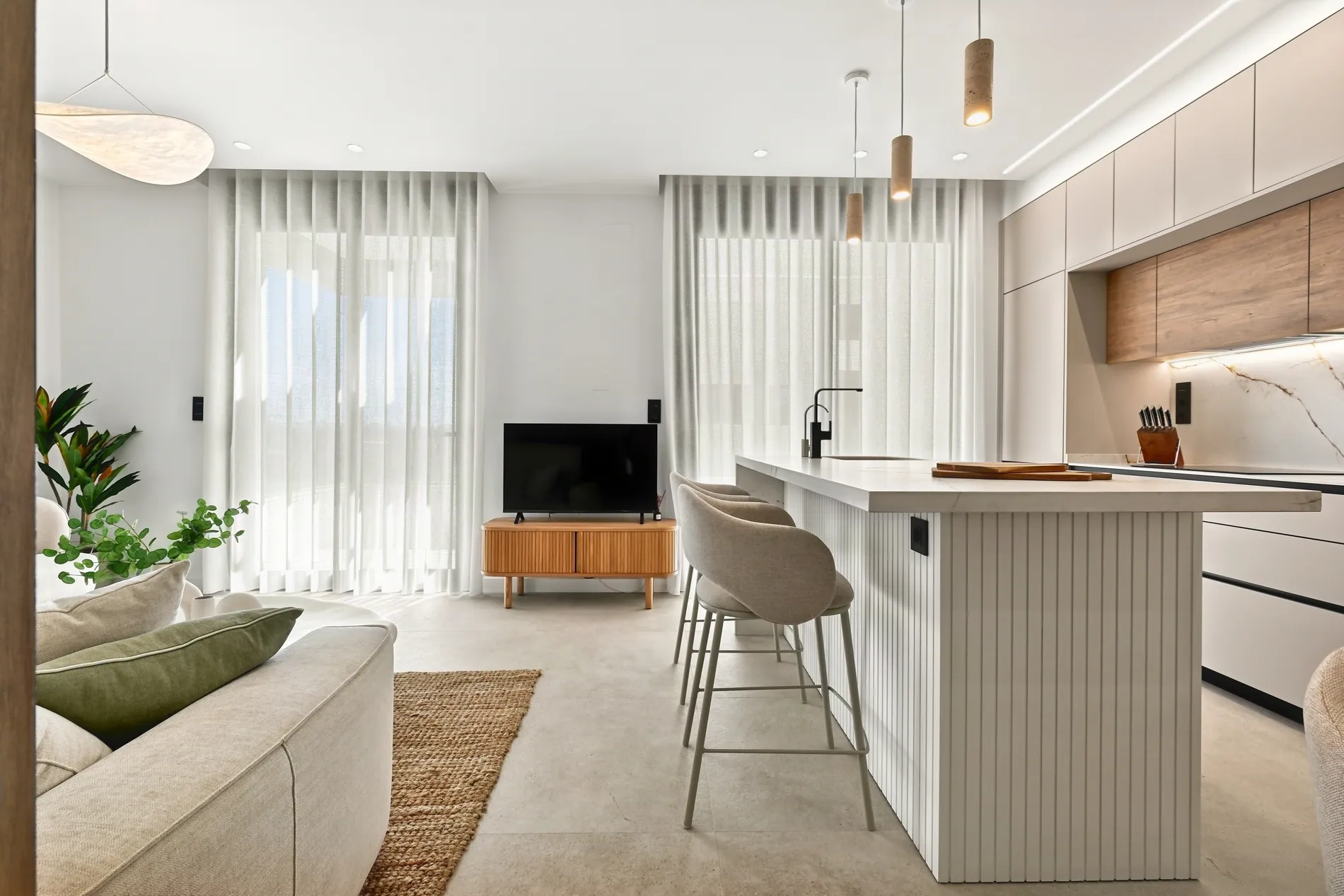
More shoots shouldn't mean more editors.
Every new photographer adds hours of editing. Hiring is slow, outsourcing adds delays, and keeping one look across the team takes constant work.
Editing grows with every shooter
Each new photographer adds hours of bracket blending, window masking and color fixing to your team's week.
Outsourcing means waiting
Editing teams often take 24 to 48 hours, work in other time zones and need constant briefing and checking.
Every editor has their own look
Galleries drift when different people edit them. Clients notice when two listings from your company don't match.
Files move by hand
Downloading, renaming, uploading and sending back. Small jobs that add up across hundreds of shoots a month.
From memory card to finished gallery, hands off.
Your photographers keep shooting and uploading the way they do today. Stager AI picks up every shoot and takes care of the rest.
- 01
Upload
A photographer drops a shoot into your Dropbox folder, or your own system sends it through the API.
IMG_0412.CR3IMG_0413.CR3IMG_0414.CR3IMG_0415.CR3 - 02
Group
Brackets are sorted into scenes automatically, using each photo's capture time and exposure data.
- 03
Edit
Every scene is merged and edited with your house style and settings: windows, verticals, sky and more.
- 04
Deliver
Full-resolution photos are ready in your dashboard, and your system gets a signed webhook for each one.
POST /your-webhook
hdr.image.completed
Upload to Dropbox. Get HDR back. No extra steps.
Your photographers already use Dropbox. Point Stager AI at a folder and every new shoot is edited automatically, with your saved settings.
- 01Connect your Dropbox account. Dropbox team accounts work too.
- 02Choose the folder your photographers upload to.
- 03Create one subfolder per shoot. HDR starts 10 minutes after the last file arrives.
- 04Follow every shoot under Recent shoots, and retry any that fail with one click.
- Editing style
- Perspective correction
- Photographer and camera removal
- Fire in fireplace
- TV blackout
- Auto privacy
- Blur license plates
Plug HDR editing into your own platform.
Build Stager AI into your booking, delivery or editing system. Send a whole shoot in one batch and get every finished photo back automatically.
Batch a whole shoot
Create a batch, upload every photo with signed upload URLs and start processing. Brackets are grouped for you.
The same settings as the app
Choose the editing style and switch lens and perspective correction, photographer removal, fire, TV blackout and privacy on or off per batch.
Signed webhooks
Get an event for every finished or failed photo, signed with HMAC-SHA256 so you can check it really came from us.
Your own job IDs
Attach your internal reference to each batch. It comes back in every status check, so matching jobs is easy.
// Every request: stager-api-key: <your key>

POST /api/projects
{ "title": "12 Harbour View" }

POST /api/hdr-batch
{
  "projectId": "project_uuid",
  "editingStyle": 11,
  "lensCorrection": true,
  "perspectiveCorrection": true,
  "clientReferenceId": "JOB-2041"
}

// one signed upload URL per photo
POST /api/hdr-batch/:batchId/url

// group brackets and process the shoot
POST /api/hdr-batch/:batchId/enhance

// Then, for every finished photo:
POST https://your-app.com/webhooks/stager
X-Stager-Signature: sha256=…
{ "eventType": "hdr.image.completed", … }
Every photographer, one look.
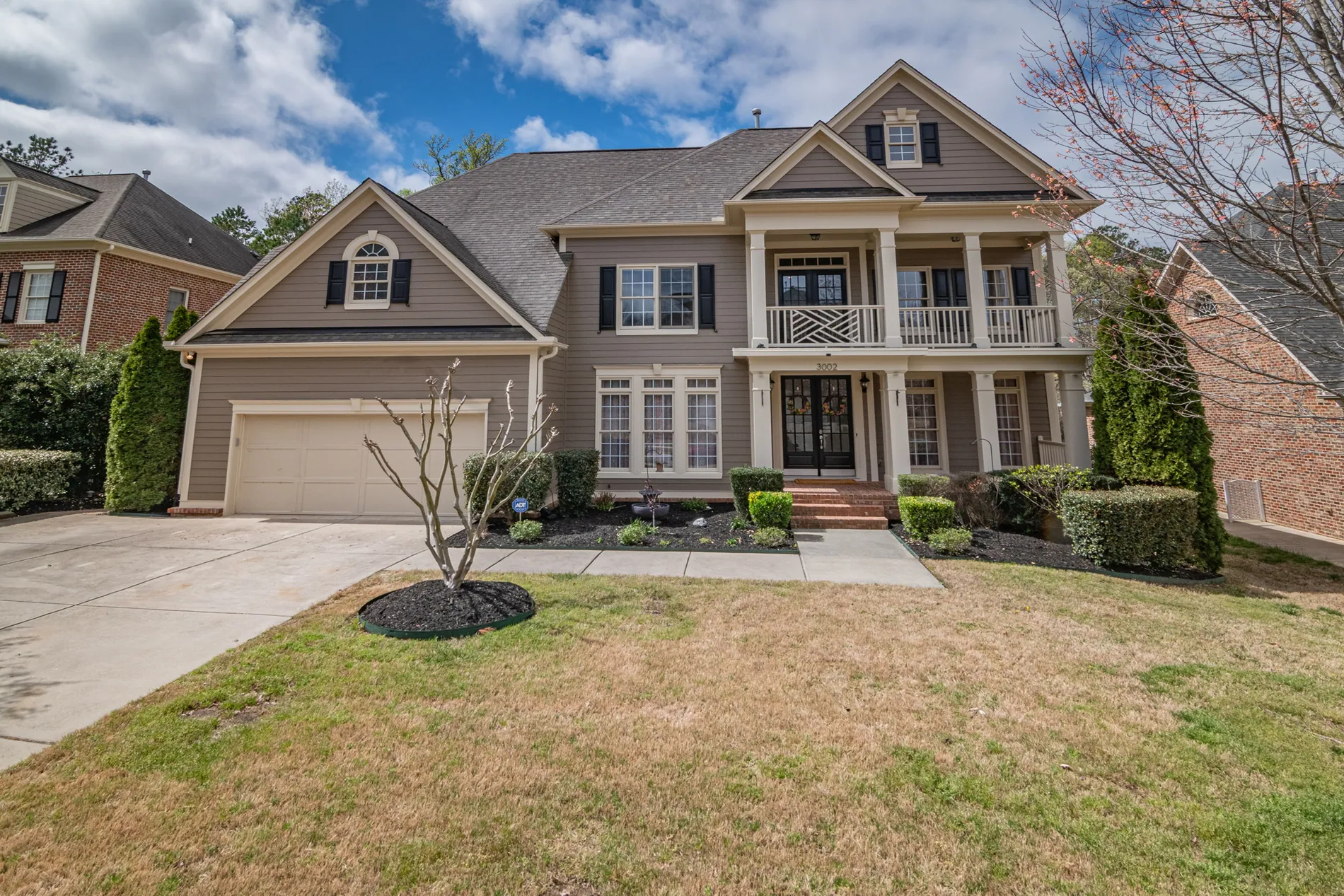
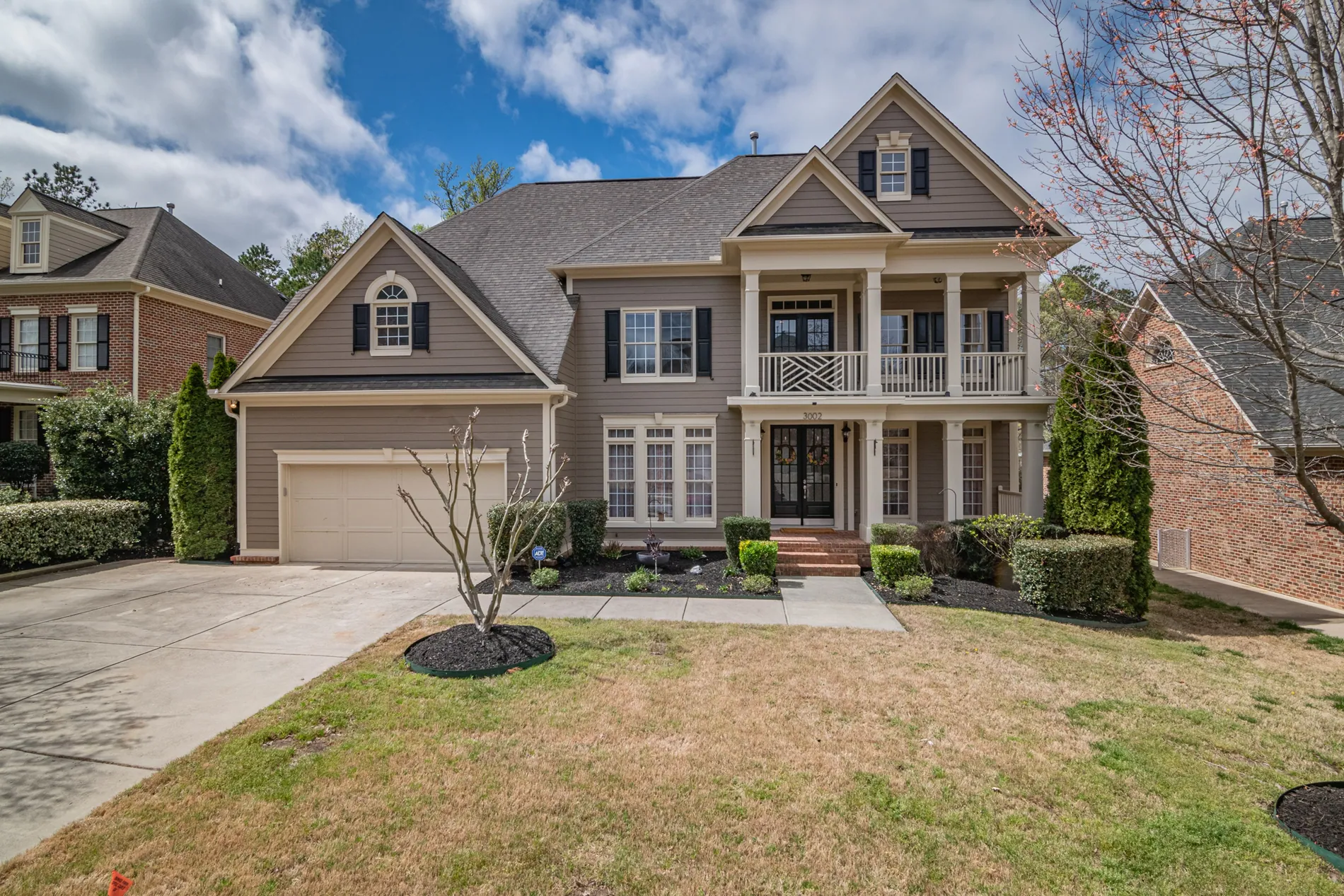
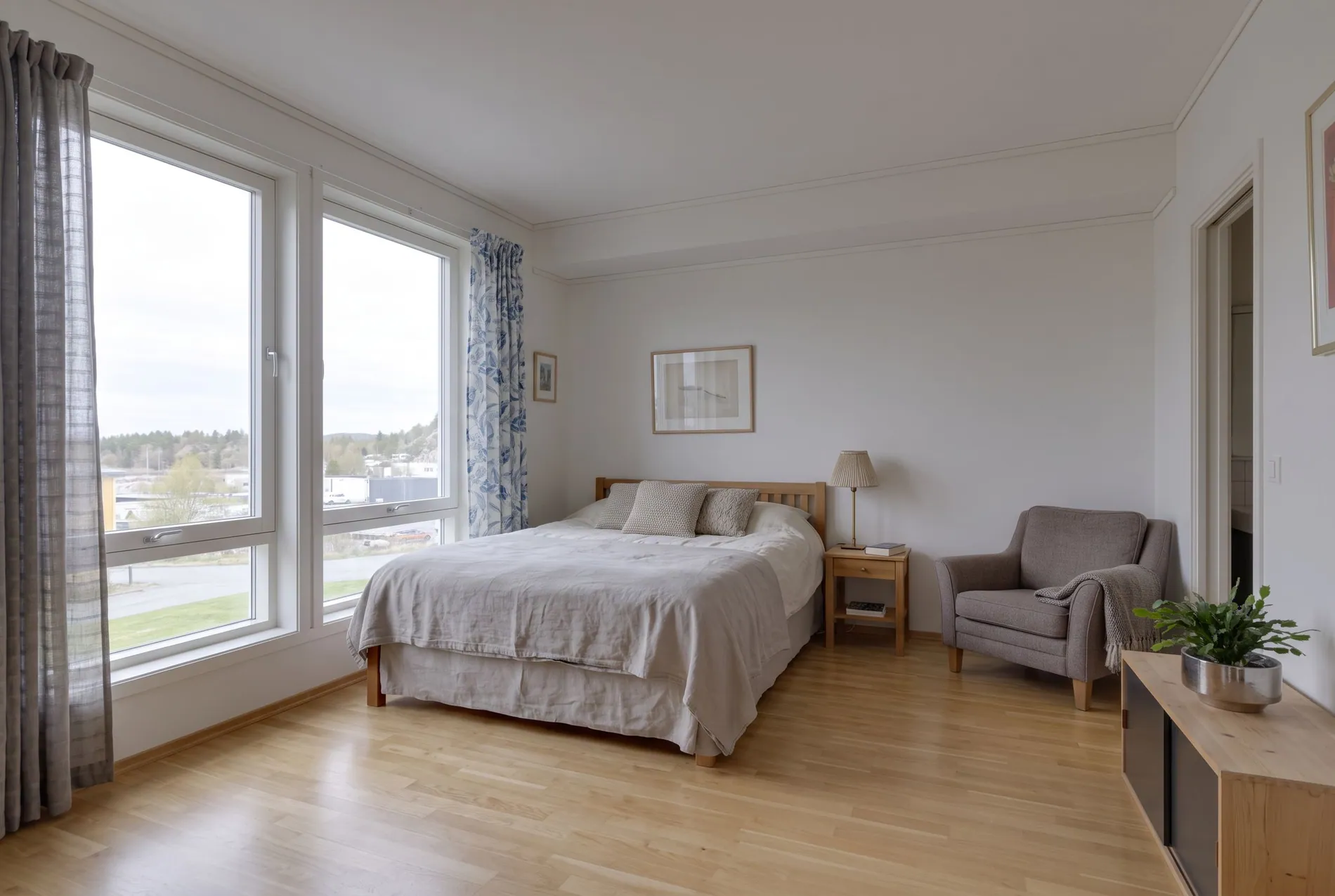
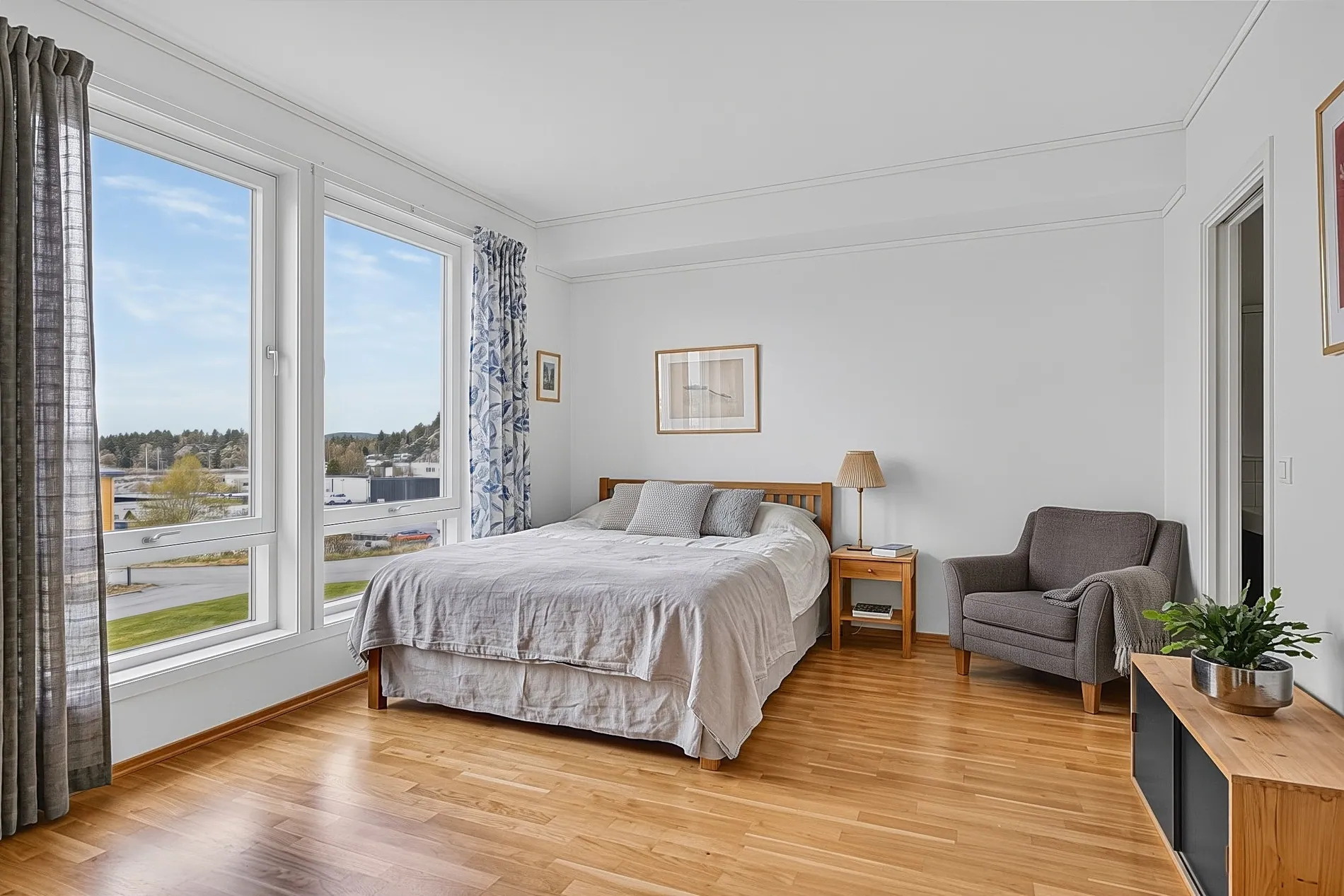
Pick an editing style once and use it on every shoot, from every shooter. Your galleries look like they came from one editor, because they did. Need a specific look? We'll customize an editing style based on your needs.
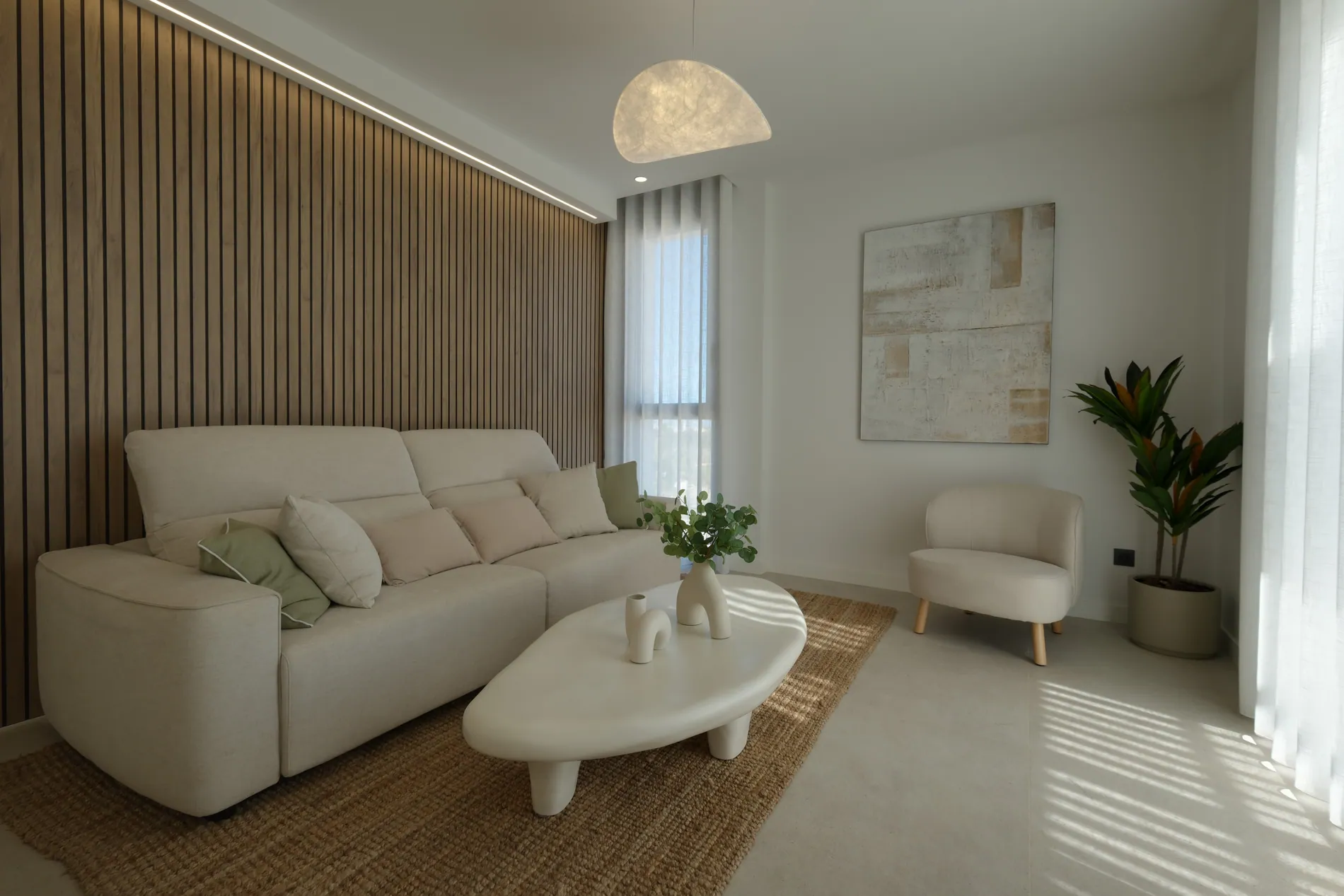
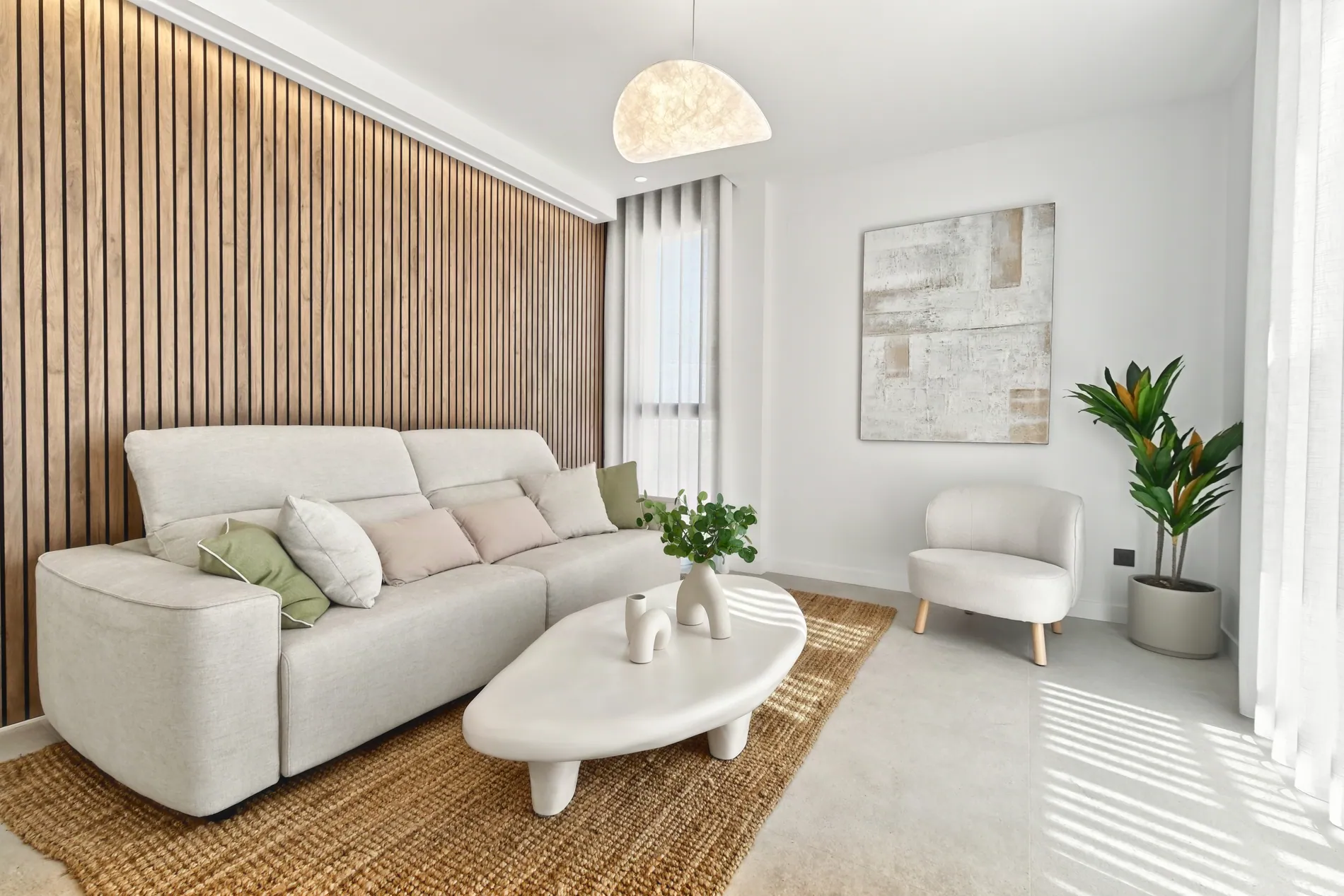
Full resolution. Your pixels. No upscaling.
What your photographers shoot is what your clients get, just edited. Every photo keeps the full resolution of the camera files, ready for listings, galleries and print.
- Output format
- JPG or PNG
- Resolution
- Full resolution, the same size as the original files
- Pixels
- Original pixels are kept. Nothing is upscaled or regenerated.
- Input
- RAW (ARW, CR3, NEF, DNG and more), JPEG, PNG or TIFF
Pay per final photo, not per bracket.
A bracket set of up to 7 exposures counts as one photo. Choose a monthly plan, or a pay-per-photo deal sized to your volume.
Pay-per-photo deals
Tell us how many shoots you handle each month and we'll put together a deal that fits.
- No monthly commitment
- One bracket set counts as one photo
- Better rates as your volume grows
Media companies often ask
Connect Dropbox in your account and choose the folder your photographers upload to. Each subfolder is treated as one shoot and sent to HDR automatically 10 minutes after the last file arrives, using your saved settings.
Yes. You can connect a Dropbox team account and watch the shared folder your photographers upload to.
No. Only files uploaded after you choose the folder are processed, so older shoots aren't edited by accident.
API access is available for business and high-volume accounts. Message us in the chat and we'll set up your key. Every request then uses your stager-api-key header.
Add a webhook URL in your account and you'll get a signed event for every finished or failed photo. You can also check the batch status endpoint at any time.
Automatically. Stager AI reads each photo's capture time and exposure data to work out which shots belong to the same scene.
Per final photo. A bracket set of up to 7 exposures counts as one photo, and unused photos roll over to the next month.
Full-resolution JPG or PNG files, the same size as the originals. Original pixels are kept and never upscaled, so photos are ready for client delivery and print.
Yes. Tell us about your current style and what your clients expect, and we'll customize an editing style based on your needs. It's then applied to every shoot from every photographer.
Yes. Invite your photographers and editors to your team, so everyone works with the same settings and the same house style.
Yes. Add your own reference when you create a batch through the API and it's returned in every status check.
Put your editing on autopilot.
Tell us about your shoots and your volume, and we'll help you connect Dropbox or the API.
Pay per final photo. Unused photos roll over.