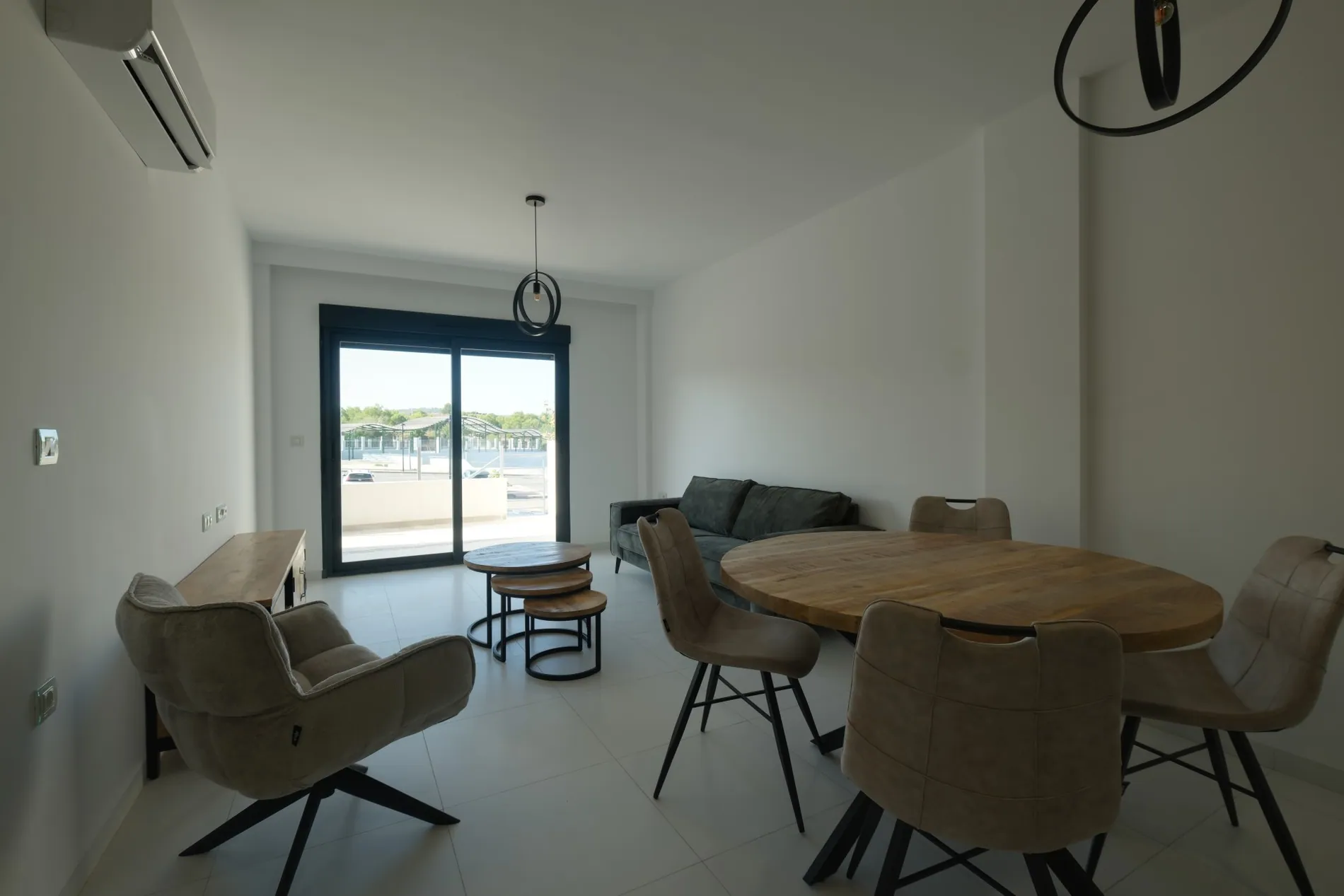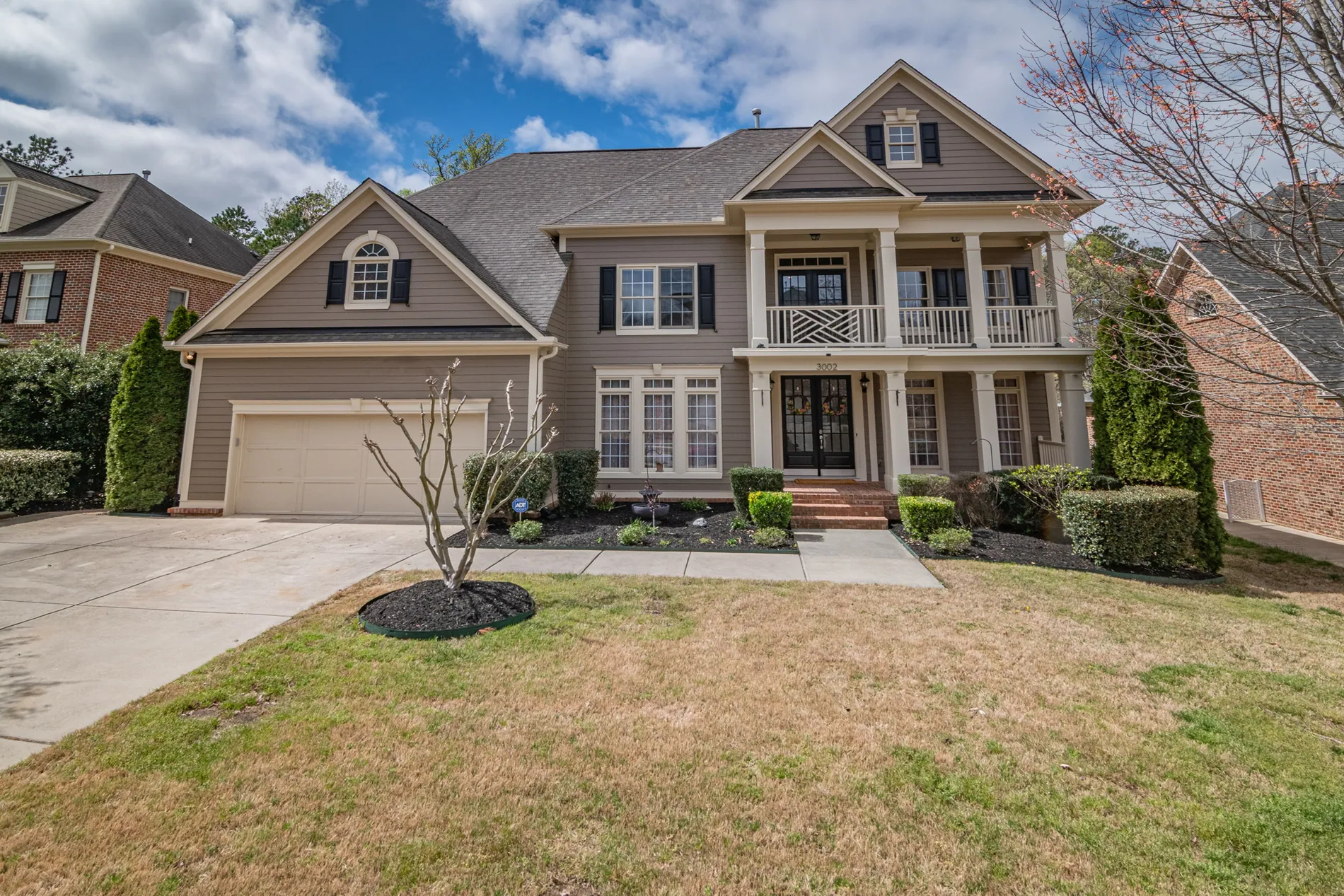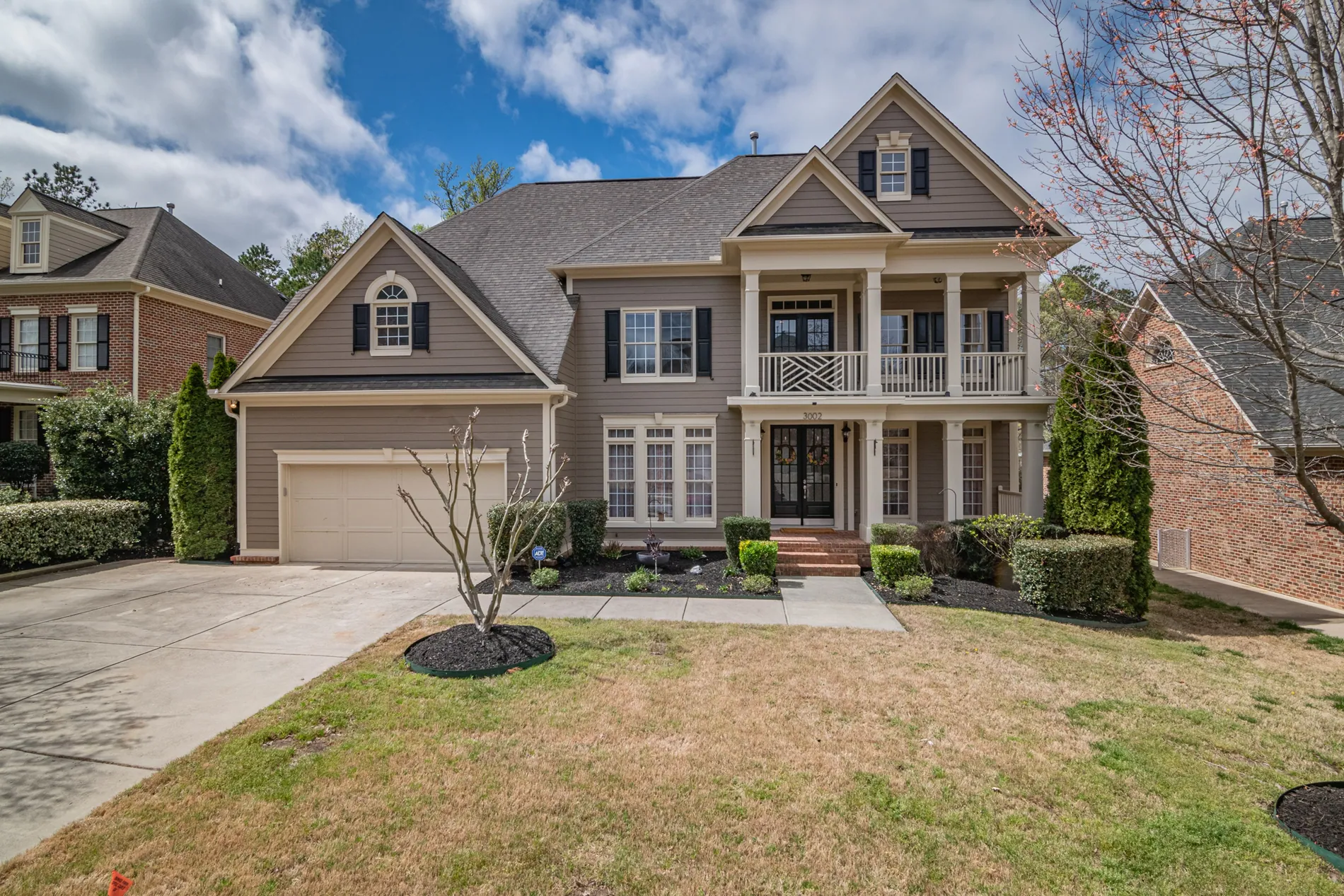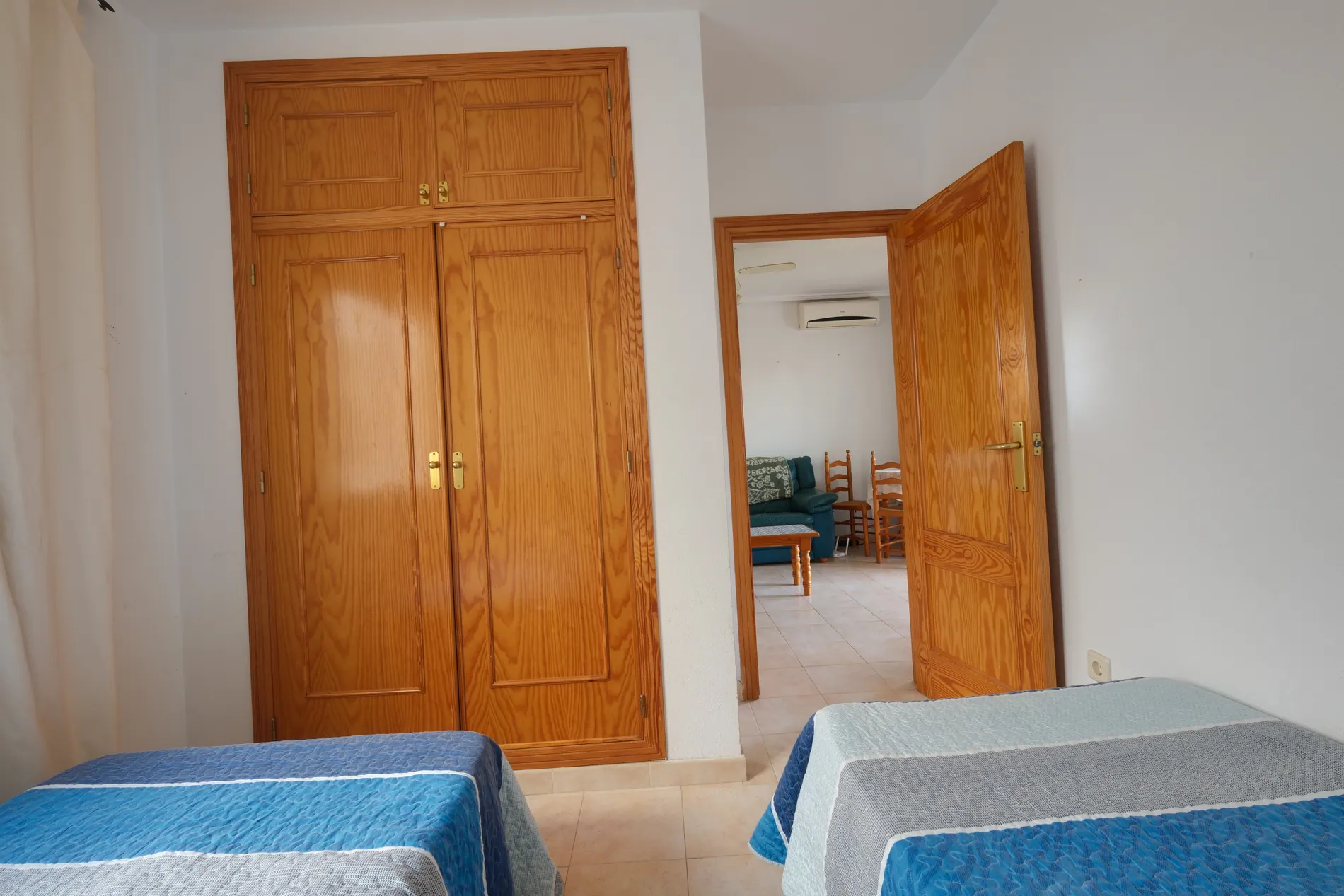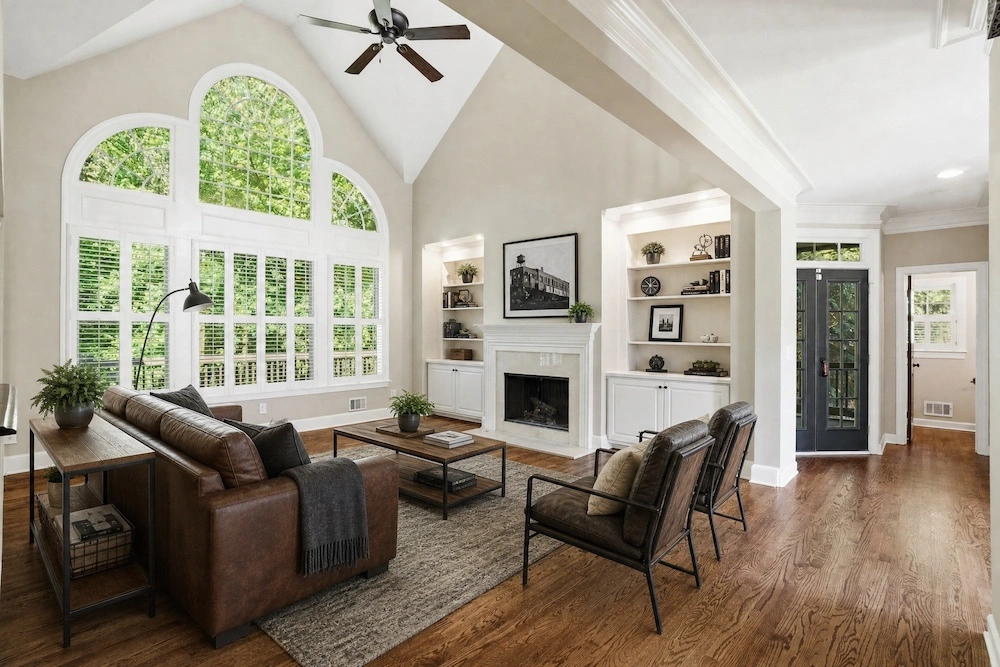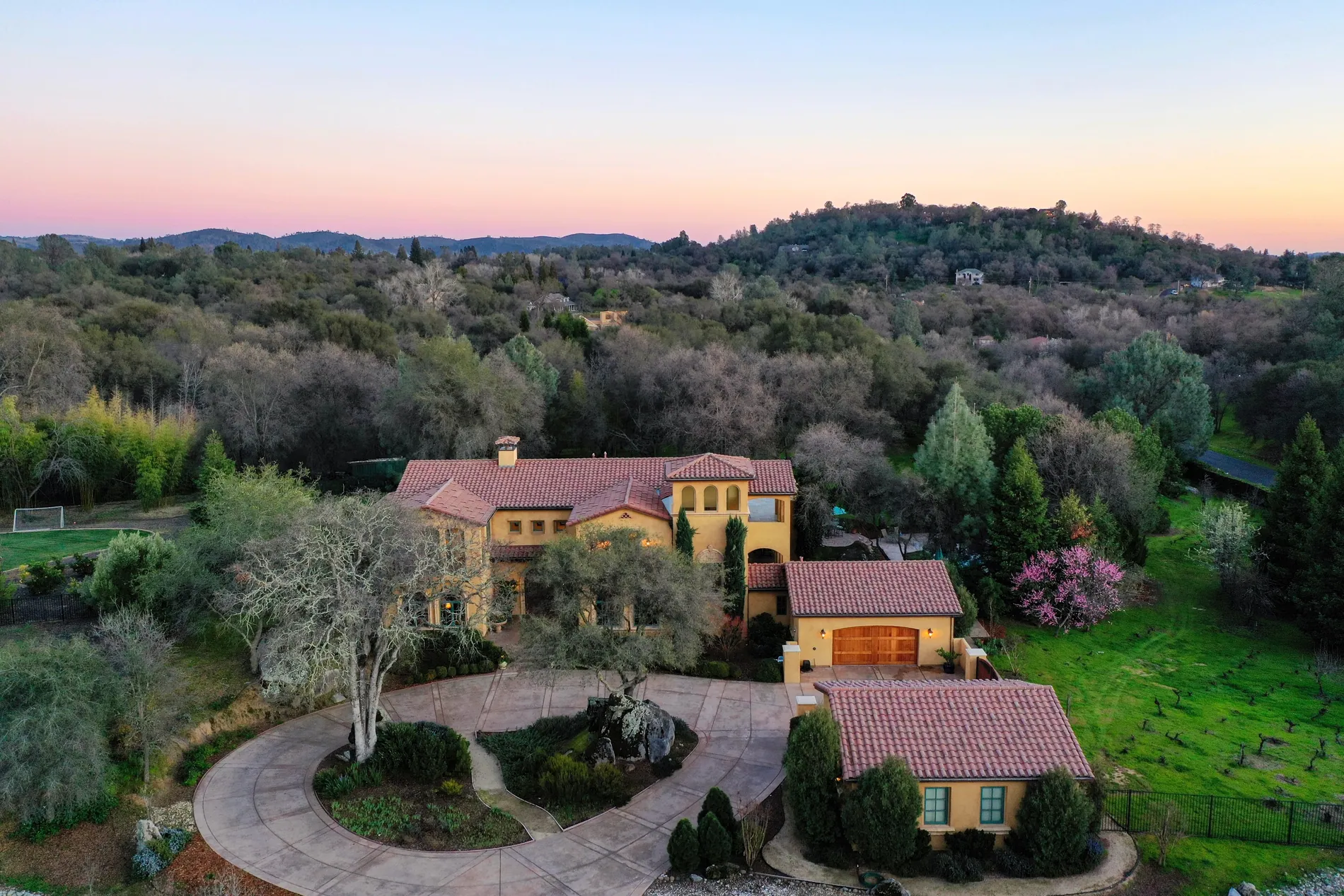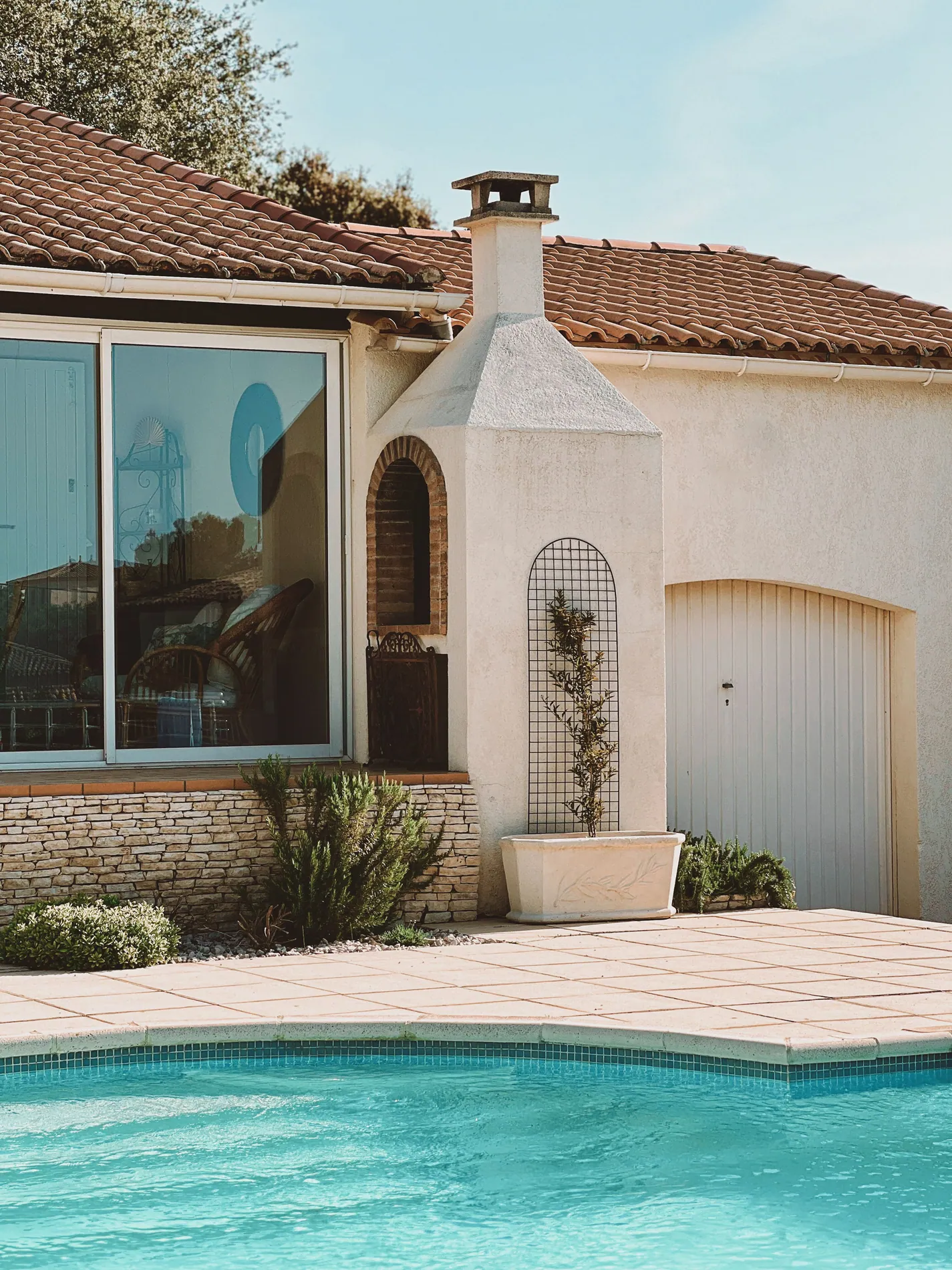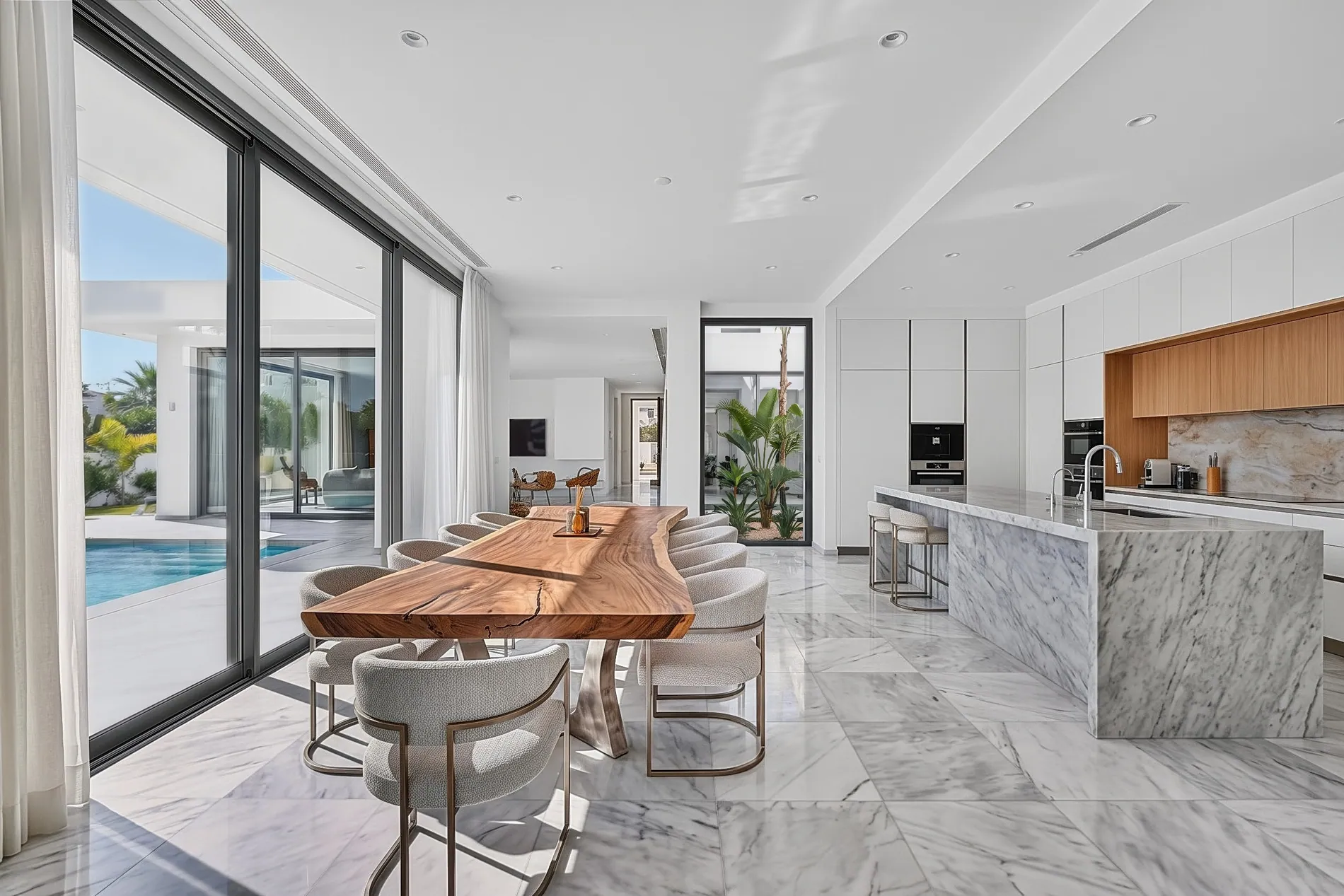
For real estate photographers

Real estate AI photo editing, built for photographers.

Upload your brackets. Get back natural HDR edits with balanced exposure, true colors, clean windows and straight lines. In under a minute per photo, not hours at your desk.

  • RAW brackets in, JPG or PNG out
  • 3 to 7 exposures per scene
  • Under a minute per photo
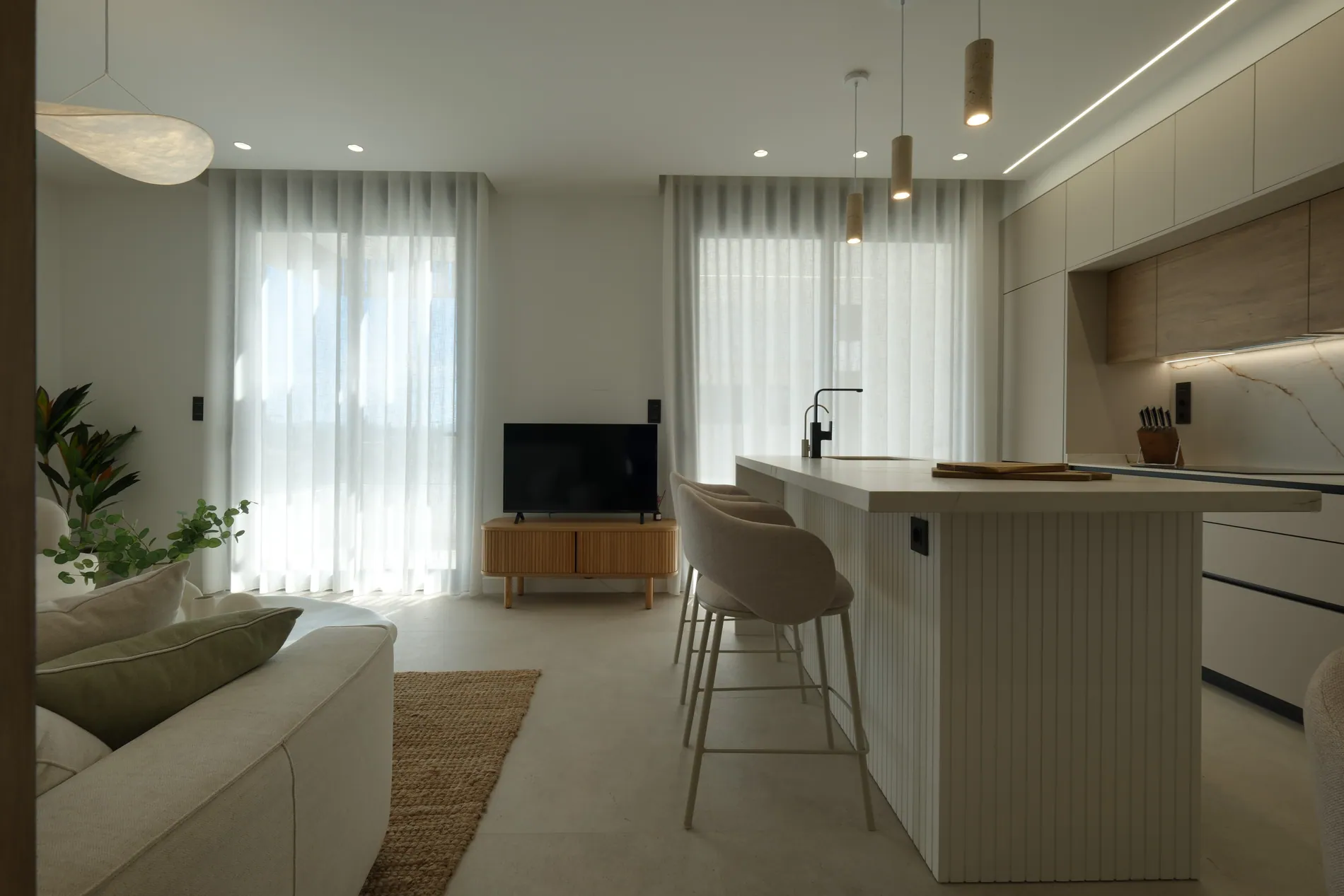
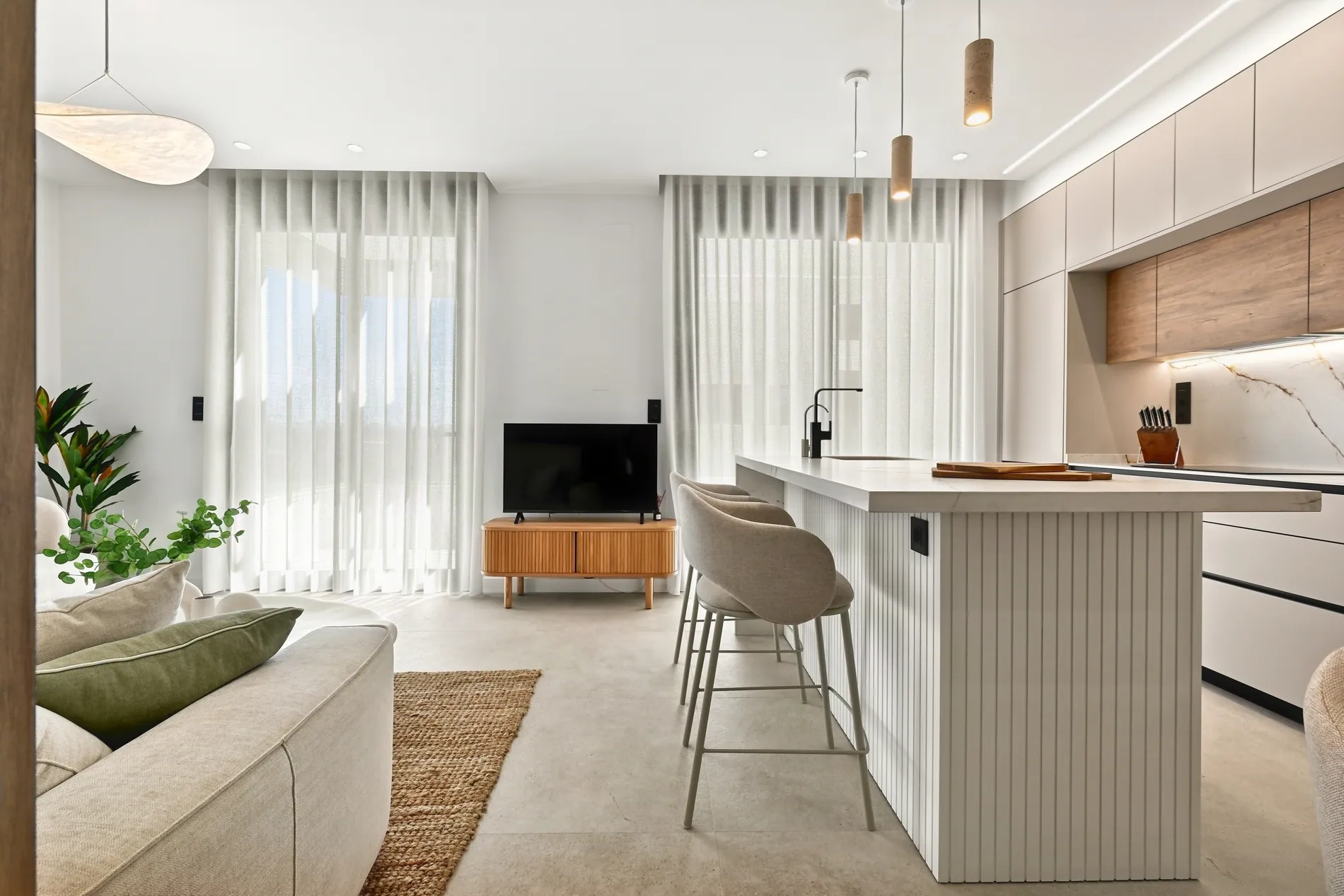
Bright open-plan living room and kitchen with sheer curtains, edited with Stager AI HDR
BeforeAfter
The editing problem

You love shooting homes. Not blending brackets at midnight.

A great shoot takes a morning. Editing it by hand can eat the rest of your day. That's time you could spend shooting, selling or switching off.

Hours in Lightroom and Photoshop

Aligning brackets, masking windows, fixing color casts and straightening walls, photo after photo.

Waiting on outsourced editors

Editing teams often take 24 to 48 hours. Your agent wanted the photos yesterday.

A different look every time

Tired eyes and different editors mean different results. Your clients notice when a gallery doesn't match.

How AI HDR editing works

Your brackets go in. One natural photo comes out.

You already shoot several exposures of each room, from dark to bright. Stager AI does what you would do by hand, just much faster.

  1. 01

    Align

    Small camera shifts between shots are corrected, so every exposure lines up pixel for pixel.

  2. 02

    Blend

    The best-exposed parts of each shot are combined: bright windows from the dark frames, deep corners from the bright ones.

  3. 03

    Clean up

    Ghosting from moving trees, people or curtains is removed, and windows are pulled in to show the view.

  4. 04

    Finish

    Colors are corrected, verticals straightened and skies swapped if you want. You get a full-resolution JPG or PNG, ready for the listing.

−2 EV
−1 EV
0 EV
+1 EV
+2 EV
What you get on every photo

Ten edits you used to do by hand.

Each one done automatically, on every photo of every shoot, with a look that stays natural.

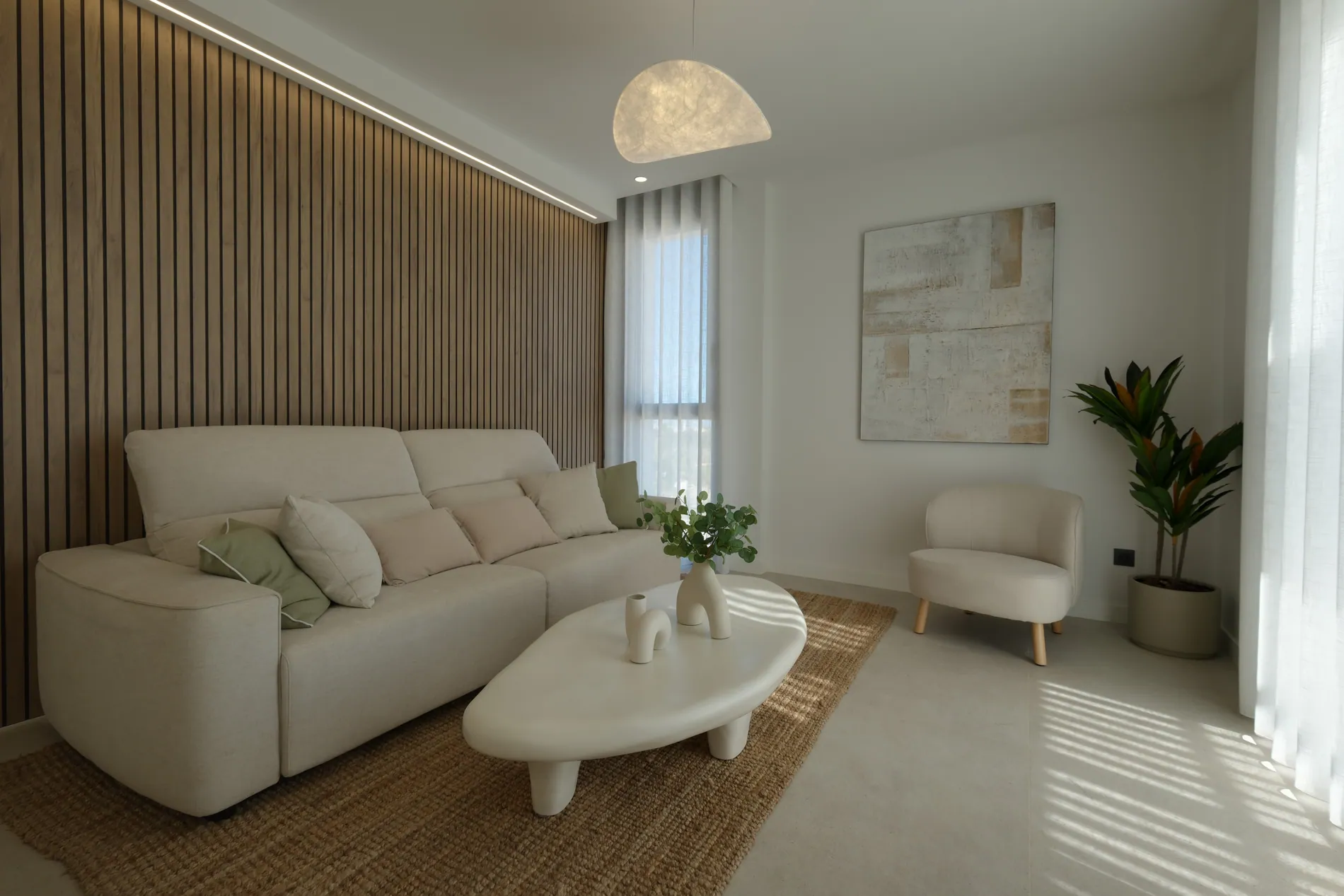
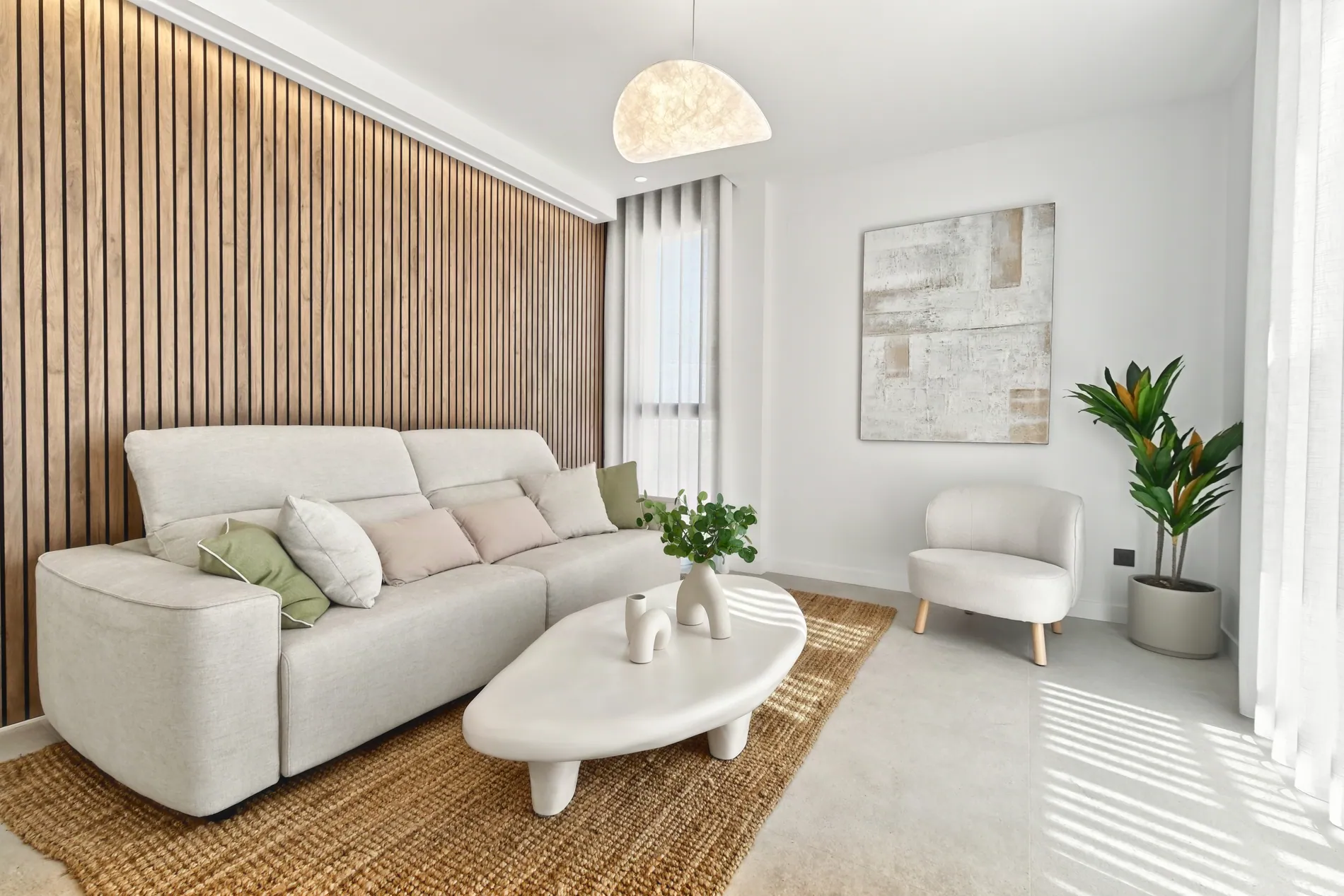
Modern living room with a cream sofa and wooden slat wall, before and after AI exposure blending by Stager AI
BeforeAfter
01

Perfect exposure blending

Bright windows and dark corners in the same photo, both looking right. No more choosing between a blown-out view and a gloomy room.

Under the hood

Your 3 to 7 bracketed exposures are aligned and merged, keeping the best-exposed detail from each frame.

  • Works from RAW or JPEG brackets
  • Automatic alignment
  • Deghosting for moving objects
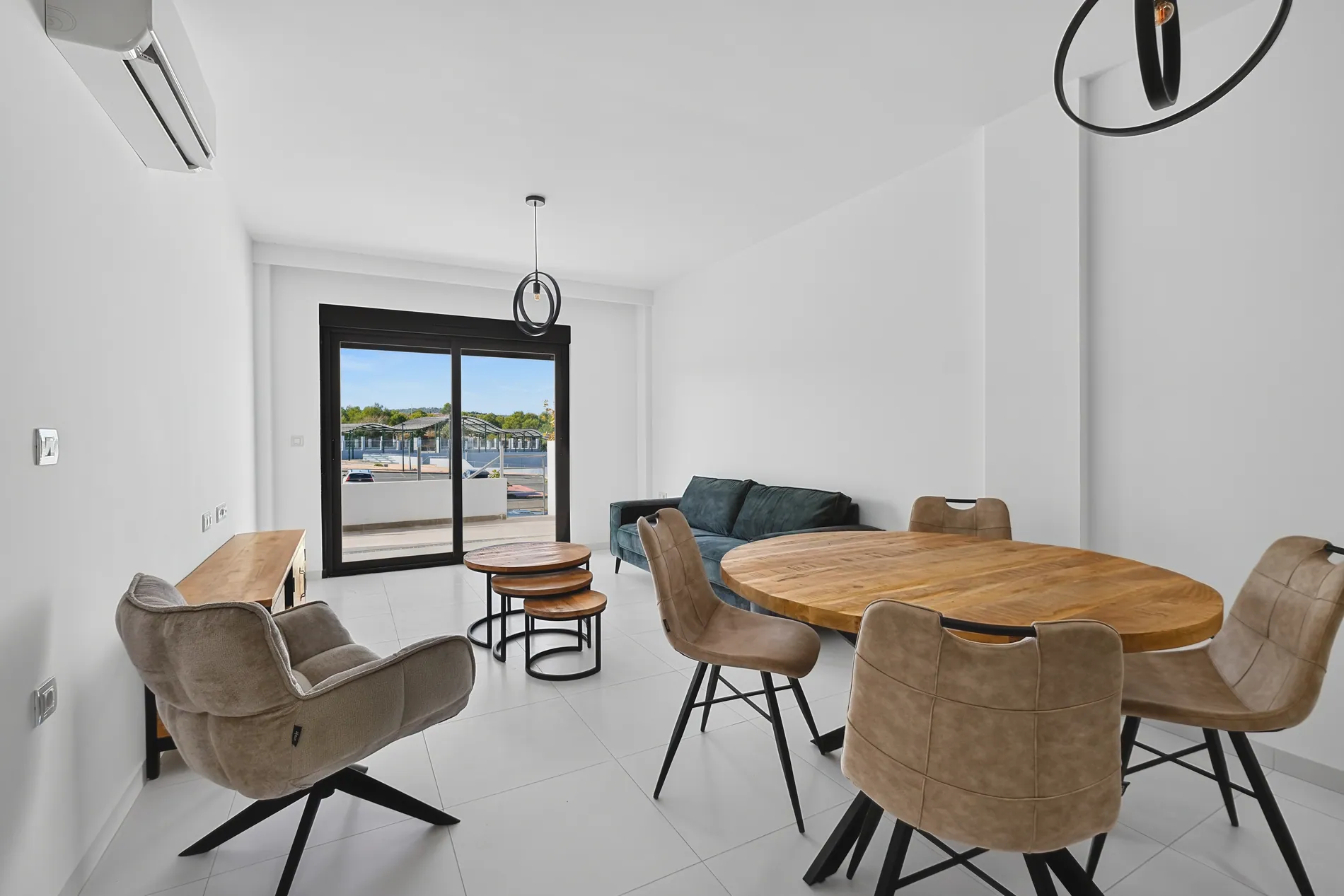
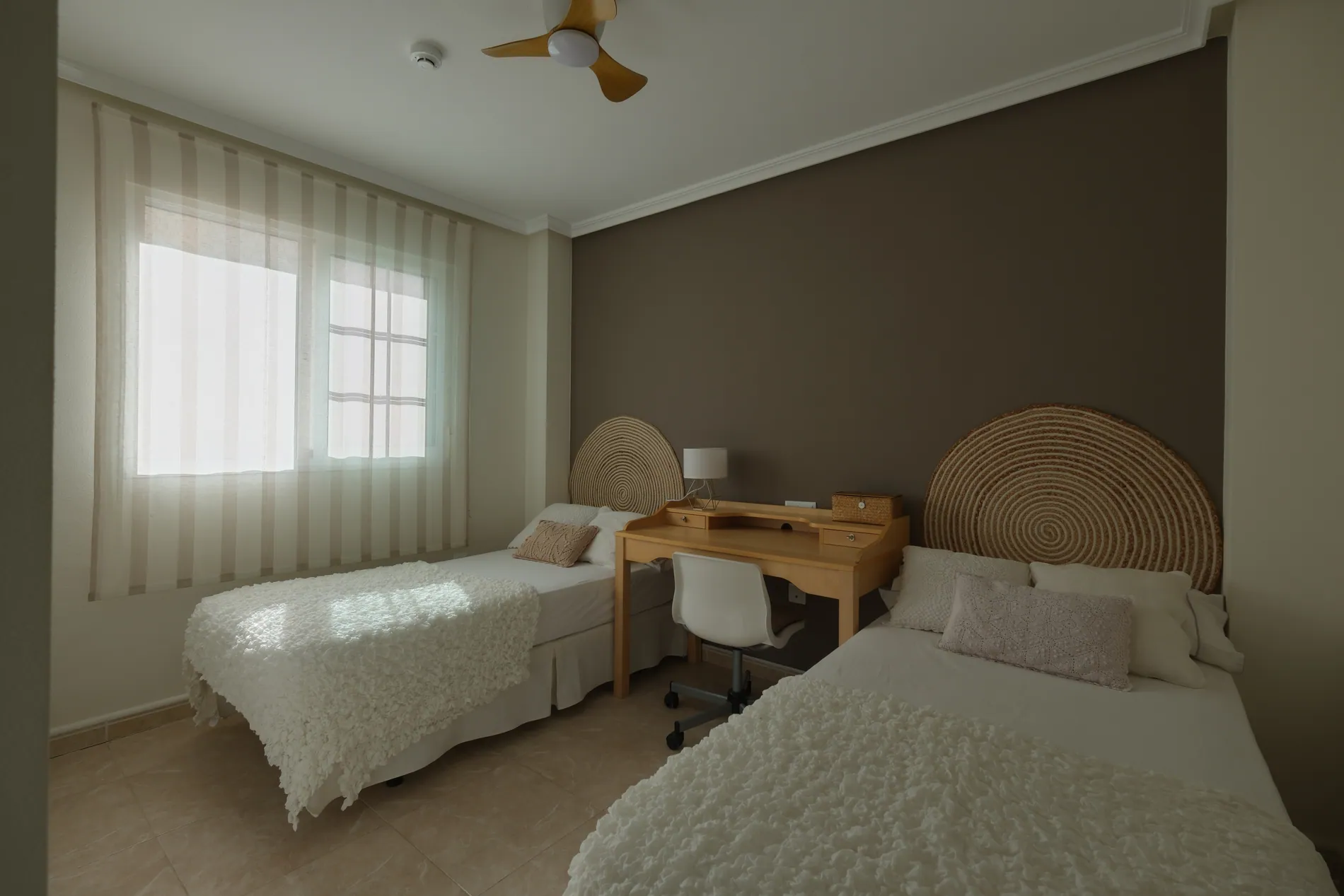
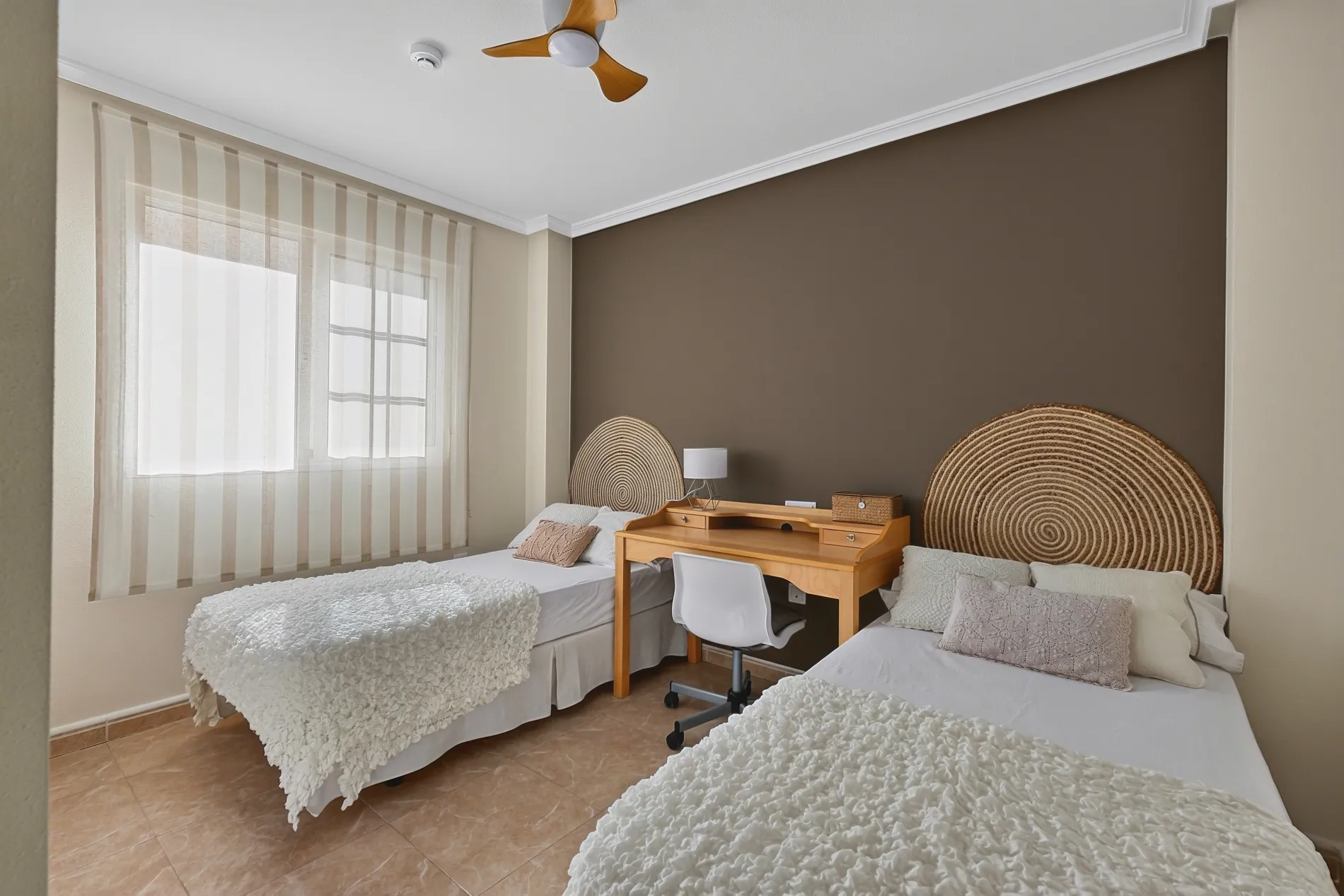
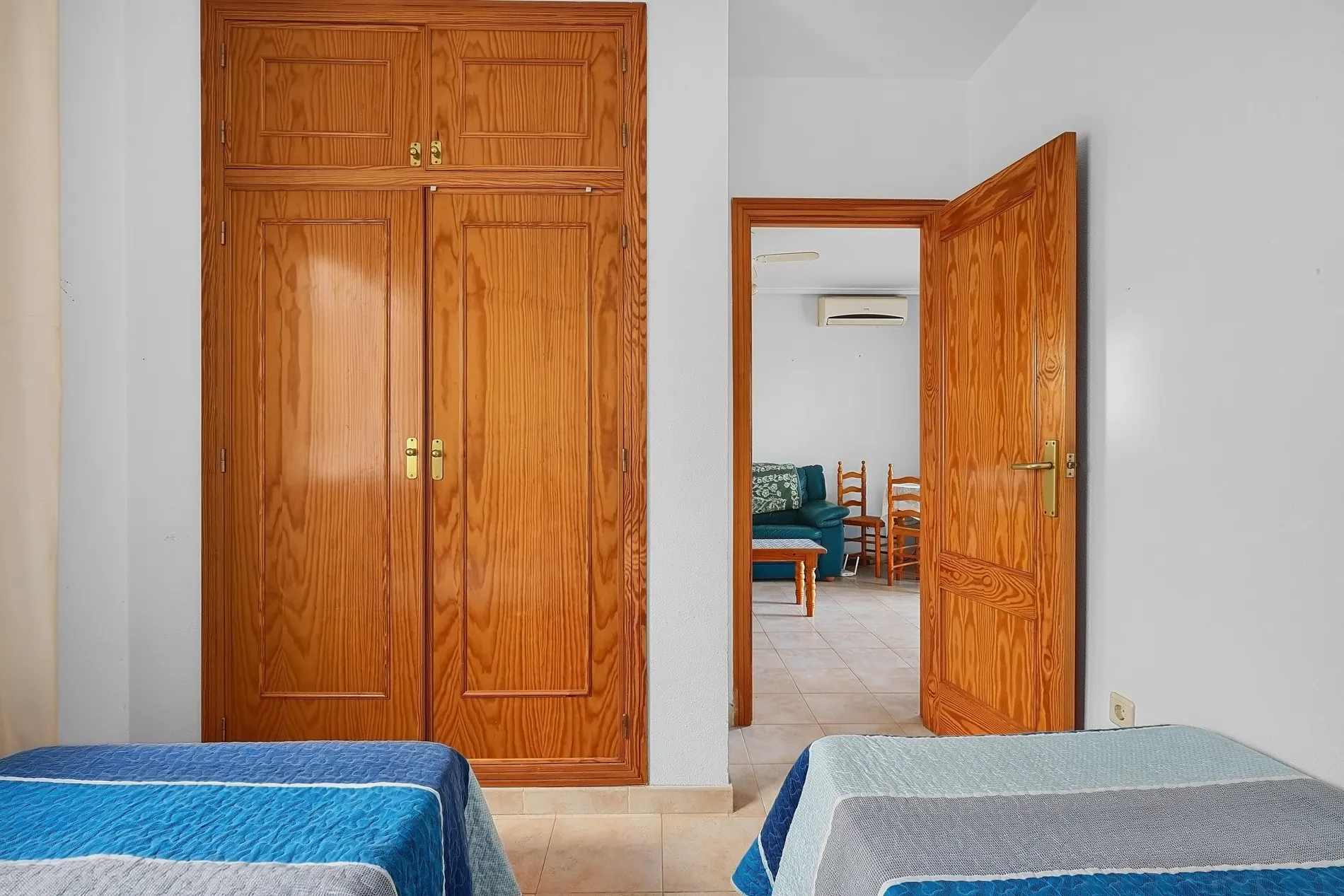
Twin bedroom with a grey-green color cast before and true whites and warm wood tones after AI color correction by Stager AI
BeforeAfter
02

Accurate color

White walls look white, wood looks like wood. Mixed lighting no longer turns rooms orange or blue.

Under the hood

Color casts from mixed light sources, like warm bulbs and cool daylight, are detected and neutralized across the room.

  • Neutral whites
  • True wood and stone tones
  • No oversaturation
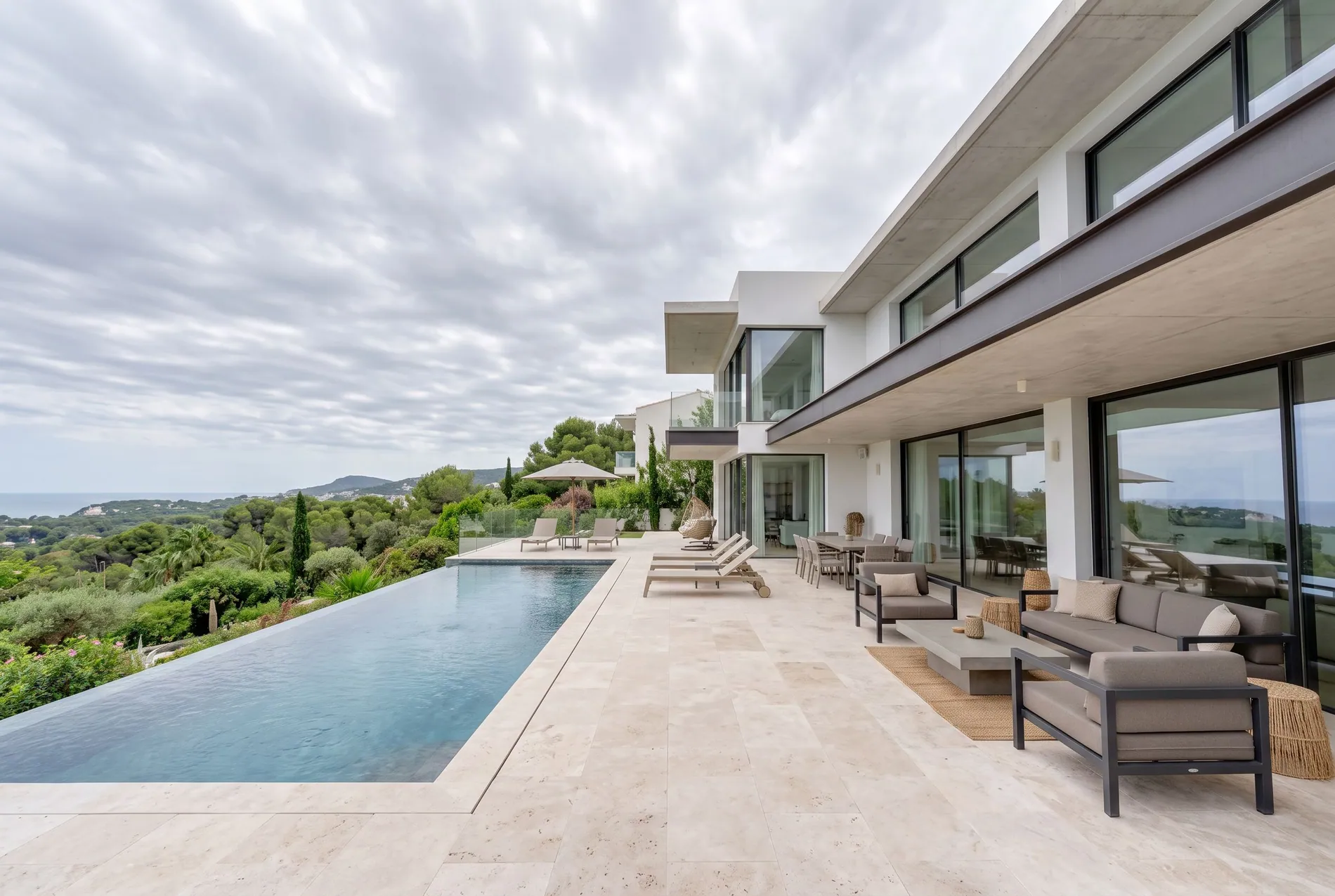
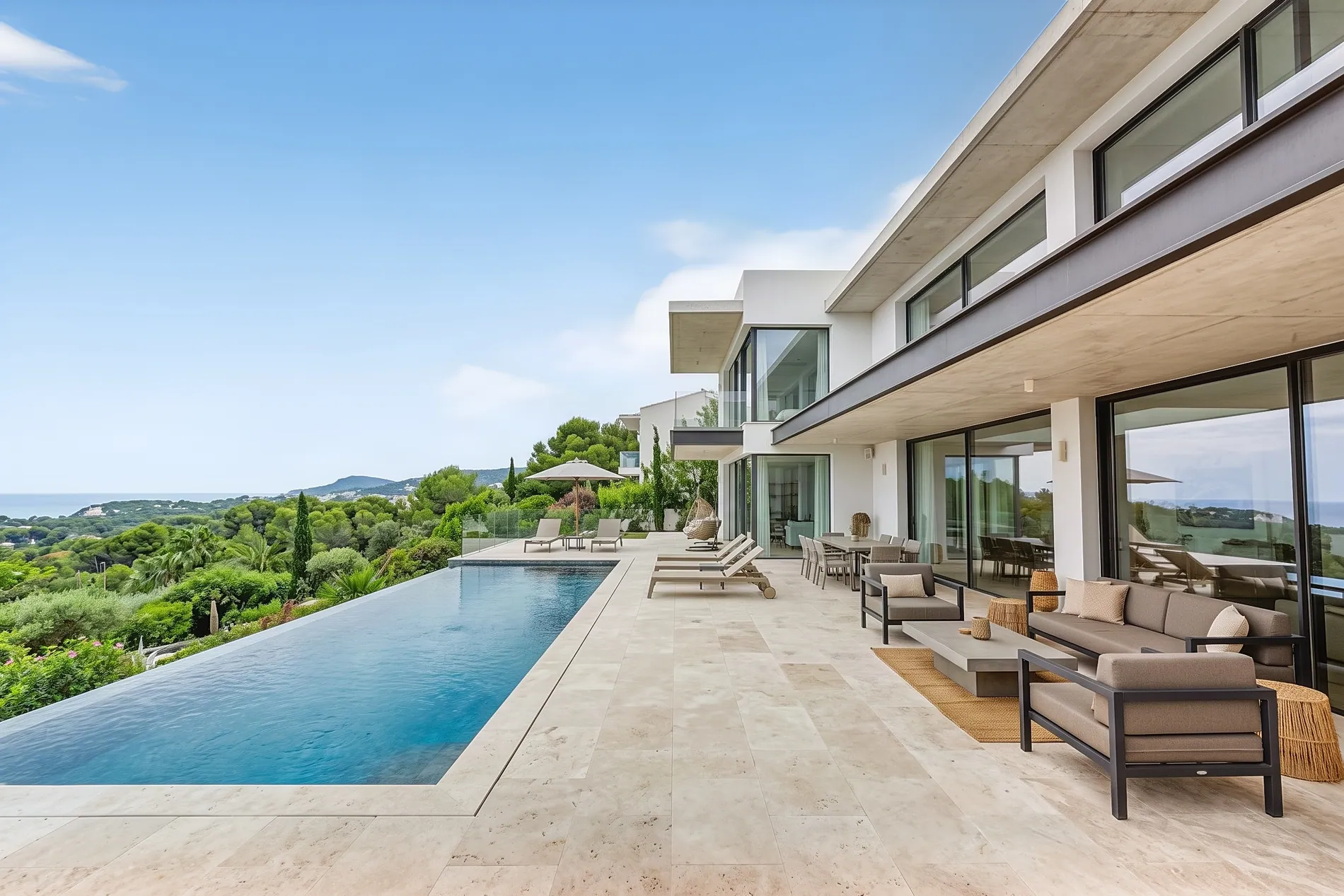
House exterior with a grey sky before and blue sky after AI sky replacement
BeforeAfter
03

Sky replacement

Grey, flat skies become clear blue skies or warm sunsets. Clean edges around roofs, trees and railings.

Under the hood

The sky is masked automatically and replaced, then the light on the house is matched to the new sky so it doesn't look pasted on.

  • Blue sky or sunset
  • Clean edges around trees
  • Lighting matched to the scene
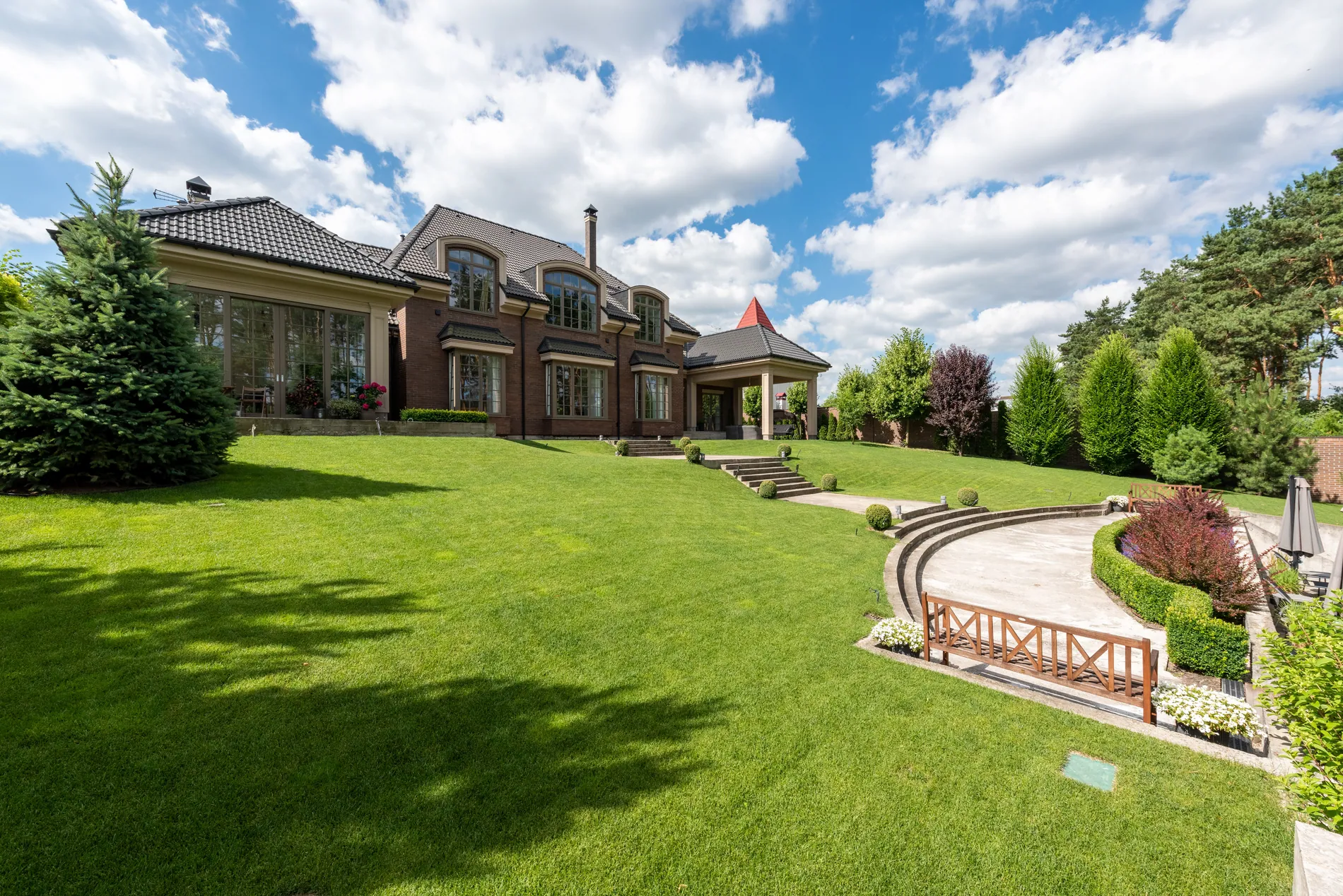
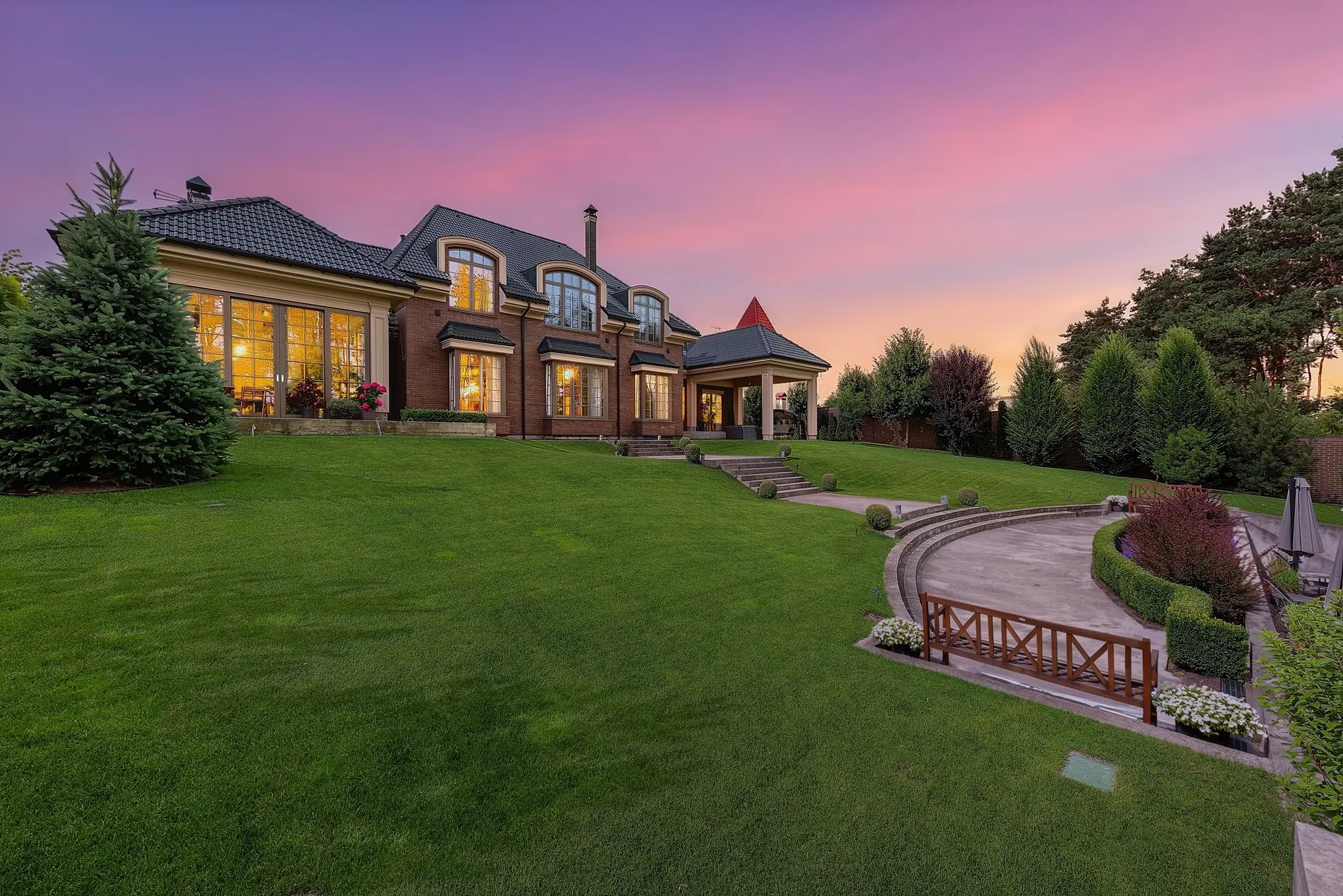
Brick manor house with a large lawn turned from a daytime photo into a twilight shot with glowing windows by Stager AI
BeforeAfter
04

Day to dusk

Turn a daytime exterior into a warm virtual twilight shot, with a sunset sky and glowing windows. No need to come back at golden hour.

Under the hood

The sky is replaced with a twilight sky, the whole scene is relit for evening light, and warm interior light is added to the windows.

  • Sunset sky
  • Warm, glowing windows
  • One daytime photo is enough
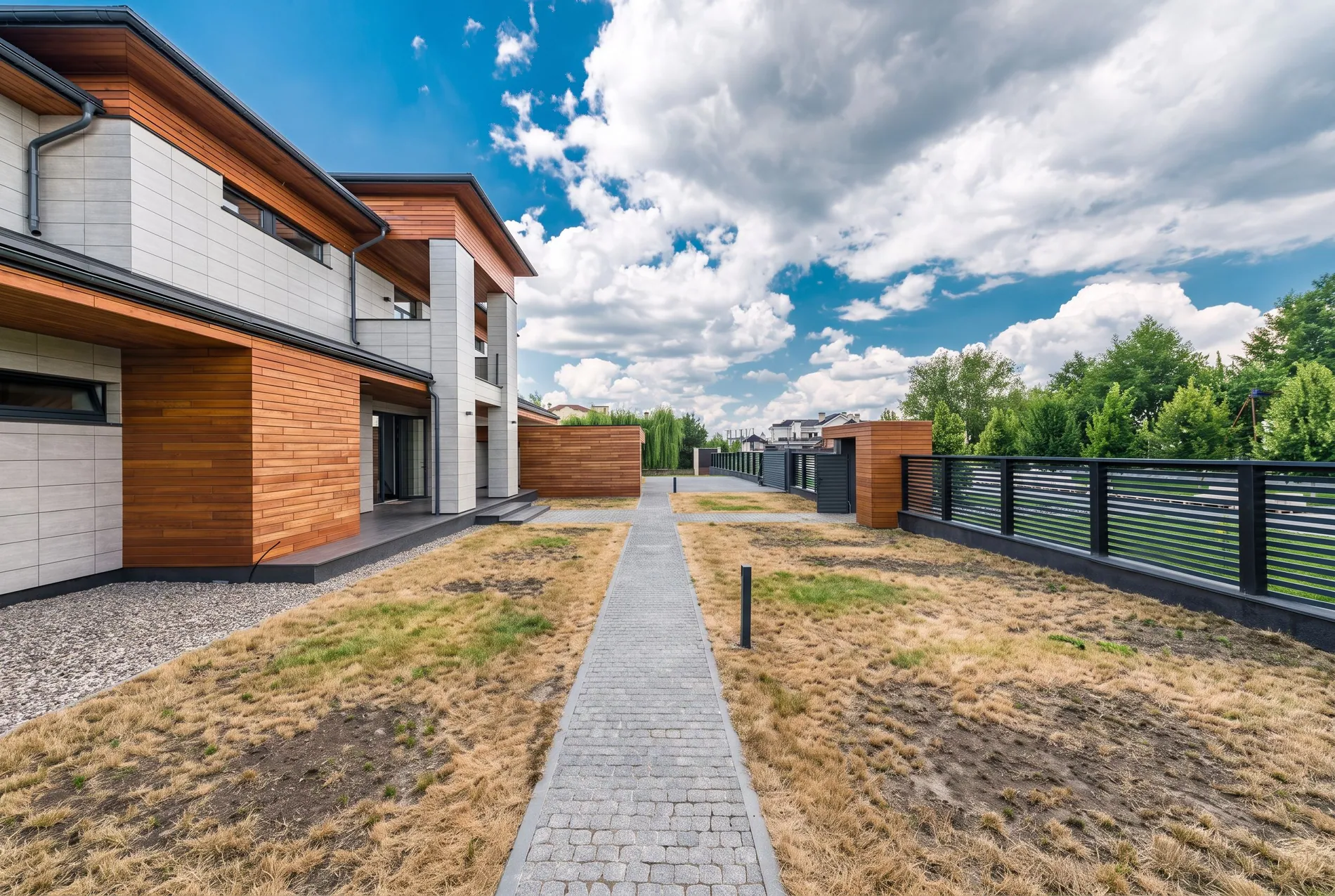
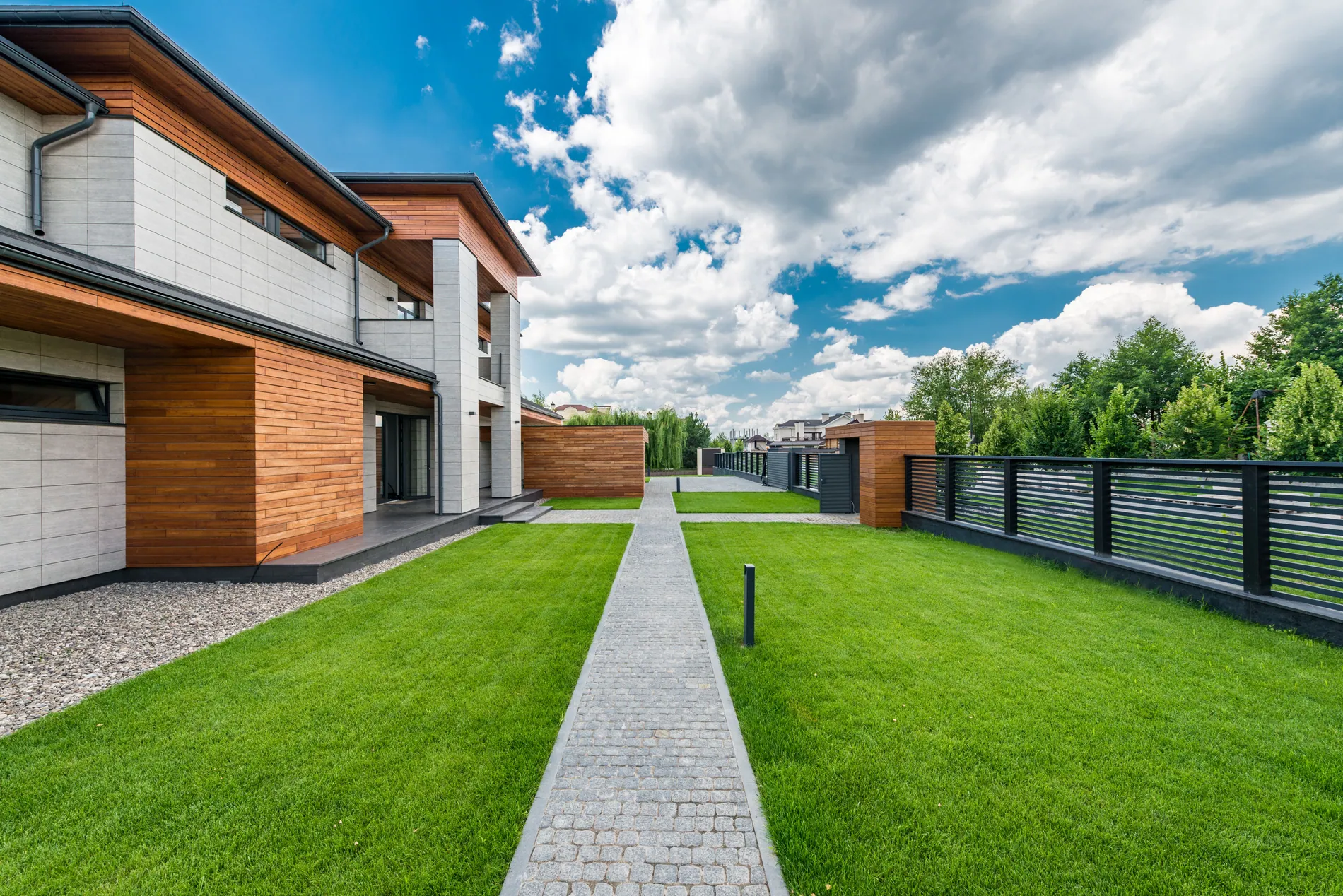
Modern house garden with dry, patchy grass before and a green lawn after AI lawn replacement by Stager AI
BeforeAfter
05

Lawn replacement

Dry, patchy grass becomes a healthy green lawn. Gardens look cared for, even if you shot them in the middle of a dry summer.

Under the hood

The lawn is detected and replaced with fresh grass, while paths, gravel, edges and garden lights stay exactly where they are.

  • Healthy green grass
  • Paths and edges kept
  • Natural texture and light
Living room edited with a natural HDR look by Stager AI
BeforeAfter
06

Natural HDR look

The detail of HDR without the 'HDR look'. No halos, no grey walls, no cartoon colors. Just a bright, true-to-life room.

Under the hood

Tone mapping is tuned for real estate interiors: local contrast stays gentle and highlights roll off smoothly.

  • No halos around windows
  • Clean, bright whites
  • Realistic contrast
Two-storey house exterior with converging vertical lines before and straight verticals after AI perspective correction by Stager AI
BeforeAfter
07

Perspective and lens correction

Walls, columns and door frames standing straight, the way architects draw them. No more houses leaning back or rooms tipping in from wide-angle lenses.

Under the hood

Vertical lines are detected and made parallel, and wide-angle lens distortion is corrected, giving a clean two-point perspective.

  • Straight verticals
  • Lens distortion fixed
  • Composition kept
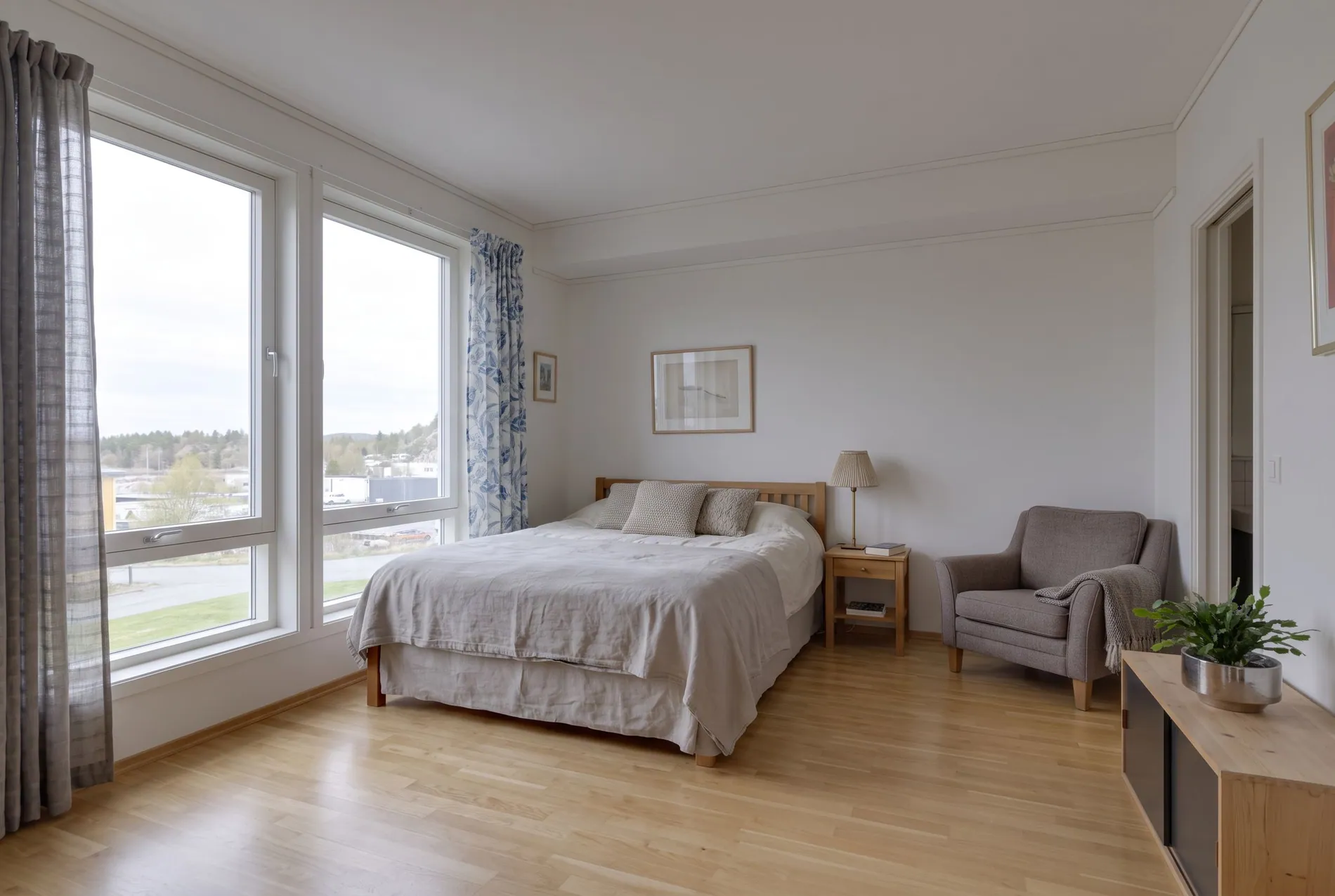
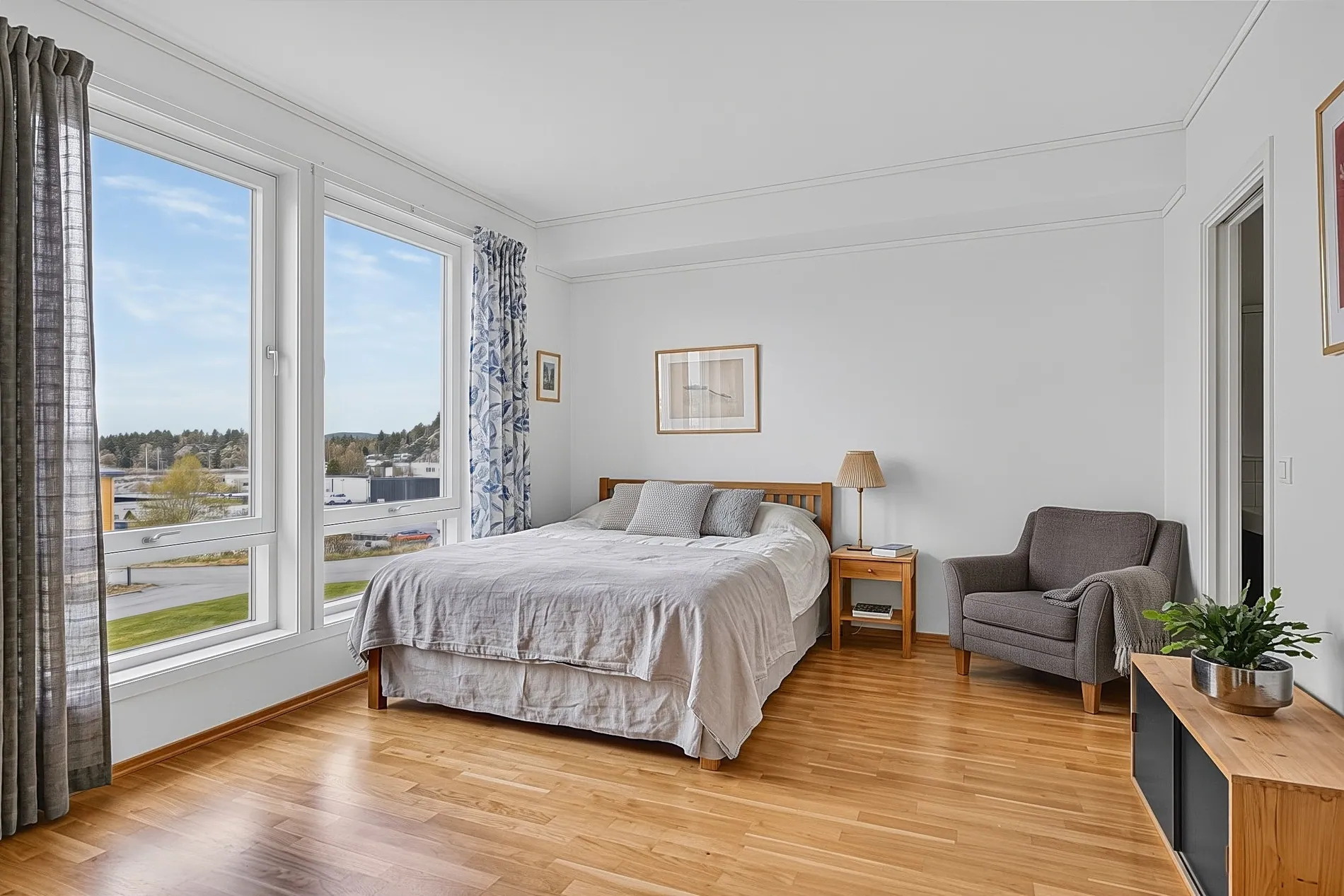
Bedroom photo taken with a tilted camera before and leveled after AI image straightening by Stager AI
BeforeAfter
08

Image straightening

Slightly tilted shots are leveled automatically, so floors, ceilings and door frames sit straight in the frame. No more crooked rooms from a tripod that wasn't quite level.

Under the hood

Horizontal and vertical lines are detected, the image is rotated until it's level, and the edges are cropped cleanly so no empty corners are left.

  • Level horizons
  • Straight door frames
  • Clean crop, no empty corners
Living room window before and after an AI window pull showing the outdoor view
BeforeAfter
09

Natural window pulls

See the garden, the pool or the sea through the window, not a white glow. Views look real, not pasted in.

Under the hood

Windows are detected and filled with detail from your darker exposures, then blended so light falls naturally into the room.

  • Real views from your own brackets
  • Adjustable strength
  • Soft, natural edges
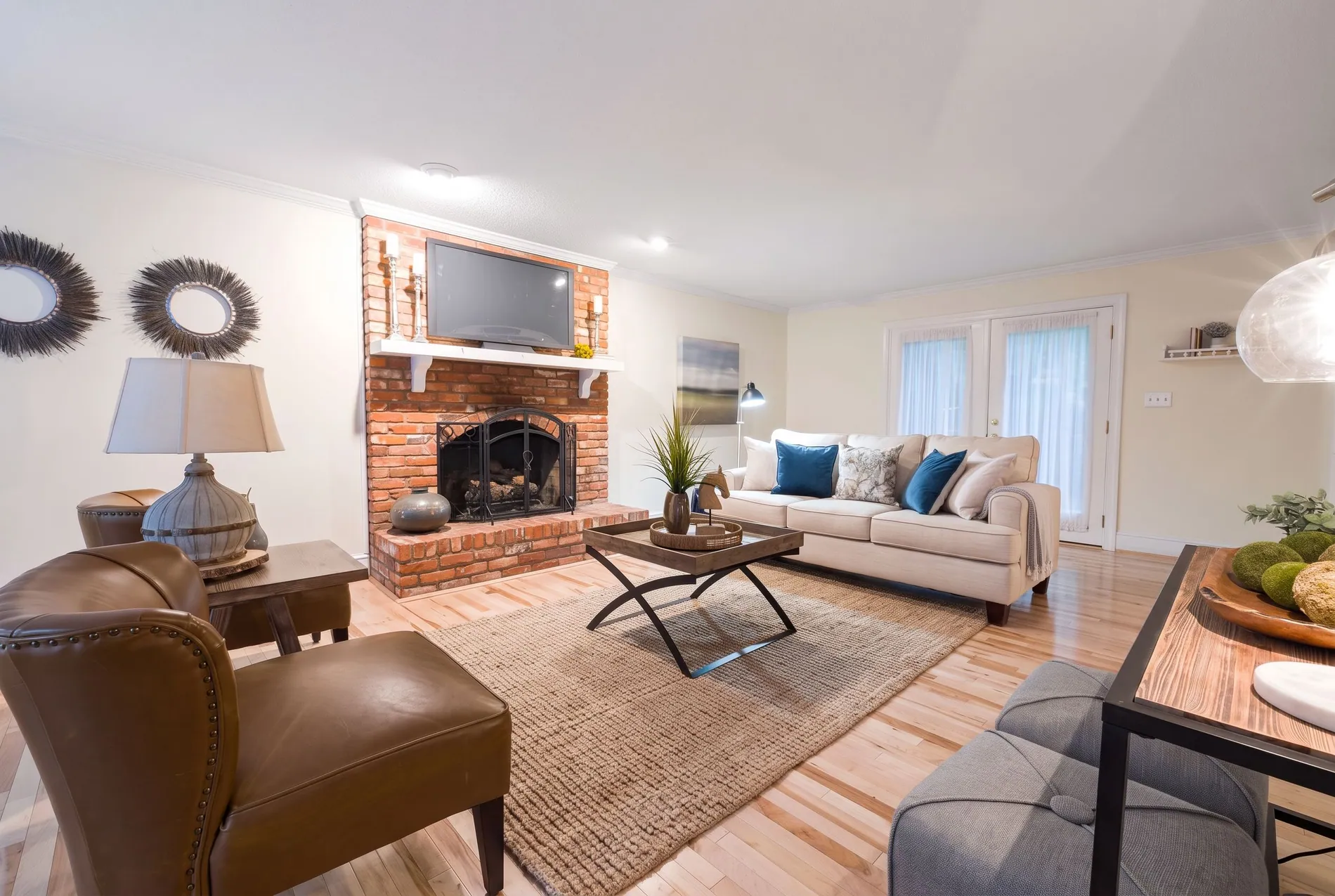
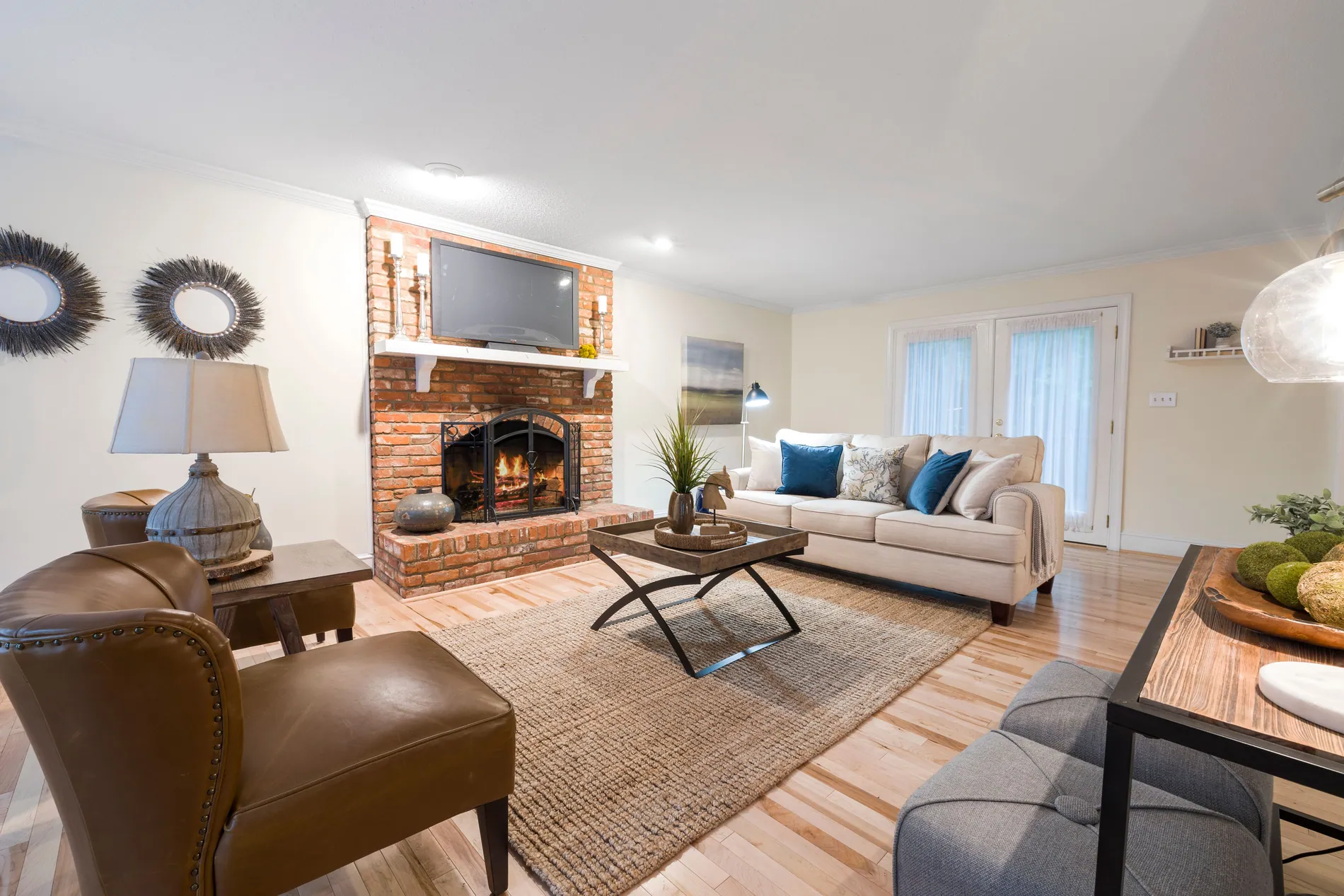
Bright living room with a red brick fireplace, empty before and with a warm fire added by Stager AI after
BeforeAfter
10

Fire in the fireplace

An empty fireplace looks cold. Add a warm, real-looking fire with one setting, and the living room instantly feels like home.

Under the hood

Turn on Fire in Fireplace in your HDR settings. Empty fireplaces are detected and a fire with a soft glow is added, on every photo or every Dropbox shoot.

  • One switch in your HDR settings
  • Works on Dropbox shoots too
  • Realistic flames and glow
Fine detail

Sharp down to the last letter.

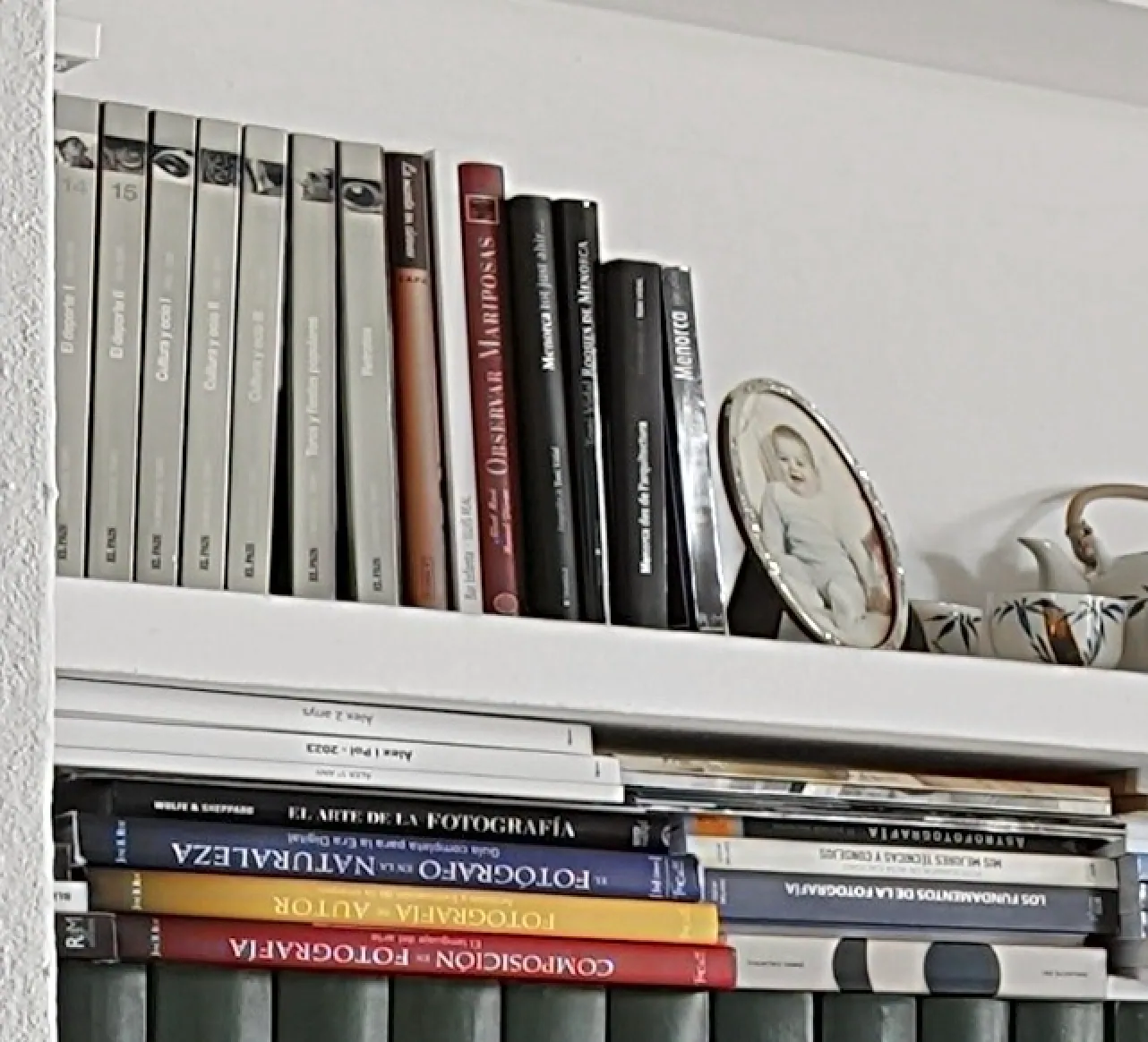
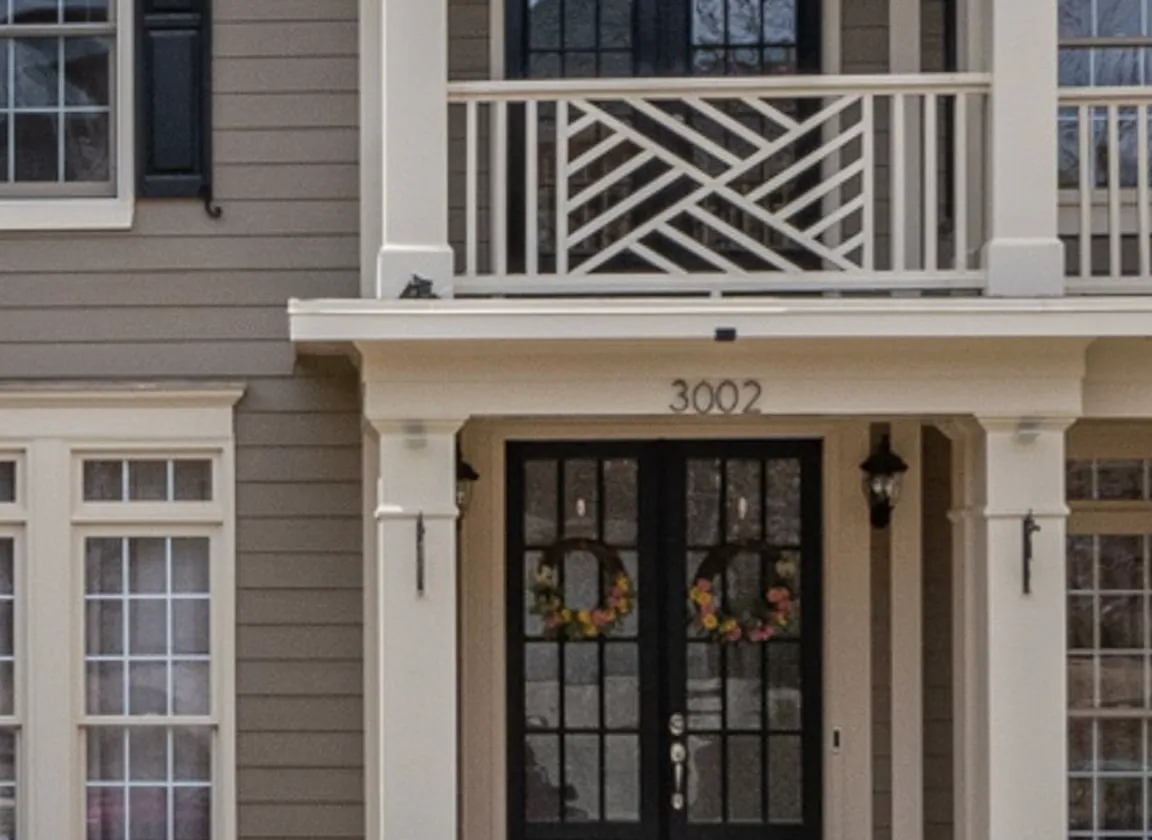
Lots of AI tools smudge small text. Stager AI keeps fine detail crisp, so book titles, house numbers and signs stay readable, just like in your camera file.

Under the hood

Your edit is built from the detail already in your brackets instead of redrawing the photo, so letters and numbers aren't repainted or made up.

Zoomed-in crop of a bookshelf edited by Stager AI, with sharp, readable book titles
Zoomed in
Book titles stay readable
Zoomed-in crop of a front door edited by Stager AI, with the house number 3002 sharp and clear
Zoomed in
House numbers stay crisp
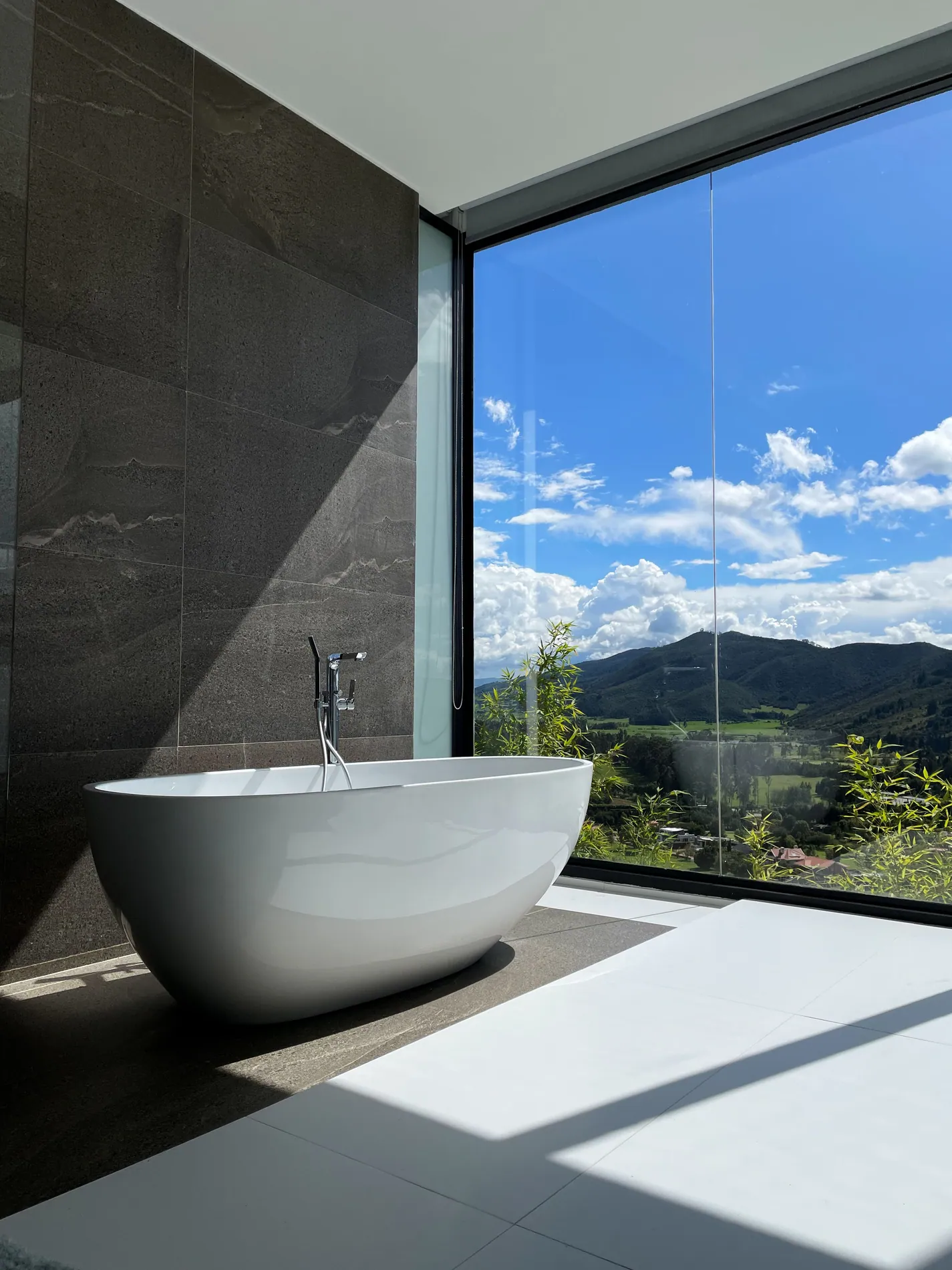
Bathroom with a freestanding tub and a floor-to-ceiling window showing a sharp mountain view, edited by Stager AI
Window pulls, done right

Clear views. Every detail intact.

A good window pull shows the real view without giving the edit away. Stager AI pulls in the sky and landscape from your darker exposures, keeps the frame edges crisp and leaves the rest of the room exactly as you shot it.

  1. 1

    The real view, from your brackets

    Clouds, hills and trees come from your own darker exposures, not from a pasted-in photo.

  2. 2

    Crisp frame edges

    No glow, halo or soft blur where the window meets the wall.

  3. 3

    Original texture kept

    Stone, tile and wood keep their real texture. Nothing is smoothed or repainted.

Ready for delivery and print

Full resolution. Your pixels. No upscaling.

What you upload is what you get back, just edited. Your photos keep the full resolution of your camera files, so they're ready for listings, client galleries and print.

Output format
JPG or PNG
Resolution
Full resolution, the same size as your original files
Pixels
Your original pixels are kept. Nothing is upscaled or regenerated.
Input
RAW (ARW, CR3, NEF, DNG and more) or JPEG brackets
The small stuff, handled

The fixes that eat your evenings, gone in a click.

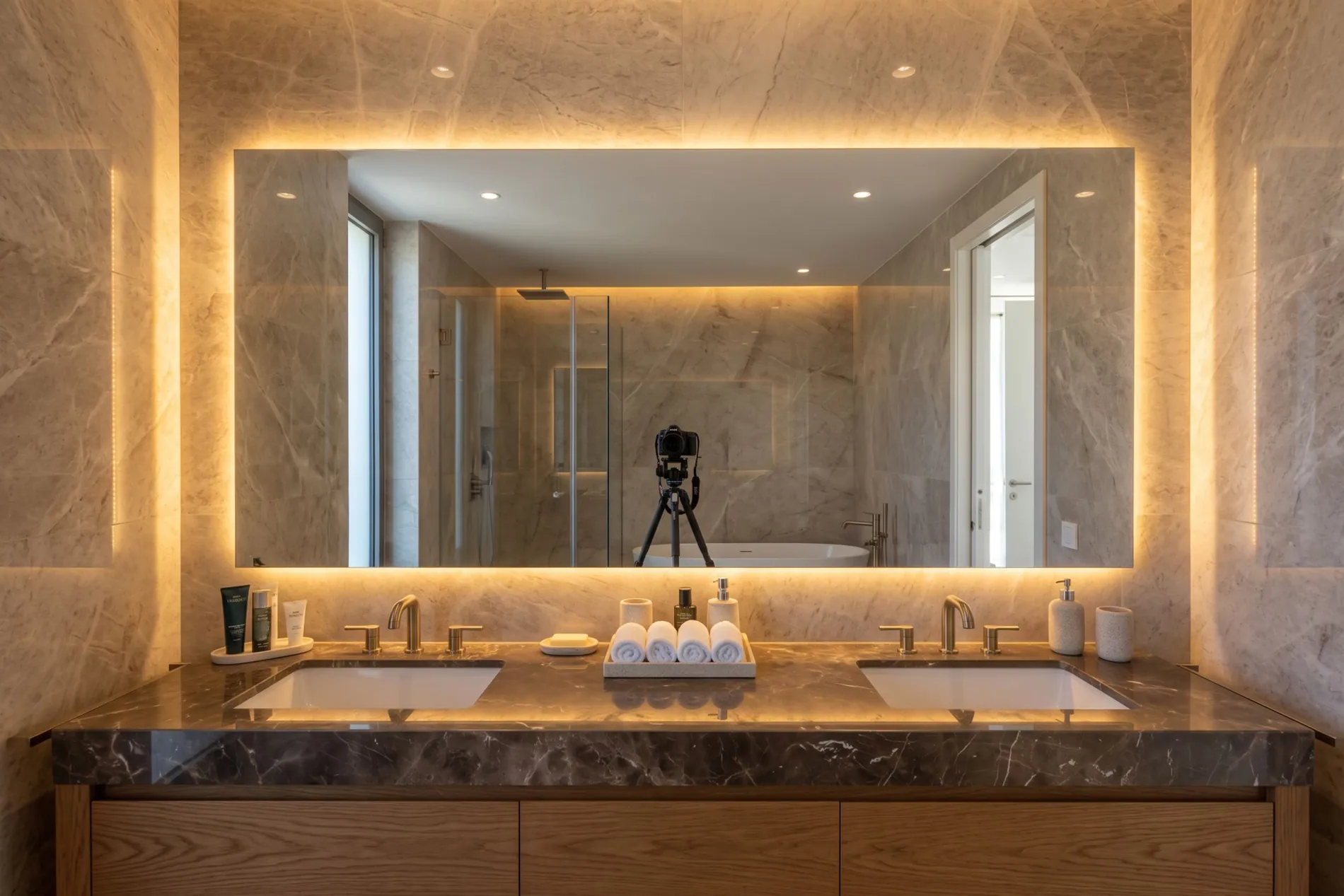
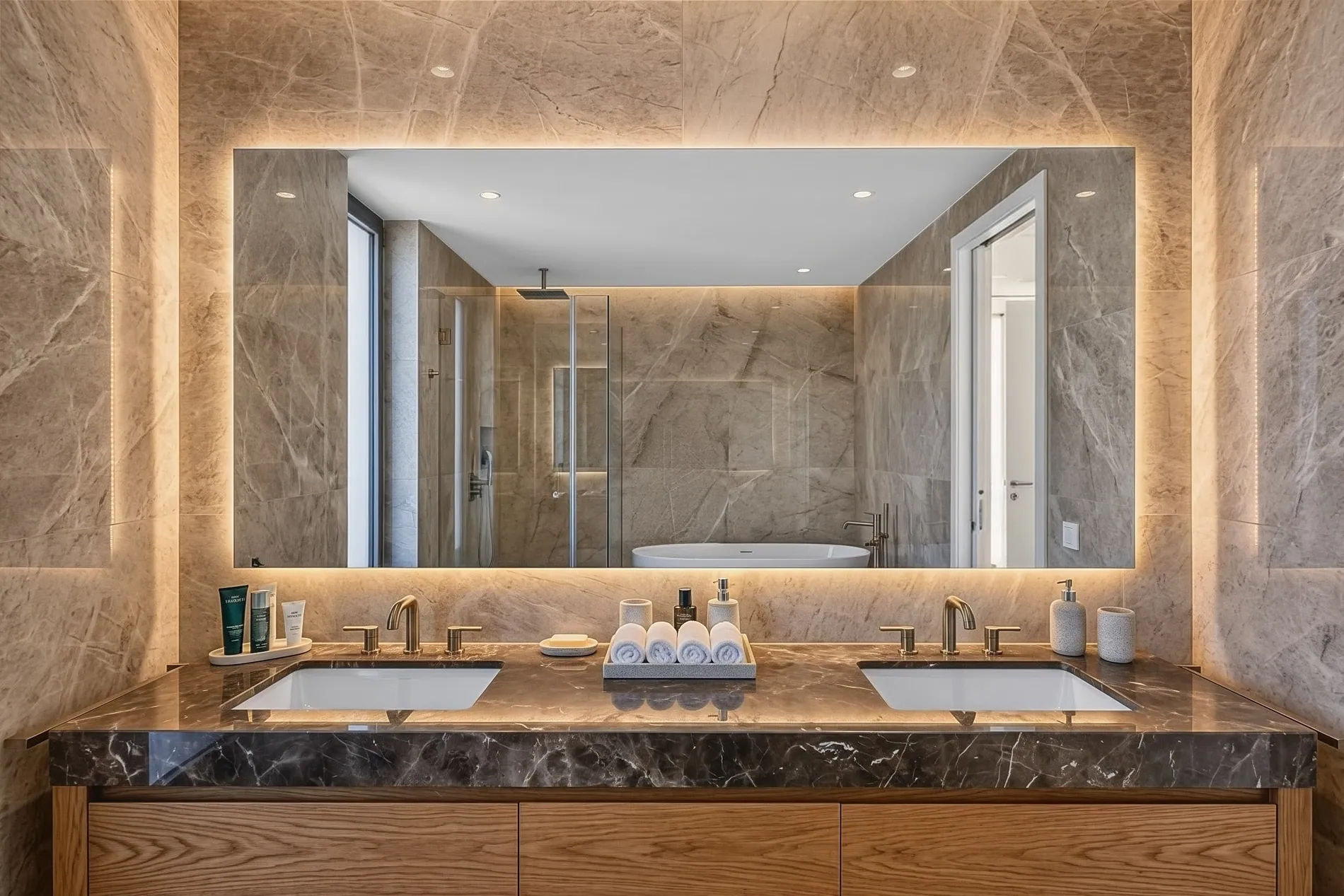
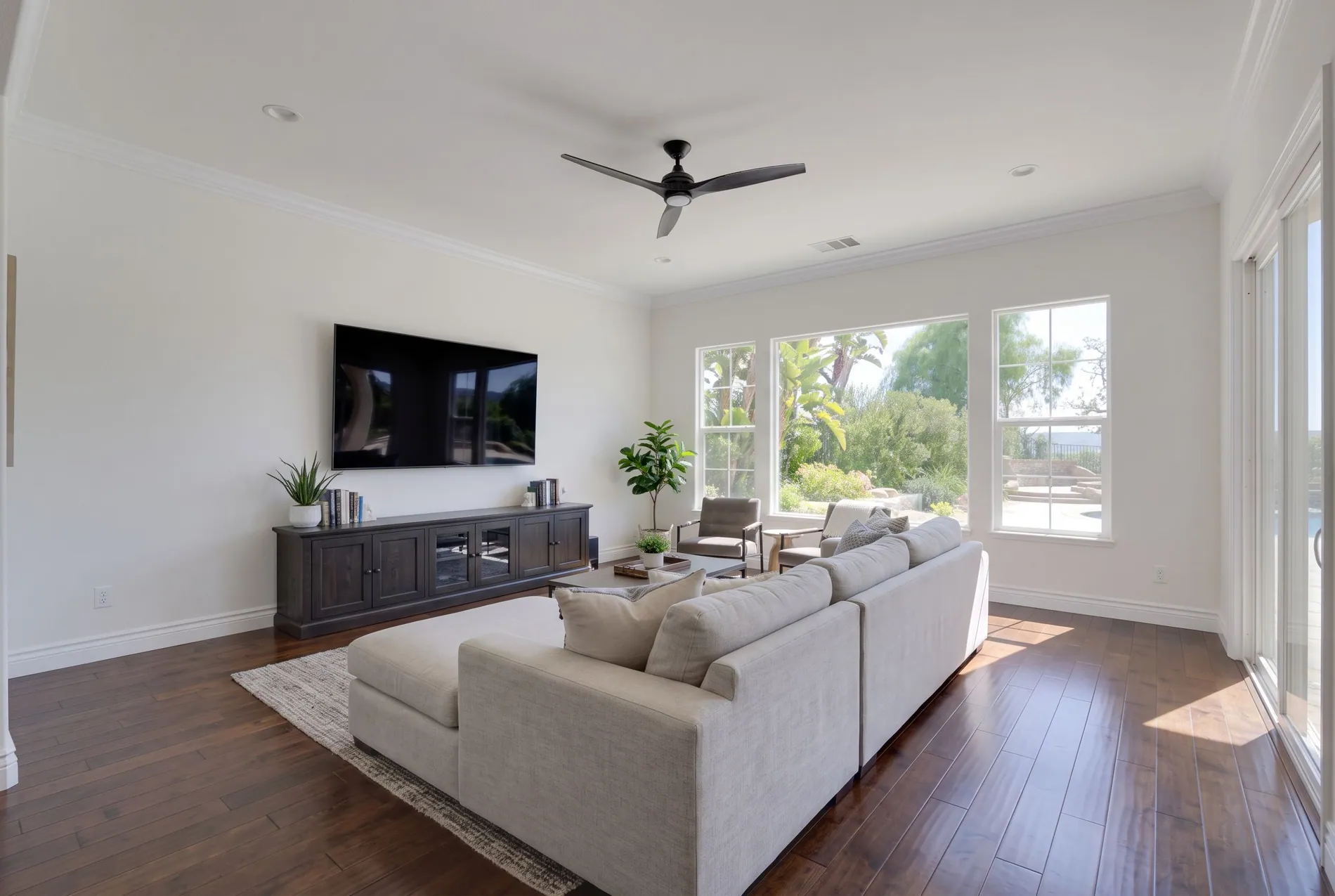
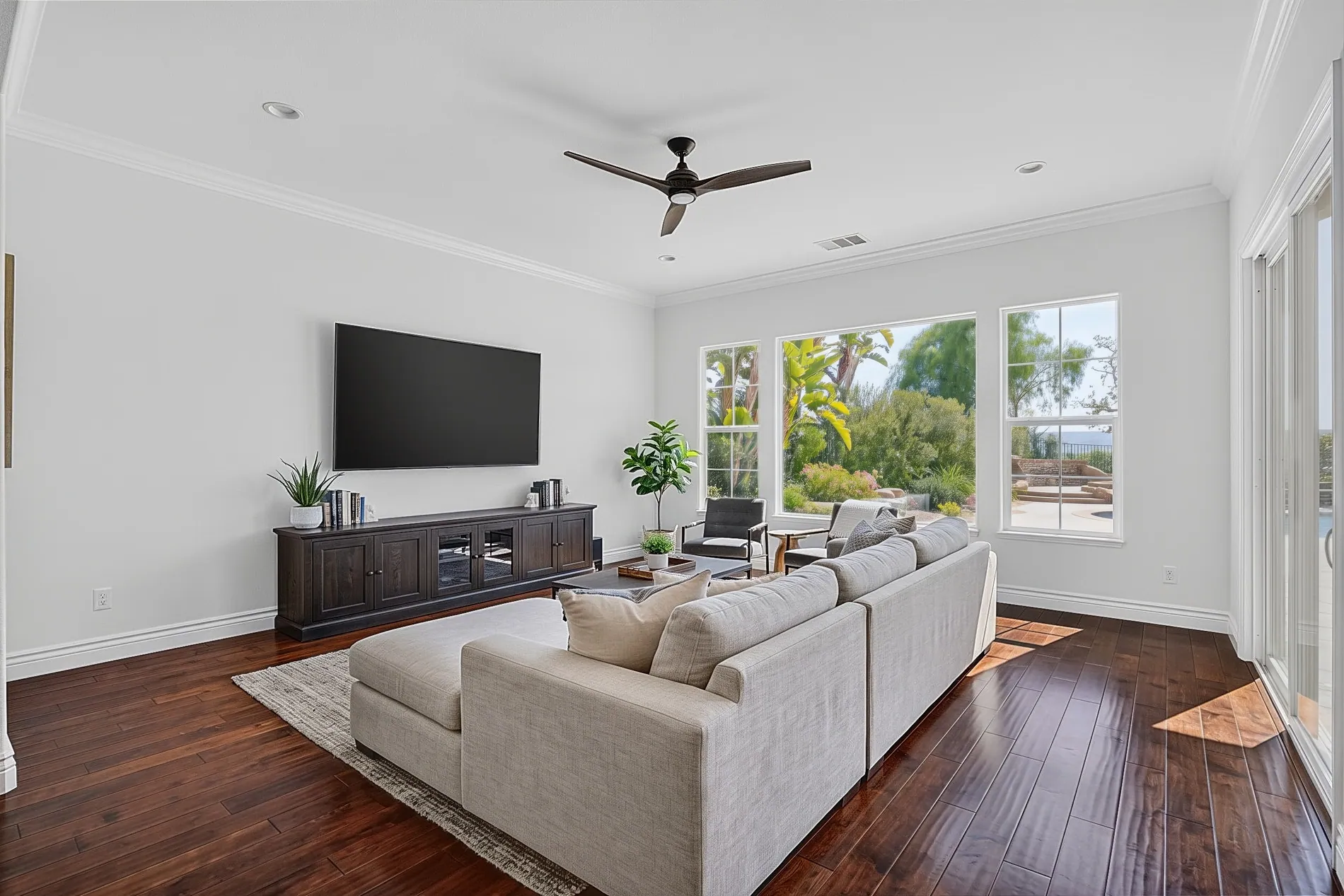
Every photographer knows these. Your reflection in a mirror. A glossy TV showing the window. They're small, but they take ages to fix by hand.

Bathroom mirror showing the camera and tripod reflection
Same bathroom mirror with the camera reflection removed by Stager AI
BeforeAfter

Camera and tripod removal

Your camera reflected in a bathroom mirror? Removed, with the reflection rebuilt behind it.

Living room TV with glare and reflections on the screen
Same living room with a clean black TV screen after Stager AI editing
BeforeAfter

TV blackout

Reflections and glare on TV screens are replaced with a clean, black screen, just like a pro editor would do.

Put editing on autopilot

Shoot, upload, done. Even while you drive to the next house.

Stager AI fits into the workflow you already have. No new habits, no extra steps.

Dropbox auto-import

Connect your Dropbox and pick a folder. Each subfolder you or your team upload is treated as one shoot and sent to HDR automatically, 10 minutes after the last file arrives.

Upload a shoot to Dropbox
Stager AI picks it up
Edited photos ready to deliver

Your editing style, every time

Choose an editing style once. It's applied to every shoot, so a gallery from Monday matches one from Friday. Need a specific look? We can customize an editing style to fit your needs.

Whole shoots at once

Drop in a full shoot. Brackets are grouped into scenes for you, and every photo is edited in one go.

API for media companies

Plug HDR editing into your own platform. Send whole shoots in one batch, with no limit on the number of photos, and get results back by webhook.

Read the API docs
You stay in control

Automatic by default. Adjustable when you want.

AI does the heavy lifting. You keep the final say on every photo.

Tune the window pull

Make the view stronger or softer with a slider, photo by photo.

Finish in the same place

Erase objects, swap the sky or stage an empty room without exporting to another app.

Invite your team

Photographers and editors share one account, one style and one place to deliver from.

Compare your options

Manual editing, outsourcing or Stager AI?

All three can give you good photos. The difference is time, cost and consistency.

Turnaround
Editing it yourself
Hours per shoot
Outsourced editors
Often 24 to 48 hours
Stager AI
Under a minute per photo
Your time
Editing it yourself
Evenings at the computer
Outsourced editors
Briefing, checking and asking for fixes
Stager AI
Upload and download
Consistency
Editing it yourself
Depends on how tired you are
Outsourced editors
Depends on which editor you get
Stager AI
Same style on every photo
Cost
Editing it yourself
Your time plus software
Outsourced editors
Per-photo fees that add up
Stager AI
Monthly plan, unused photos roll over
Available at 2 a.m.
Editing it yourself
Only if you are
Outsourced editors
Depends on their time zone
Stager AI
Always

Turnaround and pricing for outsourced editing vary by provider.

Simple pricing

Plans that grow with your shoots.

Choose a monthly plan, or pay per photo if you'd rather not subscribe.

Monthly plans

  • Plans from 10 photos a month
  • Unused photos roll over
  • Cancel anytime
See pricing
No subscription? No problem.

Pay per photo

As low as$0.25per photo, depending on volume

Busy one month, quiet the next? Chat with us and we'll set up a pay-per-photo deal that fits how much you shoot.

  • No monthly commitment
  • Pay only for the photos you edit
  • Better rates as your volume grows
Questions

Photographers often ask

Brackets give the best results. Most photographers shoot 3 to 7 exposures per scene, from dark to bright. If you only have single photos, use AI image enhancement instead.

RAW files from all major cameras, including ARW, CR3, NEF, DNG, RAF, RW2, ORF, SRW and PEF, plus JPEG. No conversion needed. You get full-resolution JPG or PNG files back.

Full-resolution JPG or PNG files, the same size as your original photos. Stager AI keeps your original pixels and never upscales them, so your images are ready for client delivery and print.

No. The editing is tuned for a natural real estate look: no halos, no grey walls, no oversaturated colors. You can also choose an editing style and adjust the window pull.

Yes. Tell us about the look you deliver today and what you need, and we'll customize an editing style for you. Message us in the chat to get started.

Under a minute per photo. A full shoot is usually ready before you get to your next property.

Yes. Connect Dropbox and pick a folder. Each new shoot you upload is sent to HDR automatically, using your chosen editing style.

Yes. Invite your team, keep one editing style across every shooter, and use the API to connect Stager AI to your own systems.

Yes. Adjust the window pull, erase objects, replace the sky or stage an empty room, all in the same place.

Yes. If you'd rather not have a subscription, reach out via chat and we'll set up a pay-per-photo deal. Prices go down to $0.25 per photo, depending on volume.

You do. Every photo you edit with Stager AI is yours, with full commercial rights to deliver to your clients.

Get your evenings back.

Upload one shoot and see the results for yourself. It takes a minute.

Try it free with your photosCancel anytime. Unused photos roll over.