Remove objects from real estate photos. Paint it, or just say it.
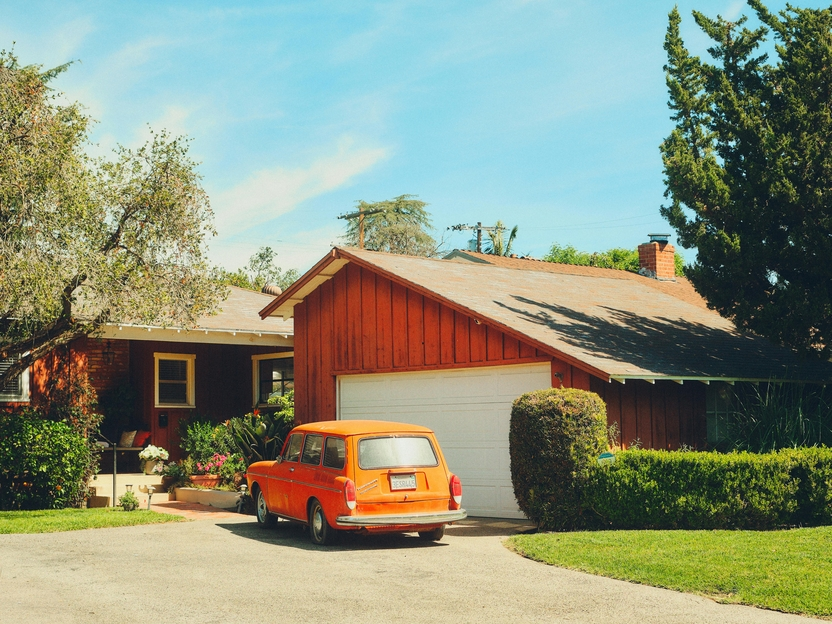
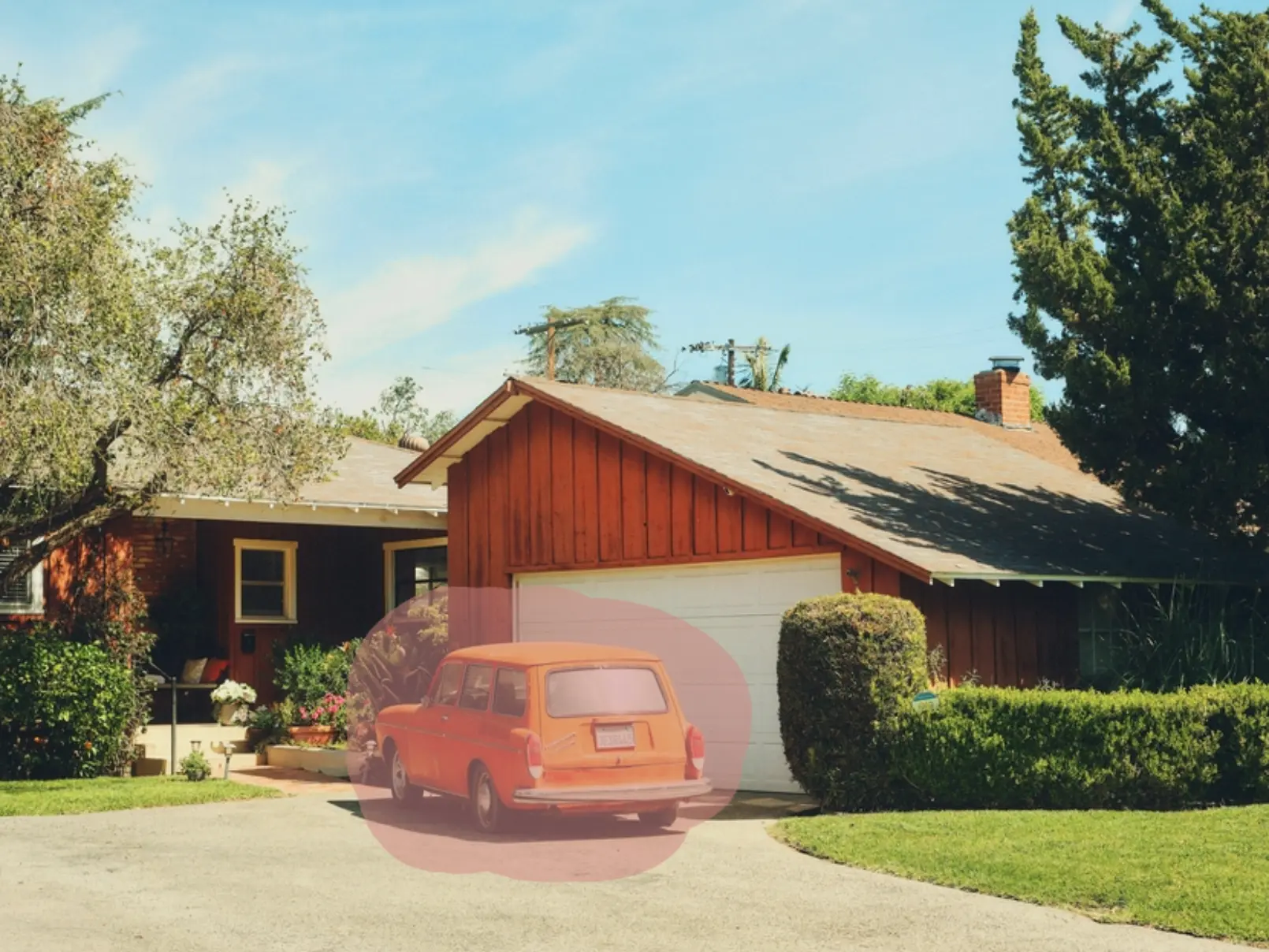
A car in the driveway, a bin by the door, a ladder left after the renovation. Mark it with the brush or describe it in a few words, and Stager AI removes it and fills the space behind.

Choose how you tell it what to remove
Automatic
Write what you want gone and the AI finds it in the photo.
Manual
Paint over the object with the brush. Change the brush size, undo, or clear and start again.
Suggested
Stager AI scans the photo and lists elements it could remove. Select one or more and erase them together.
- Bin
- Hose
- Cable
Declutter
Removes all furniture and objects from the room in one go.
Example suggestions. The real list depends on your photo.
The small things that pull the eye away
Outside
- Cars in the driveway
- Bins and recycling boxes
- Hoses and garden tools
- Signs and street clutter
Inside
- Loose cables and chargers
- Personal photos and papers
- Fridge magnets and toiletries
- Single pieces of furniture
After works
- Ladders and paint buckets
- Building materials
- Dust sheets and tools
- Hanging wires
How to get a clean erase
Cover all of it
With the brush, paint slightly past the edges, shadows included. Anything left uncovered may stay.
One job at a time
For busy photos, erase a few things, check, then erase the rest.
Be specific in text
“Remove the orange car” works better than “clean up the photo”.
Eraser, decluttering or retouching?
Magic eraser
Remove one or a few specific objects. You are here.
From distraction to clean photo in three steps
- 01
Upload a photo
Interior or exterior, from any camera or phone.
- 02
Mark what to remove
Paint it, describe it or pick it from the suggestions.
- 03
Erase and download
Click Erase Elements, hold to compare with the original and download.
Remove distractions, not defects
Erase things that will not be there when buyers visit, like cars, bins or tools. Don't hide damage, cracks, stains or permanent features such as power lines. Label edited photos where your portal asks for it.
One credit per photo
Each photo uses 1 credit and includes 9 free re-renders. Plans start at 10 photos a month and unused photos roll over.
Questions about the magic eraser
Upload the photo to Stager AI and open the Magic Eraser. Paint over the object, describe it in text or pick it from the suggestions, then click Erase Elements.
Yes. Paint over the car with the brush, or write “remove the car”, and Stager AI fills in the driveway behind it.
With the manual eraser you paint a mask over the object. With the automatic eraser you describe the object in plain words and the AI finds it.
Yes. Paint over all of them, list them in one instruction, or select several suggested elements.
Paint a little further past the edges or make the instruction more specific, then try again. Every photo includes 9 free re-renders.
Yes. Use the Declutter mode, which empties the whole room in one click.
Each photo uses 1 credit and includes 9 free re-renders. Plans start at 10 photos a month, unused photos roll over, and you can try 10 renders free first, with no credit card.
Keep buyers looking at the home
Upload a photo and erase the first distraction in seconds. Your first photos are on us.