Auto HDR for real estate photography, natural edits in minutes
Upload your bracketed exposures and Stager AI merges them into one natural photo: bright windows, clean shadows, true colors and straight lines. Delivered at your camera's full resolution.
- 3 to 7 brackets per scene
- Full resolution, your pixels
- About 1 to 5 minutes per photo
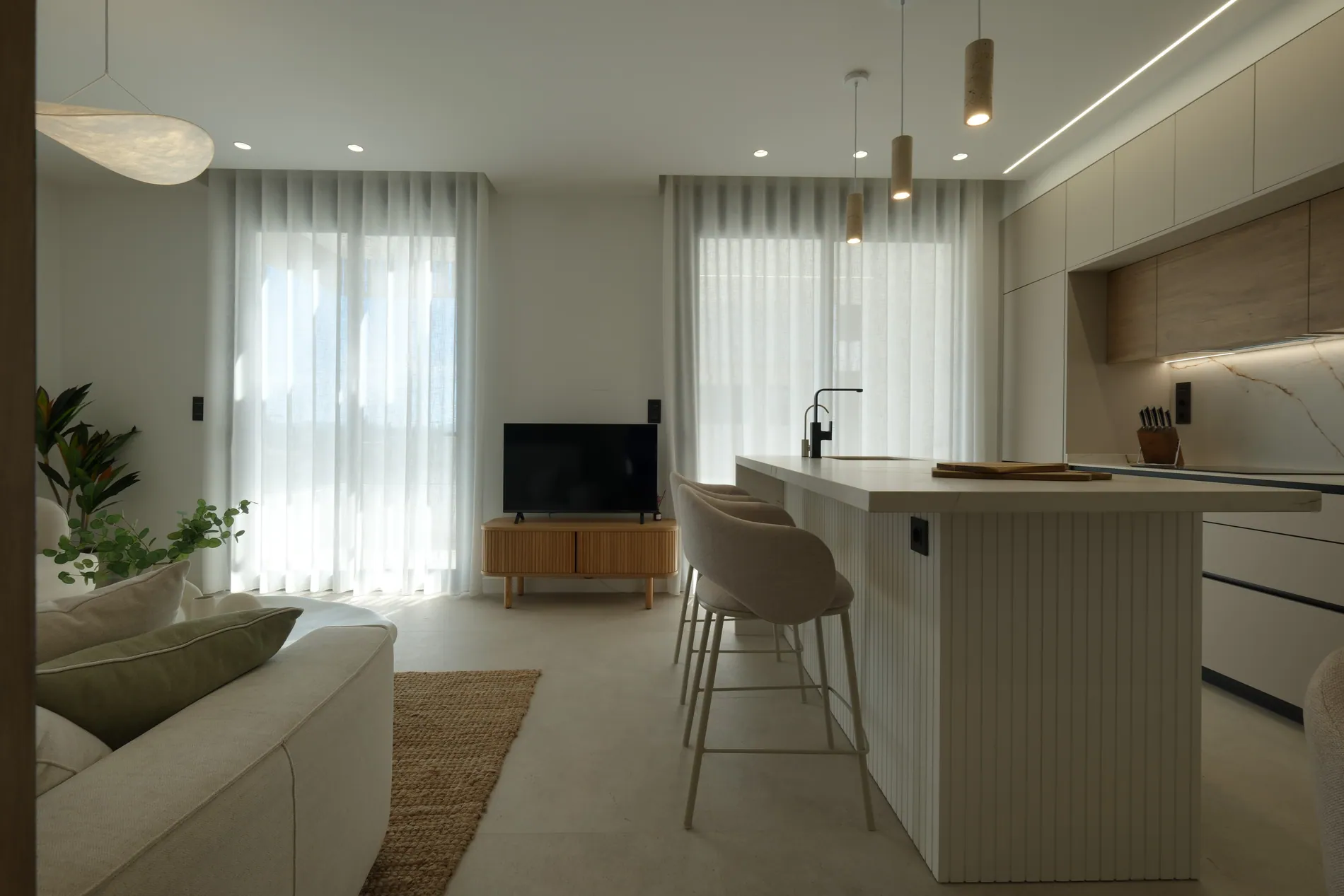
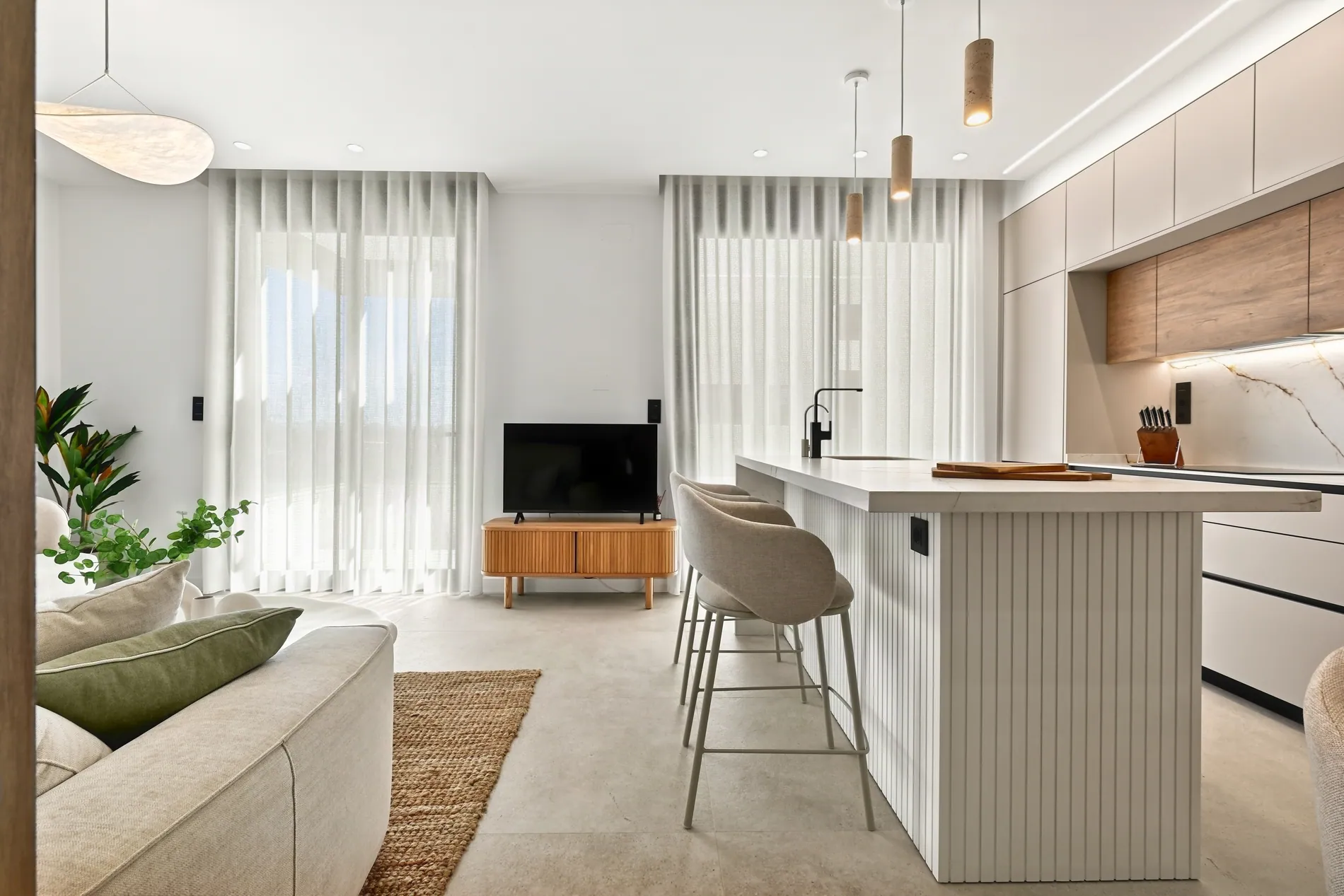
Editorial-quality photos delivered in minutes, not days.
AI-Powered real estate photo editing
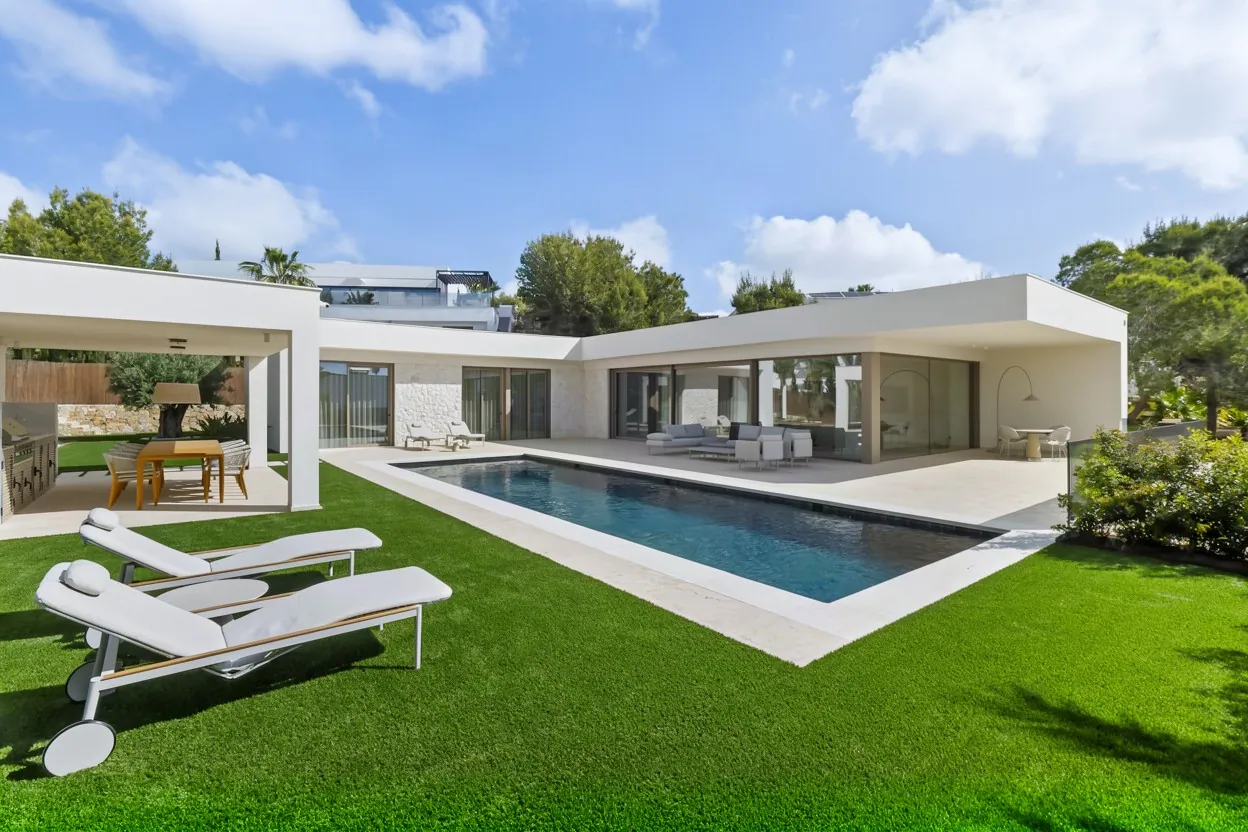
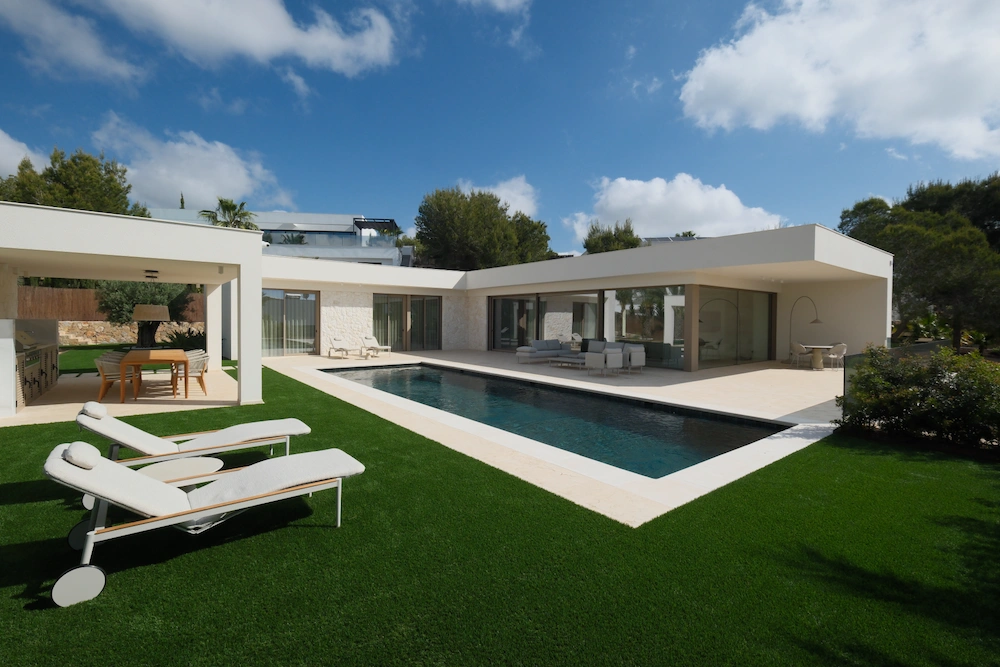
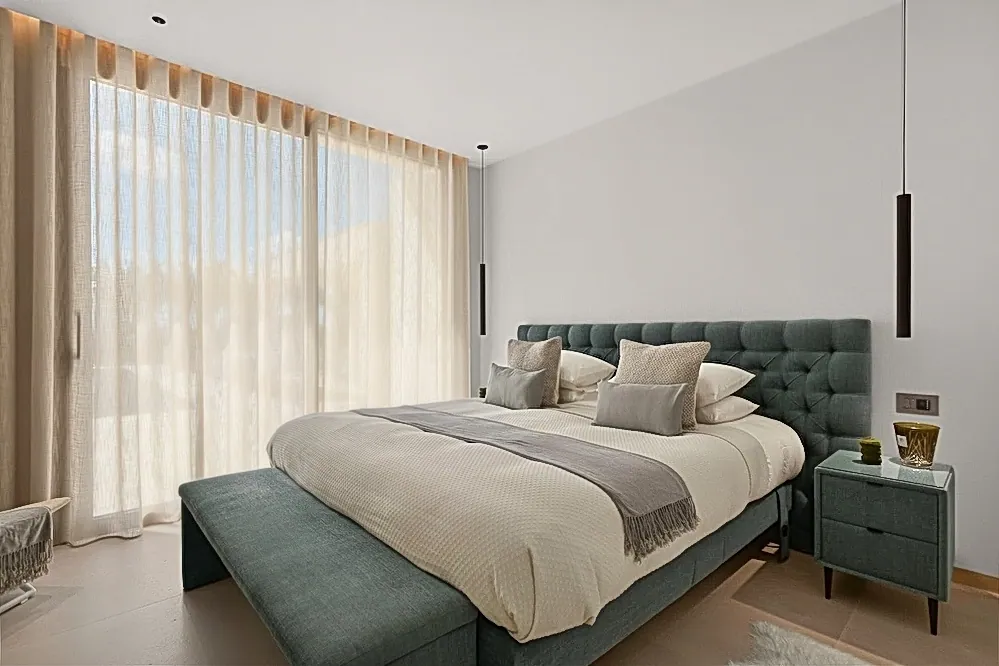
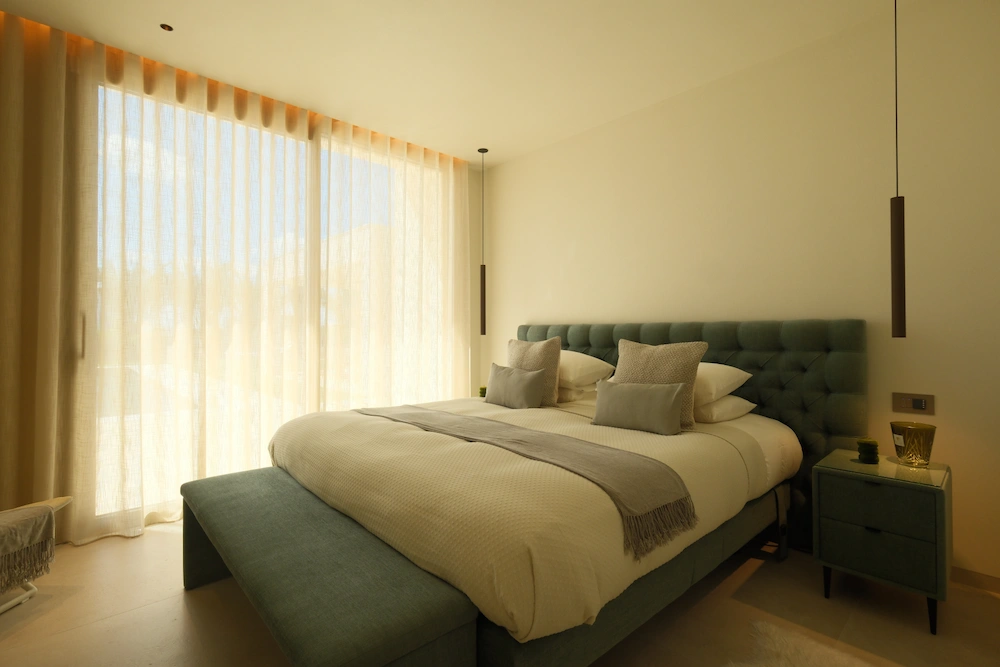
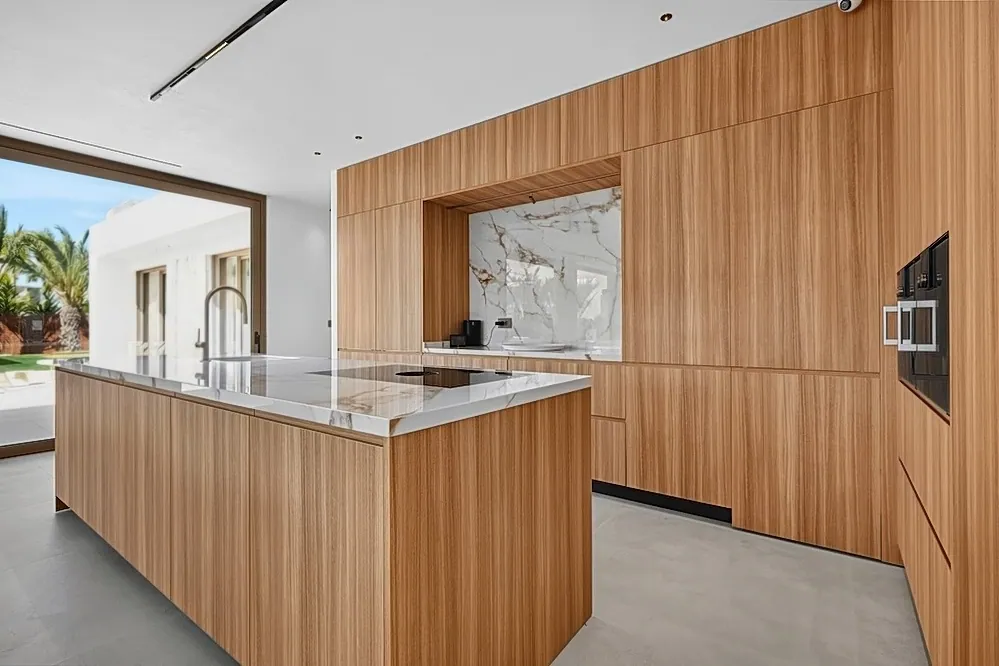
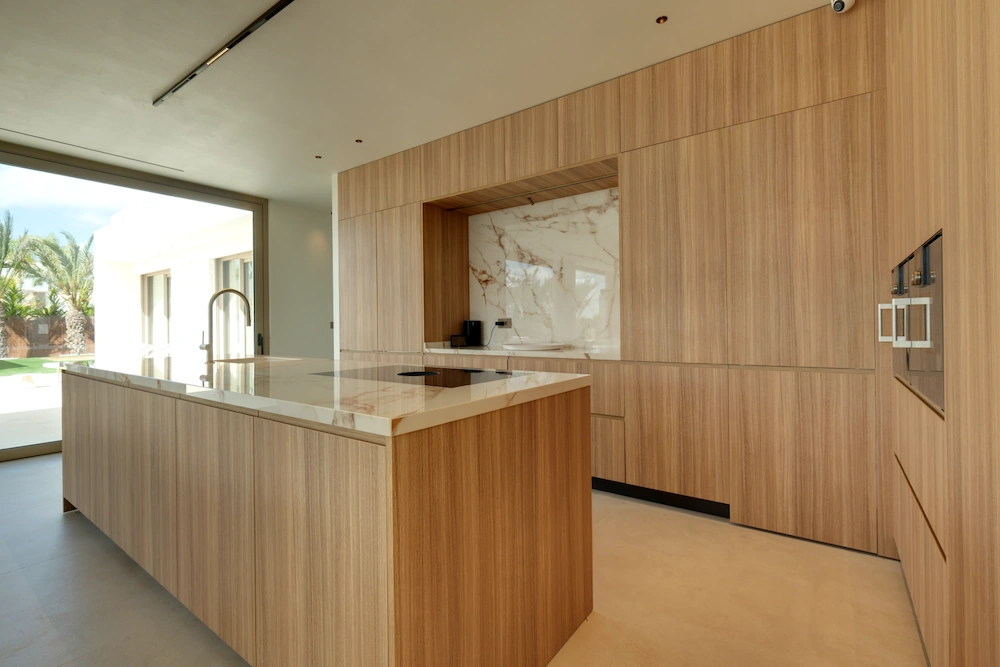
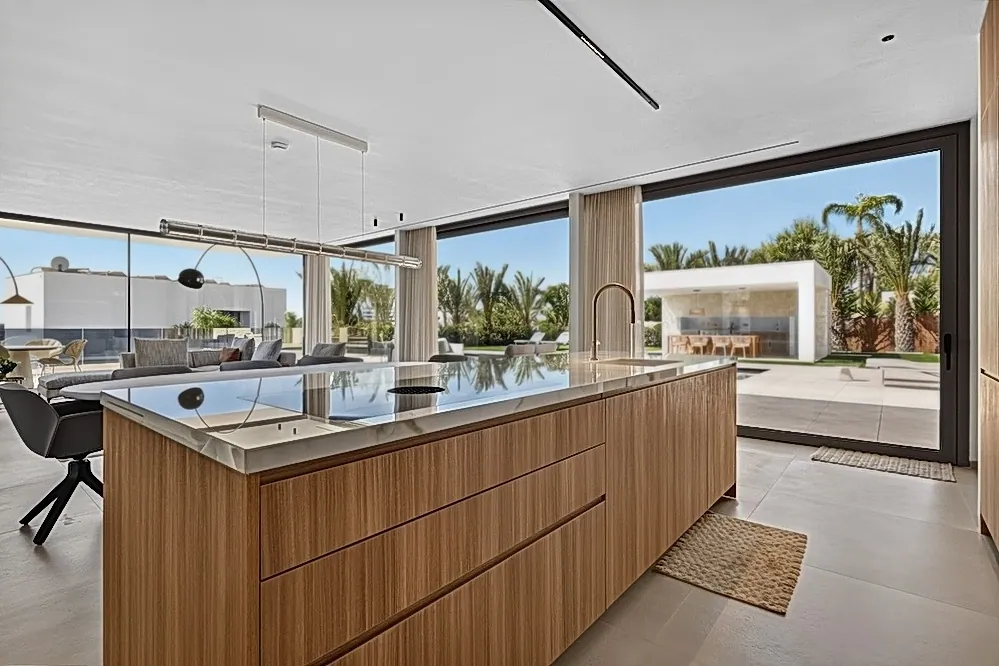
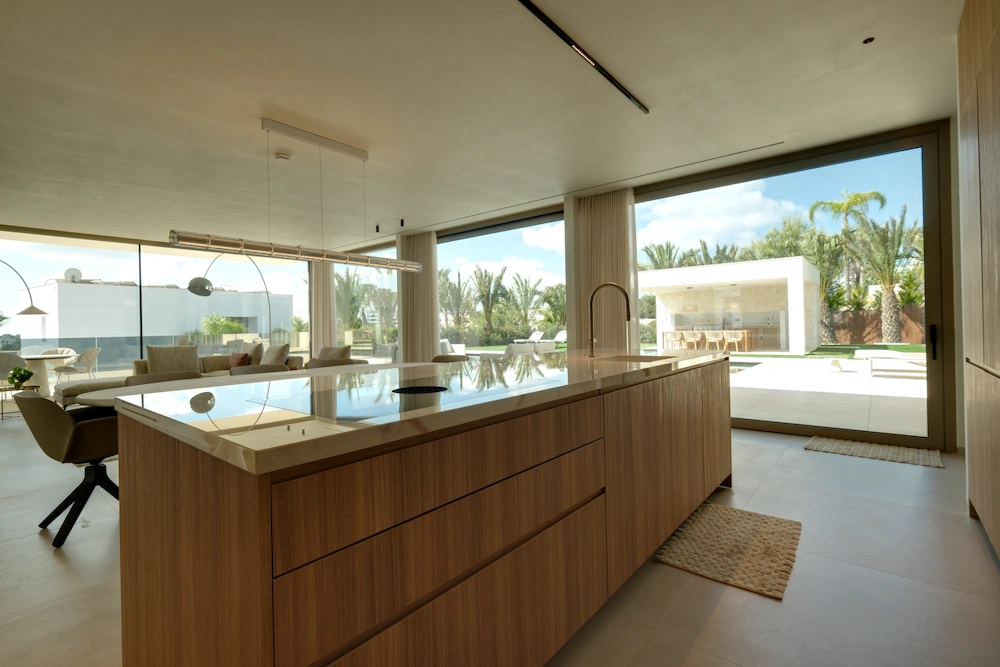
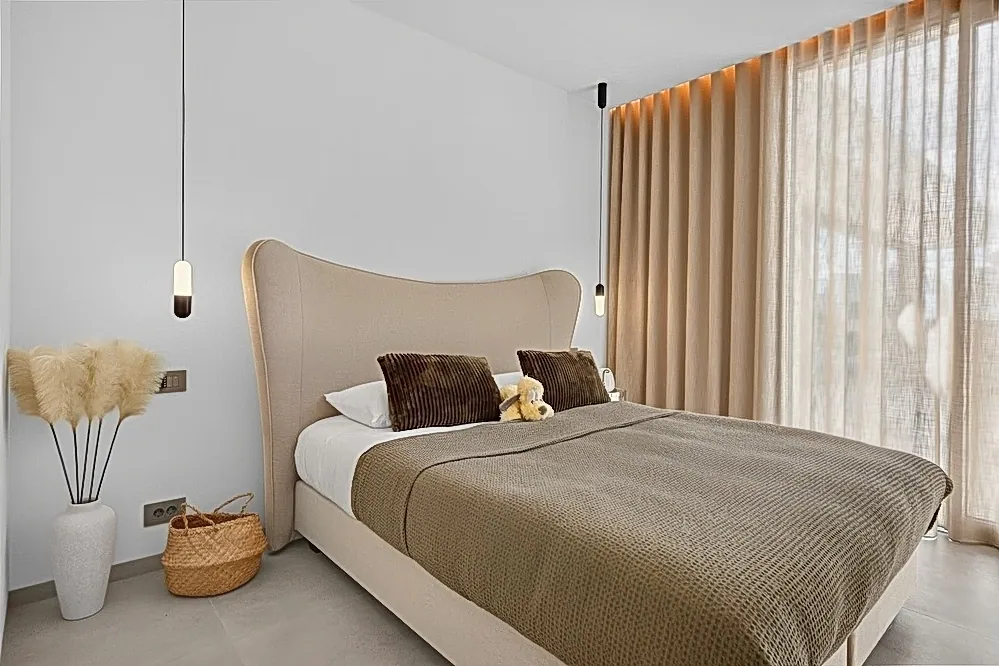
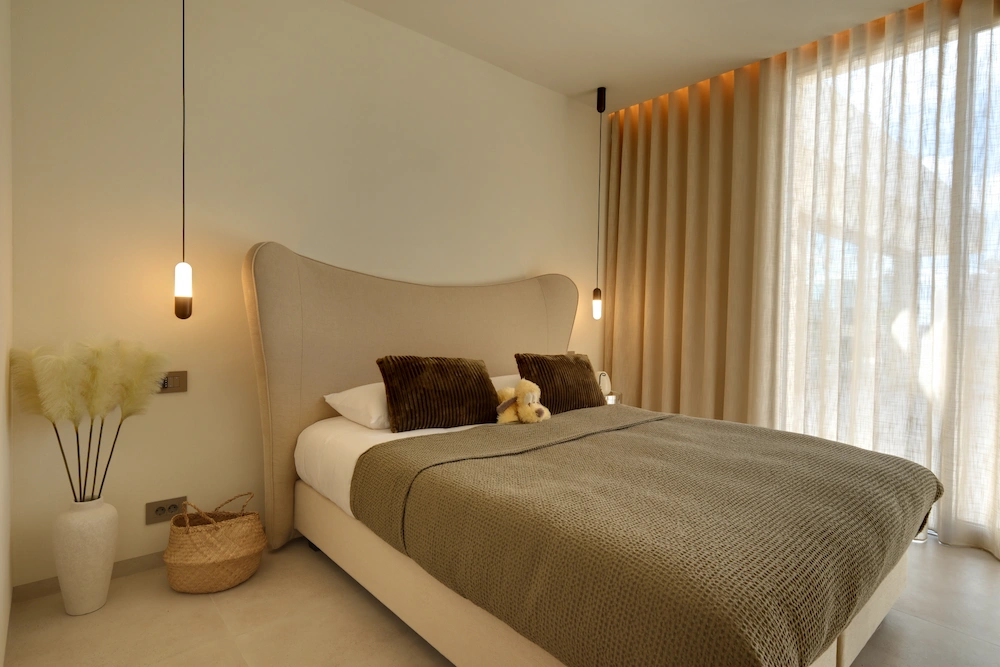
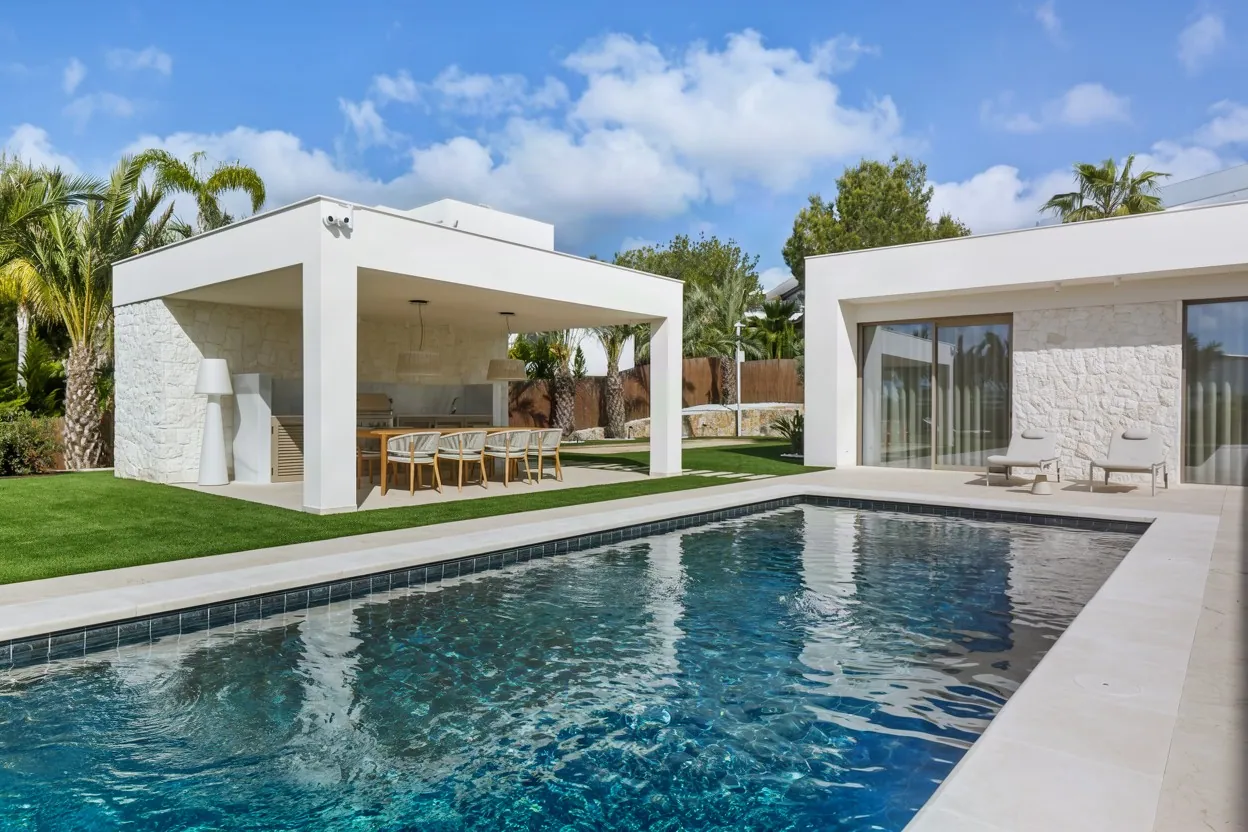
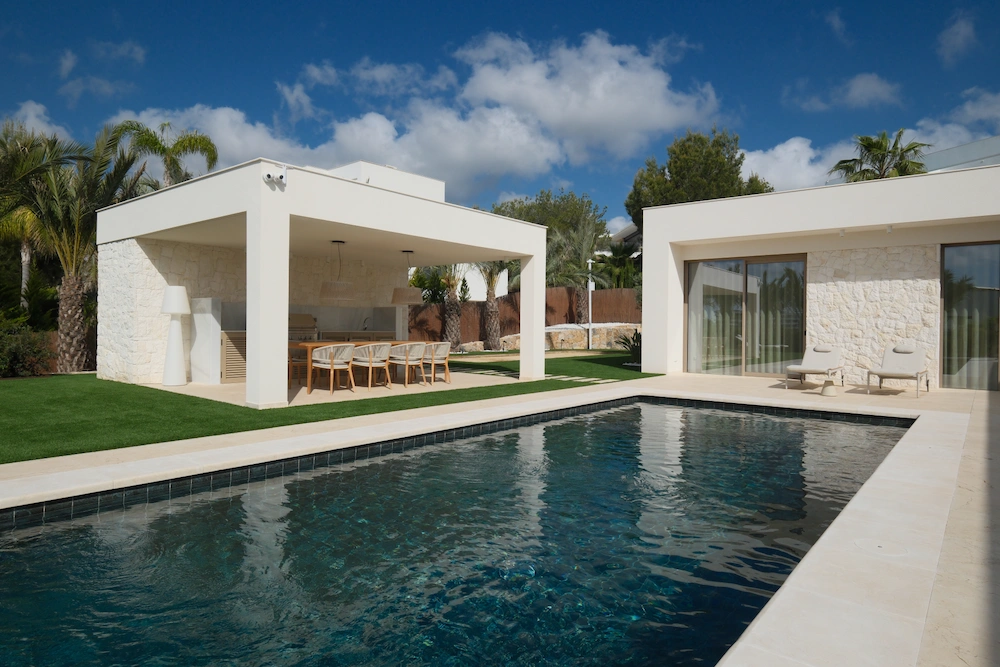
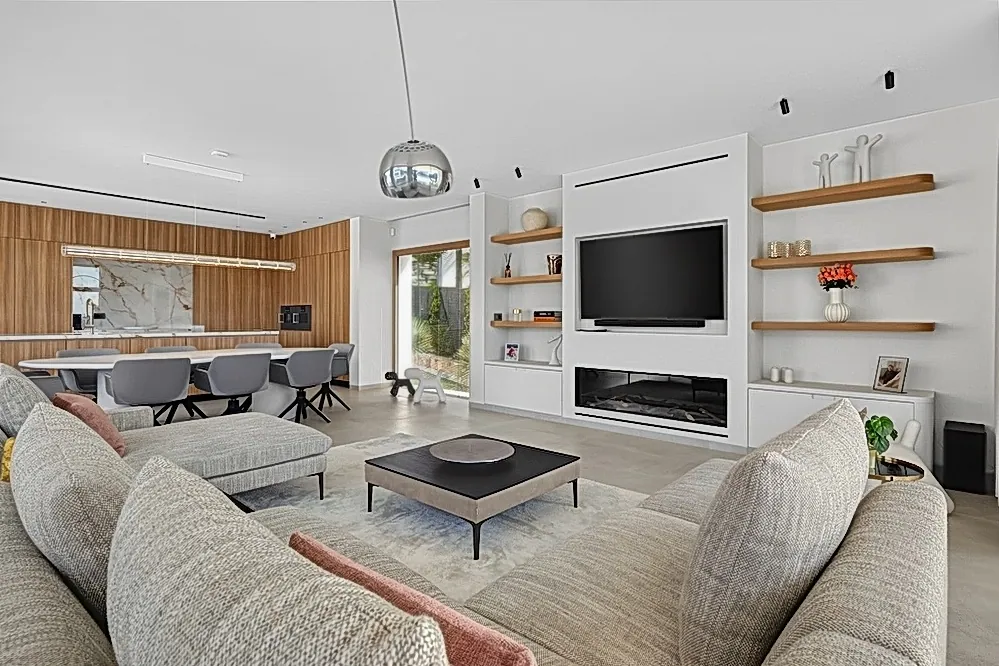
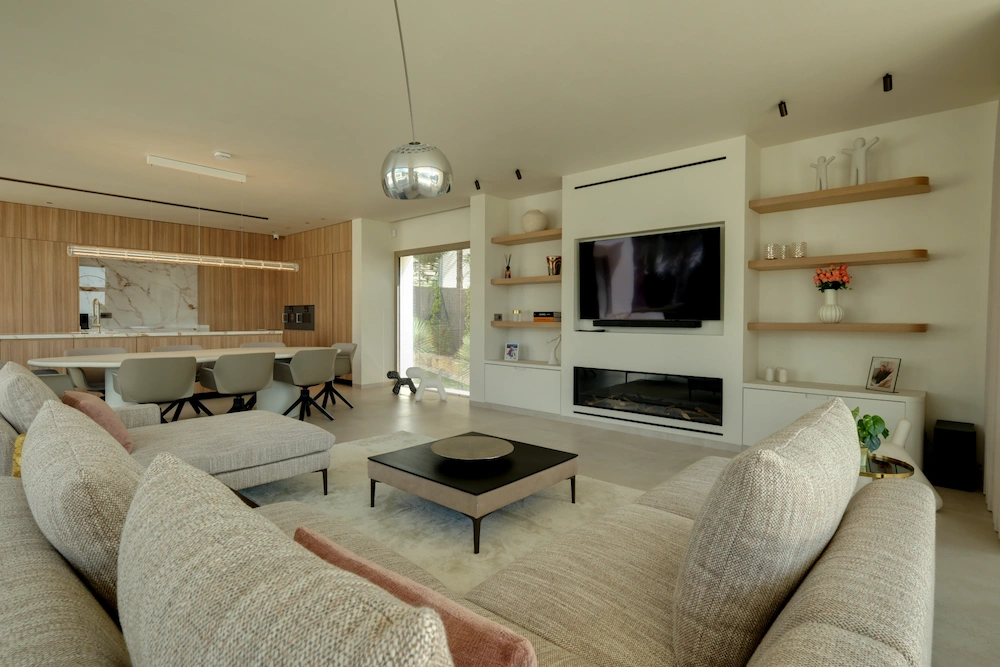
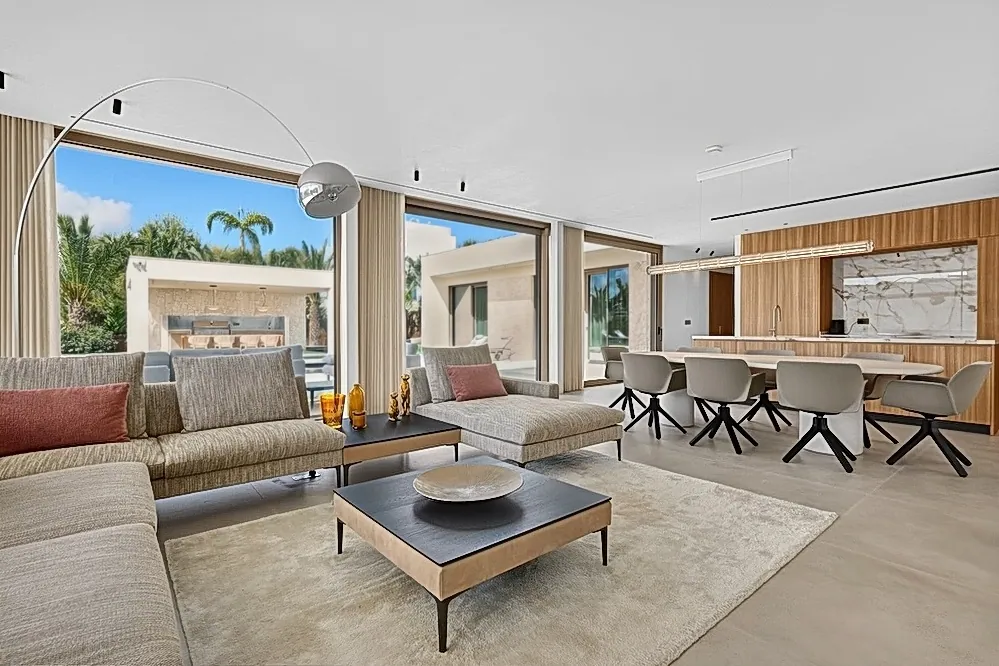
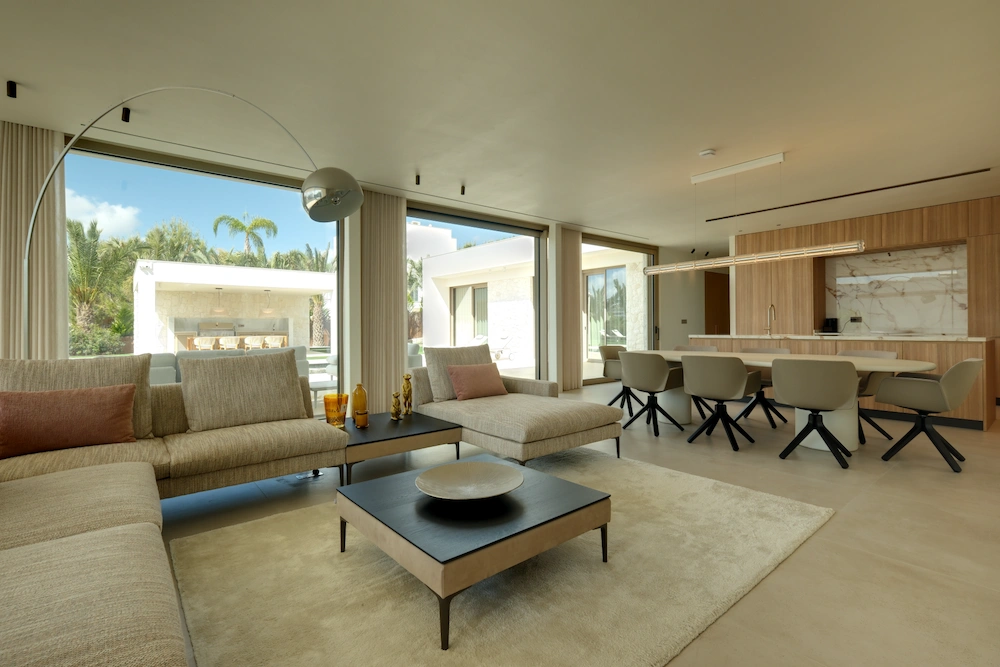
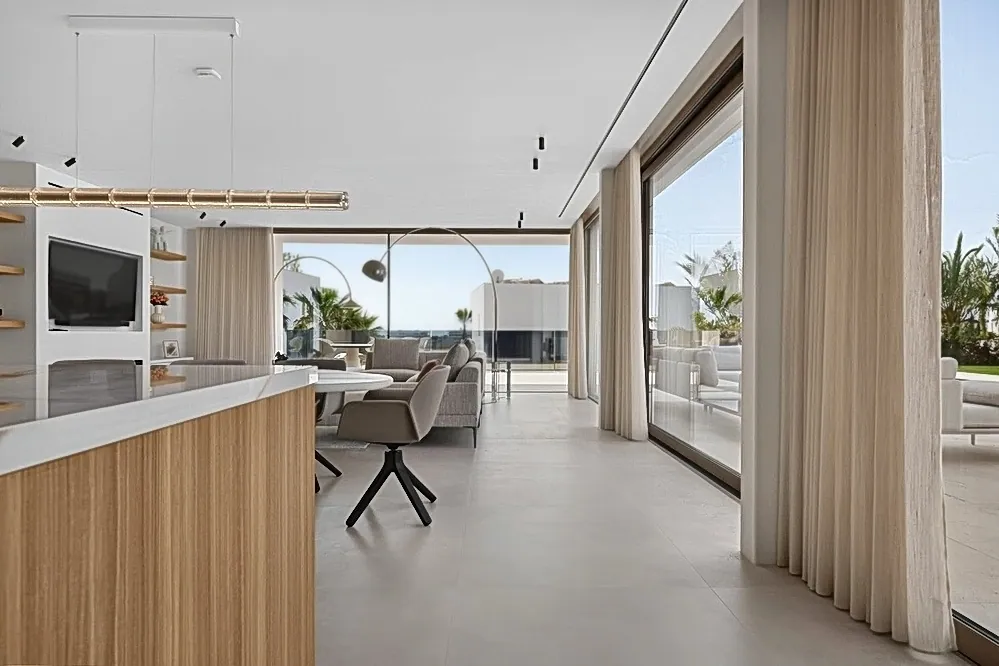
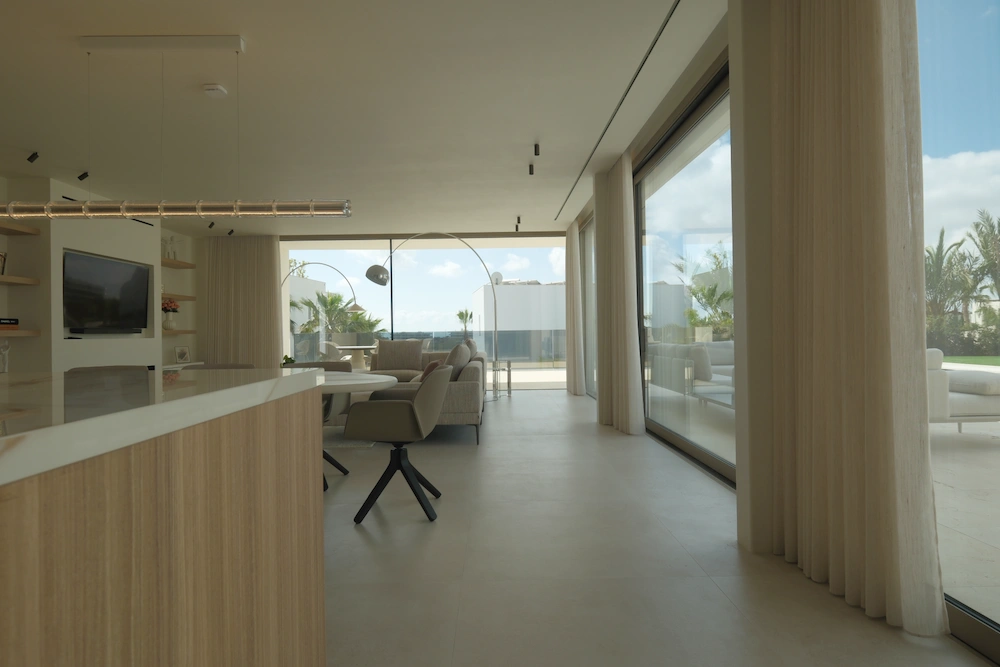
Your brackets go in. One natural photo comes out.
You already shoot several exposures of each room, from dark to bright. Auto HDR does what you'd do by hand in Lightroom and Photoshop, just much faster.
- 01
Align
Small camera shifts between shots are corrected, so every exposure lines up.
- 02
Blend
Bright windows come from the dark frames and deep corners from the bright ones.
- 03
Clean up
Ghosting from moving trees, people or curtains is removed, and windows are pulled in.
- 04
Finish
Colors are corrected and verticals straightened. You get a full-resolution JPG or PNG.
 −2 EV−1 EV0 EV+1 EV+2 EV
The edits you used to do by hand
Each one runs automatically on every photo of the shoot, with a look that stays natural.
Exposure blending
Bright windows and dark corners in the same photo, both looking right.
Window pulls
The view outside stays visible instead of turning white.
Accurate color
White walls look white, even under mixed lighting.
Straight verticals
Perspective and lens distortion corrected, so walls stand straight.
Sky replacement
Grey or blown-out skies swapped for clear blue, if you want.
Lawn replacement
Dry, patchy grass turned into a healthy green lawn.
Fire in the fireplace
An empty fireplace gets a warm, natural fire.
Natural HDR look
No halos, no grey walls, no oversaturated colors.
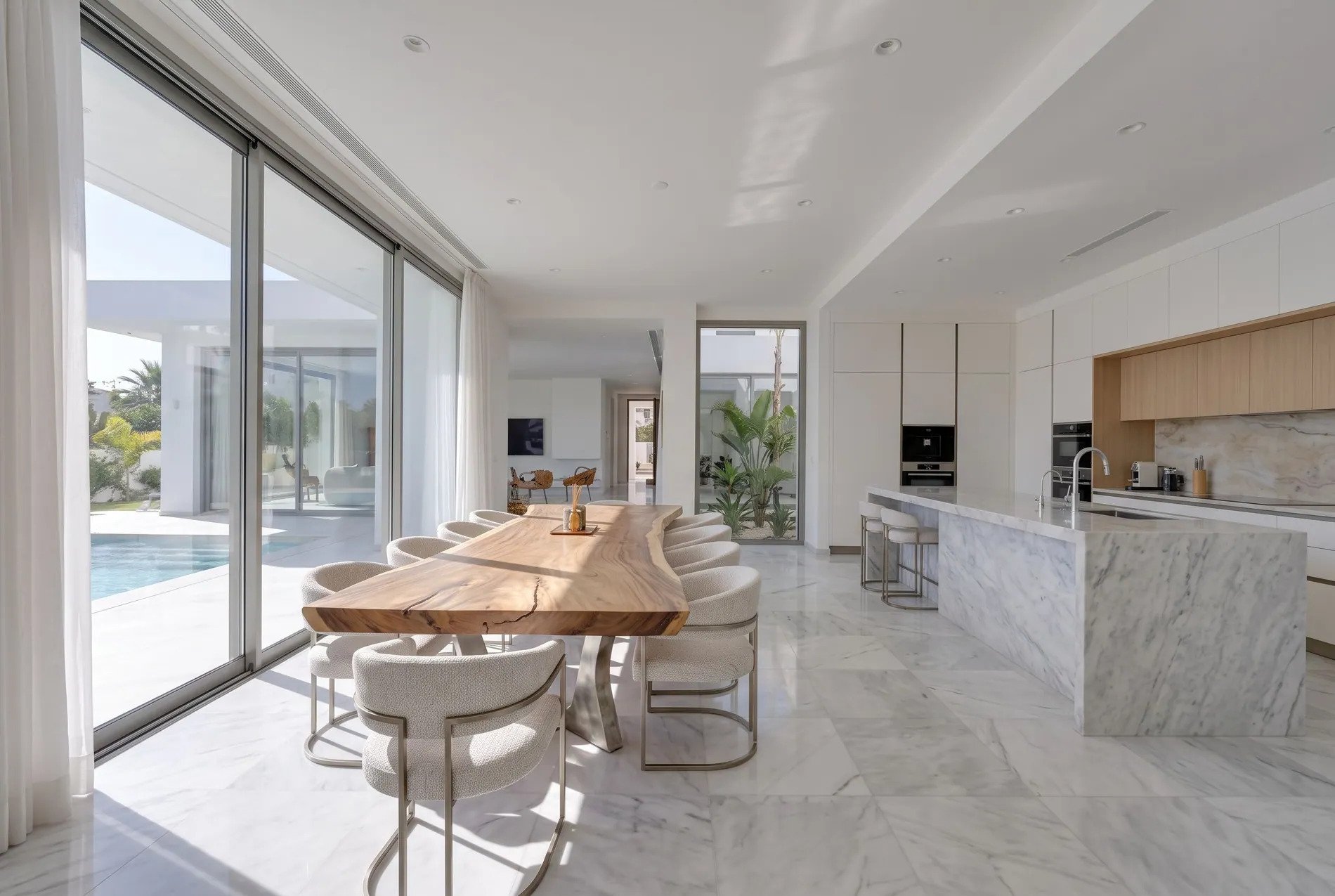
Natural results, room after room
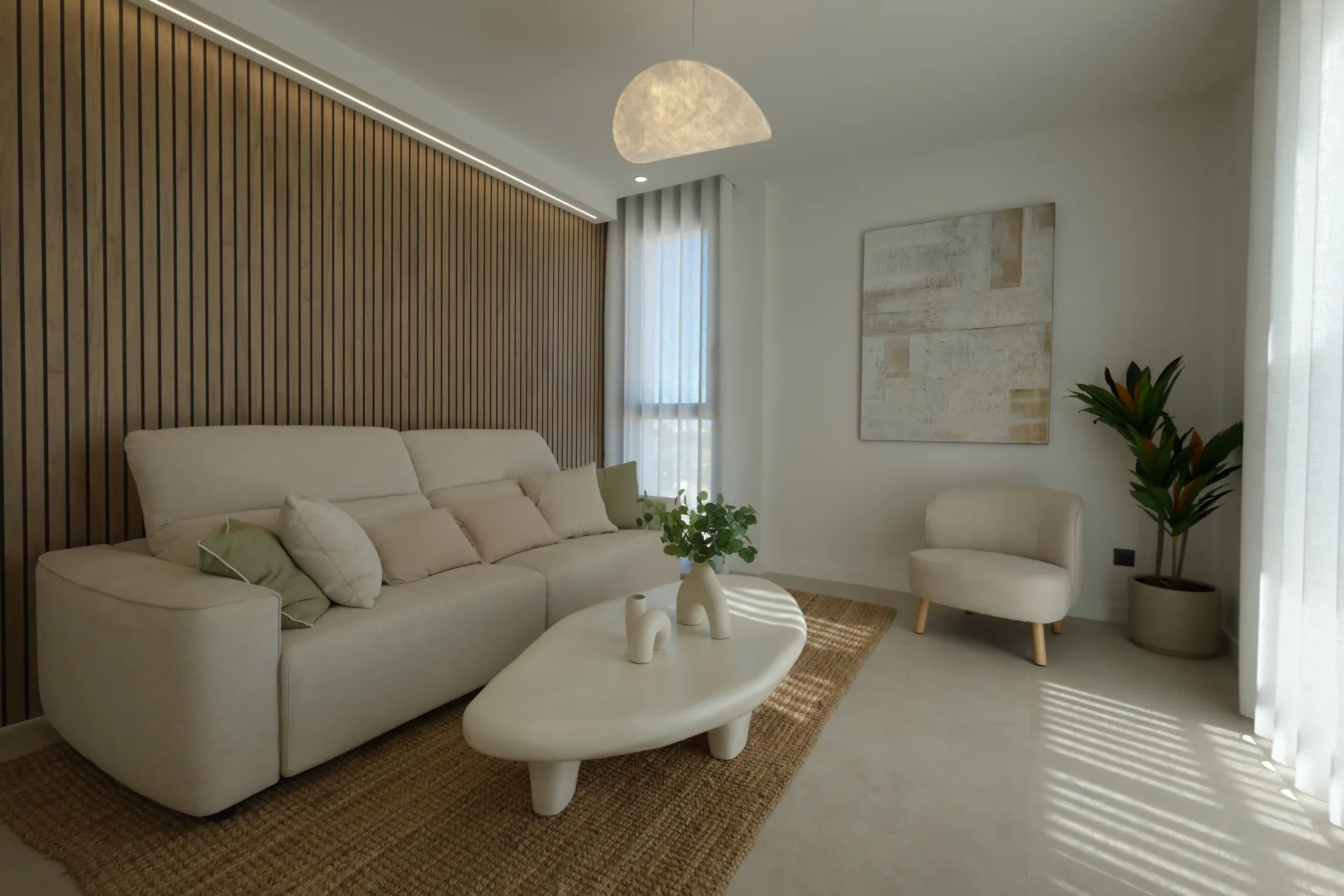
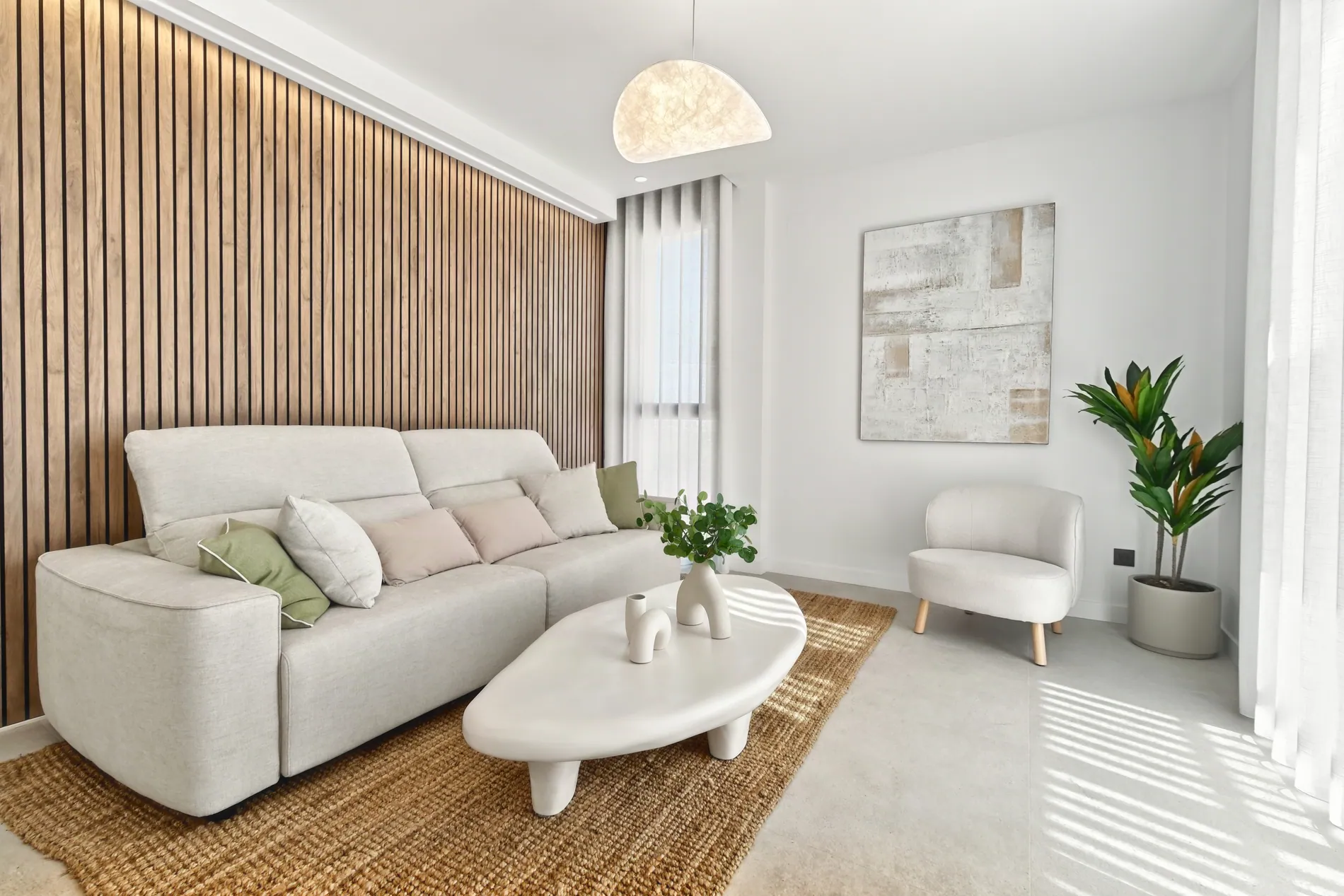
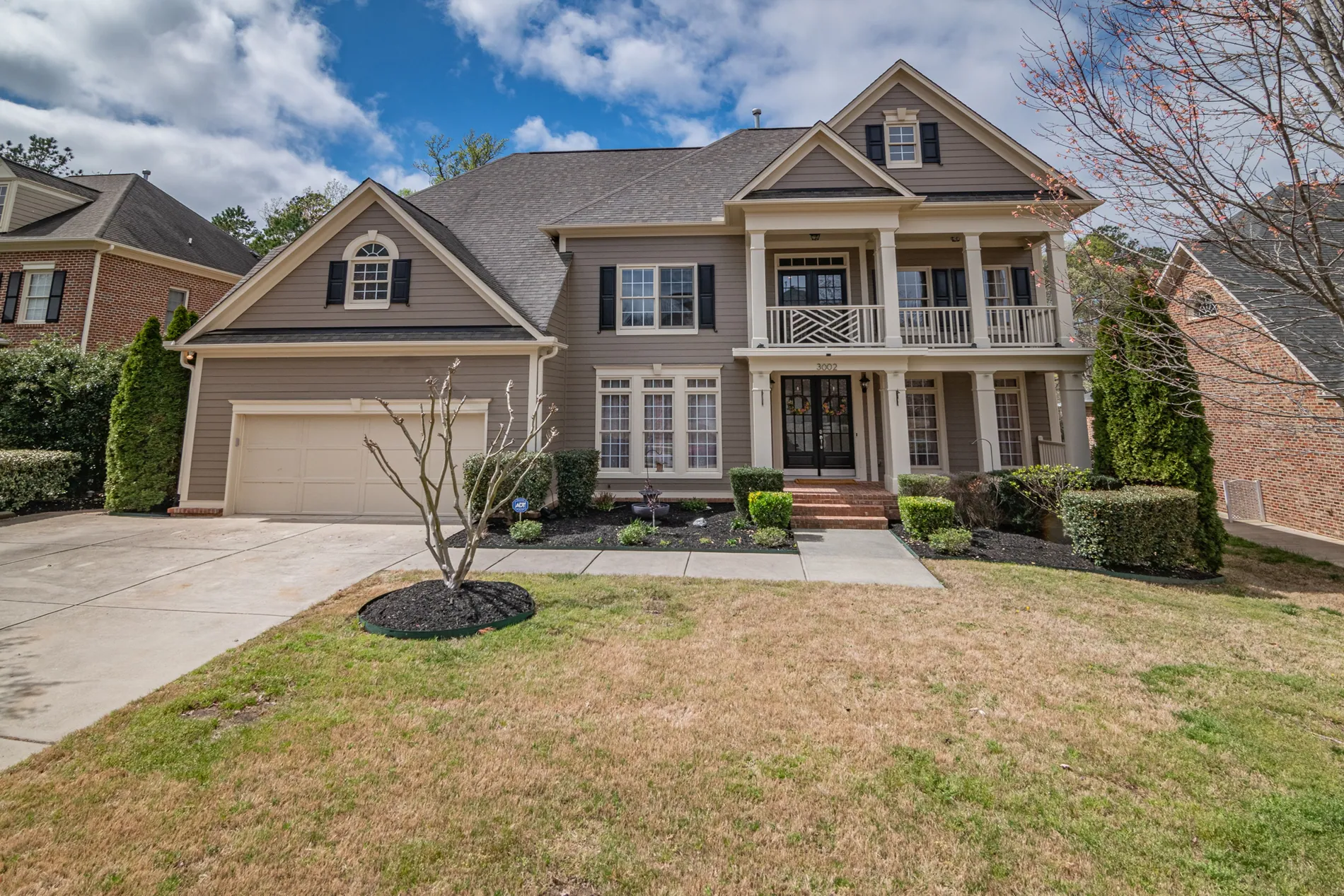
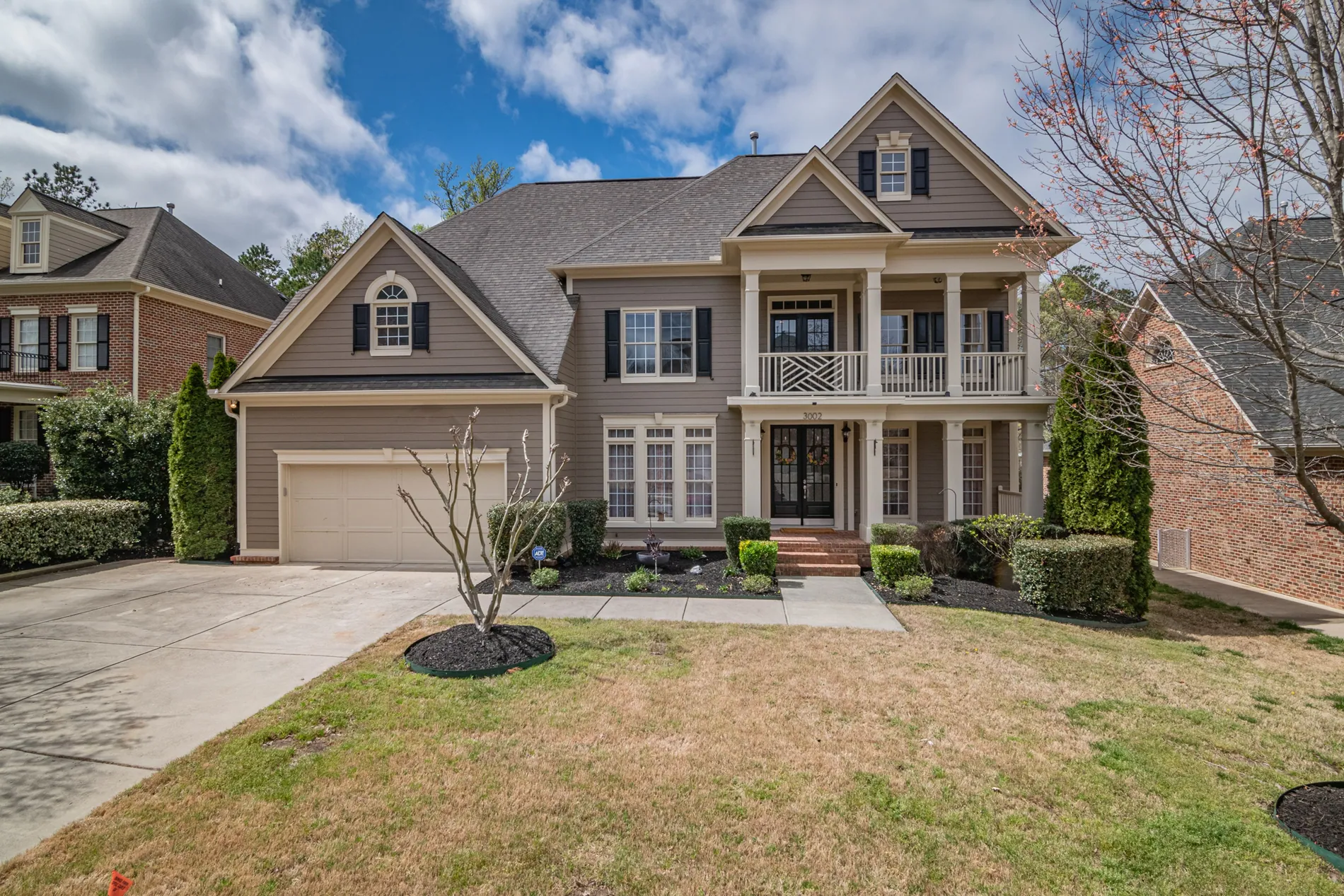
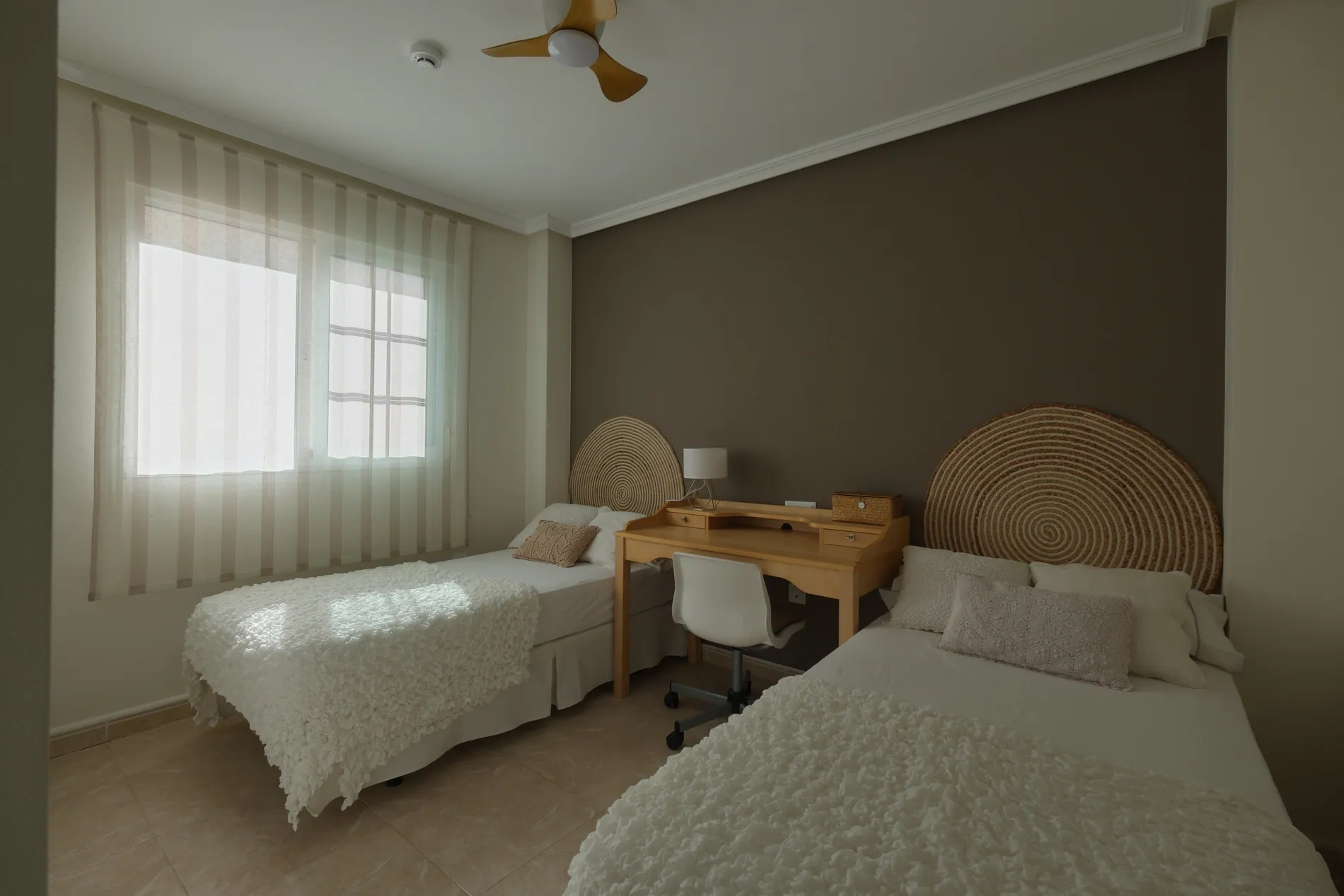
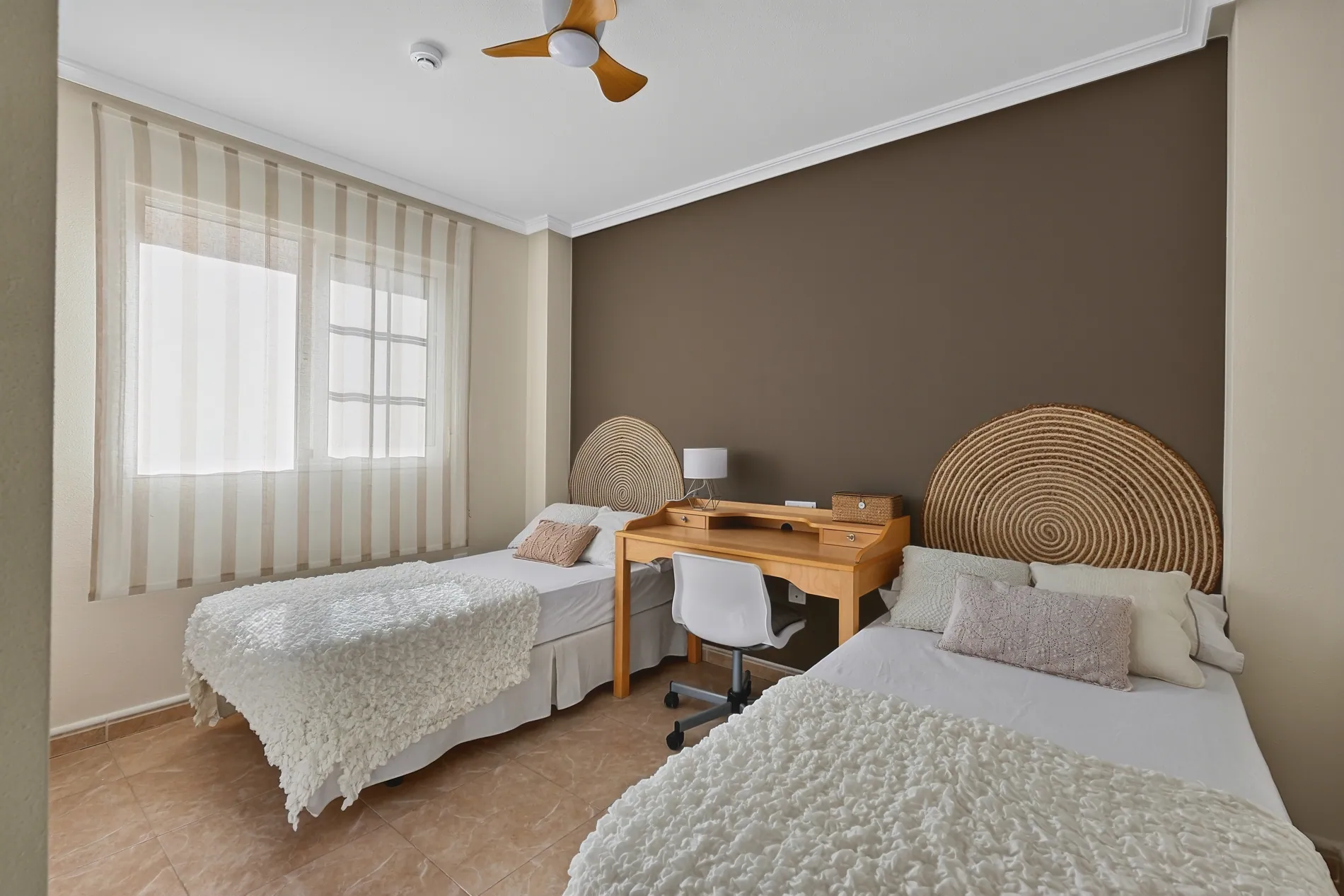
Full resolution. Your pixels. No upscaling.
What you upload is what you get back, just edited. Your photos keep the full resolution of your camera files.
- Input
- RAW (ARW, CR3, NEF, DNG and more) or JPEG brackets
- Output
- JPG or PNG
- Resolution
- Full resolution, the same size as your original files
- Speed
- About 1 to 5 minutes per photo, so a full shoot can go out the same day
Shoot, upload, done
Choose the one that fits your workflow
Most photographers compare auto HDR tools on three things: how natural the edits look, how fast they come back and what each photo costs. Here's where Stager AI stands.
- About 1 to 5 minutes per photo, not hours of manual editing or a day's wait for outsourced editors
- Full resolution with your original pixels, ready for print
- HDR plus virtual staging, retouching, sky, lawn and video in one account
One credit per photo
Each bracket set of 3, 5 or 7 exposures counts as 1 photo. Plans start at 10 photos a month, unused photos roll over, and you can cancel anytime.
No subscription? Ask us in the chat for a pay-per-photo deal, as low as $0.25 per photo depending on volume.
Questions about auto HDR
Auto HDR merges the bracketed exposures you shoot of each room into one balanced photo automatically. Stager AI aligns the frames, blends the best-exposed parts, pulls the windows and corrects color and verticals, without manual editing.
Brackets give the best results. Most photographers shoot 3 to 7 exposures per scene, from dark to bright. If you only have single photos, use AI image enhancement instead.
RAW files from all major cameras, including ARW, CR3, NEF, DNG, RAF, RW2, ORF, SRW and PEF, plus JPEG. No conversion needed.
Full-resolution JPG or PNG files, the same size as your original photos. Stager AI keeps your original pixels and never upscales them.
About 1 to 5 minutes per photo. You can deliver a full shoot the same day.
No. The editing is tuned for a natural real estate look: no halos, no grey walls, no oversaturated colors. You can also choose an editing style and adjust the window pull.
Each bracket set counts as 1 photo, whether it has 3, 5 or 7 exposures. Each photo includes 9 free re-renders.
Stager AI edits each photo in about 1 to 5 minutes at full resolution and includes staging, retouching and video in the same account. For a side-by-side look at one popular tool, read our Stager AI vs AutoHDR comparison.
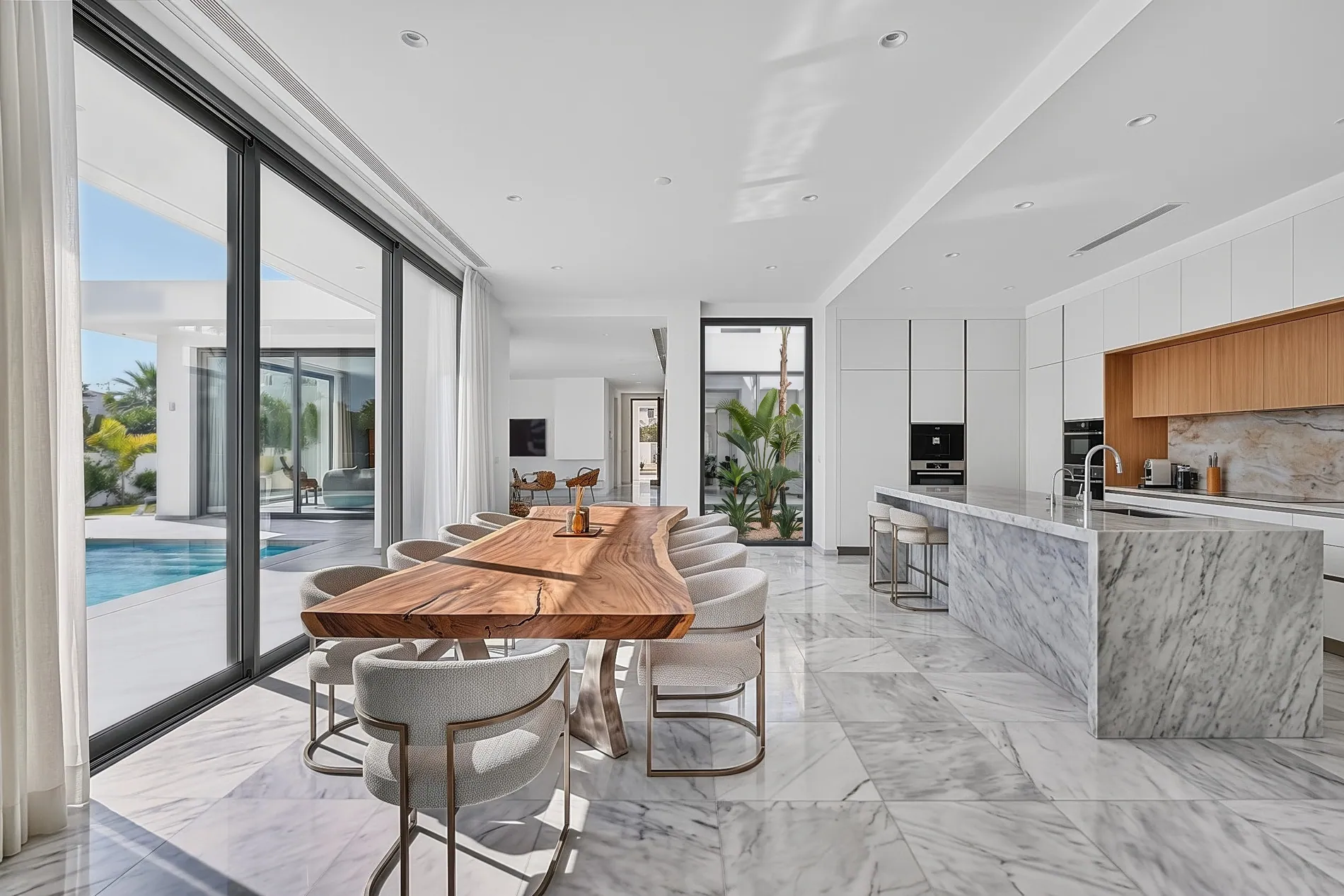
Edit your next shoot with auto HDR
Upload a few bracket sets and see the results in minutes. Your first photos are on us.