Blur license plates in real estate photos
The owner's car in the driveway, a neighbor's van on the street. Stager AI finds license plates and blurs them in every HDR edit, so you can publish the photo without a second thought.
- One switch in your HDR settings
- Strong blur, plate only
- Full-resolution results
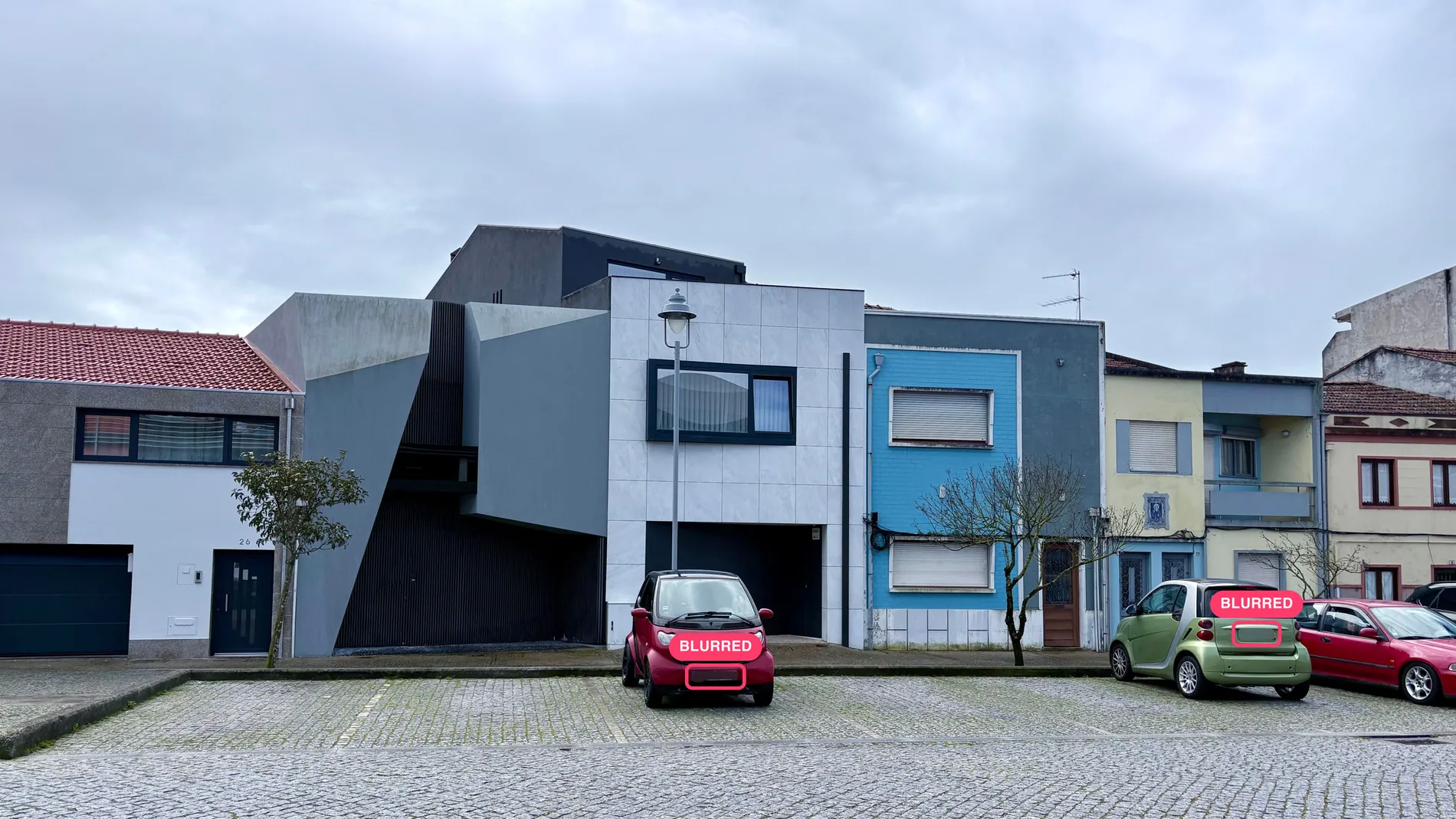
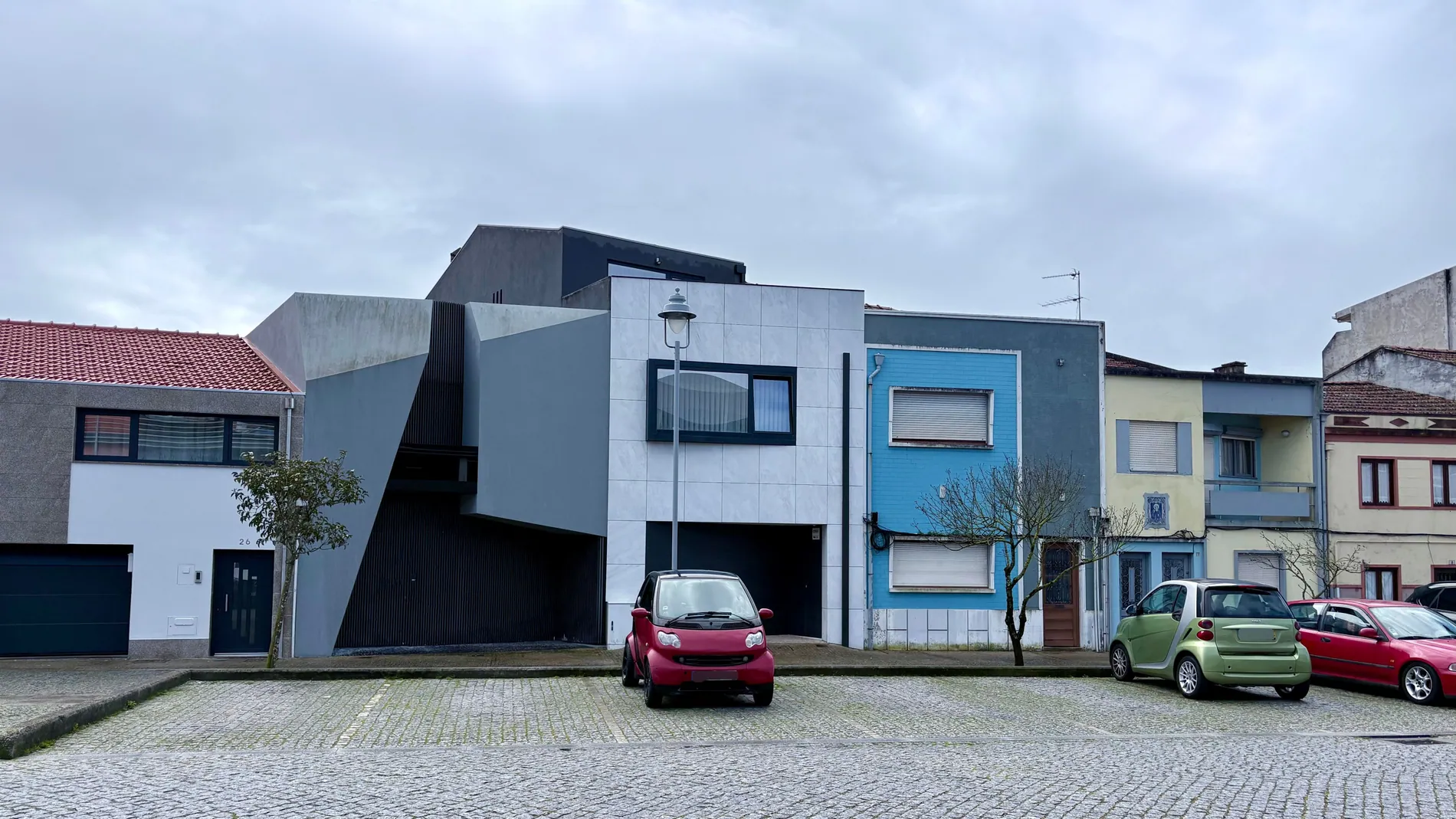
A listing photo shouldn't show who lives there
Blurring license plates in real estate photos protects the owners and the neighbors. A plate links a car, and often a person, to an address that's now on every portal.
Protect the owners
A listing tells the world where a house is. A plate shouldn't tell them who parks there.
Respect local rules
In many countries, publishing readable plates raises privacy questions. Blurring them is the safe default.
No masking by hand
No zooming in on every exterior to find and blur plates in Photoshop. It's one setting.
Every plate in the shot, blurred
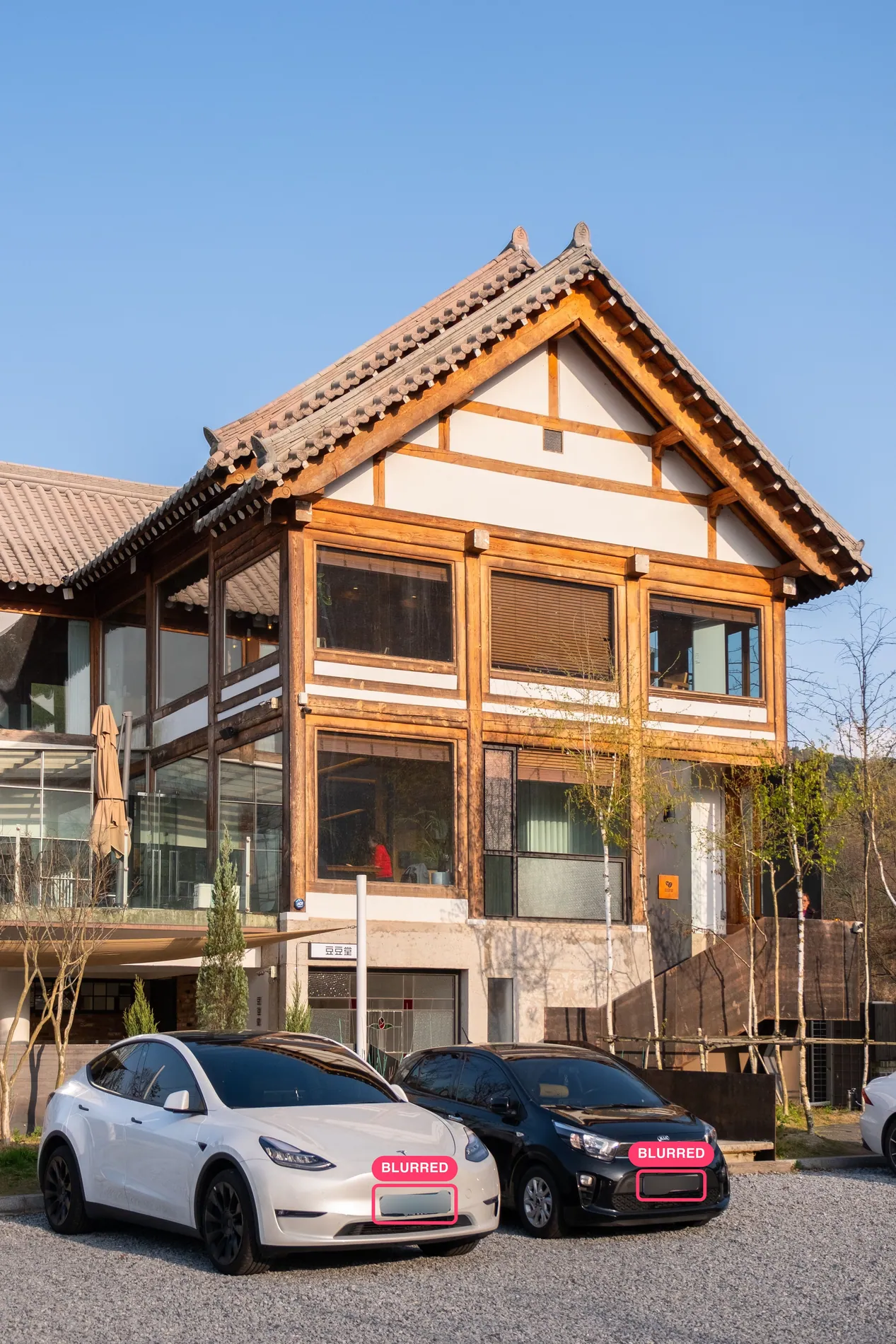
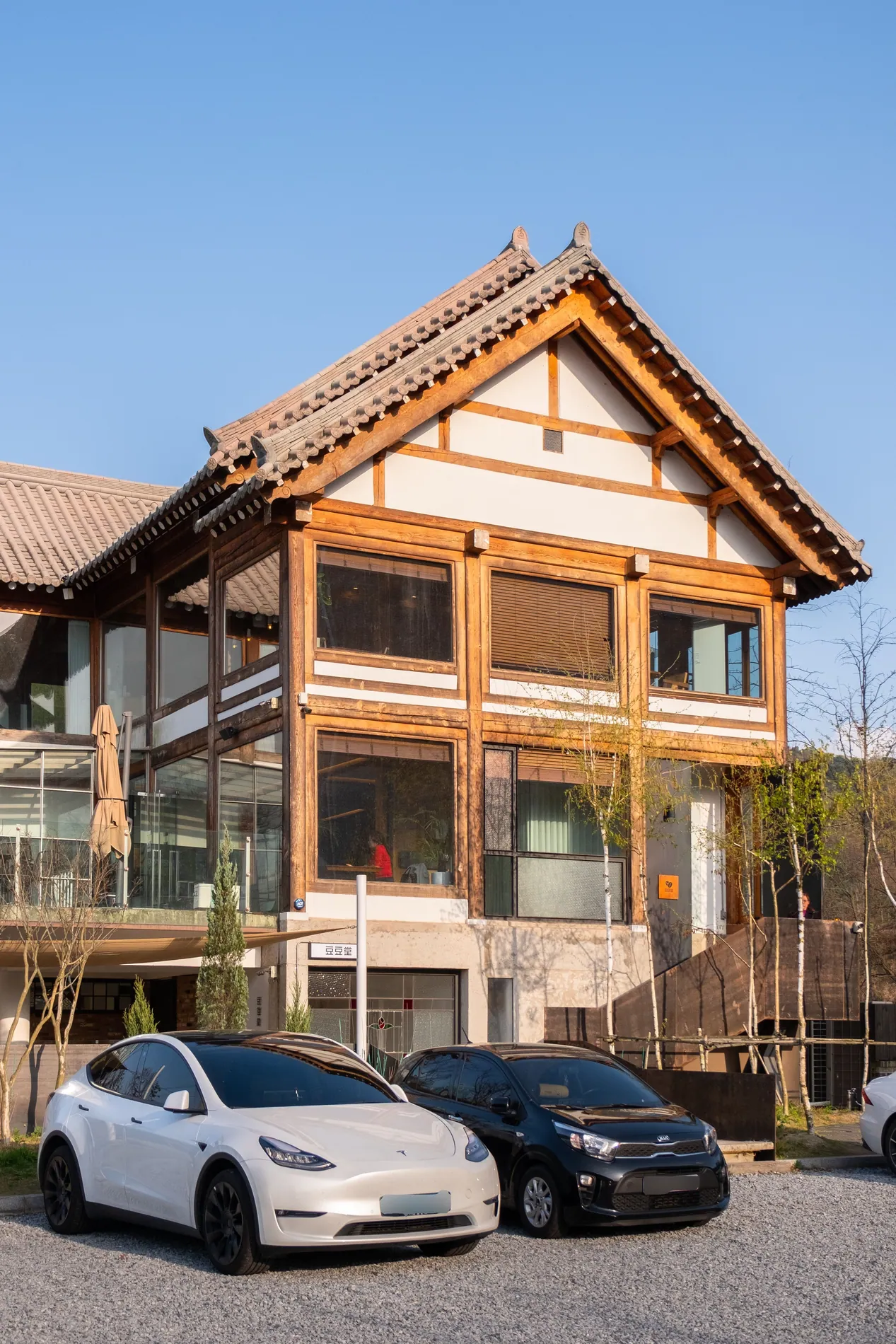
Drag the slider. On the left, the plates Stager AI found. On the right, the photo you deliver.
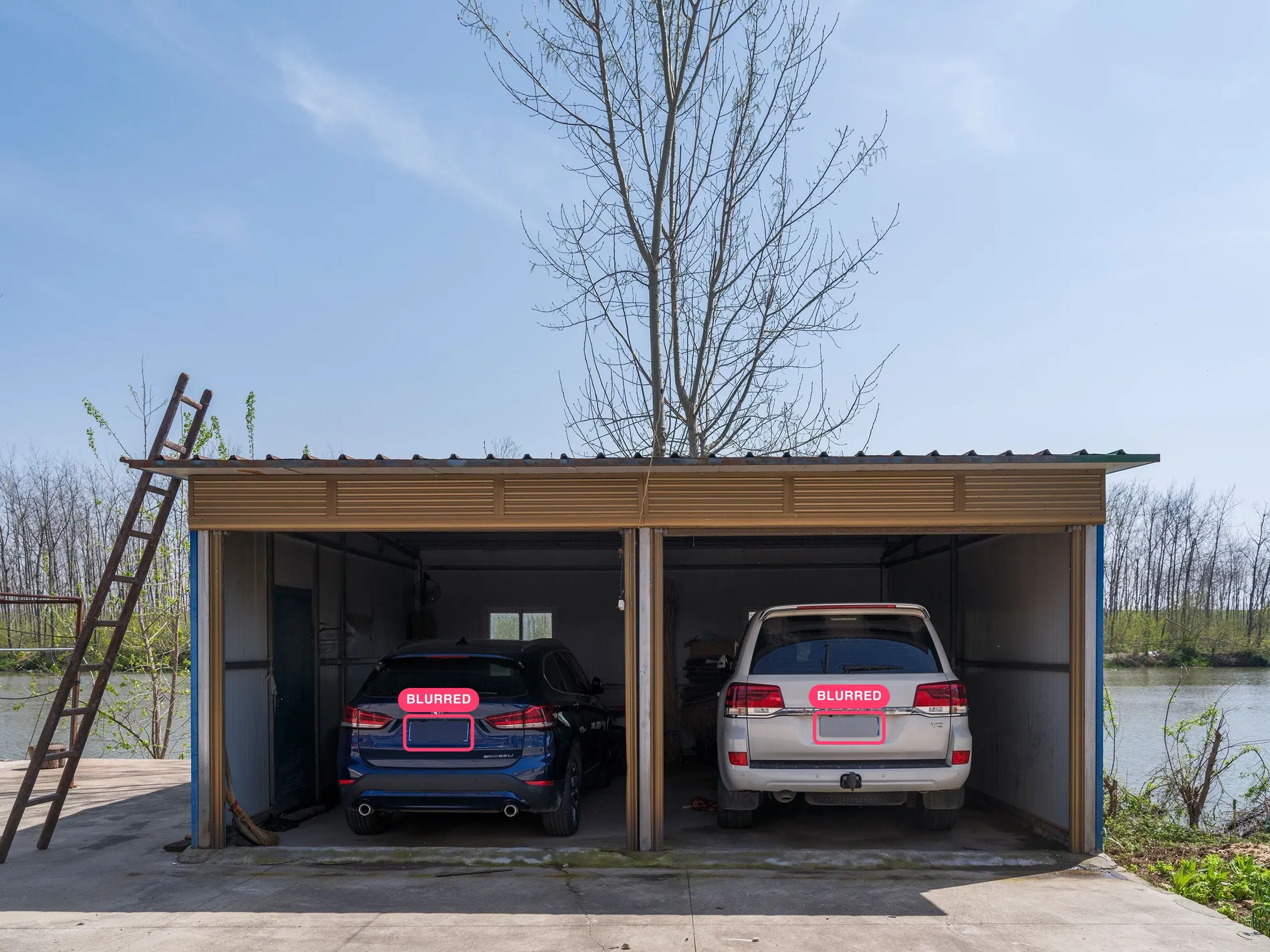
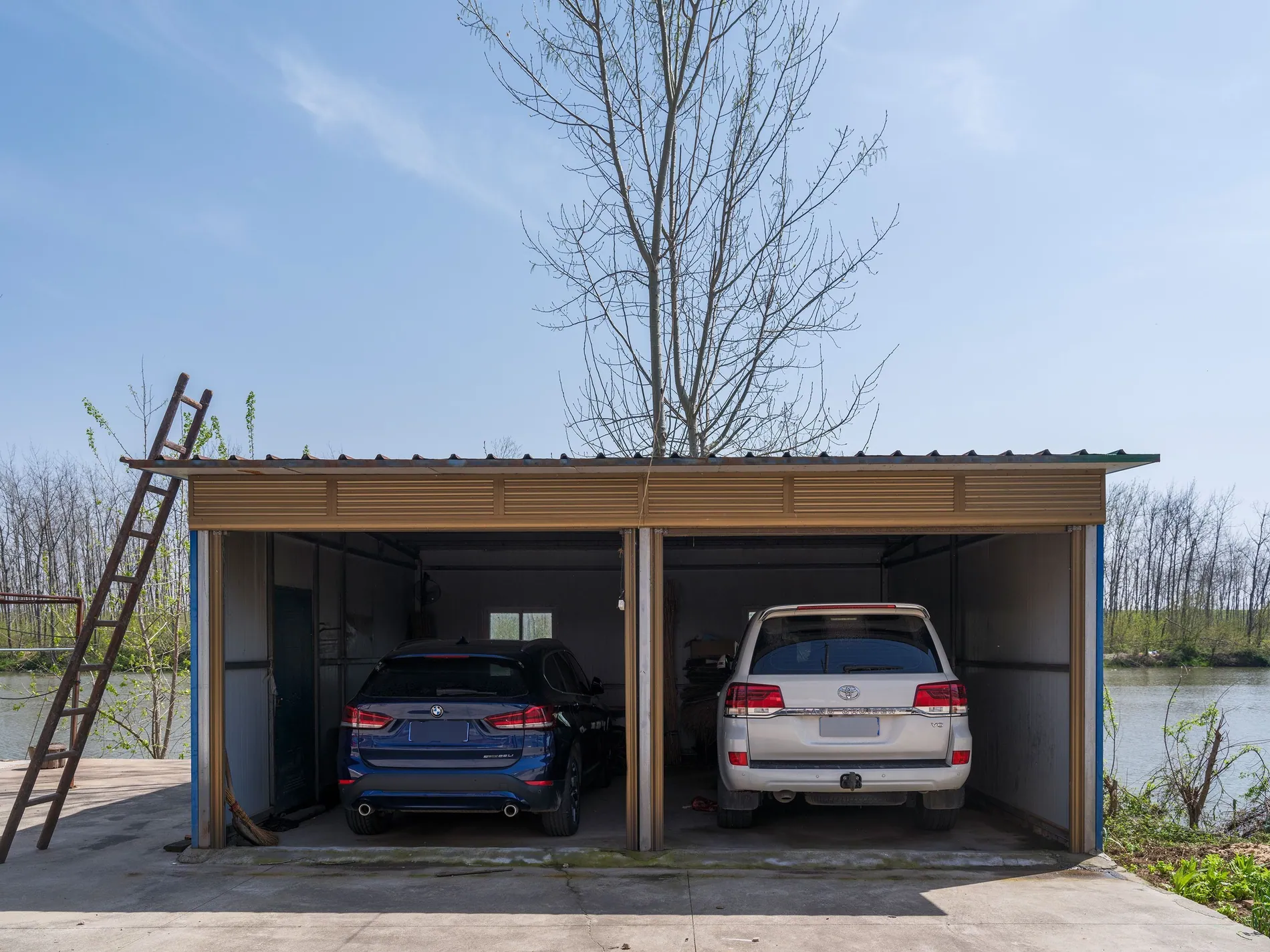
01 · Garage
Two cars parked in an open garage. Both rear plates are blurred, and the cars and the garage stay sharp.
02 · Driveway
Two cars in front of a timber house. The front plates are blurred, the house and the gravel untouched.
An unreadable plate, an untouched car
Zoom in on the finished photo. The plate is blurred inside its own outline, and the bumper, lights and paint around it are exactly as you shot them.
Three steps to blur license plates
License plate blur is a setting of Auto HDR, the Stager AI editor for real estate photographers. It runs as part of your normal edit.
- 01
Turn on Blur License Plates
In the Auto HDR sidebar, switch it on. Your choice is remembered for the next shoot.
- 02
Upload your shoot
Drop in RAW or JPEG brackets, or let Dropbox auto-import send your shoots in for you.
- 03
Plates are blurred
Each photo is checked for visible plates. Every plate found is masked and blurred before the photo is styled.
A strong blur, only where the plate is
The plate is masked on its own and blurred heavily, so it can't be read. The car, the driveway and the house are untouched.
- What changes
- Visible license plates get a strong blur, inside the plate's own outline.
- What stays
- The car, the street and the rest of the photo keep your original pixels.
- Resolution
- Full resolution, the same size as your original files, in JPG or PNG.
- Workflow
- Runs inside your Auto HDR edit, in the web app, through the API or on Dropbox shoots.
For everyone who publishes listing photos
Real estate photographers
Deliver exteriors that are ready to publish, without checking every driveway by hand.
Real estate media companies
Make plate blurring part of every shoot, for every photographer, through the web app, Dropbox or the API.
Real estate agents
Publish your listing without showing your sellers' or their neighbors' cars to the world.
Check the result before you publish
Plates are found automatically, which works on most photos. A plate that's very small, at an angle or partly hidden can be missed, so give exteriors a quick look before they go live.
Part of every Auto HDR edit
License plate blur is a setting of Auto HDR and costs nothing extra. Each edited photo uses 1 photo credit. Plans start at 10 photos a month, and unused photos roll over.
No subscription? Ask us in the chat for a pay-per-photo deal, as low as $0.25 per photo depending on volume.
Questions about license plate blurring
With Stager AI, switch on Blur License Plates in the Auto HDR sidebar and upload your shoot. Each photo is checked for visible plates, and every plate found is masked and blurred.
Blurred, with a strong blur inside the plate's outline, so the characters can't be read.
No. Only license plates are blurred. The car and the rest of the photo keep your original pixels.
It works on any photo where a plate is visible, like a garage or a view through a window. Photos without a plate are left as they are.
It can happen with very small, angled or partly hidden plates. Check your exteriors before you publish, and blur anything left with the retouch tools in Review Images.
Yes. Turn it on in your Dropbox settings to apply it to every shoot, or send blurLicensePlates: true on each HDR request in the API.
Nothing extra. It's part of your Auto HDR edit: each edited photo uses 1 photo credit. Plans start at 10 photos a month and unused photos roll over. For high volumes without a subscription, ask us in the chat for a pay-per-photo deal, as low as $0.25 per photo.
Publish exteriors without a readable plate
Turn on Blur License Plates, upload your shoot and get photos that respect everyone's privacy. Your first photos are on us.