AI quality control for real estate photos
Before a gallery goes out, someone has to look at every photo. AI QA does the first pass: each finished photo gets a score from 1 to 10 and a short note, so you know exactly which ones to check.
- A score for every photo
- A note on what to check
- No extra credits
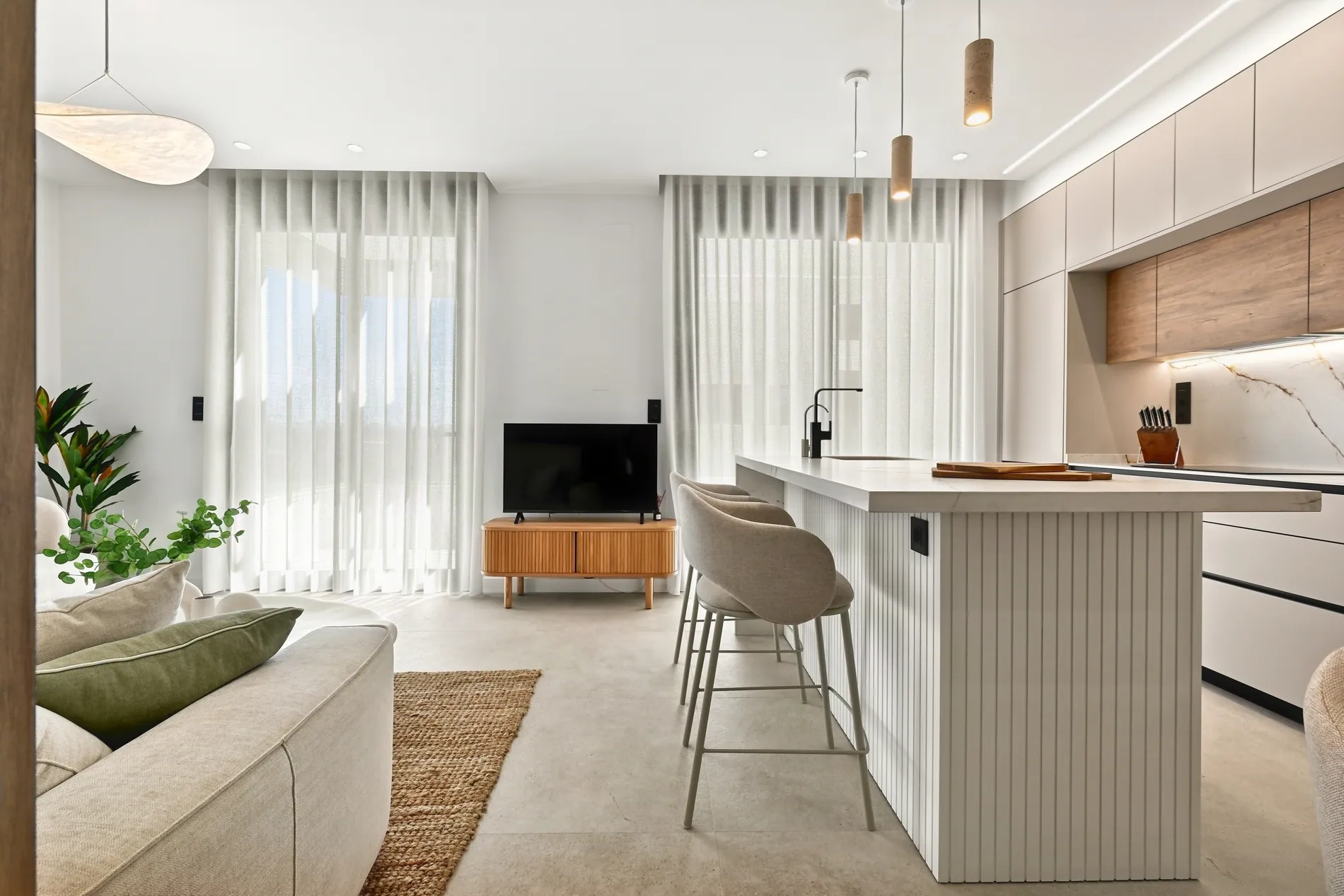 Living roomBalanced exposure, clear window view, straight verticals.9
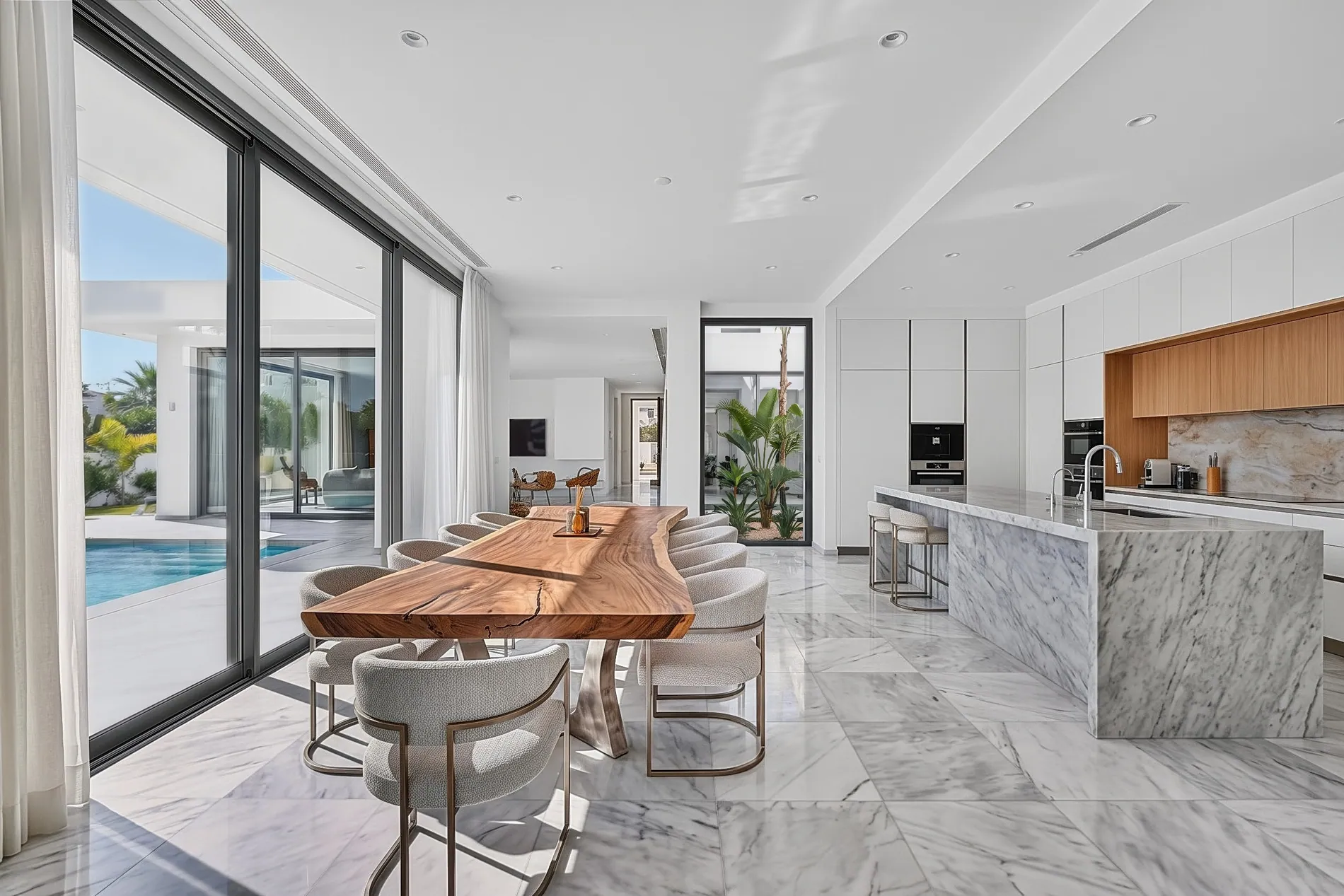 KitchenClean result. Slight halo along the window frame.8
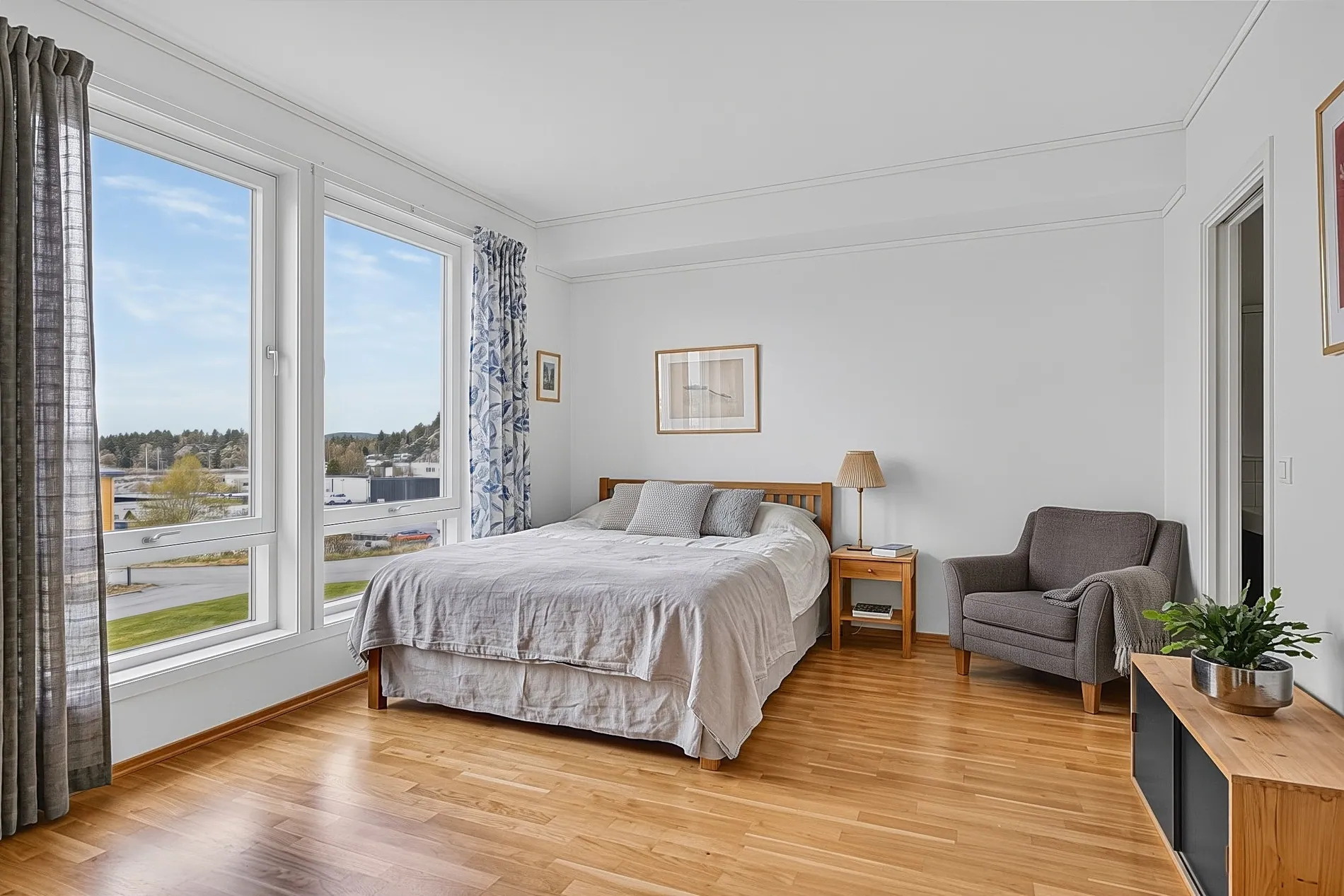 BedroomWarm cast on the ceiling. Check the white balance.6
Check the photos that need it, not all of them
Quality control is the last step of real estate photo editing, and the one that gets skipped when the day runs long. AI QA reviews the whole shoot, so your eyes go where they're needed.
Catch issues before the client
A halo, a color cast or a crooked wall is cheaper to fix before delivery than after a complaint.
Review at volume
A media company delivers hundreds of photos a day. Sorting by score shows where to look first.
Know what changed
Each edit is compared with your merged brackets, so anything added, removed or altered is flagged.
Run AI QA on a project in three steps
AI QA is part of Auto HDR, the Stager AI editor for real estate photographers. You run it on a project when its photos are finished.
- 01
Edit your shoot
Upload your brackets, from the web app or Dropbox, and let Auto HDR finish the photos.
- 02
Run AI QA
Click Run AI QA on the project. Every finished photo is reviewed, a few at a time.
- 03
Check the low scores
Read the notes, fix or reprocess what needs it, and deliver the rest with confidence.
The checklist a senior editor would use
For HDR photos, AI QA compares the merged brackets with the final edit. For other edits, it compares the original with the latest result.
- Light
- Exposure balance, highlight and shadow detail, and how the window views came out.
- Color
- White balance, color casts and natural saturation.
- Geometry and finish
- Straight verticals and perspective, sharpness, noise, halos and other artifacts.
- Faithfulness
- Anything that was added, removed or changed compared with the original.
For everyone who signs off a gallery
Real estate photographers
A second pair of eyes at the end of a long day, before the gallery goes to your client.
Real estate media companies
Check every shoot from every photographer without a full-time reviewer looking at each photo.
Real estate agents
Editing your own photos? Get a quick check that nothing looks off before the listing goes live.
A score to guide you, not a replacement for your eye
AI QA tells you where to look. It doesn't change your photos, and a high score isn't a guarantee: you still decide what gets delivered.
AI QA is free
Running AI QA doesn't use photo credits. You only pay for the photos you edit: 1 photo credit each. Plans start at 10 photos a month, and unused photos roll over.
No subscription? Ask us in the chat for a pay-per-photo deal, as low as $0.25 per photo depending on volume.
Questions about AI QA
It's an automatic review of your finished photos. AI QA looks at each one, compares it with the original and gives it a score from 1 to 10 with a short note on what's good or what to check.
Exposure, highlight and shadow detail, window views, white balance and color casts, saturation, straight verticals, sharpness, noise, halos and other artifacts, and anything added, removed or changed compared with the original.
No, you run it when you're ready. Click Run AI QA on a project and every finished photo in it is reviewed.
No. It only reads them and reports a score and a note. You decide what to fix, reprocess or deliver.
Run it again. Photos that were already reviewed keep their result, and only the new ones are checked.
Yes. For edits other than HDR, it compares the original with the latest result and checks realism, architecture, scale and artifacts.
Nothing. AI QA doesn't use photo credits. Edited photos use 1 photo credit each. Plans start at 10 photos a month and unused photos roll over. For high volumes without a subscription, ask us in the chat for a pay-per-photo deal, as low as $0.25 per photo.
Deliver every gallery with a second look
Edit your next shoot with Auto HDR and run AI QA before it goes out. Your first photos are on us.