Virtual staging for real estate agents, listings buyers can picture
Turn empty rooms into furnished homes, refresh dated ones and clean up every listing photo in seconds. No stager, no designer, no waiting.
- 10 free renders to try it
- No credit card needed
- On web, iOS and Android
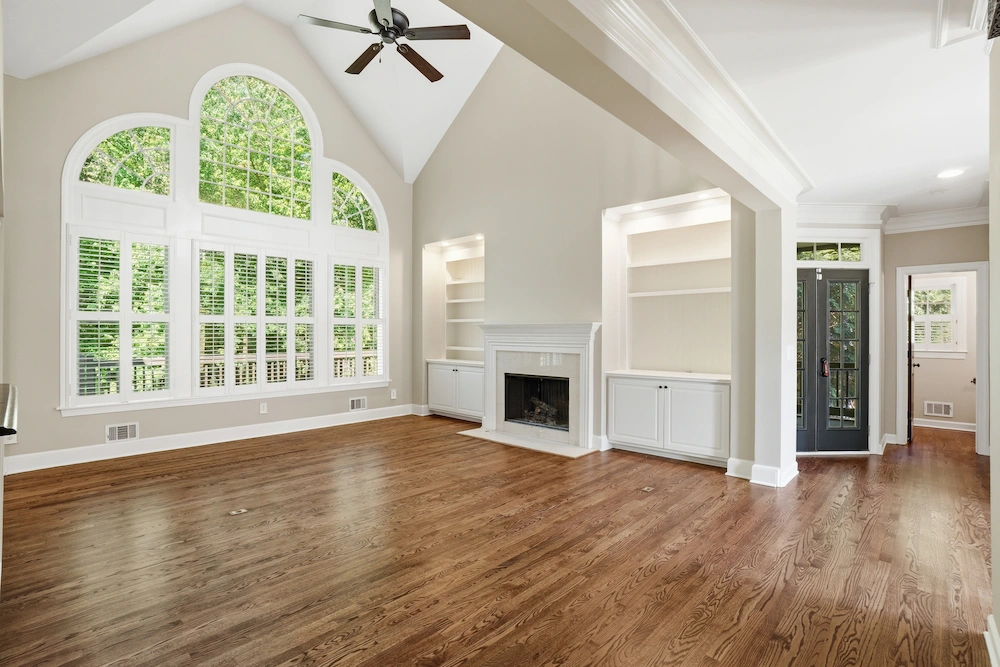

Buyers decide from the photos
Buyers scroll the listing photos before they book a viewing. Empty, cluttered or dated rooms are easy to scroll past.
Empty rooms look small
Without furniture, buyers can't judge the size of a room or picture how they'd live in it.
Dated furniture distracts
The seller's furniture isn't what you're selling, but it's all buyers see.
Clutter steals attention
Boxes, bins, cars and personal items pull the eye away from the space.
Staging takes time and budget
Physical staging means furniture rental, movers and days of waiting before the listing goes live.
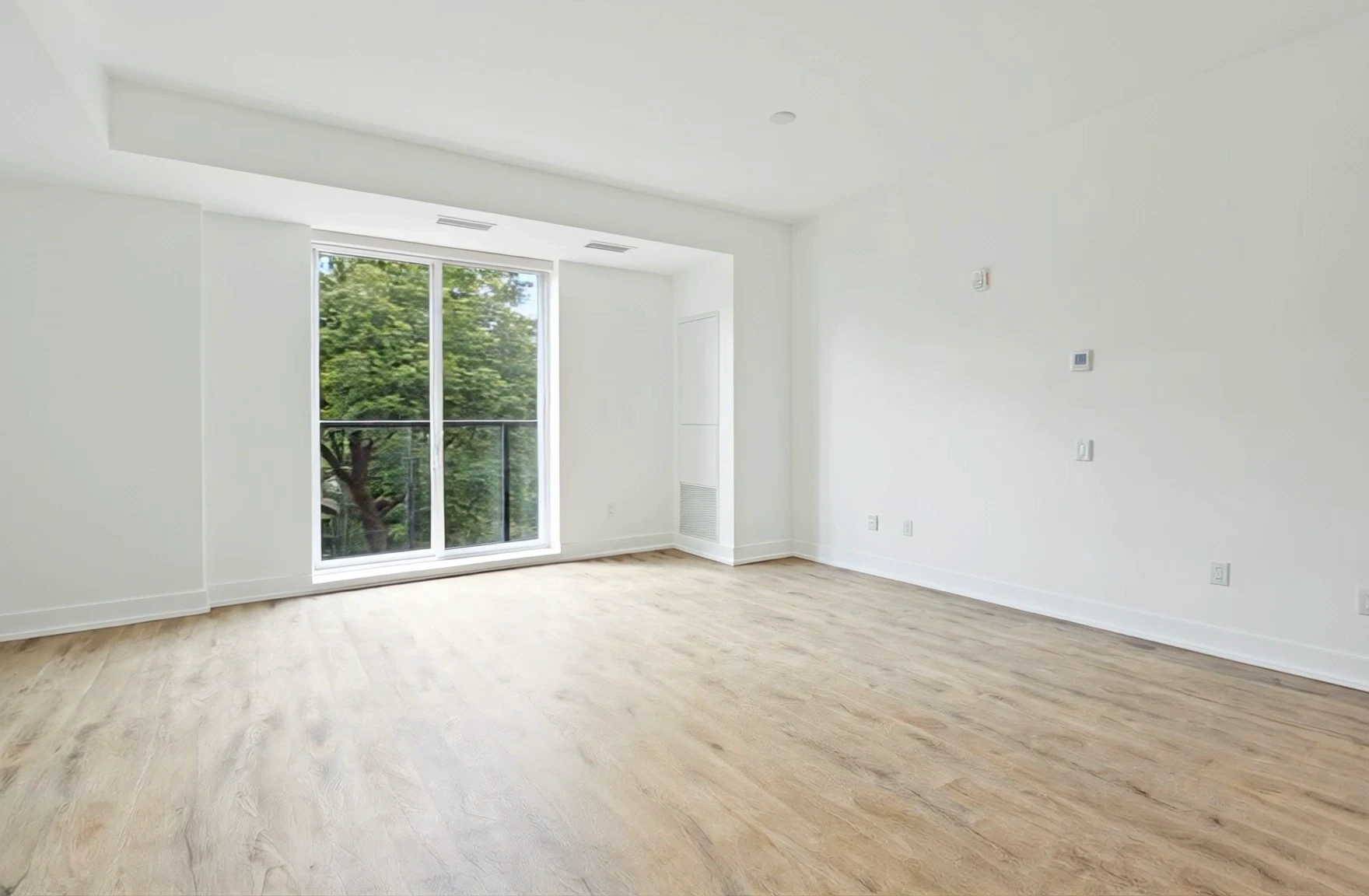
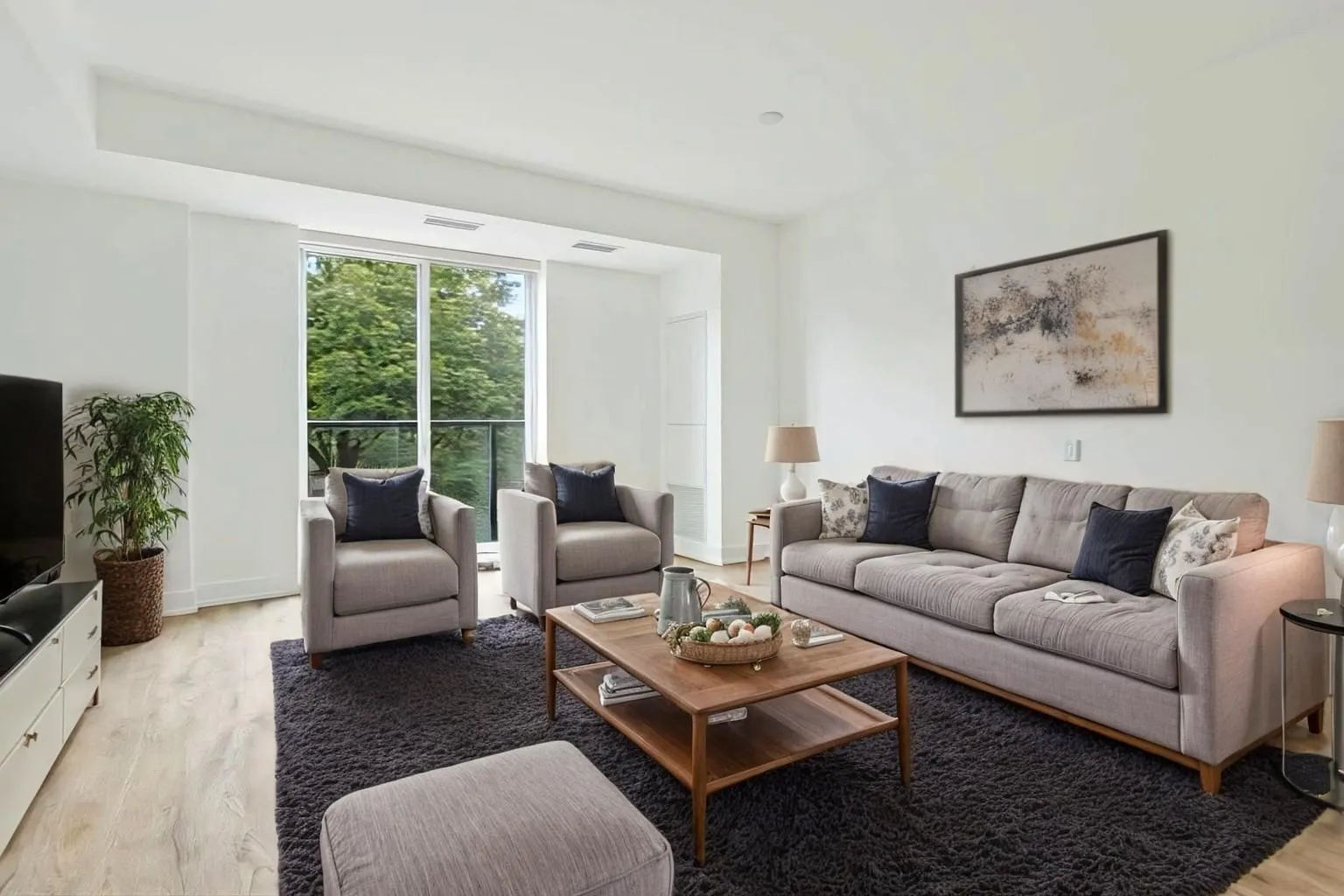
Furnish an empty room in seconds
Upload a photo of an empty room, pick the room type and a style, and Stager AI furnishes it with realistic furniture and decor.
- 19 room types, from living rooms to home offices
- 11 interior styles, from Scandinavian to Luxury
- Replace the seller's furniture with one click
- 9 free re-renders per photo to try other styles
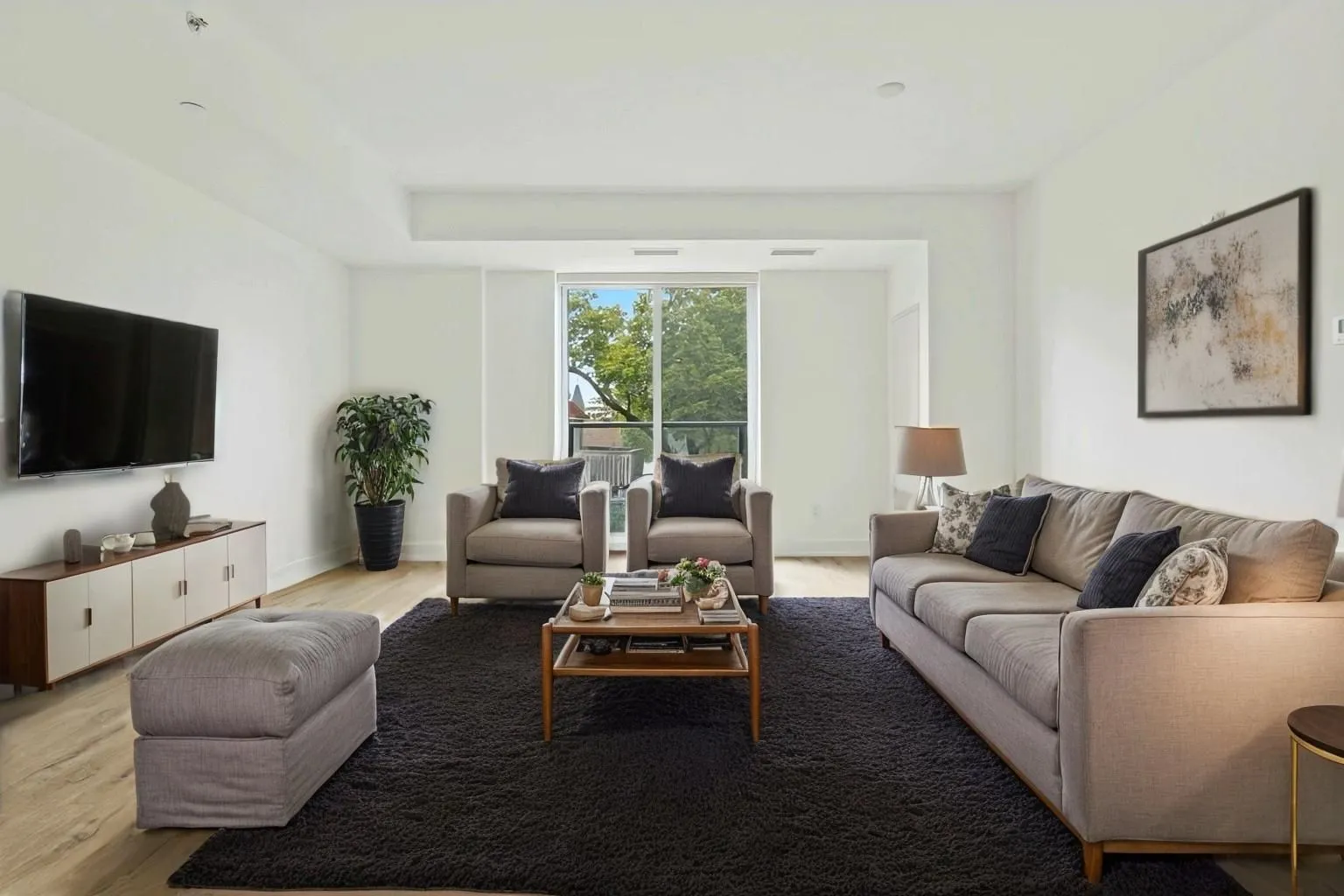
Every angle of the room, the same furniture
Listings show a room from more than one angle. Upload 2 to 4 photos of the same room and stage them together, so the sofa, rug and art match from shot to shot. Small differences can still appear between photos.
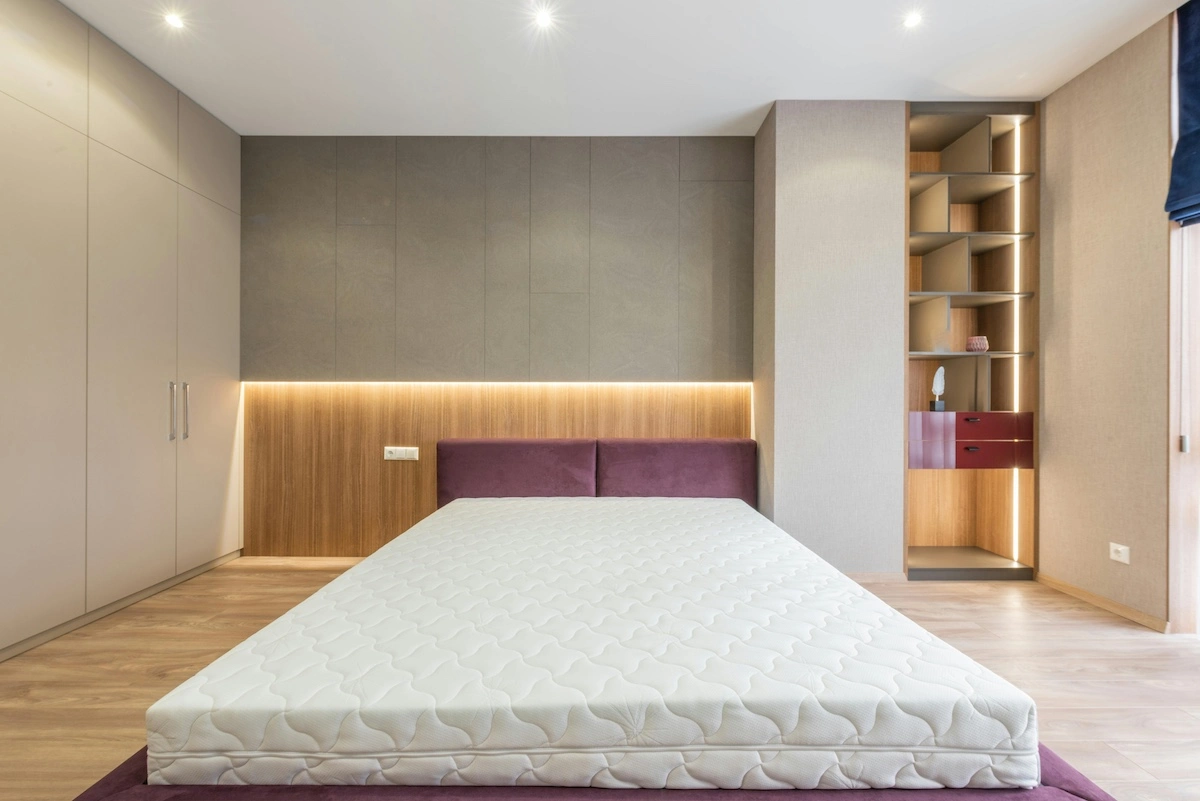
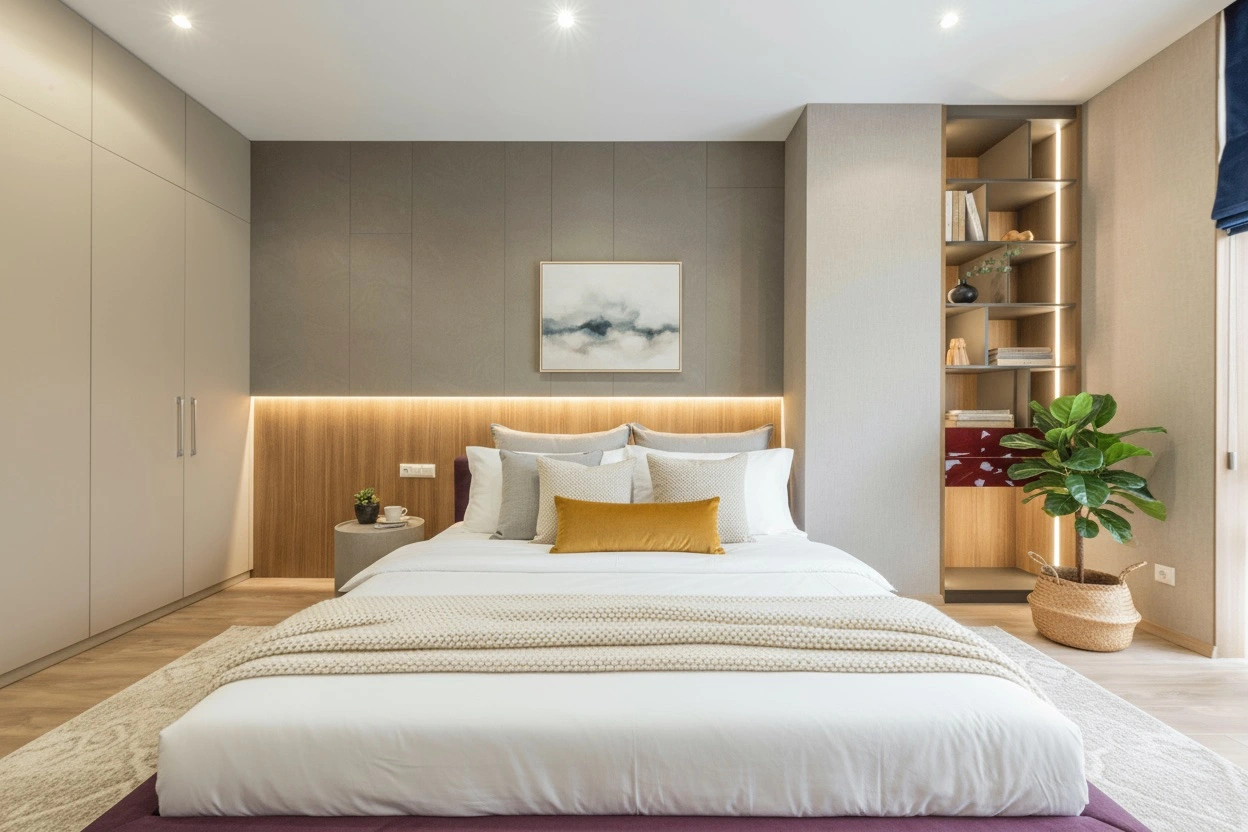
Already furnished? Make it feel finished
Keep the seller's furniture and add only decor: bedding, cushions, plants, art and rugs. A quick lift for rooms that are furnished but flat.
- Keeps every piece of furniture in place
- Adds the finishing touches a stager would bring
- Made for occupied homes and rentals
Change any detail with a sentence
Describe the change in your own words and the AI Photo Retoucher edits the photo: swap a dated bed for a modern one, remove a box from the floor or add a plant by the window.
- Type what to change and where, no editing skills needed
- Most edits are ready in seconds
- Every version is kept, so you can always go back
Erase what shouldn't be in the listing
Brush over a car, a bin, a cable or a family photo and Stager AI removes it and fills in what was behind it.
- Remove cars, bins and clutter from exteriors
- Take out personal items and photos indoors
- Clear a room completely before you stage it


Everything You Need to Edit Real Estate Photos Professionally
AI Tools for Every Real Estate Photo Edit
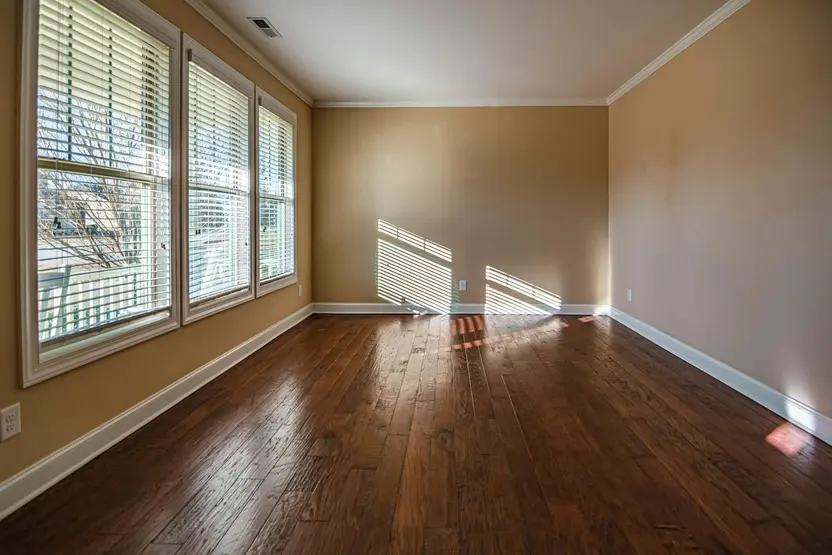
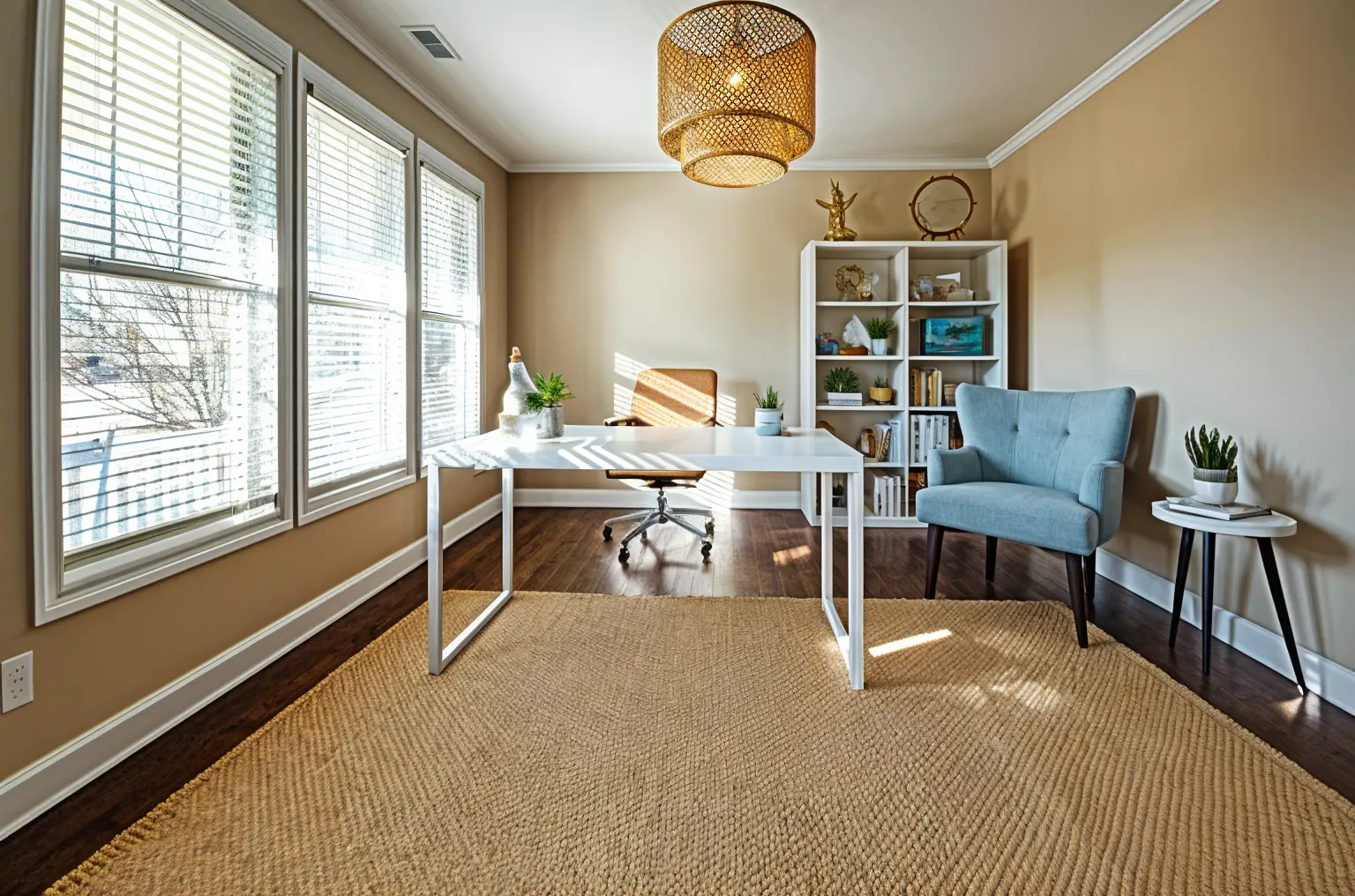
Virtual Staging
Transform empty rooms with realistic furniture and decor in seconds.
Multi-Angle Staging
Stage up to 4 photos of one room with the same furniture in every angle.

Magic Eraser
Remove unwanted objects like cords, trash cans, or people in seconds.
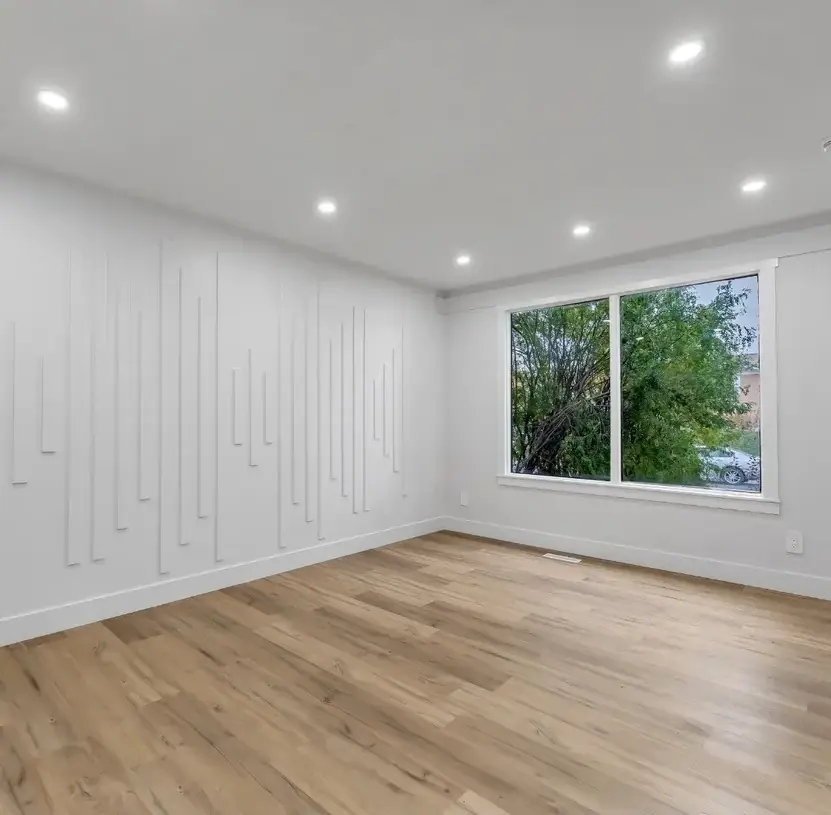
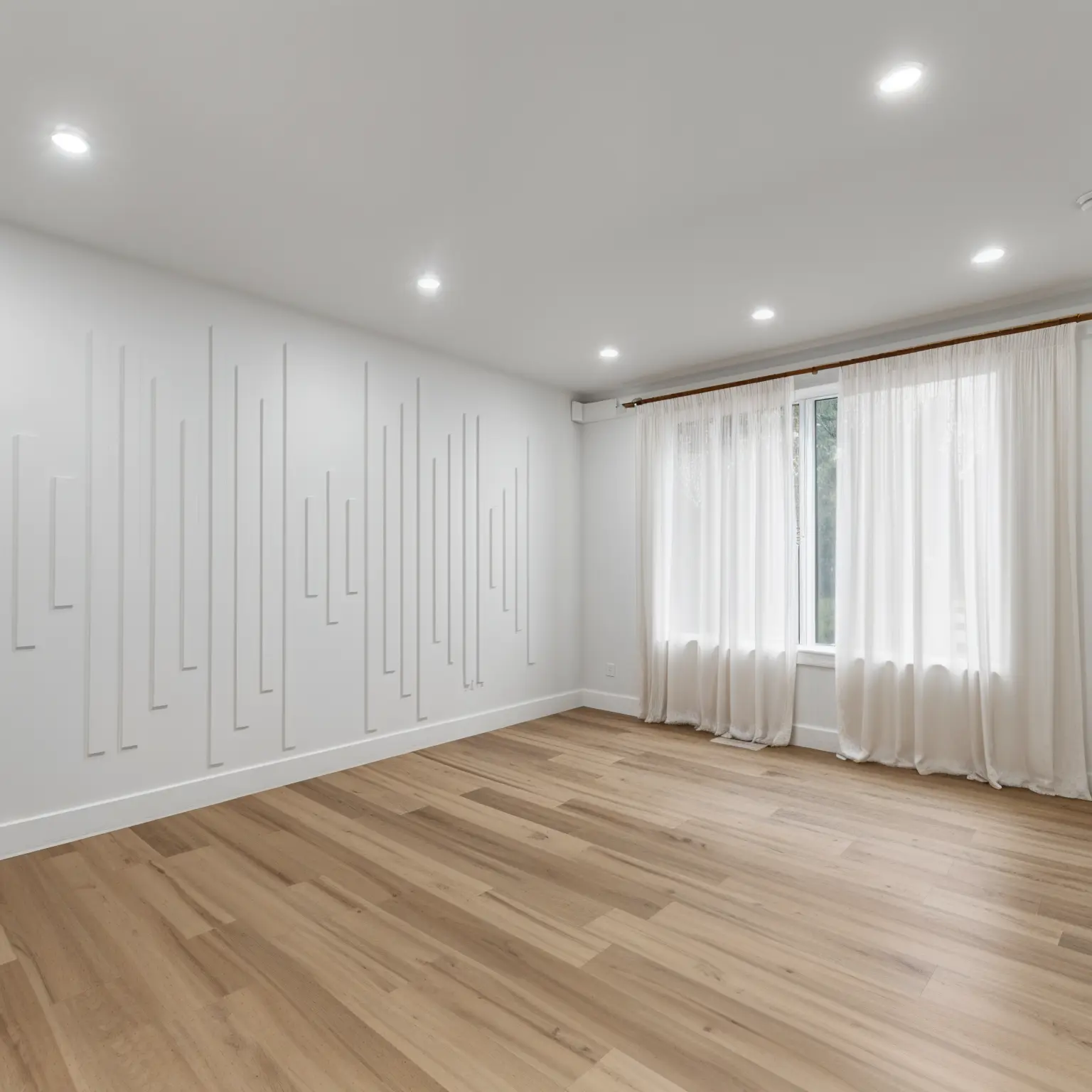
Magic Retoucher
Clean up marks, stains, wall damage, and distracting imperfections.
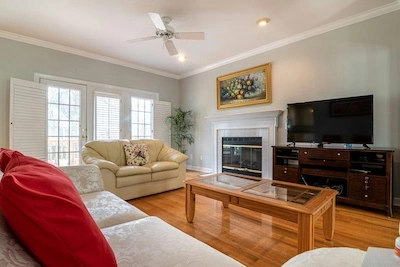
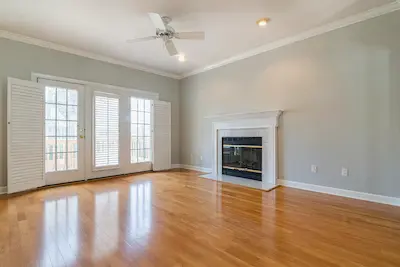
Virtual Declutter
Instantly remove clutter and create clean, spacious interiors.

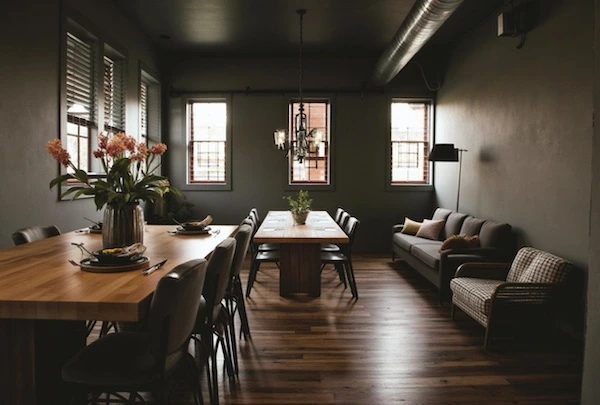
Virtual Renovation
Visualize complete renovations with modern finishes and upgrades.


Lawn Replacement
Transform dry or patchy grass into a vibrant green lawn.


Sky Replacement
Replace dull skies with bright blue skies or dramatic sunsets.


Day to Dusk
Convert daytime exterior photos into stunning twilight shots.
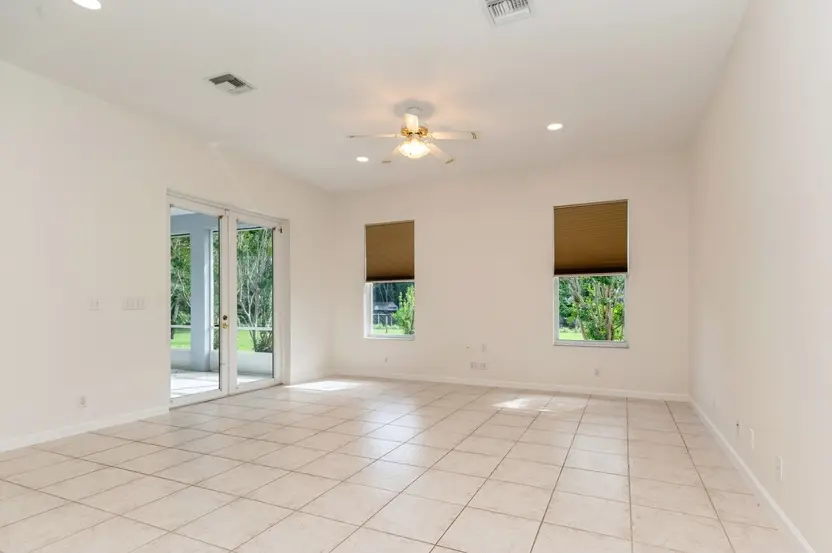
Floor Replacement
Swap outdated flooring with modern wood, tile, or carpet styles.

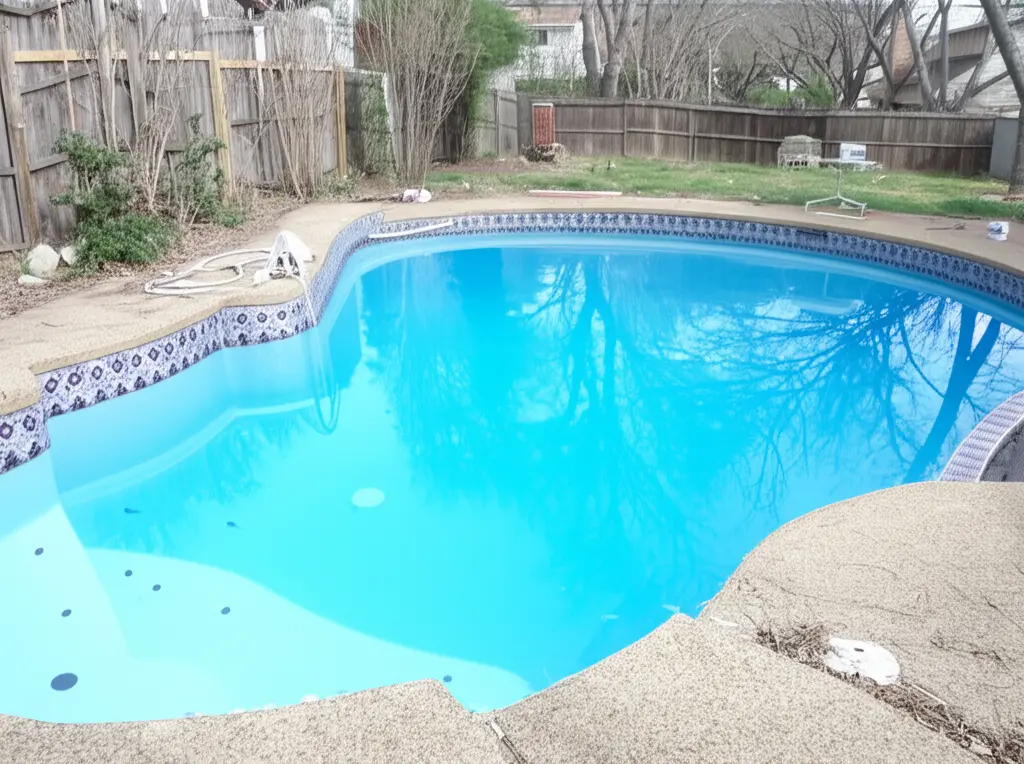
Water Enhancement
Enhance pools and water features with crystal-clear blue water.
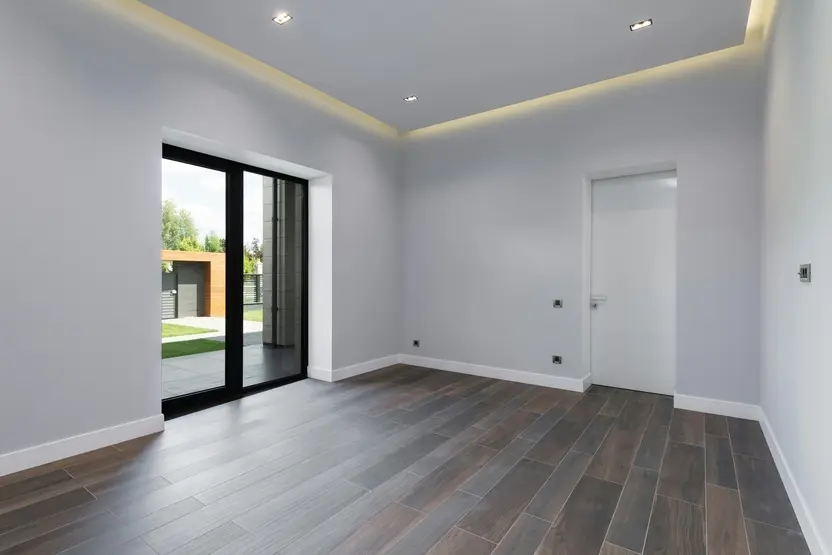
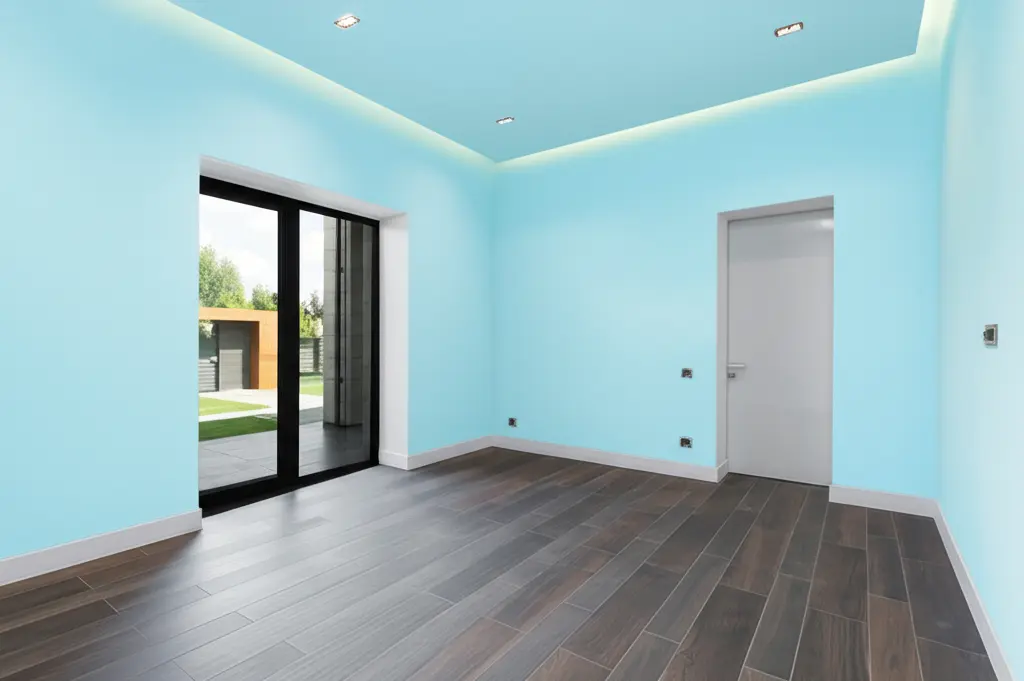
Wall Painter
Preview new wall colors instantly with realistic AI repainting.

Interior Enhancement
Improve lighting, sharpness, and overall room presentation.
From listing photo to finished photo in three steps
- 01
Upload your listing photos
Photos from your photographer, your phone or an existing listing.
- 02
Pick a tool and a style
Stage, refresh or retouch. Compare before and after, and re-render for free.
- 03
Download and publish
High-resolution downloads on any paid plan, ready for portals, flyers and social media.
At your desk or on the go
In your browser
Stage and retouch from any computer, with nothing to install.
On your phone
Use the Stager AI app for iOS and Android right after a walkthrough.
With your photographer
Working with a photographer? They can add staging and retouching to your shoot with Stager AI.
Stager AI for photographersShow the potential, honestly
Virtual staging shows how a home could look. Label staged photos as virtually staged, keep the original photo in the listing where you can, and never use edits to hide defects or change the property itself.
Plans from 10 photos a month
Each photo uses 1 credit and includes 9 free re-renders. Growth, with 30 photos a month, is the most popular plan with agents.
- Try 10 renders free, no credit card
- Watermark-free, high-resolution downloads
- Unused photos roll over for up to 6 months
- Cancel anytime
Questions from agents
Virtual staging adds furniture and decor to a photo of a room with AI. You upload a listing photo, pick the room type and a style, and Stager AI returns the room furnished, ready for your listing, without renting or moving any furniture.
No. Pick a room type and a style and click a button. If you want more control, you can add instructions in plain words, choose colors or upload your own furniture.
Yes. Tick “replace existing furniture” to swap the seller's furniture for new pieces in your chosen style. To keep the furniture and add only decor, use subtle staging. To empty the room first, use decluttering.
Usually a few seconds per photo. At busy times it can take a few minutes. Every photo includes 9 free re-renders, so you can try other styles before you publish.
In many markets and on many portals, yes. Label staged photos as virtually staged, keep the original photo in the listing where you can, and never use edits to hide defects or change the property itself.
Yes. You can upload any listing photo you have the right to use. If you're unsure, check your agreement with the photographer.
Plans start at 10 photos a month. Each photo uses 1 credit and includes 9 free re-renders, unused photos roll over for up to 6 months, and you can cancel anytime. You can try 10 renders free first, with no credit card.
Yes. Stager AI works in any browser and has apps for iOS and Android, so you can stage and retouch photos right after a walkthrough.
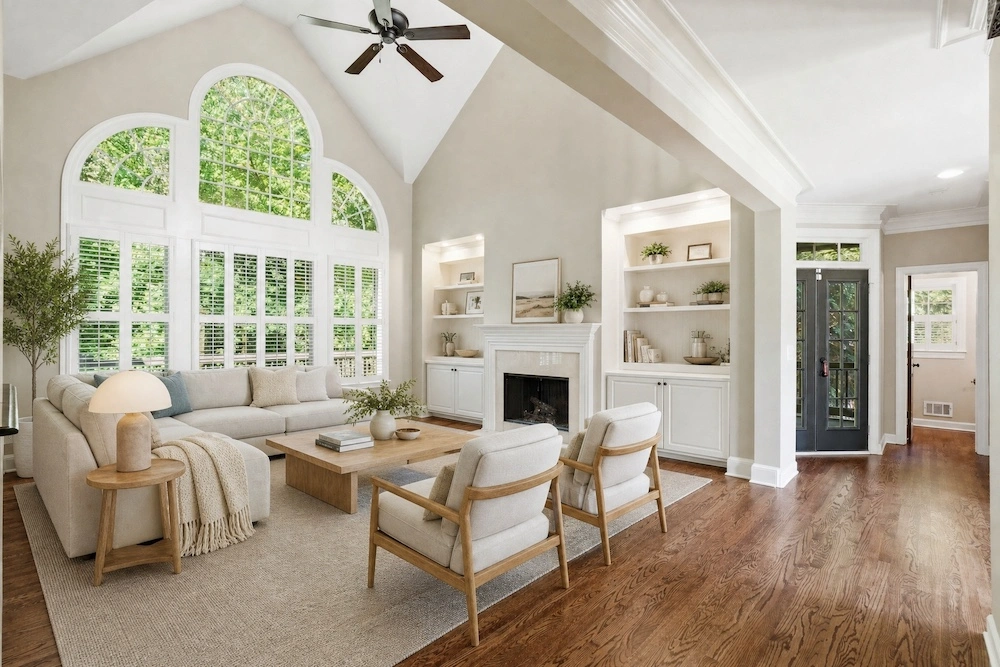
Give your next listing rooms buyers can picture
Upload a photo and see it staged or retouched in seconds. Your first renders are on us.