AI window pull for real estate photos, see the view again
Bright windows often turn pure white in real estate photos. Stager AI finds the windows, brings back a natural view and balances the room around it, from a single photo.
10 free renders, no credit card needed


- Works on a single photo
- Windows found automatically
- Fine detail from your original kept
The camera can't expose for the room and the view at once
Outside is far brighter than inside. Expose for the room and the windows turn white. Expose for the windows and the room goes dark.
Photographers fix this with a window pull: they blend the view back in from a darker exposure. When you only have one photo, Stager AI does it for you.
What changes, and what stays
Stager AI edits the photo, then merges the edit back onto your original. You get the new light and view with the detail of your own shot.
Changes
The windows
A clear, natural view replaces the white glare.
The light
Dark corners are lifted and the room is evened out.
The color
Color and contrast are balanced across the room.
Stays
Fine detail
Textures and edges come from your original photo.
The room
Walls, furniture and layout stay as you shot them.
Your framing
The edit is aligned to your original, so nothing shifts.
On exterior photos, the light, color and sky are enhanced instead of the windows.
Shooting brackets? Use Stager AI Auto HDR
The window view enhancer works on one finished photo. If you shoot bracketed exposures, Stager AI Auto HDR pulls the view from your own darker exposures as part of every HDR edit.
Window view enhancer
- Phone photos and single exposures
- Finished photos from a past listing
- A quick fix before a listing goes live
Stager AI Auto HDR
- The real view, from your darker exposures
- A window pull in every HDR edit
- Whole shoots edited at once
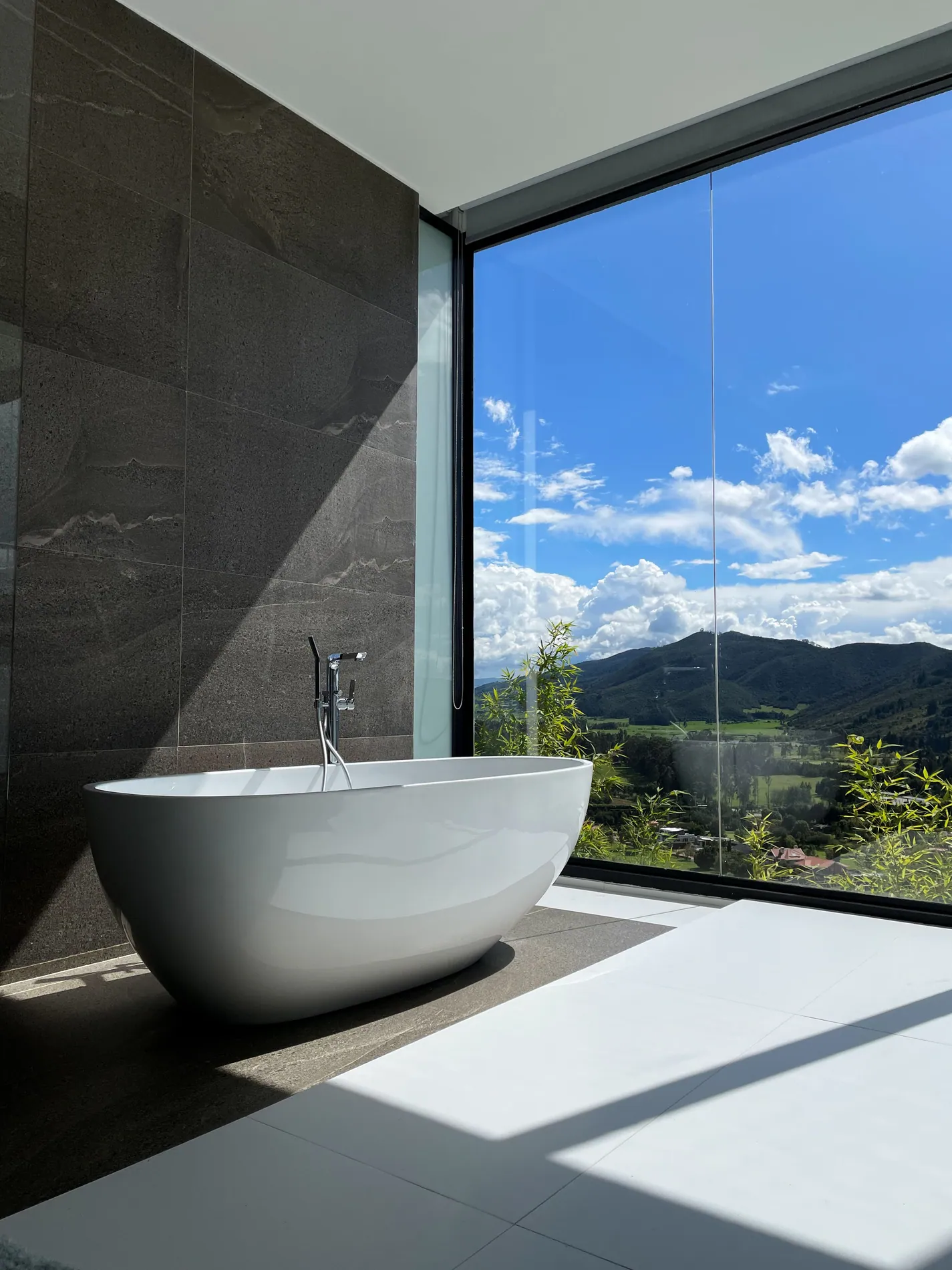
Three steps to a clear view
- 01
Upload the photo
Any interior photo with bright windows, from a camera or a phone.
- 02
Click Enhance Photo Now
Stager AI finds the windows and edits the photo. No masks or selections.
- 03
Compare and download
Check the view against the original, re-render if you want another take, then download.
A clear view, not a different one
Where a window is completely white, there's no detail left to recover, so the view is recreated by AI. Check that it matches what's really outside and re-render if it doesn't. For the exact view, shoot brackets and use Stager AI Auto HDR.
One photo, one credit
Each photo uses 1 credit and includes 9 free re-renders. Plans start at 10 photos a month, and unused photos roll over for up to 6 months.
Editing a lot of photos? With volume, pricing goes down to $0.25 per photo.
Questions about AI window pulls
It's an edit that brings back the outdoor view in windows that came out white. Photographers usually blend in a darker exposure by hand. Stager AI does it automatically, from a single photo.
No. The window view enhancer works on one photo, including phone photos. If you do shoot brackets, Stager AI Auto HDR pulls the view from your own darker exposures.
Where some detail is left in the glass, Stager AI brings it back. Where a window is completely white, the view is recreated by AI. Check that it matches what's outside and re-render if needed.
The room is brightened and its color is balanced. The edit is then merged back onto your original photo, so fine detail, walls and furniture come from your own shot.
Yes. On exterior photos, Stager AI enhances the light, color and sky instead of the windows.
Each photo uses 1 credit and includes 9 free re-renders. Plans start at 10 photos a month. You can try it first with 10 free renders, no credit card needed.
Show buyers the view
Upload a real estate photo with white windows and see the view come back.
10 free renders, no credit card needed