Edit Real Estate Photos
10x Faster with AI HDR Merging
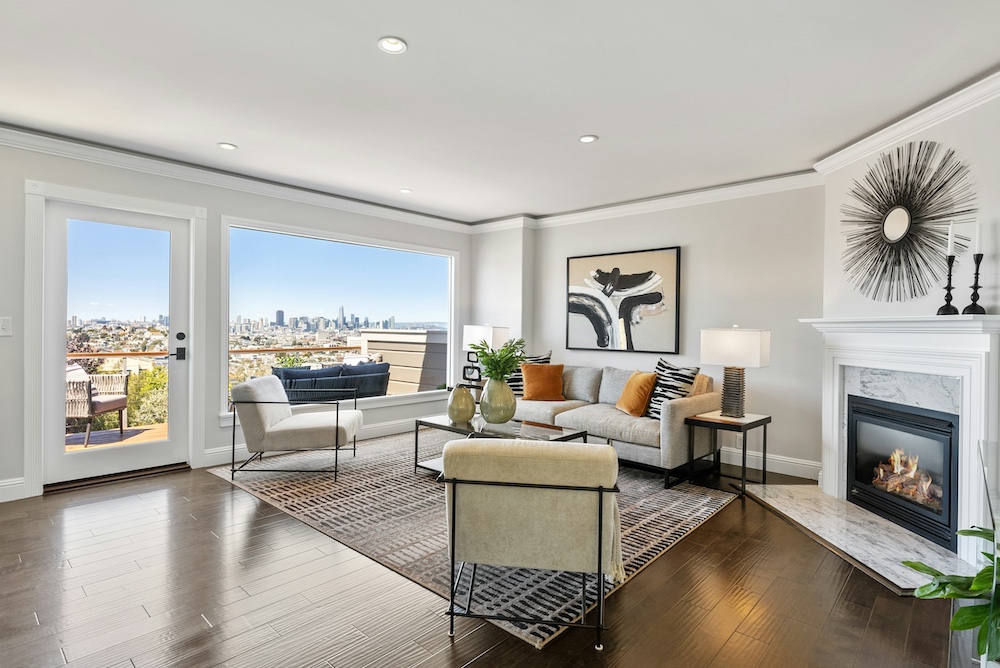
For most real estate photographers, the shoot is the easy part. The real cost lives in editing — the silent hours after the camera is packed away, spent merging brackets, pulling windows, and fighting color casts one frame at a time. AI HDR merging collapses that pipeline. This is a practical look at how it works, why the manual version is so slow, and how studios are cutting per-photo editing time from minutes to seconds.
The Dynamic Range Problem
A camera sensor cannot see what your eyes see. Stand in a living room on a sunny day and you perceive both the warm interior and the garden beyond the glass. Your camera is forced to choose. Expose for the room and the windows blow out to featureless white. Expose for the windows and the interior collapses into muddy shadow.
This gap between the brightest and darkest parts of a scene is its dynamic range, and interiors are notoriously high-range. A single exposure can only ever be a compromise — and in real estate, a blown-out window or a dim, lifeless room is exactly the kind of detail that makes a listing scroll past unnoticed.
What HDR Bracket Merging Does
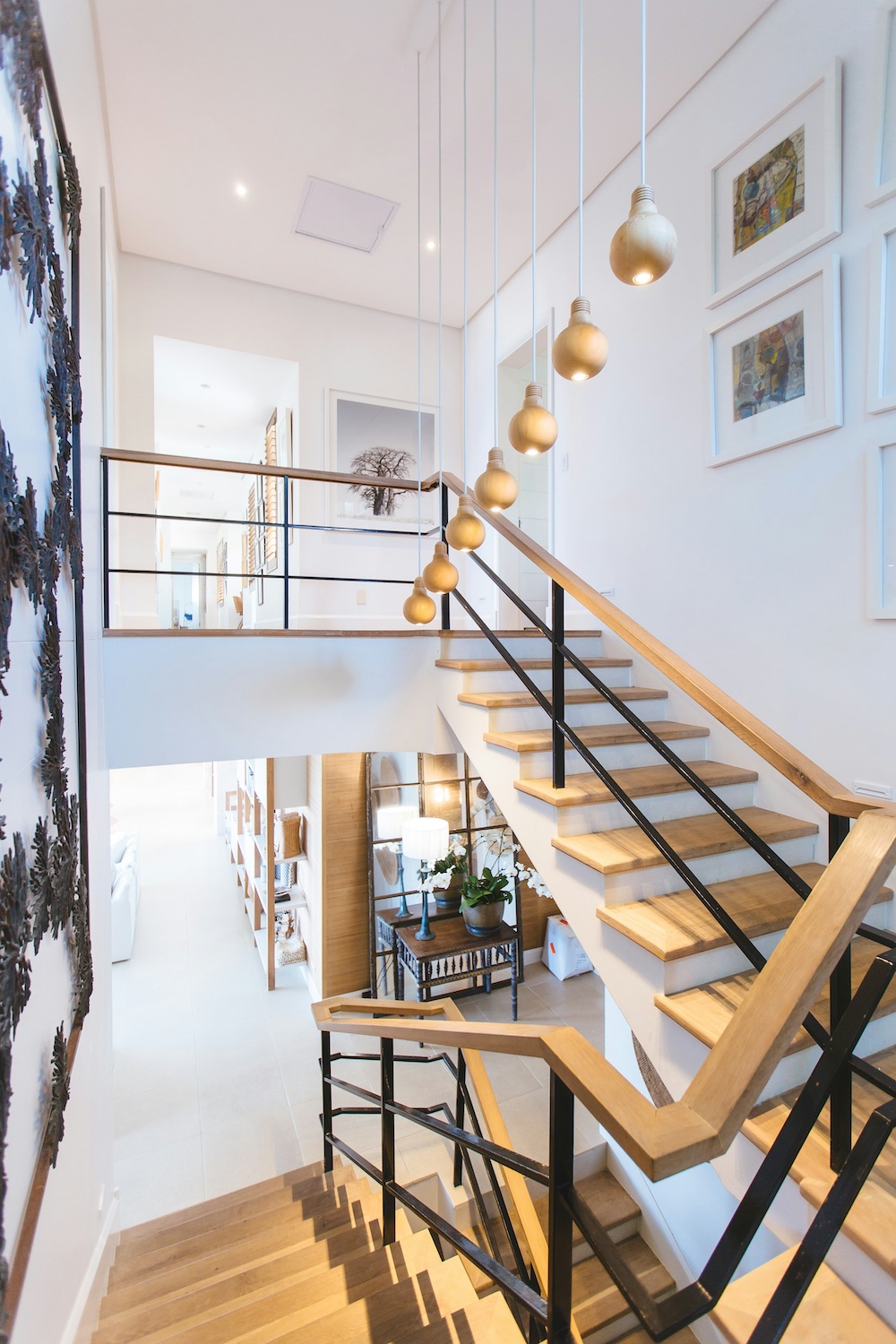
The solution is to refuse the compromise. Instead of one frame, the photographer shoots a bracket — typically three, five, or seven exposures of the same scene, from deliberately dark to deliberately bright. The dark frames preserve the view through the windows; the bright frames recover detail in the shadows.
Merging blends these exposures into a single image that holds detail everywhere at once, then tone-maps it back into a natural, viewable photo. Done well, the result looks like the room felt: crisp windows, true-to-life shadows, and no trace of the brackets it was built from. Done badly, you get the over-cooked "HDR look" — gray halos, neon saturation, and surreal flatness. The difference is almost entirely in the processing.
The Manual Bottleneck
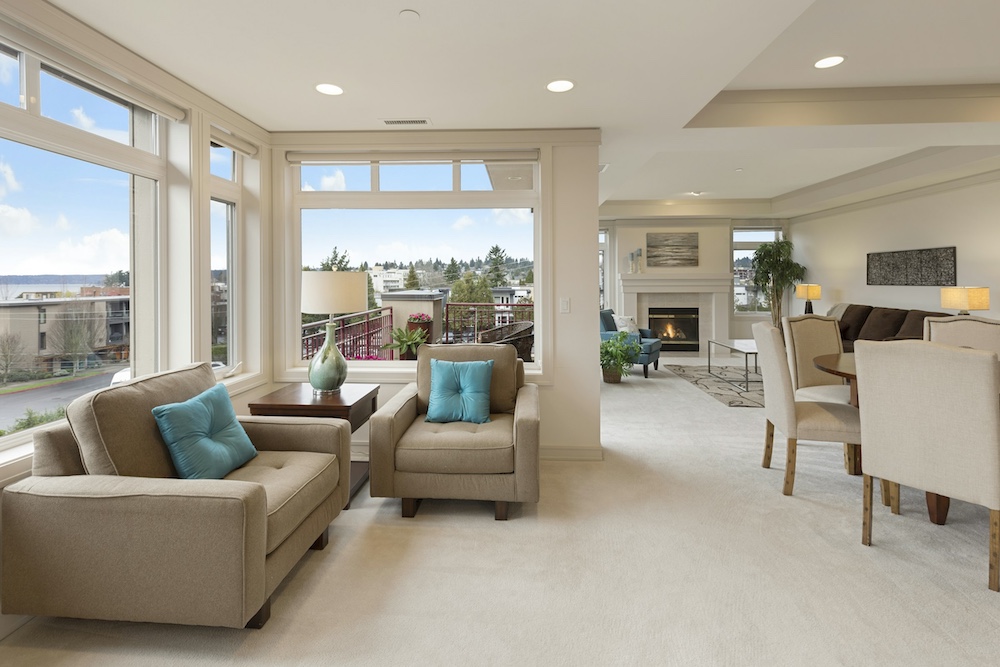
Here is where the hours go. A traditional HDR edit is not one step but a chain: import the RAW brackets, align them, merge, tone-map, neutralize color casts from mixed daylight and tungsten lighting, correct lens distortion, straighten verticals, manually mask and blend a properly exposed window pull, and only then export.
Call it three to five minutes per finished image on a good day — longer when windows need careful blending. Now multiply. A single listing runs 25 to 40 photos, so one property can swallow two hours of editing. Stack a few shoots in a week and editing, not shooting, becomes the ceiling on how much you can deliver. Outsourcing trades the time for per-image fees and overnight turnaround — relief, but rarely speed.
Brackets to Final in Seconds
AI HDR merging compresses that entire chain into a single upload. You drop in your bracketed sets and the model aligns them, merges to a natural tone map, removes color casts, corrects the lens and verticals, and pulls the windows — automatically, per image, across an entire listing at once. The result lands in seconds rather than minutes, with a consistency that manual editing struggles to match frame to frame.
- /SpeedSeconds per image instead of minutes. A 2-hour listing edit can drop to under 15 minutes.
- /Batch ConsistencyEvery photo in a listing is processed to the same look — no frame-by-frame drift in color or tone.
- /Clean OutputNo grunge, no halos, no ghosting from movement between brackets — the artifacts manual HDR fights.
The "10x" is not marketing rounding. If a manual edit is four minutes and an automated one is a handful of seconds of human attention, a 30-photo listing moves from roughly two hours of hands-on work to a few minutes of review. That recovered time is the entire business case — it is shoots you can add, or evenings you get back. This is exactly the bottleneck Stager AI's automatic HDR merging is built to remove.
What AI Handles Automatically
The merge itself is only part of the work. The genuinely tedious tasks — the ones that eat the minutes — are the ones automation removes most completely:
Window pull blends a correctly exposed view back into bright windows, so the garden or skyline reads instead of glaring white. Color-cast removal neutralizes the orange-and-blue clash of mixed lighting. Lens correction and vertical straightening fix the leaning walls of wide-angle interior shots. Ghost and halo cleanup handles movement between frames and the fringing that plagues bad tone maps. And optional sky replacement swaps a flat overcast exterior for a clear one — all without a single manual mask.