The Best AI Real Estate Photo Editing Service in 2026
The real estate photography industry has changed. You no longer have to wait 24 hours for overseas editors or settle for cheap, flat-looking auto-filters. Today, the best AI editing services handle multi-exposure RAW brackets, clean up windows, stage empty rooms, and even render video tours in seconds. We reviewed the top tools on the market to help you find the perfect fit for your studio.
Top 6 AI Real Estate Photo Editors
| Platform | Best For | Price Point | Turnaround Time | RAW HDR Engine |
|---|---|---|---|---|
| 1. Stager AI | Premium Quality, Automation & Scale | From $0.25 / photo | Under 60 Seconds | Native WASM Multi-Bracket |
| 2. Fotello | All-in-one Business Suite | Priced Per Listing | Varies (Queue / Human) | Standard Merging |
| 3. AutoHDR | Dedicated HDR Editors | ~$0.50 / photo | ~30 Minutes | Core Cloud Bracketing |
| 4. Autoenhance.ai | Basic Cloud Enhancements | Up to $0.49 / photo | Standard Queue | JPEG preferred |
| 5. RealtyEdit | Simple Single Adjustments | Tiered Packages | Standard Queue | Standard Processing |
| 6. Fotolabs.co | Entry-level Filters | Tiered Packages | Standard Queue | Basic Color Filters |
Side-by-Side Visual Comparison
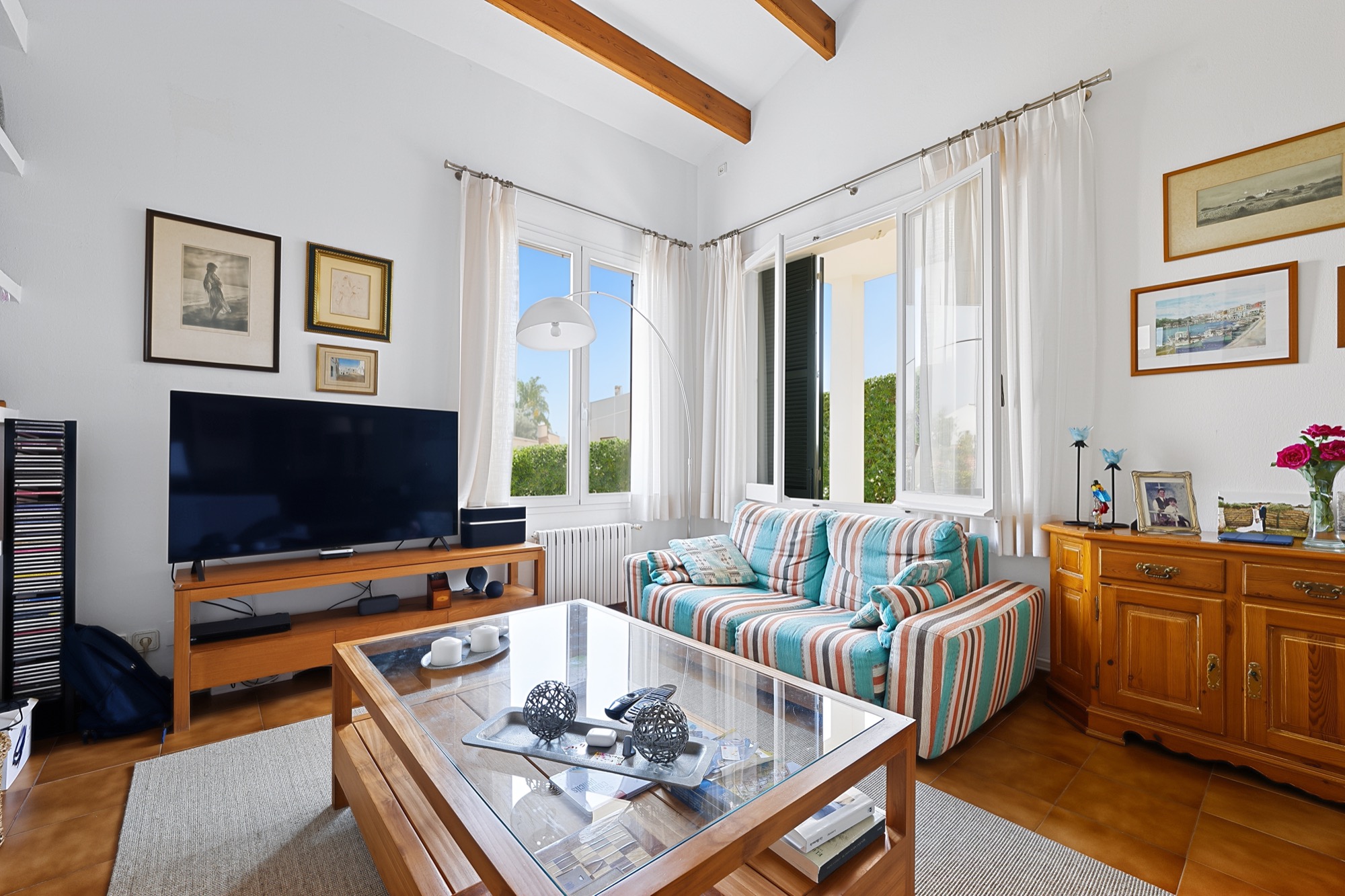
See how each platform processes the exact same straight-out-of-camera source file. Click any card to enter full-screen navigation and cycle through each service's rendering style side by side.
Choosing the Right Editing Service for Your Workflow
1. Stager AI (Best Overall for Quality & Scale)
Stager AI stands out as the most complete and technically advanced platform on the market. Instead of applying basic global color filters, Stager AI uses a native RAW bracket exposure engine (built on LibRaw and WASM) to accurately process real estate photos.
This means you get stunning, magazine-grade window pulls, perfect white balancing, and soft, realistic shadows. Beyond HDR merging, it includes gorgeous 3D virtual staging across 15+ styles, automatic property video generation, and a powerful batch REST API—all at a highly competitive volume price of $0.25 per image.
- ✓ Price: From $0.25 per photo.
- ✓ Speed: Instant processing (under 60 seconds).
- ✓ Best Feature: Native RAW blending and a robust developer API.
2. Fotello (Best for All-in-One Business Management)
Fotello is an excellent choice for solo photographers who want to run their entire business from one dashboard. It bundles booking, delivery, payments, and editing into a single per-listing price.
While highly convenient, it can become expensive if your shoots are small or if you already use a CRM (like Spiro or Aryeo). Because it relies heavily on human-in-the-loop processes, turnarounds are slower than pure AI platforms, but you do gain the safety net of human revisions.
3. AutoHDR (Best for Proven Queue Workflows)
AutoHDR has been around for years and has a solid reputation for delivering clean, consistent HDR blends. It integrates nicely with several delivery platforms and offers a great preview-before-you-pay model.
The main drawbacks are cost and speed. You will generally wait ~30 minutes for a batch to clear their cloud queues, and pricing lands around ~$0.50 per image. Additionally, it lacks advanced tools like virtual staging, video creation, or an open REST API for developers.
4. Autoenhance.ai (Good for Basic Enhancements)
Autoenhance.ai is a straightforward tool designed to handle standard sky swaps, brightness fixes, and perspective adjustments. It’s easy to use and processes quickly.
However, for high-end properties, it tends to flatten architectural details and compress spatial depth, preferring JPEGs over RAW files. At up to $0.49 per photo, it sits at a premium price point for a relatively basic feature set.
5. RealtyEdit (Good for Simple Adjustments)
RealtyEdit delivers solid, reliable contrast enhancements and geometric alignments. It provides a clean dashboard that is perfectly fine for basic rental property touch-ups.
The catch is that it lacks a broader ecosystem. If you need to virtual stage a room or render a cinematic property video, you will have to export your photos and pay for a separate software suite.
6. Fotolabs.co (Entry-Level Option)
Fotolabs.co sits at the entry level of AI editing. It relies on basic global filters that brighten photos and swap skies, but it often struggles with tricky mixed lighting.
You may notice unnatural color casts or over-sharpened edges on more complex interior shots. It lacks the advanced physical light mapping needed for luxury, magazine-quality real estate media.
What to Look For in an AI Real Estate Photo Editor
Native RAW Bracket Support
Standard JPG editors compress your files and ruin highlight recovery. Ensure your tool can ingest RAW DNG brackets natively to protect window views and shadows.
Turnaround Speed vs Quality
Human-assisted platforms can take hours. Basic AI takes minutes. Premium engines like Stager AI run multi-threaded processes to deliver architectural edits in under 60 seconds.
Developer API & Automation
If you manage a team or operate an app, you need a robust REST API with webhooks to handle massive batches without manually clicking through a web portal.
Frequently Asked Questions
Experience Premium AI Editing.
Stop settling for basic filters or slow human queues. Process flawless RAW brackets, deploy 3D virtual furniture, and build cinematic video tours in seconds.