On this page
A brokerage that hires your company expects every listing to look like yours. When one gallery is warm and bright and the next is cool and flat, they notice, even if they can't say what changed. For a real estate media company, a consistent editing style is part of the product you sell.
Consistency has two halves: how photos are shot and how they're edited. This guide covers both, with a focus on what changes when you grow from one photographer to a team.
Where inconsistency comes from
Galleries rarely drift because of one big mistake. It's small differences that add up across photographers, editors and weeks.
| Source | What it looks like | How to fix it |
|---|---|---|
| Different shooters | Different camera heights, bracket counts and white balance | Shooting standards in onboarding |
| Different editors | Each person's own taste in brightness, color and window views | One editing style for every shoot |
| Drifting presets | Small tweaks that become a new look over a few months | Settings saved in one place, changed on purpose |
| Different upload routes | Shoots uploaded by hand edited differently from automated ones | The same style in the web app, Dropbox and API |
Write your look down first
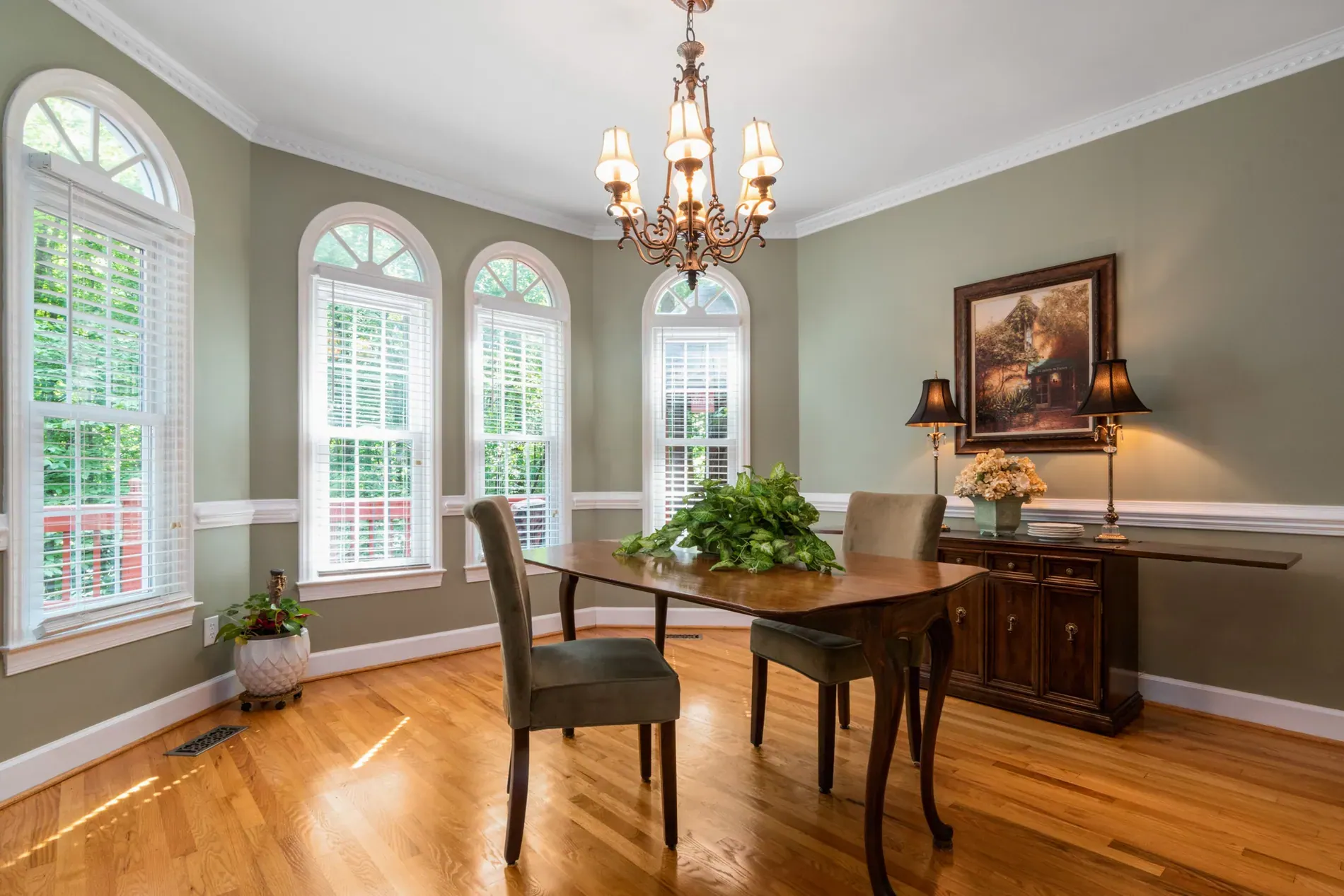
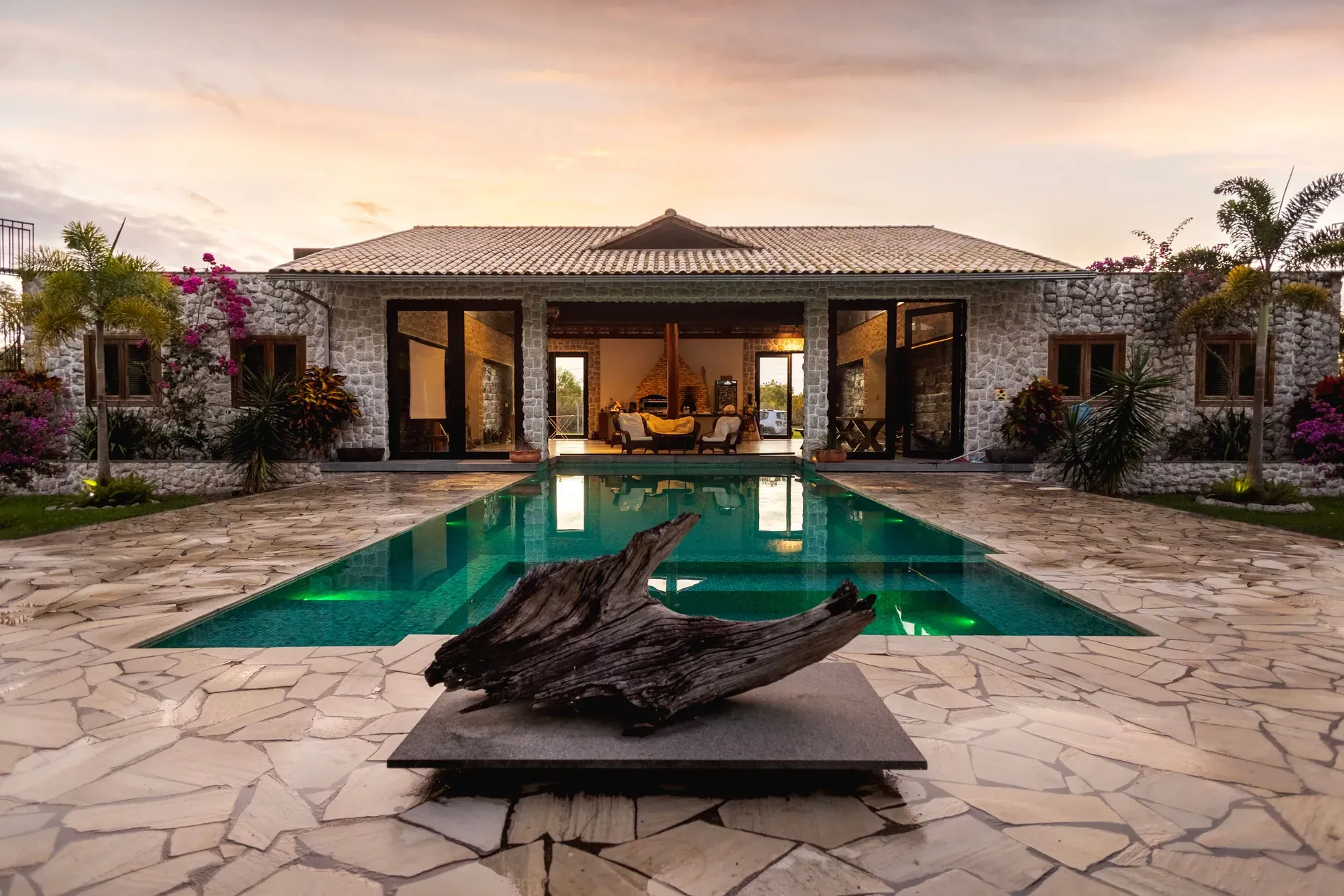
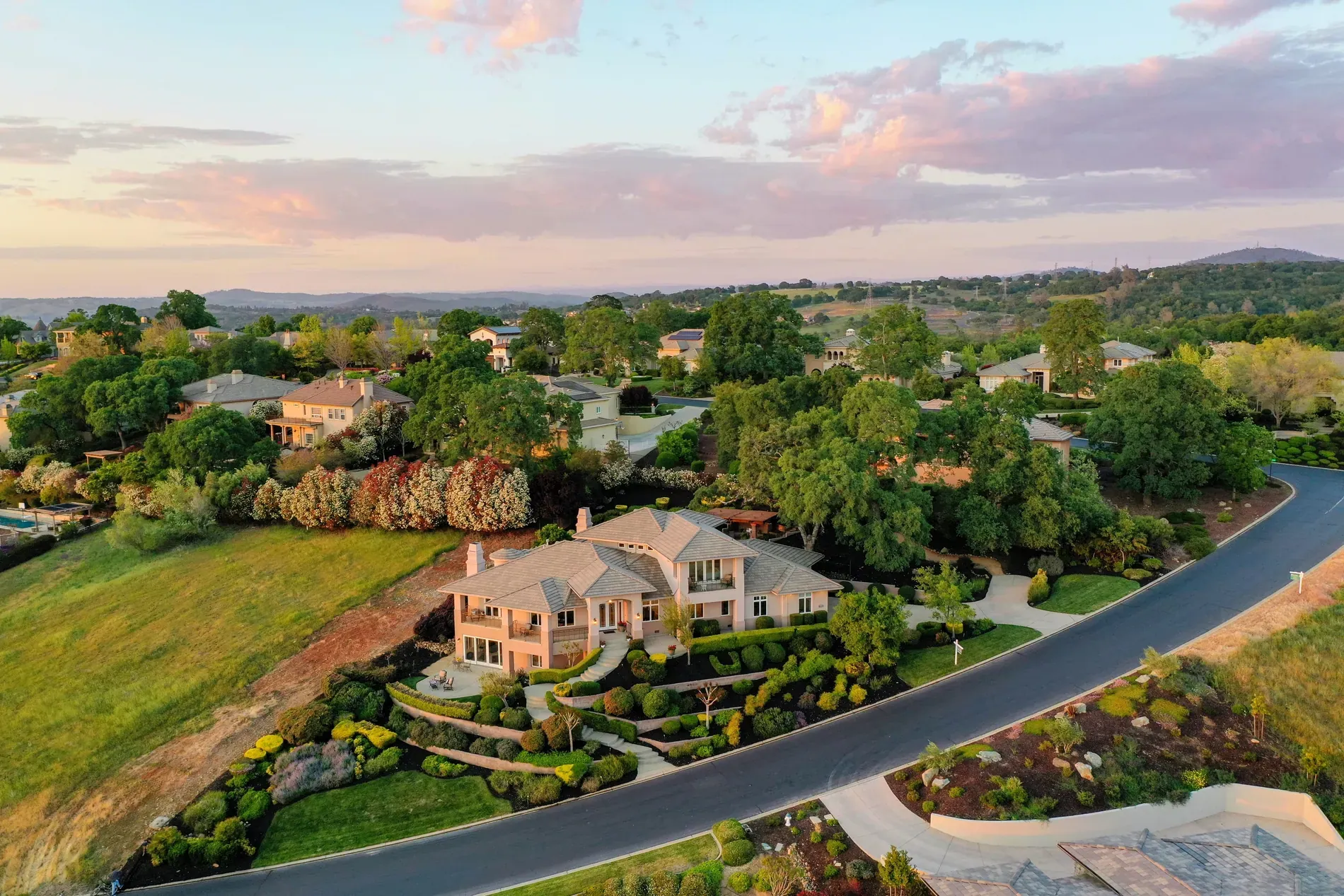
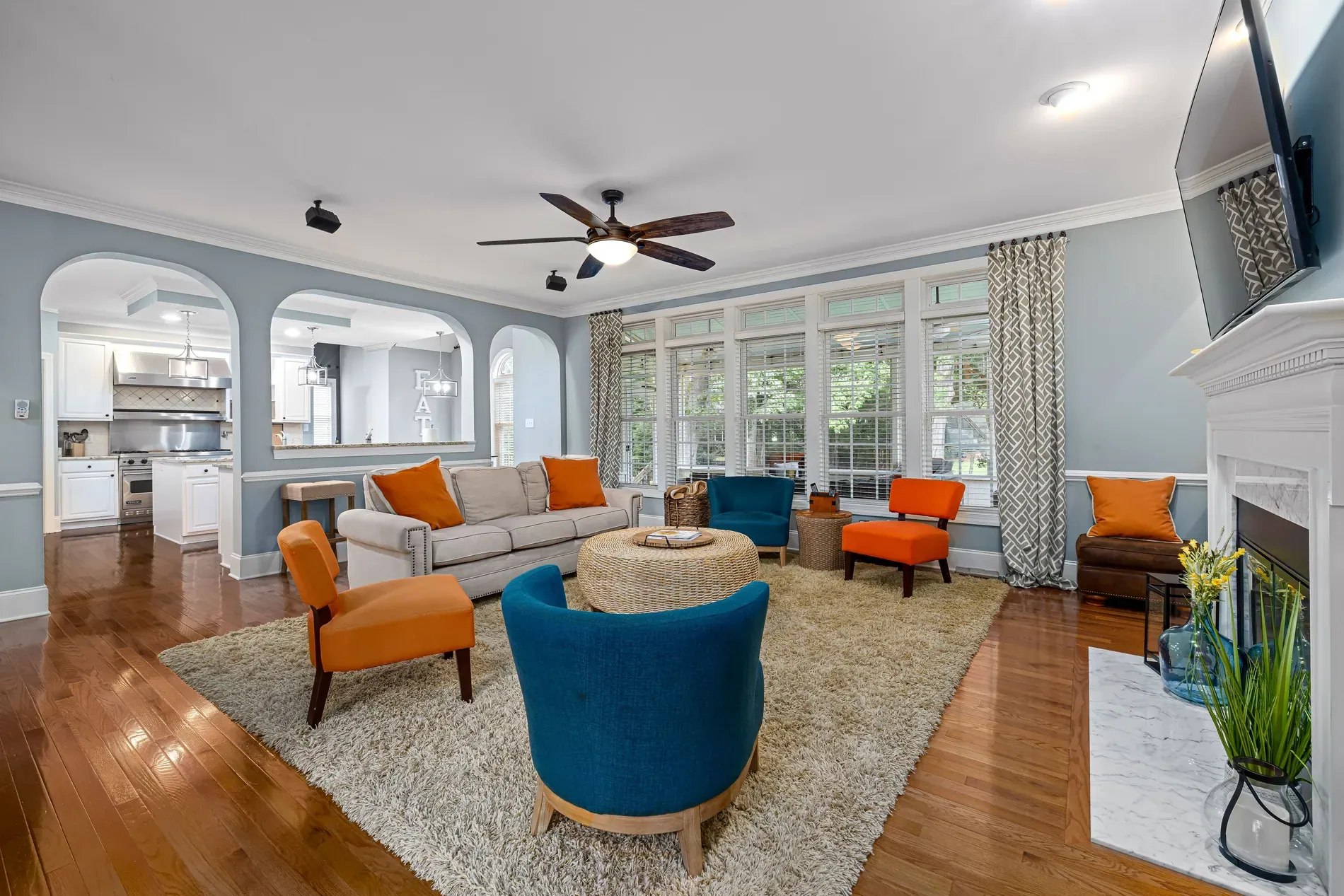
You can't keep a style consistent if it only exists in one person's head. Describe it in plain words, then pick 10 to 15 approved photos as a reference gallery that covers interiors, exteriors, a bathroom and a twilight shot if you offer one.
- Brightness: how bright interiors should feel, and how much shadow you keep.
- Windows: whether the view outside should be clearly visible.
- Color: neutral and true to life, or slightly warm.
- Geometry: vertical lines straight, every time.
- Skies and exteriors: natural blue, or left as shot on grey days.
Build your style brief
Pick the options closest to your look, then copy the result into your standards document.
Our look: bright, airy interiors, clear views through the windows, neutral, true-to-life color, straight verticals, and natural blue skies.
The reference gallery becomes the answer to every "does this look right?" question, for photographers, reviewers and new hires.
Standardize how photos are shot
An edit can only work with what the camera captured. The more similar the brackets are across photographers, the more similar the results. Agree on the bracket count for each scene, a camera height for interiors, level verticals, all lights on and blinds open. We cover the full list in onboarding a new real estate photographer.
Apply one edit to every shoot
This is where most teams lose consistency: one editor per photographer, or a preset that each person adjusts. With Stager AI Auto HDR, the editing style is a setting, not a person. The same style produces the same look on every shoot, whoever shot it.
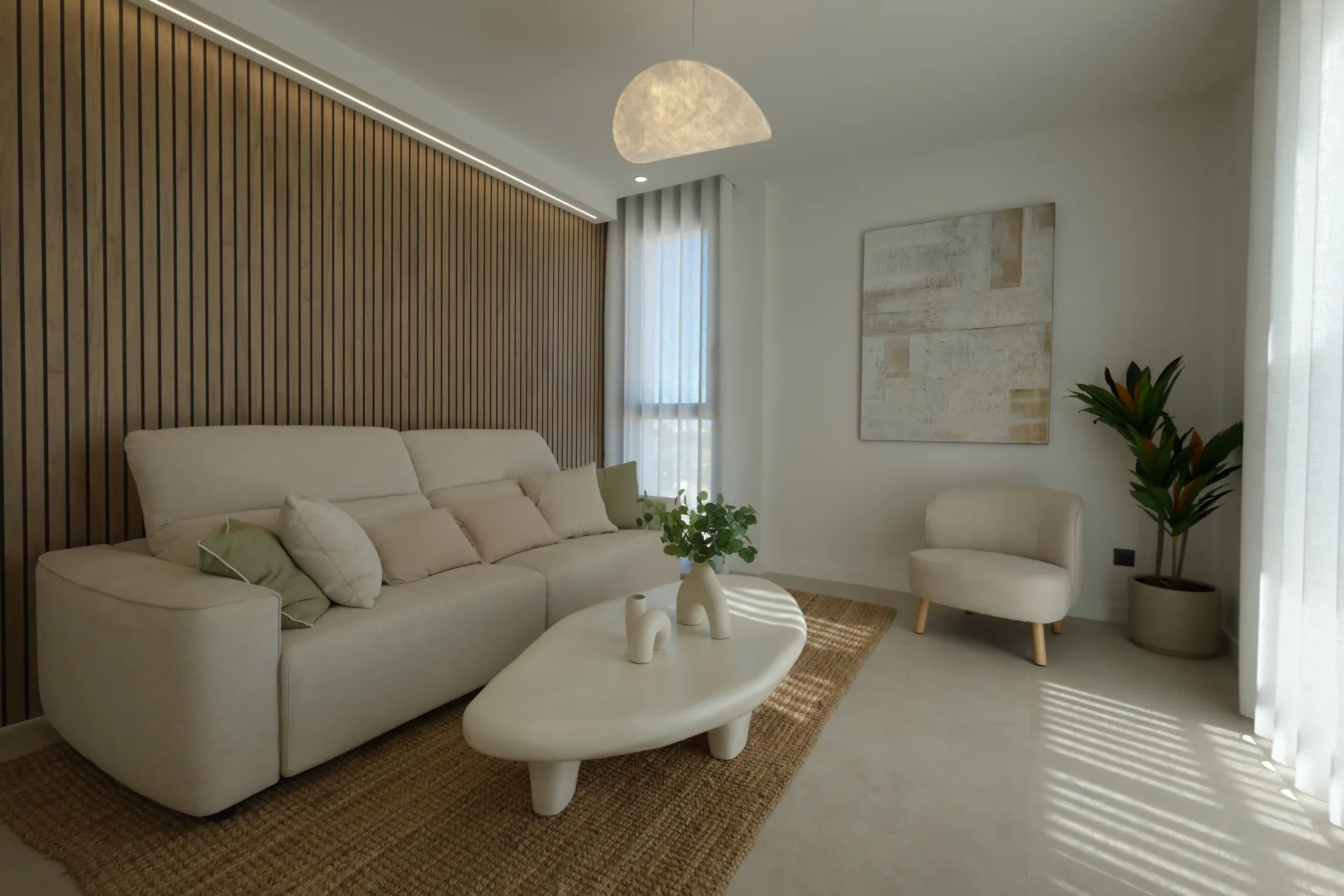
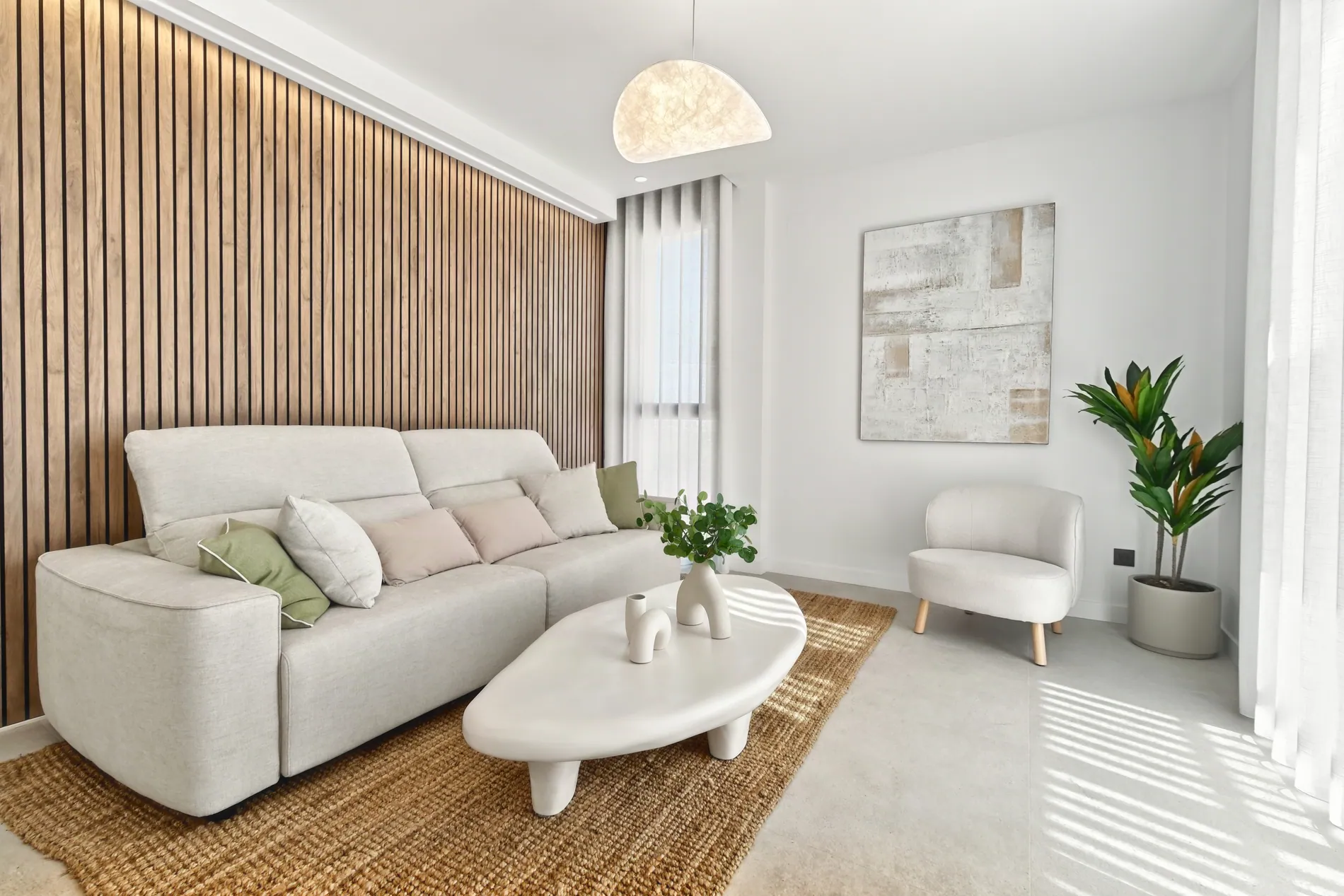
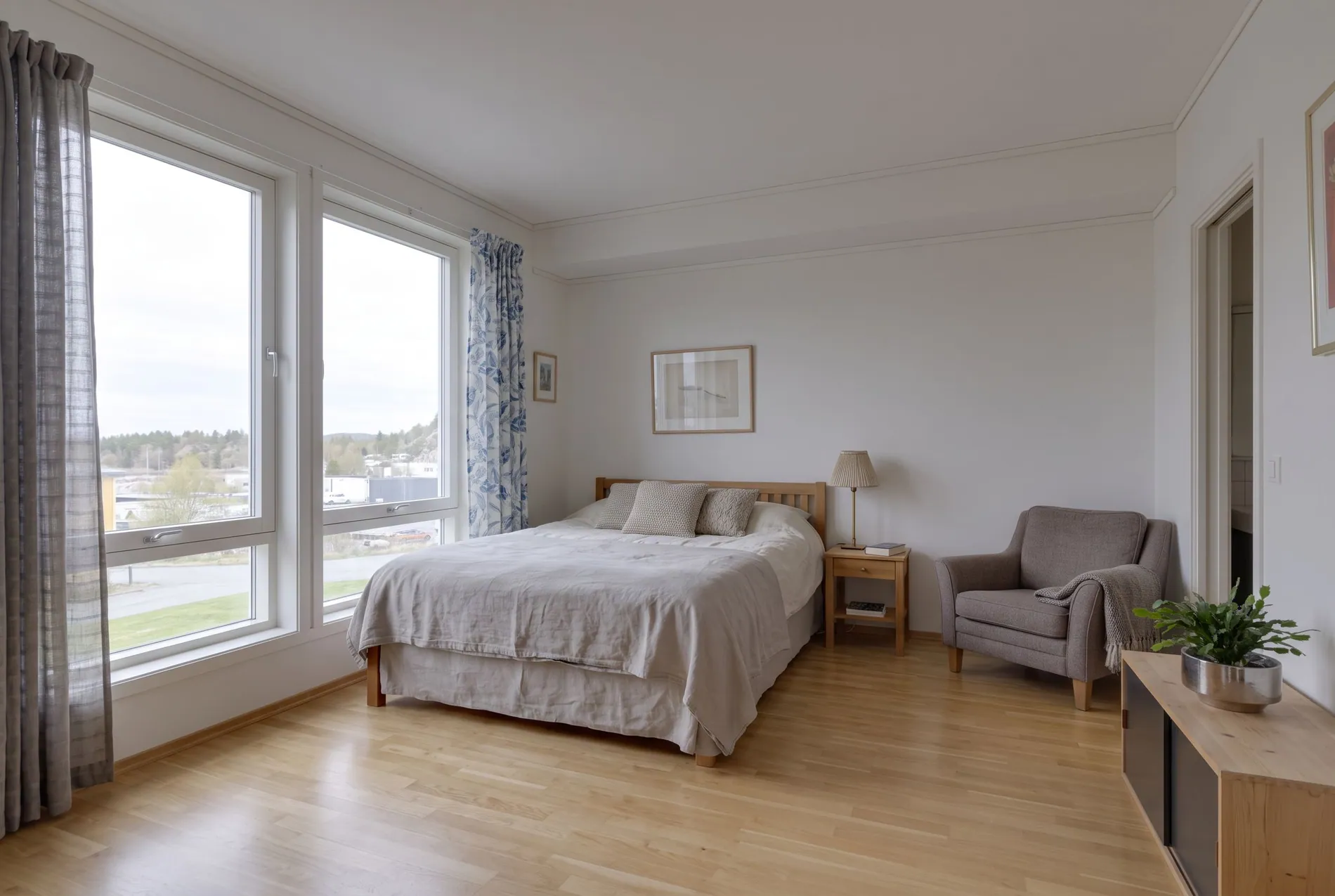
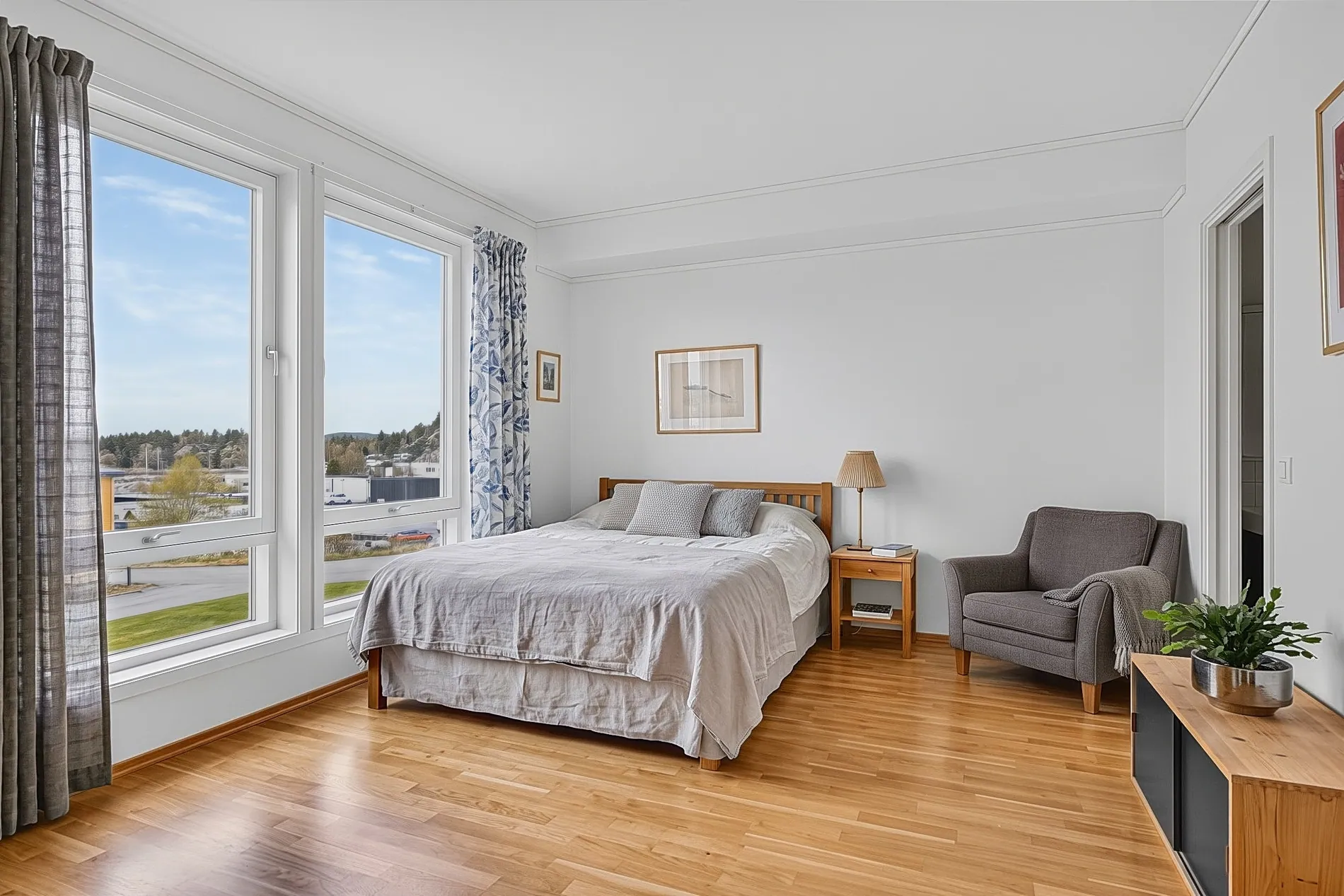
Stager AI has two built-in styles: Stager Luma, the newest and the default, and Stager Classic V2, with natural, true-to-life light and color and crisp window views. If neither matches what your clients already expect, tell us in the chat what your edits look like and we can customize an editing style to fit your needs.
Make the style travel with every shoot
Shoots reach the editor in different ways, and the style has to be the same on all of them:
- Web app: each person chooses the style once in the Auto HDR sidebar, and it's remembered for the next shoot.
- Dropbox: save the style on your Dropbox connection, and every shoot that lands in the watched folder uses it.
- API: send editingStyle with each HDR request, so every shoot from your platform gets the same look.
The same applies to the other settings that shape the result: perspective correction, photographer and camera removal, fire in fireplace, TV blackout, privacy and license plate blur. For teams, saving them once on the Dropbox connection is the most reliable option, because nobody has to remember to switch them on. See our Dropbox workflow for real estate photography teams for the full setup.
Check for drift, without checking every photo
Even with one style, something will occasionally come out differently: a scene with mixed light, a photographer who skipped a bracket. At volume, you can't look at every photo with the same attention, so decide where to look first.
- Run AI QA on finished projects. Each photo gets a score from 1 to 10 and a short note, so low scores and color casts surface first.
- Compare against the reference gallery once a week, with one shoot from each photographer side by side.
- Change settings on purpose. When you adjust the style, note the date, so a change in the galleries has an explanation.
Our real estate photo QA checklist lists what to look at in each photo before it reaches the agent.
What an editing style can't fix
A style changes exposure, color and mood. It doesn't change the rooms, the views or the condition of the property, and it can't fix composition, a missing bracket or a room that wasn't prepared. That part of consistency belongs to your photographers and your standards.
Built-in styles are included in every plan, and each edited photo uses 1 photo credit. Plans start at 10 photos a month and unused photos roll over. For a custom style or high volumes, see the options for media companies or ask us in the chat.
Frequently asked questions
They define their look in writing with a reference gallery, standardize how photographers shoot, and apply one editing style and one set of settings to every shoot, whichever way it's uploaded.
Stager Luma, the newest style and the default, and Stager Classic V2, with natural, true-to-life light and color and crisp window views. You can also ask in the chat for a style customized to your look.
Save the style on your Dropbox connection so every shoot in the watched folder uses it, or send editingStyle with every API request. In the web app, each person picks it once and it's remembered.
No. A style changes exposure, color and mood. It doesn't change the rooms, the views or the condition of the property.
Run AI QA on finished projects to score every photo from 1 to 10 with a short note, check the low scores first, and compare shoots against your reference gallery once a week.