On this page
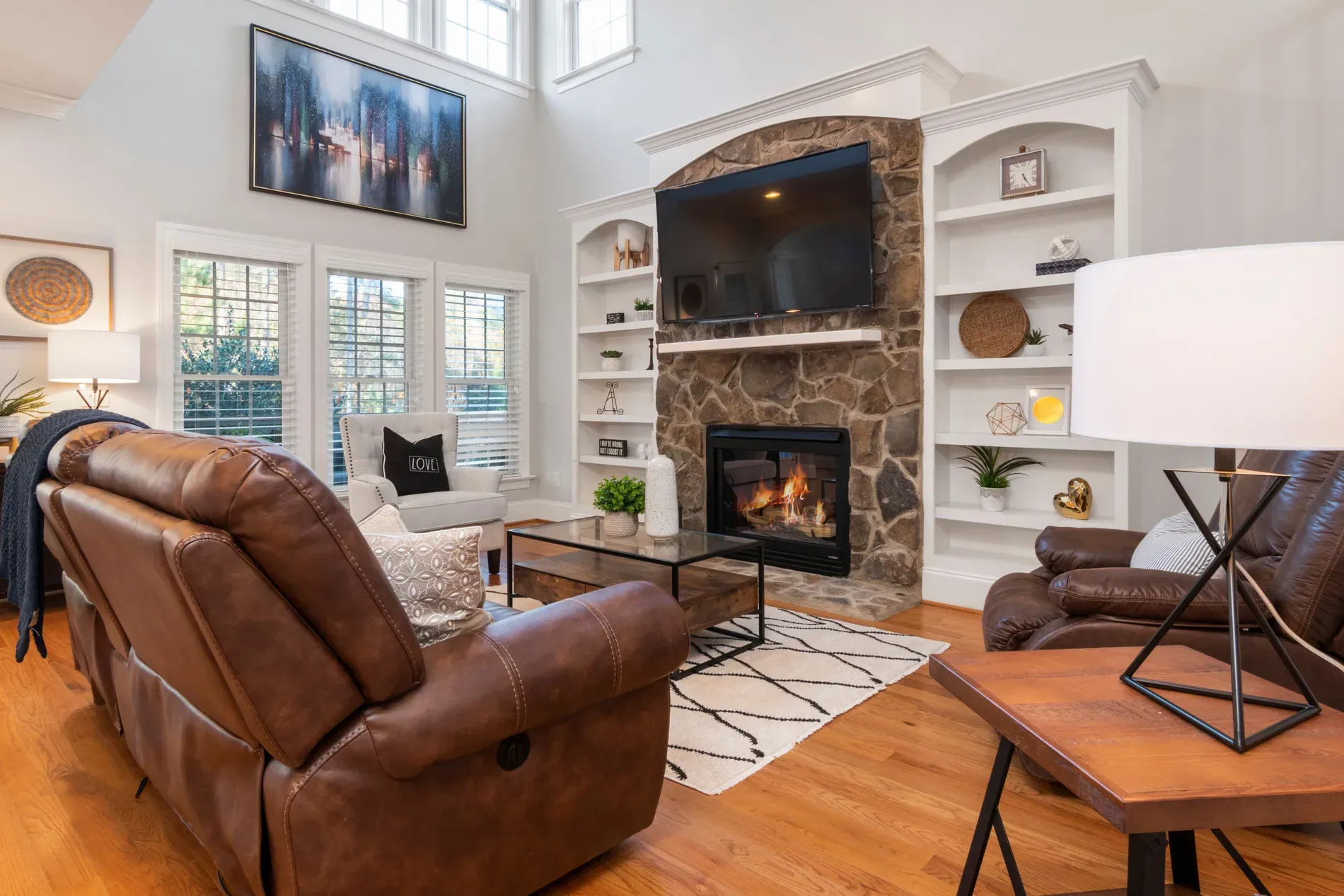
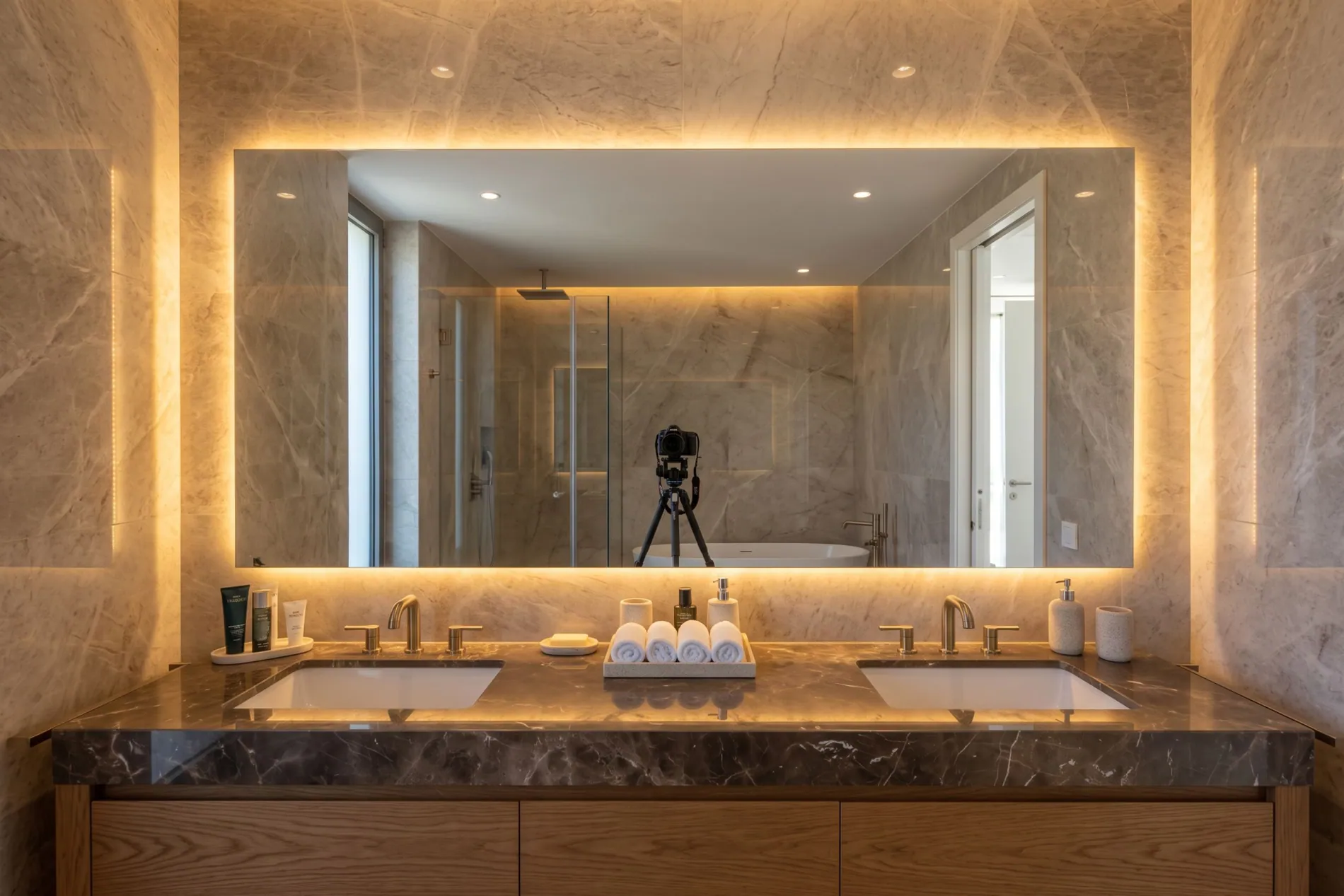
Every real estate photographer has delivered a beautiful bathroom with a tripod in the mirror. Reflections are the most common reason a good photo gets sent back. Knowing how to remove your reflection from real estate photos starts on the shoot, with angles and timing, and finishes in the edit.
Mirrors
- Change the angle. Even a small step to the side often makes the mirror show a wall or the shower instead of the camera.
- Lower or raise the camera so the reflection falls outside the mirror frame.
- Shoot from the doorway, with the door frame hiding the tripod.
- Step out of the frame and fire with a remote or a 2-second timer, so at least you aren't in it.
In small bathrooms, none of these always works. That's where the edit comes in; see how to photograph small rooms and bathrooms for the rest of the setup.
Windows and glass doors
Windows act like mirrors when it's darker outside than inside, which is why they reflect most in the evening and on dull days. Shoot interiors with glass doors while it's bright outside, turn off lights that sit right behind you, and angle slightly to sliding doors rather than facing them square-on.
Shiny surfaces people forget
- Oven and microwave doors, which act as dark mirrors in kitchen shots.
- TV screens, which reflect the room and the camera. Auto HDR replaces TV screens with a clean black screen in every interior photo; see TV screen replacement.
- Glass tables and picture frames, which reflect windows and lights.
- Chrome taps and shower screens, small but noticeable at full resolution.
Removing the reflection in the edit
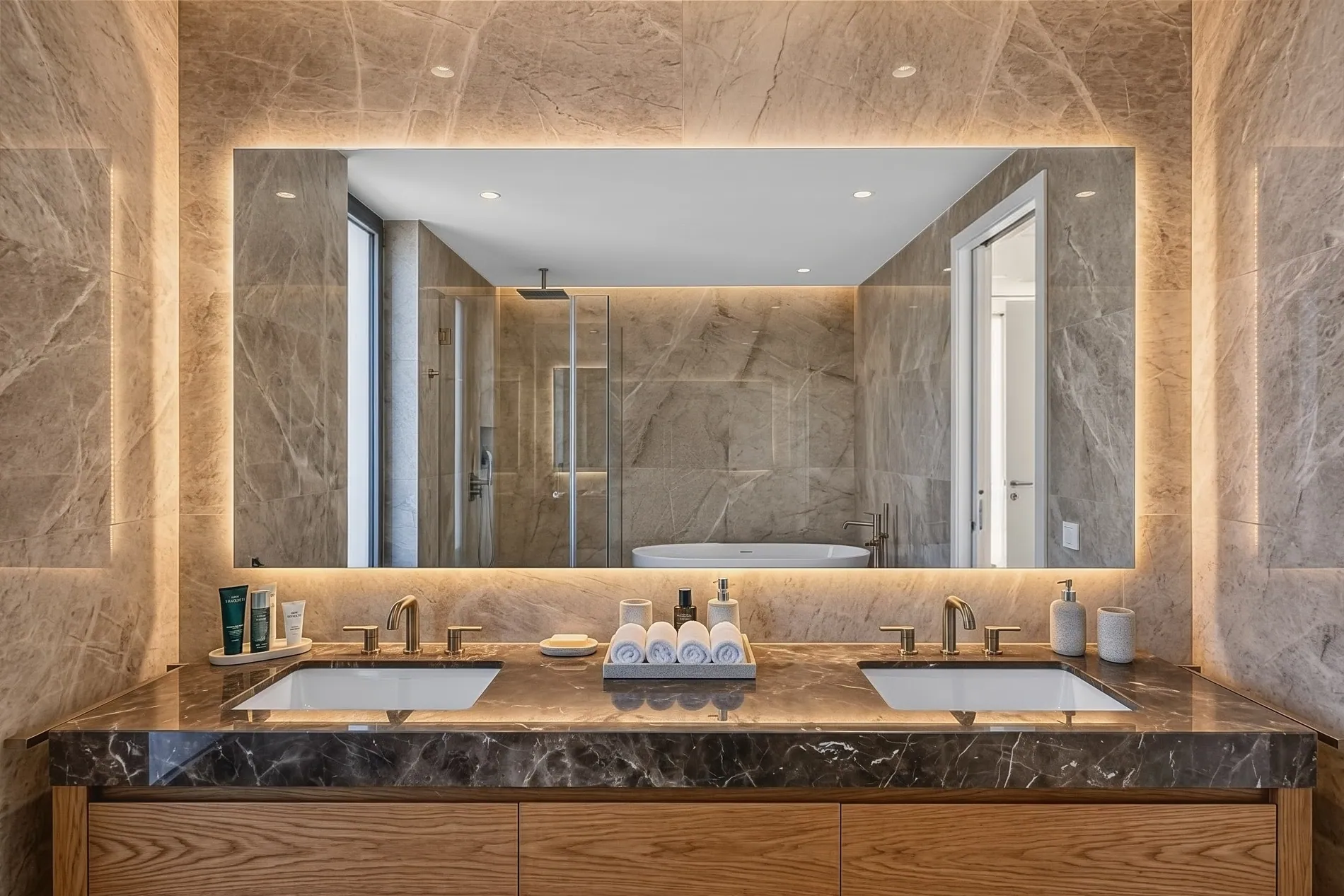
By hand, removing a reflection means cloning and rebuilding what the mirror would show without you, photo by photo. With Stager AI Auto HDR, Photographer & Camera Removal does it as part of the edit: the camera, the tripod and the photographer are removed from mirrors and glass, and the area behind is rebuilt, so the reflection still looks right. The mirror frame, its lighting and the rest of the room keep your original pixels.
- It's on by default for photographer accounts, and you can switch it on or off in the Auto HDR sidebar.
- It works on whole shoots, including shoots from Dropbox auto-import and through the API, which has a photographerRemoval option.
- If a reflection is missed, reprocess the photo or remove what's left in Review Images with the retouch tools.
- It's part of the HDR edit: each edited photo uses 1 photo credit, with no extra charge for removal.
Frequently asked questions
Shoot at an angle to the mirror and step out of the frame. If the camera still shows, Photographer & Camera Removal in Stager AI removes the camera, tripod and you and rebuilds the area behind.
Yes. The camera, the tripod and the photographer are all removed when they show up in a mirror or in glass.
Windows act like mirrors when it's darker outside than inside. Shoot rooms with large glass areas while it's bright outside, and angle slightly to the glass.
For photographer accounts, yes. Anyone can switch it on or off in the Auto HDR sidebar, and the choice is remembered for the next shoot.
Reprocess the photo, or remove what's left in Review Images with the retouch tools.