On this page
Rental listings compete in the same photo feeds as sales, often with less time and budget behind them. An empty flat photographed between tenants looks cold and small, and a furnished holiday rental has to look as good online as it does on arrival. Virtual staging for rental listings can help with both, as long as tenants and guests get what the photos show.
This guide is for agents, property managers and photographers who shoot rentals. It covers unfurnished long-term rentals, furnished rentals and short-term rentals, and where the line is.
Unfurnished long-term rentals
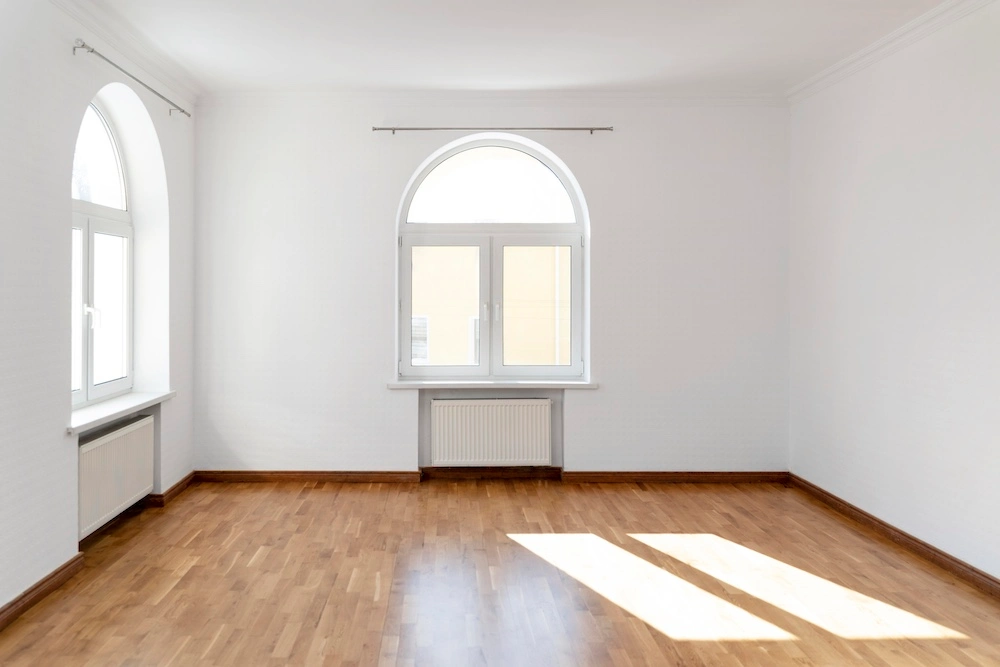
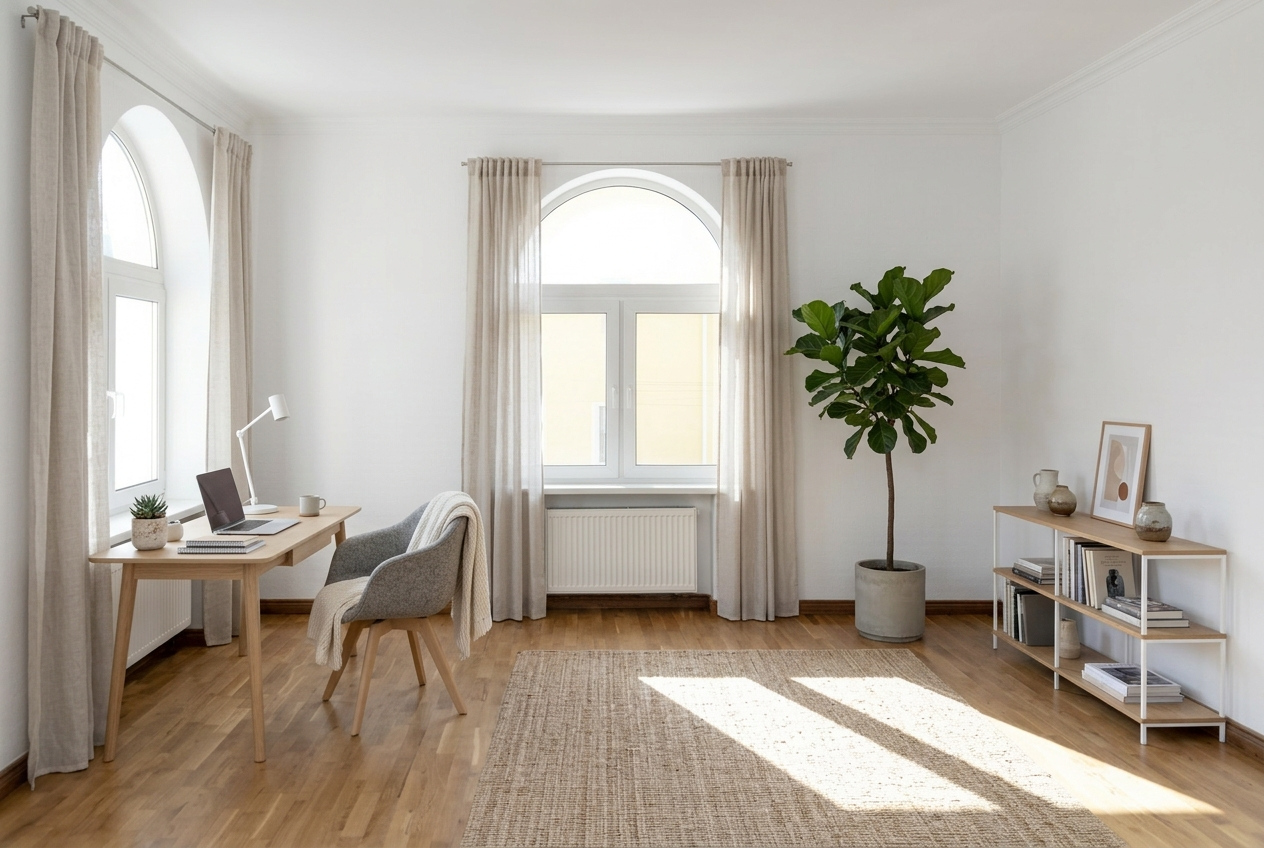
Empty rooms are hard to read in photos: tenants can't tell whether a double bed fits or where a desk would go. Virtual staging solves that by adding furniture in one of 11 styles. The risk is that a tenant assumes the furniture comes with the flat.
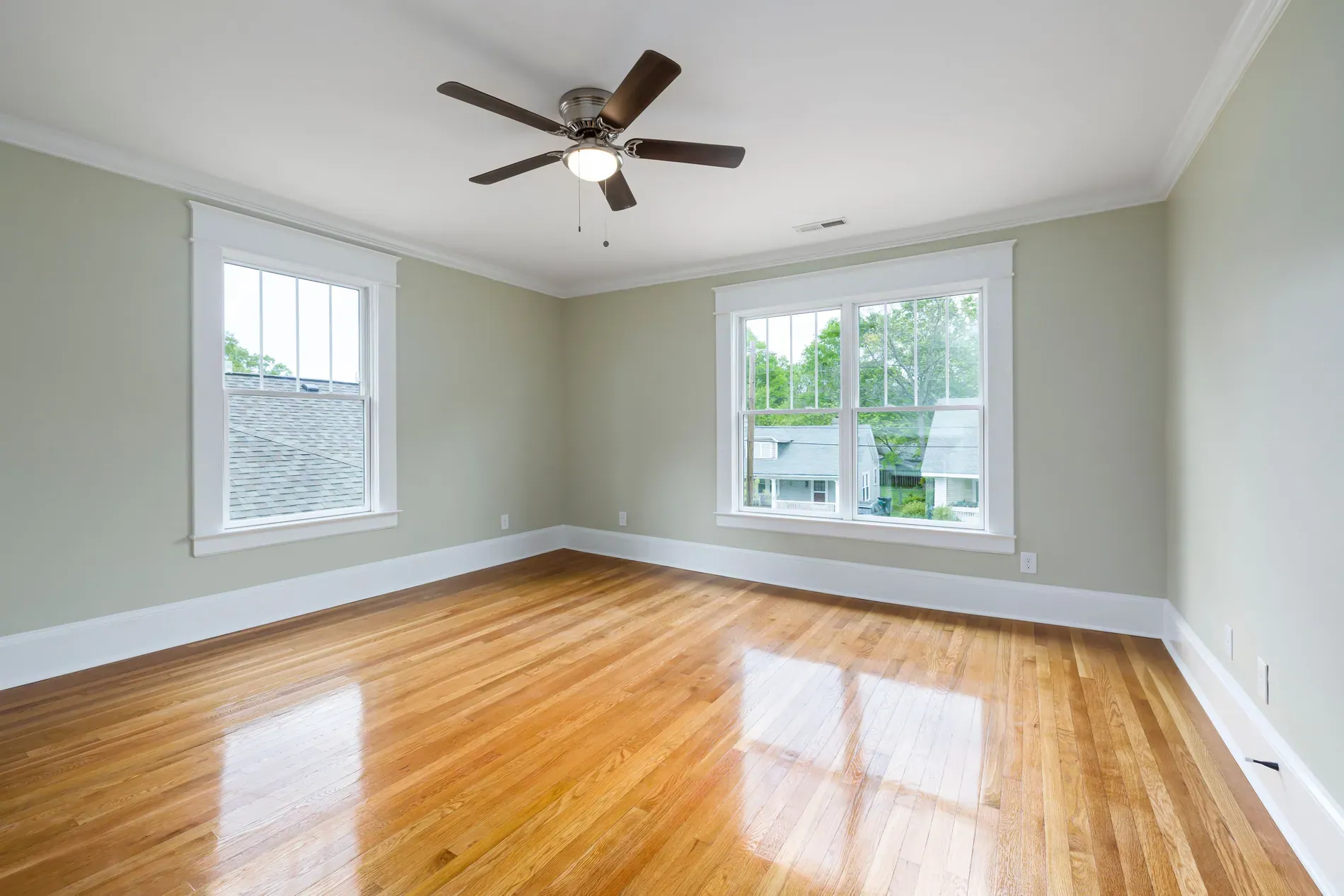
- Label staged photos clearly, for example "virtually staged, furniture not included".
- Keep the empty photo right next to the staged one.
- Mention it in the listing text if the flat is let unfurnished.
Furnished long-term rentals
In a furnished rental, the furniture is part of what's offered, so the photos should show the real furniture. Replacing it with staged pieces would mislead. Instead:
- Declutter the previous tenant's personal items with decluttering, keeping the furniture that stays. You can tell it what to keep, such as the sofa or the bed.
- Use subtle staging to refresh decor and small items while keeping the main furniture.
- Fix the light with HDR editing, so rooms look as bright as they are.
Short-term and holiday rentals
Guests on short-term rental platforms compare the photos with what they find on arrival, and they review accordingly. That makes accuracy even more important than in sales. Edits that improve the photo without changing the property are fine; edits that change what guests get are not.
| Edit | Short-term rental? | Why |
|---|---|---|
| HDR, window pull, color | Yes | Shows the space as it really looks |
| Sky replacement on a grey day | Usually yes | The weather isn't part of the property |
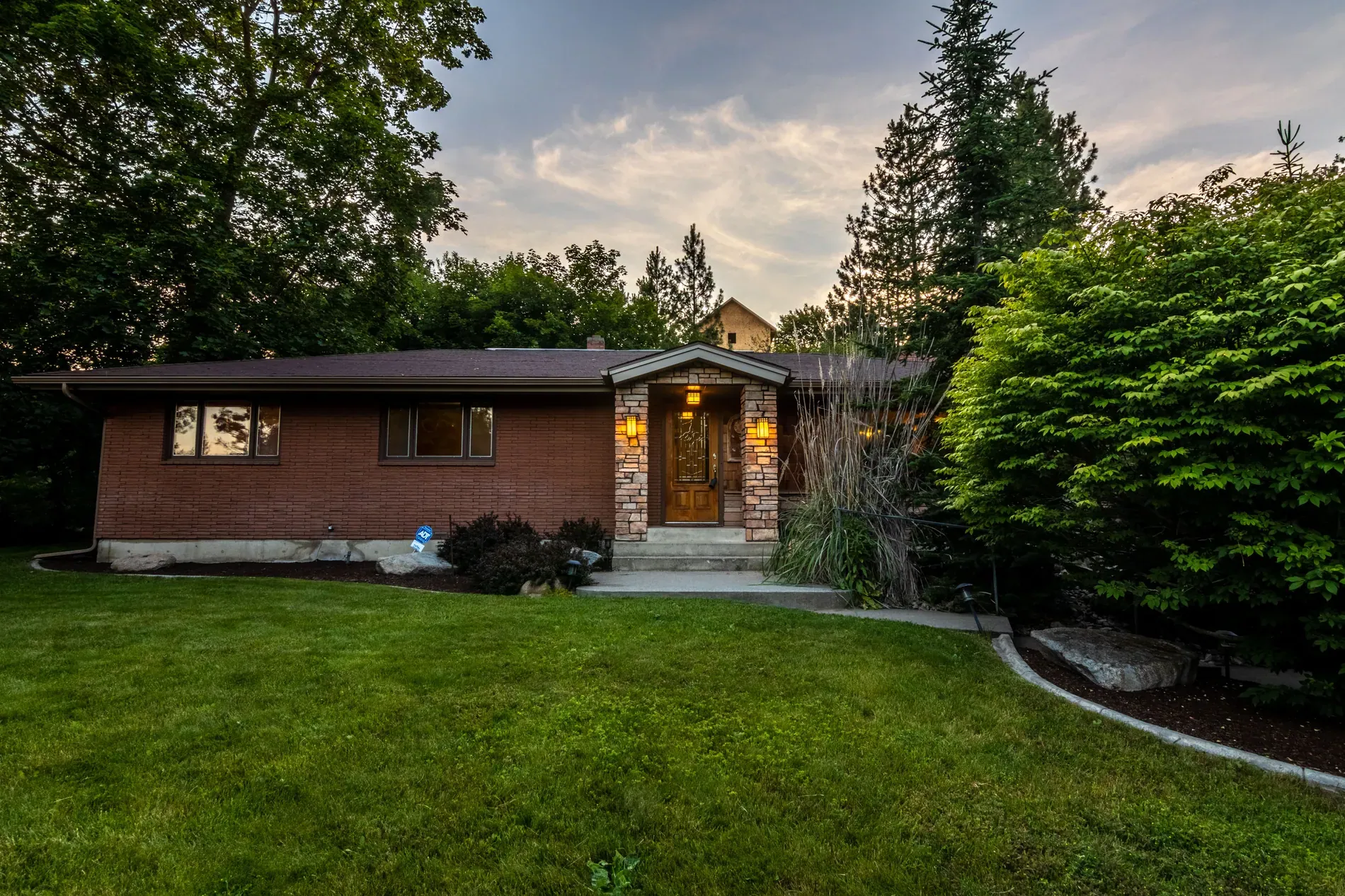
| Twilight exterior | Yes, as a mood shot | Shows the property in evening light |
| Lawn or pool clean-up | Only if it matches what guests will find | Guests will see the real garden and pool |
| Removing personal items | Yes | Guests won't find them either |
| Replacing or adding furniture | No | Guests expect the furniture in the photos |
For the shoot itself, the home prep checklist works for rentals too: lights on, beds made, personal items away.
Label edits and keep the originals
Whatever the rental type, label staged or materially edited photos where the portal asks, and keep the unedited photos in the listing. Some markets have specific rules; see the rules for edited and virtually staged listing photos.
Each photo uses 1 credit and includes 9 free re-renders. Photographers who shoot rentals can offer staging as an add-on; see declutter, stage or show it empty for choosing room by room.
Frequently asked questions
For unfurnished rentals, staging helps tenants picture the space, as long as it's labeled and says the furniture isn't included. For furnished rentals, show the real furniture.
Don't replace the real furniture, because it's part of what's offered. Use decluttering to remove personal items and subtle staging to refresh decor instead.
Edits that improve the photo without changing the property, like HDR, window pull, color and sky replacement. Don't add or replace furniture guests won't find.
Clearly, for example as virtually staged with furniture not included, and keep the original empty photo next to it.
Yes, as a mood shot of the exterior. It changes the light and sky, not the property.