On this page
For years, editing a real estate shoot meant an evening in Lightroom, and often Photoshop for the windows. AI editors now merge brackets, pull windows and straighten walls on their own. So the question many photographers ask is Lightroom vs AI for real estate photo editing: which one should do the work?
The honest answer is that they're good at different things. This guide compares them step by step, shows where the time goes in a typical edit, and explains how many photographers use both.
What Lightroom does well for real estate photography
- Culling and organizing. Flags, ratings and collections make it fast to choose the keepers from a shoot.
- HDR photo merge. Lightroom can merge a bracket set into one HDR file.
- Perspective with Upright. Upright straightens converging verticals.
- Masking and local adjustments. Masks for sky, subjects and selected areas allow precise local edits.
- Presets and syncing. You can apply the same settings across many photos at once.
- Full manual control over every slider, for the photos that need a personal touch.
Where the hours go in manual real estate editing
The time doesn't go into creative decisions. It goes into steps that repeat on every photo:
| Step | In Lightroom (and Photoshop) | With an AI editor |
|---|---|---|
| Group brackets into scenes | Select each set by hand | Grouped automatically from capture time and exposure data |
| Merge exposures | Photo merge per set, then adjust | Merged automatically |
| Window pull | Masks per window, often in Photoshop | Pulled automatically |
| Straighten verticals | Upright per photo, checked by eye | Corrected automatically |
| Color and white balance | Per photo, or a preset then fixes | Balanced automatically |
| Remove reflections | Clone and heal in Photoshop | Photographer and camera removal |
| Consistency across a shoot | Depends on the editor | The same editing style every time |
Presets help, but every room has different light, so most photos still need individual work. Multiply that by 25 photos a shoot and several shoots a day, and editing becomes the bottleneck.
What an AI editor does well
An AI editor like Stager AI Auto HDR is built for the repetitive part. You upload a whole shoot of 3 to 7 bracketed exposures in RAW or JPEG, and Stager AI groups the brackets, merges them, pulls the windows, balances white, corrects lens distortion and perspective, and removes the photographer from mirrors, in about 1 to 5 minutes per photo, at full resolution.
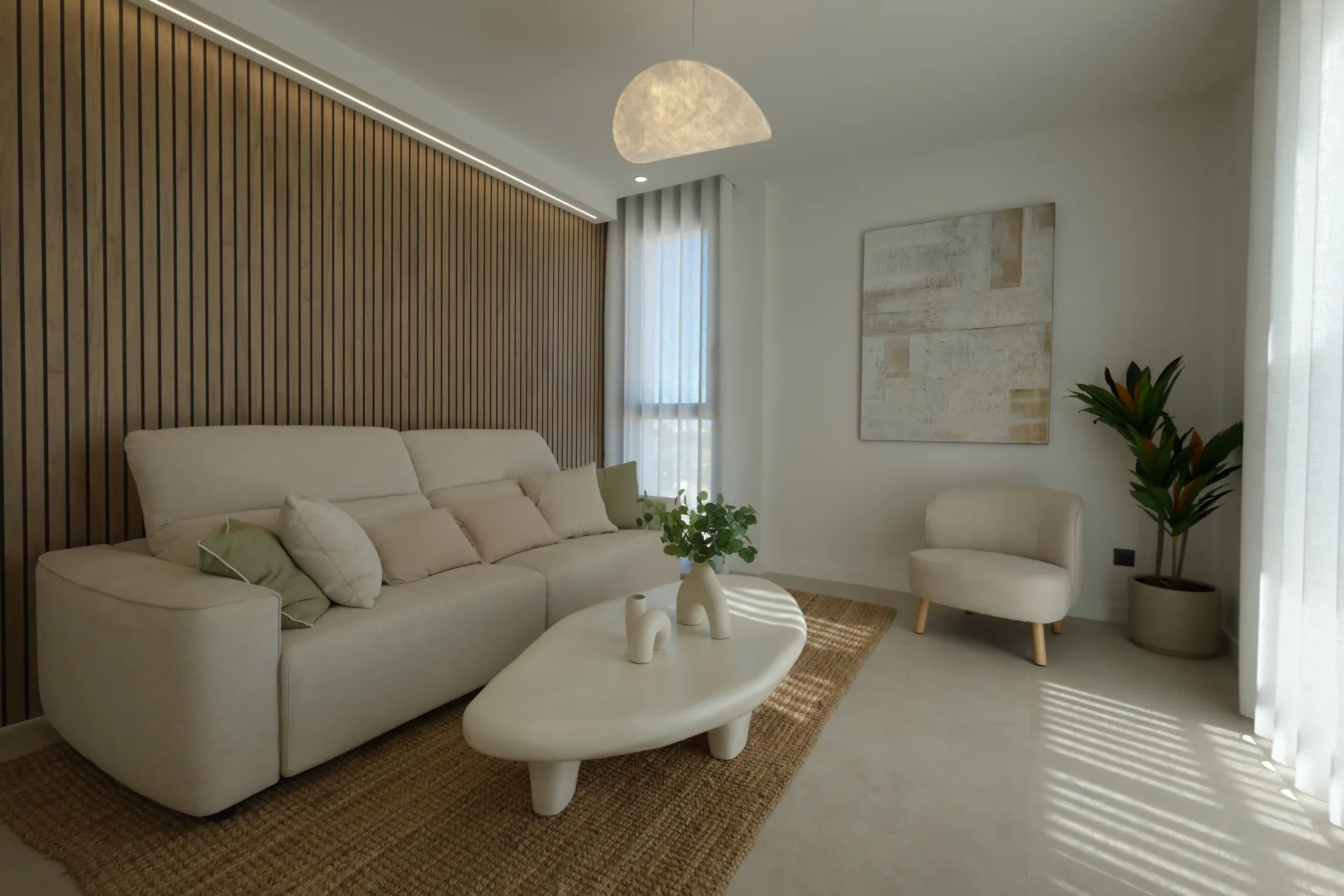

- Speed. Editing runs while you're on the next shoot or driving home.
- Consistency. The same editing style on every photo, from every photographer. See how to keep a consistent editing style.
- Extras without extra hours. Sky replacement, fire in the fireplace, TV screens and license plate blur are part of the HDR edit at no extra cost.
- Add-ons from the same photos, such as virtual twilight and virtual staging.
Where each one falls short
| Lightroom | AI editor | |
|---|---|---|
| Time per shoot | High, grows with every photo | Low, mostly review |
| Control | Every slider | Settings and styles; manual tweaks for exceptions |
| Consistency | Varies by editor | The same style every time |
| Learning curve | Long for real estate techniques | Short |
| Best for | Culling, special requests, artistic edits | The repeatable edit on every shoot |
Neither replaces judgment. AI can still miss on an unusual scene, and Lightroom can't make a long manual edit fast. Checking the result before delivery is part of both workflows; see our real estate photo QA checklist.
How photographers combine Lightroom and AI
- 1Cull in Lightroom, or your usual tool, and export or upload the keepers' original brackets.
- 2Edit with AI. Upload the shoot to Stager AI, or let it pick up shoots from a Dropbox folder, with your editing style saved.
- 3Review. Run AI QA to score every photo and check the low scores first.
- 4Fine-tune the exceptions in Lightroom when a photo needs a personal touch.
- 5Deliver at full resolution.
Upload the original camera files, not re-exported JPEGs, so brackets are grouped correctly from their capture data. For teams, the Dropbox route is described in our Dropbox workflow for real estate photography teams.
Which should you choose?
- Mostly Lightroom if you shoot a few properties a month, enjoy editing and sell a highly personal look.
- Mostly AI if editing is what limits how many shoots you can take, or you run a team that needs one look.
- Both if you want AI to do the repeatable edit and keep Lightroom for culling and the occasional special request.
The fastest way to decide is to edit the same shoot both ways and compare the time and the result. Try Stager AI free on your next shoot.
Frequently asked questions
Yes, especially for culling, organizing and fine manual control. The repetitive steps, like merging brackets, window pulls and straightening, take the most time to do by hand.
For the repeatable edit on every shoot, an AI editor can do most of the work automatically. Many photographers still use Lightroom for culling and for the occasional photo that needs a personal touch.
With Stager AI, HDR editing takes about 1 to 5 minutes per photo, and a whole shoot is processed in the background while you work on something else.
Yes. A common workflow is to cull in Lightroom, upload the original brackets to Stager AI for the edit, review the results and fine-tune any exceptions in Lightroom.
Doing window pulls by hand usually means masking in Photoshop. With an AI editor like Stager AI, window pulls are part of the automatic HDR edit.