On this page
- Why a virtual staging add-on fits the shoots you already do
- How to package staging so agents can say yes quickly
- Pricing it: a simple margin framework
- How to sell virtual staging to agents
- Delivering staging without adding hours to your week
- Disclosure: help your agents label staged photos
- Start with one room on your next vacant shoot
Every vacant listing you shoot ends the same way. You deliver clean photos of empty rooms, and the agent wonders how buyers will picture the space. A virtual staging add-on answers that question from the photos you already took, and it turns one booking into a bigger one.
This guide is for real estate photographers and media companies who want to offer staging properly: as a clear product, with a price that makes sense and a delivery that doesn't eat your evenings. If you want the product details first, see virtual staging for real estate photographers.
Why a virtual staging add-on fits the shoots you already do
Most add-ons ask for something extra on site: a drone flight, a twilight session, a second visit. Virtual staging doesn't. The raw material is the empty room you photographed anyway.
- No extra trip. You stage from the edited photos. No furniture, no movers, no return visit.
- One supplier for the agent. HDR edits and staged rooms arrive in the same delivery, from you, instead of from a second vendor.
- A natural moment to offer it. Agents decide on staging when they book the shoot, and that conversation is already happening with you.
How to package staging so agents can say yes quickly
Agents decide fast. A menu with three clear options works better than "staging available on request". Here is a simple structure you can adapt.
- Single room. One staged photo of the key space, usually the living room. Easy to add at booking.
- Room bundle. The main living spaces and the primary bedroom. This is the one most vacant listings need.
- Vacant-home bundle. Every empty room that matters, staged in one consistent style.
- Furnished-room refresh. For rooms with dated furniture: replace it with new pieces, or empty the room first with decluttering, then stage it.
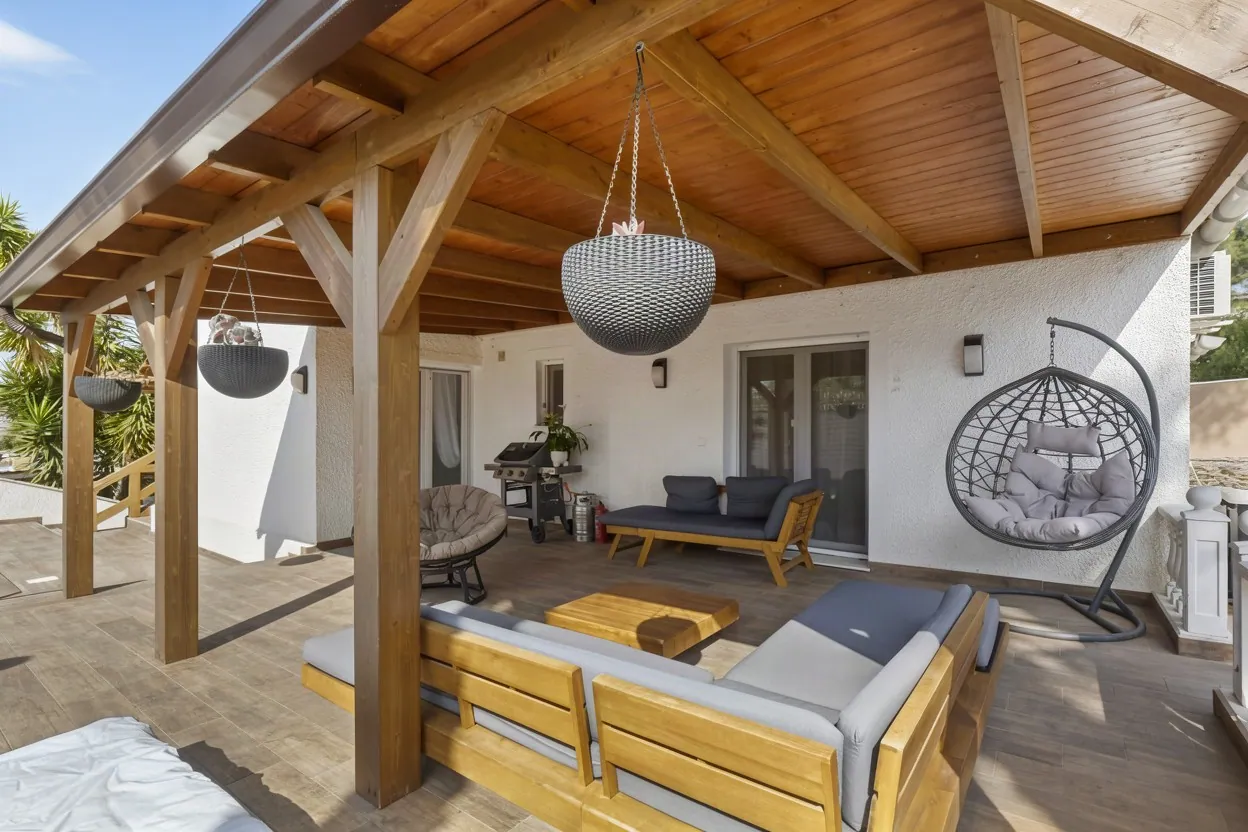
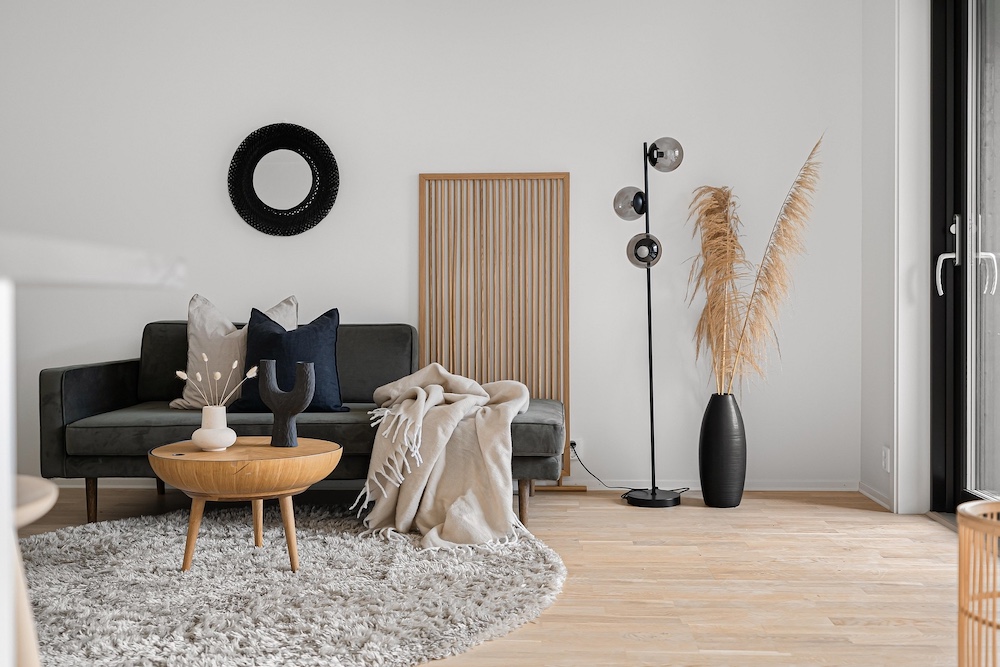
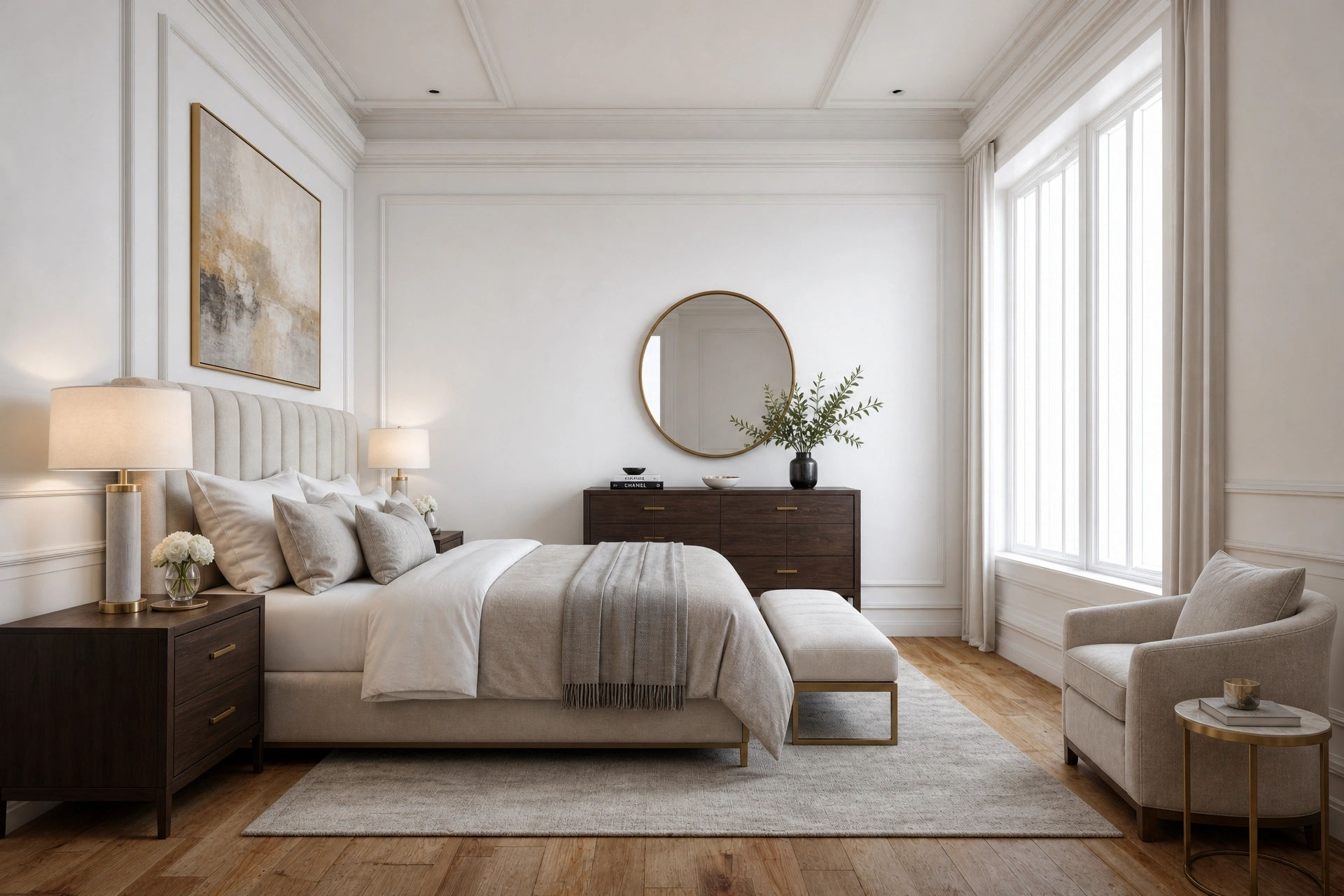
Put the style choice in the package too. Stager AI offers 19 room types and 11 interior styles, from Scandinavian and Coastal to Industrial, Luxury and Mid-Century. Offer three or four that suit your local market rather than the full list, so the agent picks in seconds.
Pricing it: a simple margin framework
What you charge is up to you and your market. What you can control is the math. Your cost per staged photo has two parts: the credit it uses and the minutes you spend on it.
- 1Credit cost. Each staged photo uses 1 photo credit from your Stager AI plan, the same plan you use for HDR. Divide your plan price by the photos it includes to get your cost per credit.
- 2Your time. Picking the rooms, choosing the style, checking the result and delivering. Put a number on it, even if it is only a few minutes per photo.
- 3Revisions. Every staged photo includes 9 free re-renders, so a client asking for another style doesn't cost you another credit. It still costs you a few minutes.
Here is the math with made-up numbers. Say a credit costs you $2 on your plan and you value your time at $1 per photo. Your cost is $3 per staged photo.
| Package | Staged photos | Your cost (hypothetical) | Your price (hypothetical) | Margin |
|---|---|---|---|---|
| Single room | 1 | $3 | $15 | $12 |
| Room bundle | 3 | $9 | $40 | $31 |
| Vacant-home bundle | 6 | $18 | $70 | $52 |
Two things stand out. Bundles lower the price per room for the agent while your margin per shoot goes up. And because unused photos roll over on monthly plans, a slow month doesn't waste the credits you set aside for staging. If you stage at high volume, you can also pay per photo, as low as $0.25 depending on volume, arranged via chat. See pricing for plans, and how much virtual staging costs for the wider picture.
How to sell virtual staging to agents
The best sales tool is the agent's own listing. Talk about staging when they book, not after you deliver.
- Ask at booking. "Is the home vacant?" is the only question you need. If yes, offer the room bundle.
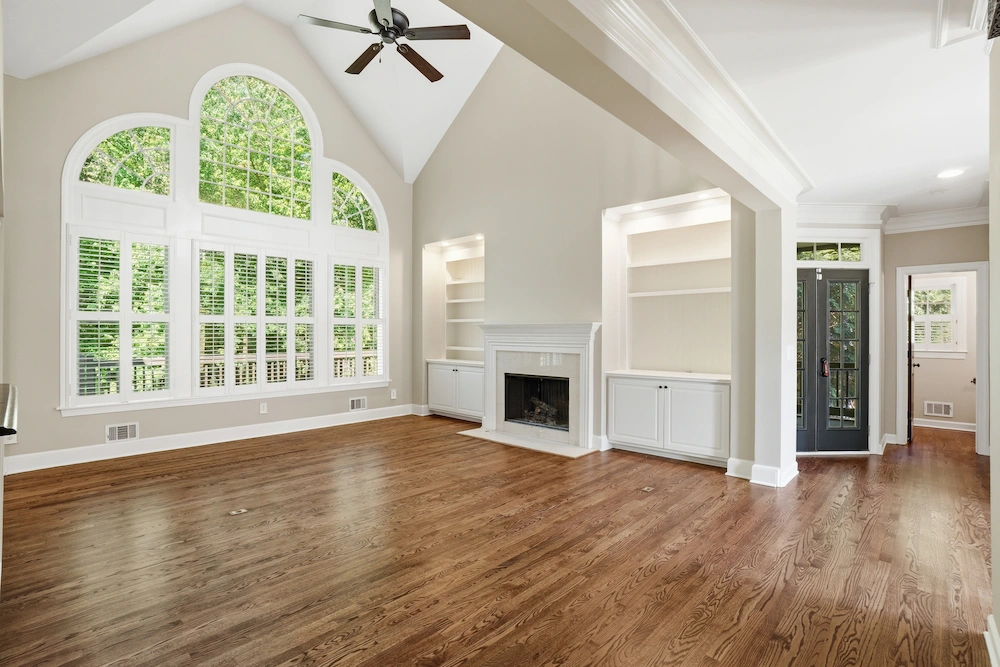
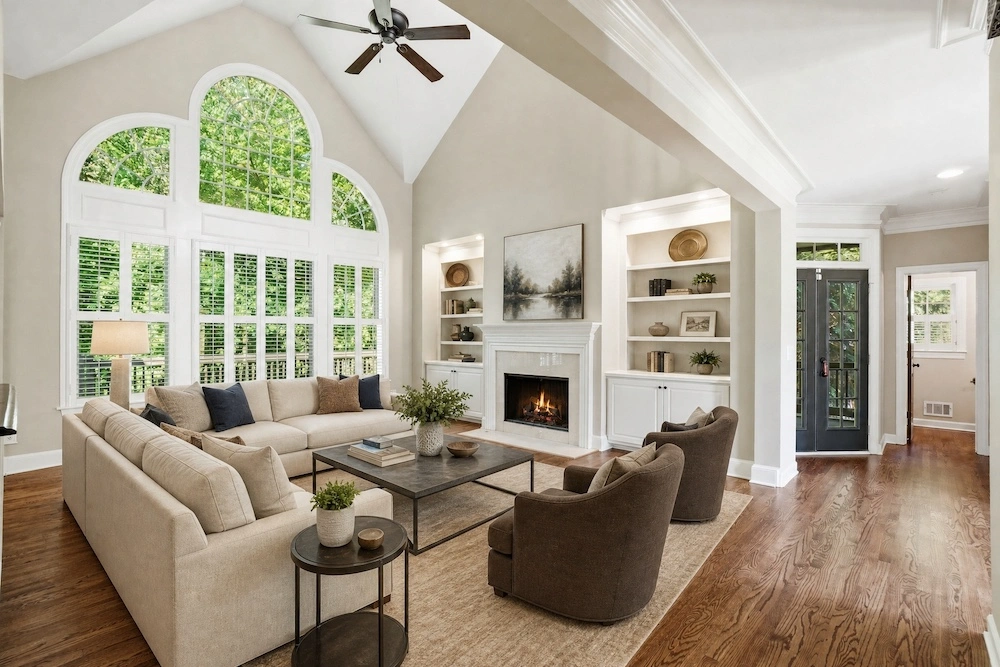
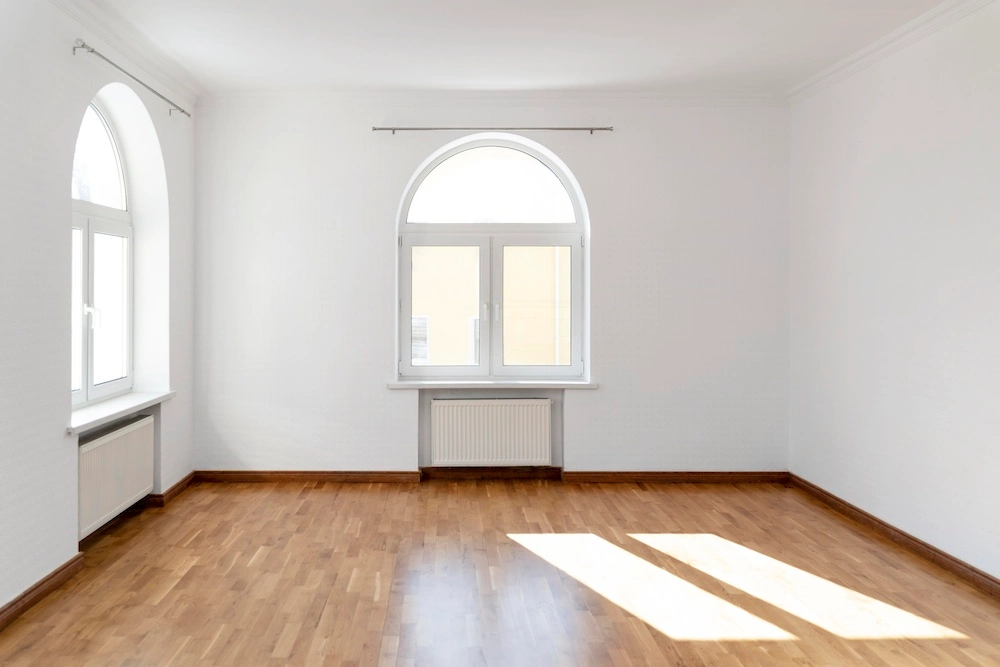
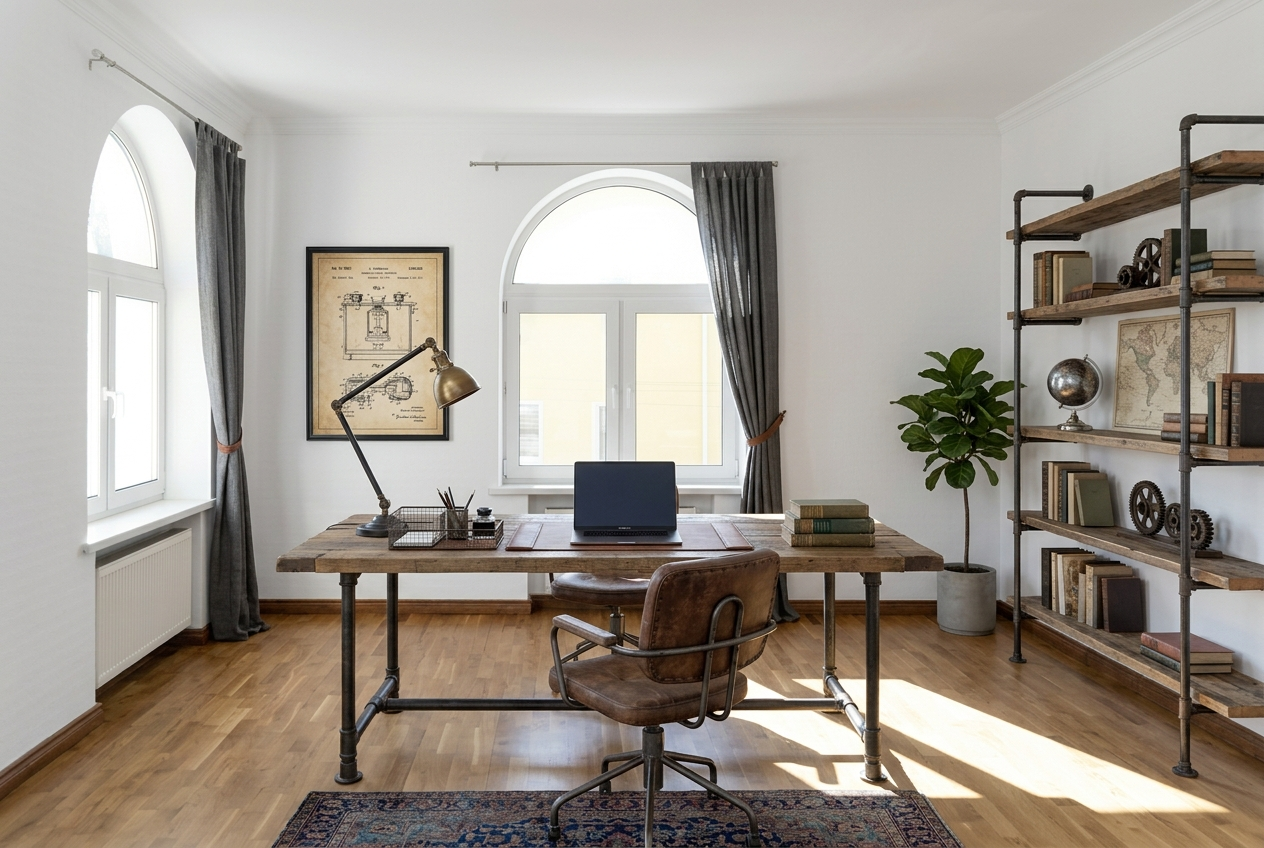
- Show a before and after. Keep two or three pairs from your own shoots on your booking page and in your email signature.
- Stage one room on spec. For a new client, stage the living room from their shoot and send it with the delivery. Let them decide on the rest.
- Add it to your packages. A "vacant listing" package with HDR and staging included sells better than a separate line item.
Delivering staging without adding hours to your week
Staging should fit inside the workflow you already have. With Stager AI it runs from the same place you edit the shoot.
- 1Edit the shoot. Upload your brackets to Auto HDR. Each photo takes about 1 to 5 minutes, and the photos of a shoot are processed in parallel, so the whole shoot is ready in about the same time.
- 2Stage the empty rooms. Pick the rooms, the room type and the style. Each staged photo takes about 10 to 20 seconds and runs in the background.
- 3Check and re-render. Compare each result with the empty photo. If something isn't right, or the agent wants another style, use one of the 9 free re-renders.
- 4Deliver one gallery. Send the HDR edits, the staged photos and the empty originals together.
For rooms you shot from more than one angle, multi-angle staging (in beta) keeps the same furniture across 2 to 4 photos of one room. Buyers scrolling the gallery see one consistent room, not two different ones. The general virtual staging AI page covers every room type and style.
If staging is part of a bigger plan to grow without hiring, we cover the rest of the workflow in scaling a real estate photography business without hiring more editors.
Disclosure: help your agents label staged photos
Virtual staging shows how a space could be furnished. It should never change what the property is. Many MLSs and portals require staged photos to be labeled, and agents carry that responsibility, so make it easy for them.
- Deliver the empty photo with every staged one. The agent can show both, and buyers see the real room.
- Name files clearly. Add "virtually-staged" to the file name so nobody uploads one by mistake as the plain photo.
- Recommend a label. Suggest a short "Virtually staged" caption or overlay on each staged photo.
- Stage furniture, not the building. Never use staging to hide damage or change walls, floors, windows or views.
Clear rules protect your reputation as much as the agent's. For more on what is and isn't acceptable, read the dos and don'ts of AI virtual staging.
Start with one room on your next vacant shoot
You don't need a new business to sell staging. You need a short menu, a price you've worked out and a delivery you can repeat. Stage the living room from your next vacant shoot, show it to the agent and let the result do the selling.
Frequently asked questions
It is staging you sell on top of a photo shoot. You stage the empty rooms from the photos you already took and deliver them with the edited photos, with no extra trip and no furniture.
That is up to you and your market. Work out your cost per staged photo (the credit it uses plus your time), then set a price per room and bundles per shoot that leave you a margin. Each staged photo uses 1 credit from your Stager AI plan, with 9 free re-renders.
With Stager AI, each staged photo takes about 10 to 20 seconds and runs in the background. HDR edits take about 1 to 5 minutes per photo, with a whole shoot processed in parallel in about the same time.
Many MLSs and portals require it. Deliver the empty photo with every staged one, name the files clearly and recommend that your agents label staged photos as virtually staged.
Yes. Multi-angle staging (in beta) keeps the same furniture across 2 to 4 photos of one room, so the gallery shows one consistent room.