On this page
In online real estate marketing, the line between informative and exhausting is thin. For years, agents followed a simple rule: max out the MLS upload limit. If the platform allowed 50 photos, they uploaded 50.
Buyer behavior tells a more nuanced story. Buyers move through listings fast. Redundant images, like four near-identical angles of an empty guest room, don't drive engagement. They create friction and people drop off. So how many photos should a real estate listing have? The answer is the point where engagement peaks, before returns start to fall.
The volume paradox: more isn't always better
The idea that more photos automatically raise a property's perceived value is flawed. When buyers scroll a listing, they're trying to build a mental map of the flow, the proportions and the orientation of the home.
When a photo set over-indexes on utility close-ups or repeated angles, the story stalls. The buyer loses their bearings, gets bored and moves on. A tight, curated set of strong hero shots will beat a bloated folder of unguided snapshots every time.
The sweet spot: how many photos a real estate listing needs
Industry studies comparing average days on market (DOM) with photo counts consistently point to a bell curve of performance.
For standard single-family homes, listings with 22 to 28 high-quality photos get the best online click-through retention and lead generation. Listings with fewer than 15 images signal a lack of transparency and make buyers skeptical. Sets of more than 40 images often cause viewer fatigue, with attention dropping by over 60% after the 30th photo.
The anatomy of a perfect 25-photo set
To hit that structure, photographers and agencies can follow a clear room-by-room distribution.
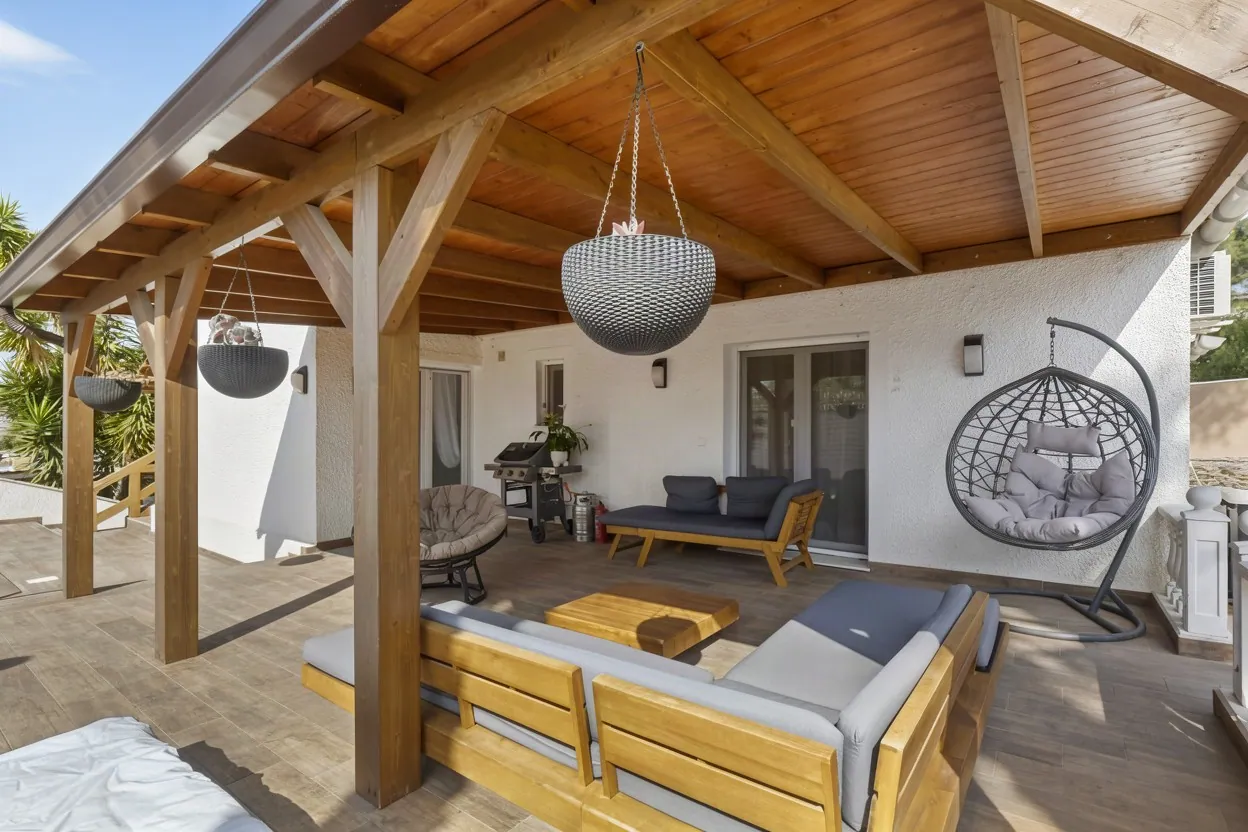
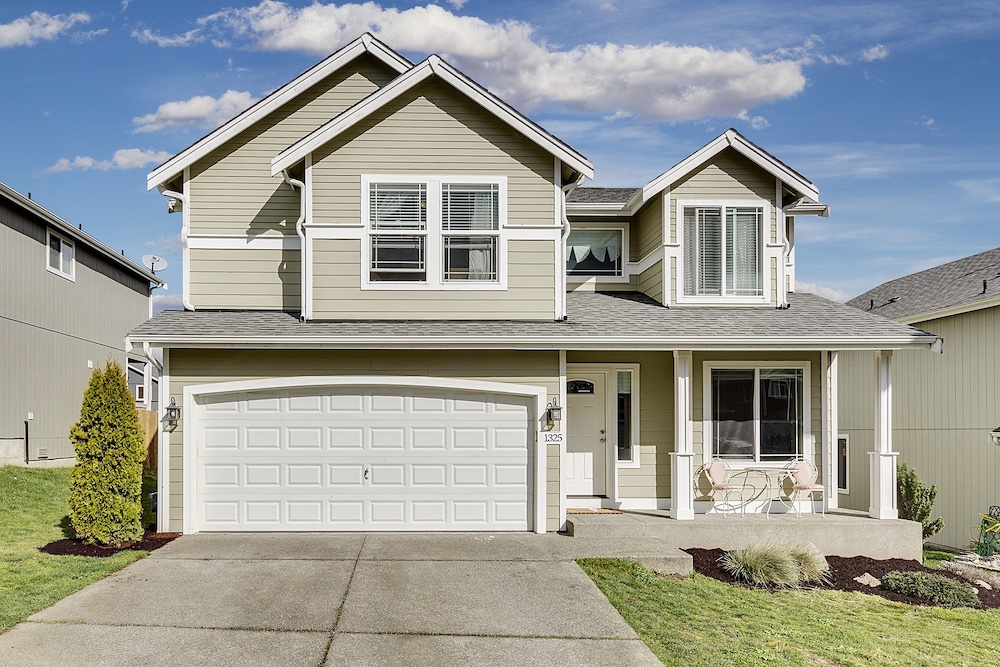
- Exterior (3–4 photos): one broad wide shot for curb appeal, a tighter shot of the entrance, and 1 or 2 shots of the back at twilight or in the afternoon.
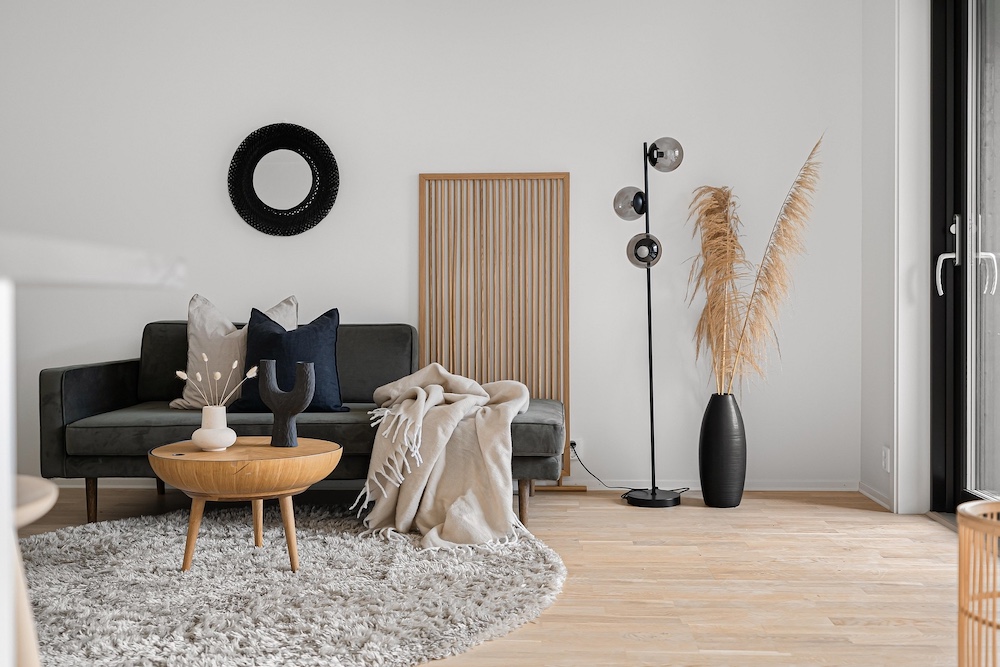
- Main living spaces (6–8 photos): generous wide shots from the corners showing the living room, the dining area and connecting hallways.
- Kitchen (4–5 photos): one wide view of the whole layout, plus medium shots of the island lines and premium finishes.
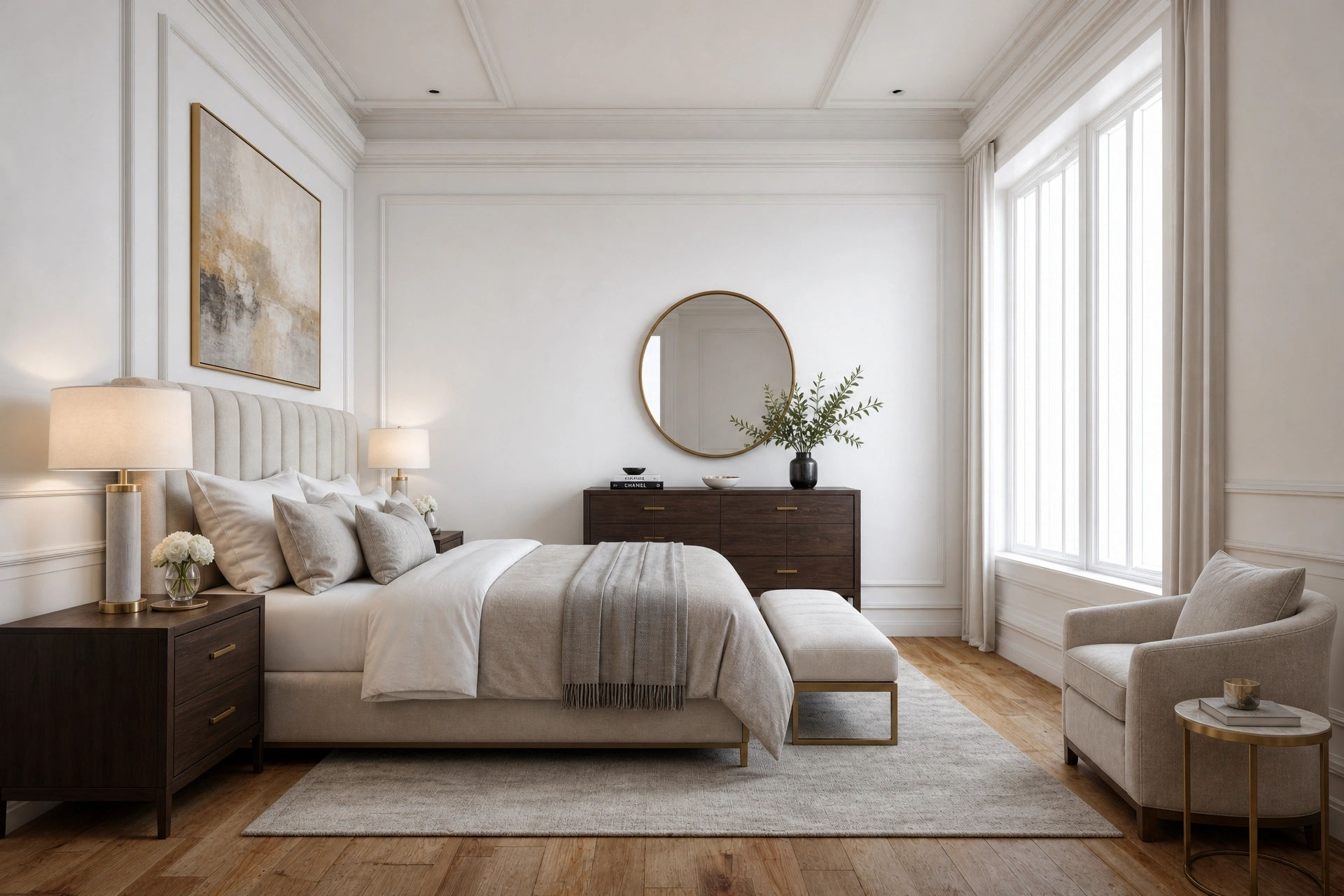
- Bedrooms (4–5 photos): two clean, spacious angles of the primary bedroom, plus one crisp shot of each guest room.
- Bathrooms (3–4 photos): wide shots of the main bathrooms that show the stonework and balanced light.
The operational friction of quality at scale
Delivering 25 strong photos sounds simple, but the math behind it gets complex for high-volume real estate media companies. To end up with 25 polished, magazine-ready images, you often capture 75 to 125 raw brackets on site to cover different lighting options.
Sorting those large sets, grouping brackets by hand and blending exposures can easily slow your business down. This is where Stager AI changes the workflow. Instead of spending hours managing files, you drop the whole raw folder into Auto HDR.
It identifies the bracket sets, merges them into natural HDR images, straightens vertical lines and pulls the window views automatically. You can batch-process large volumes, pick the best 25 hero images and deliver them to your client in minutes. For the full step-by-step, see our bracketed-to-final AI editing workflow.
Recommended photo count by property type
Adjust how many photos you deliver to the size and market segment of the listing.
| Property type | Recommended count | Story to tell |
|---|---|---|
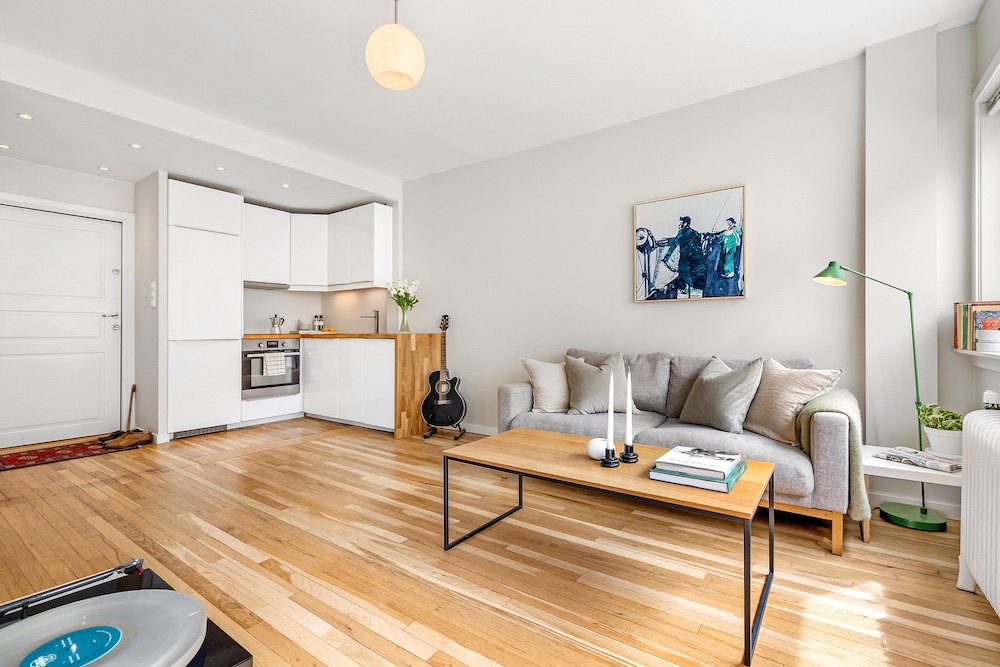
| Urban apartments / condos | 15 to 20 photos | Efficient layout flow, balcony views, shared amenities |
| Standard suburban homes | 22 to 28 photos | Indoor/outdoor transitions, the kitchen, primary suites |
| Luxury estates (> 4,000 sq ft) | 35 to 50 photos | Close-ups of architectural finishes, guest wings, extensive landscaping |
The verdict: curation wins the scroll
In real estate media, the power is in curation, not endless volume. Flooding the MLS with redundant shots dilutes your impact. Sticking to a data-backed sweet spot keeps buyers inside the story of the listing.
Pair a tight, well-edited selection with fast automated processing like Stager AI and editing stops being the bottleneck. Upload large folders, review natural HDR results within minutes, and curate a strong, high-converting showcase.
Frequently asked questions
For a standard single-family home, 22 to 28 high-quality photos. Listings in that range get the best online click-through retention and lead generation.
No. Sets of more than 40 images often cause viewer fatigue, with attention dropping by over 60% after the 30th photo. Fewer than 15 images, on the other hand, signals a lack of transparency.
Urban apartments and condos work well with 15 to 20 photos. Luxury estates over 4,000 sq ft need 35 to 50 photos.
Often 75 to 125 raw brackets on site, to cover different lighting options.