On this page
Virtual staging is usually explained with an empty room: before, bare walls; after, a furnished living room. But many listings aren't empty. They're lived in, with furniture that's fine and a room that just looks a little tired. That's where the choice between full vs subtle virtual staging for real estate comes in.
This guide explains what each mode does, which rooms suit each one, and how to keep the result honest.
What full and subtle virtual staging change
| Full staging | Subtle staging | |
|---|---|---|
| What it changes | Adds complete furniture and decor | Refreshes decor and small items |
| Main furniture | Added from scratch | Kept as it is |
| Best for | Empty rooms | Furnished, lived-in rooms |
| Typical result | A fully furnished room in your chosen style | The same room, tidier and more styled |
In Stager AI, both are options of virtual staging: Full Staging for complete furniture and decor, and Subtle Staging for decor only. Full staging works with 19 room types and 11 styles.

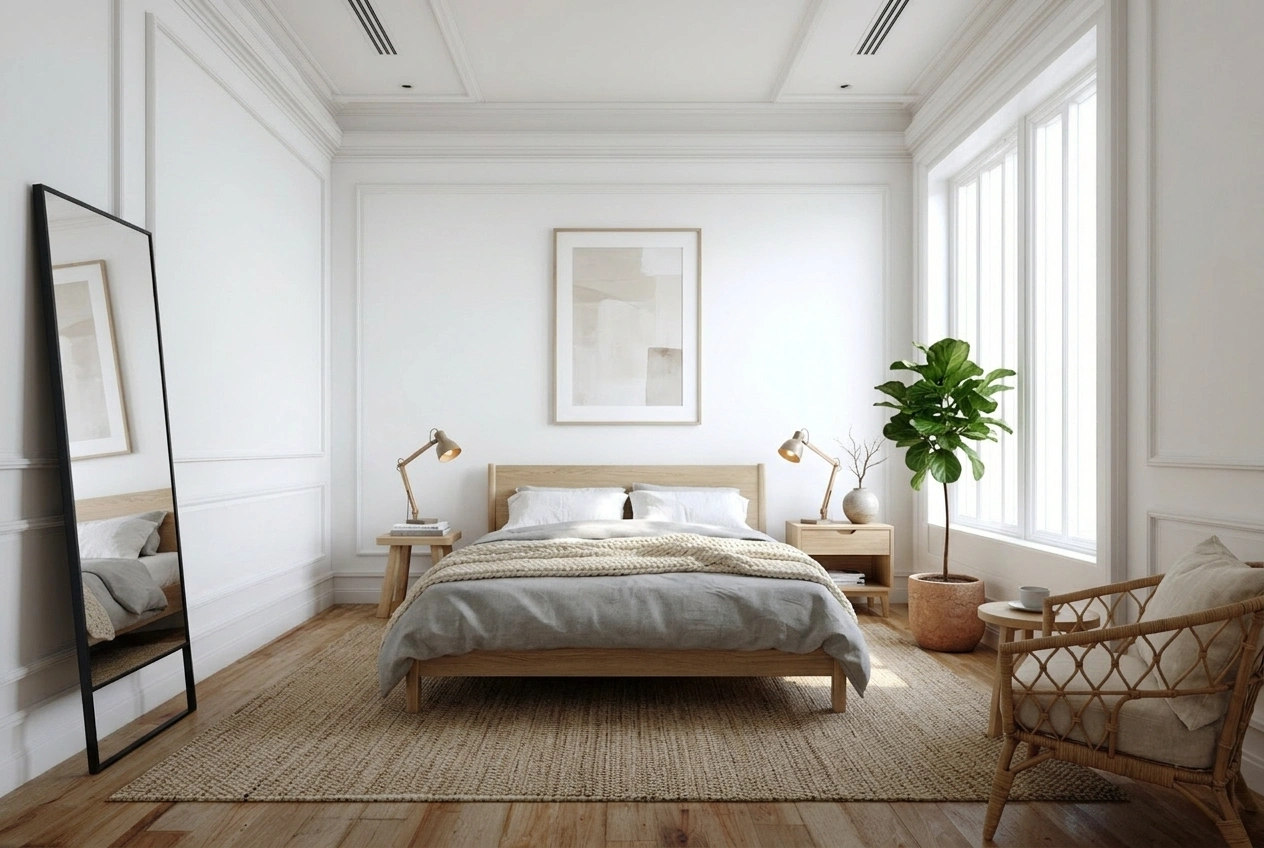
When to use full virtual staging
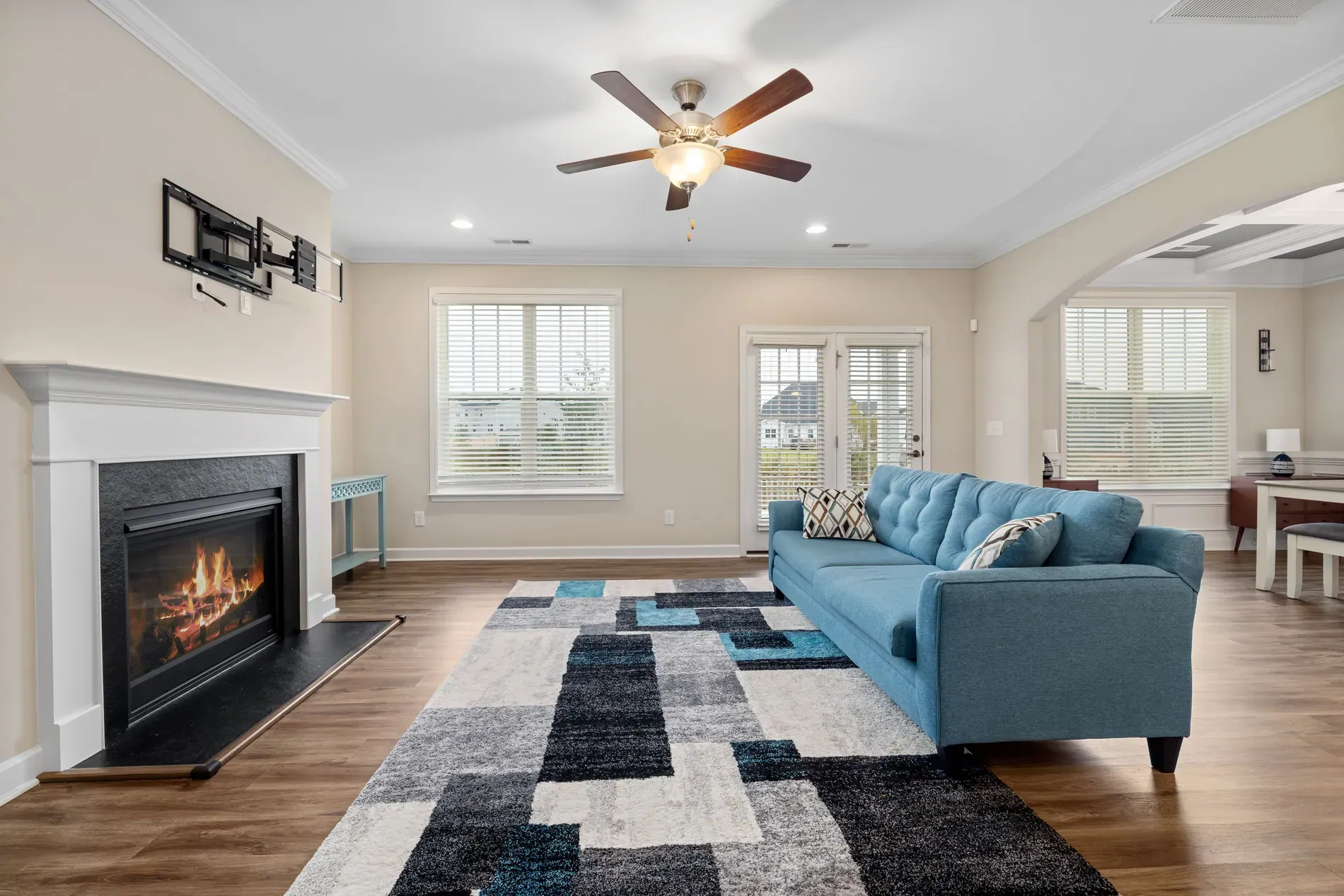
- Empty rooms, especially living rooms and bedrooms, where buyers need furniture to judge size.
- Rooms after decluttering, once the seller's furniture has been removed.
- New builds and vacant homes, where every room is bare.
- Spare rooms with no obvious use, staged as an office or a guest room.
When to use subtle staging
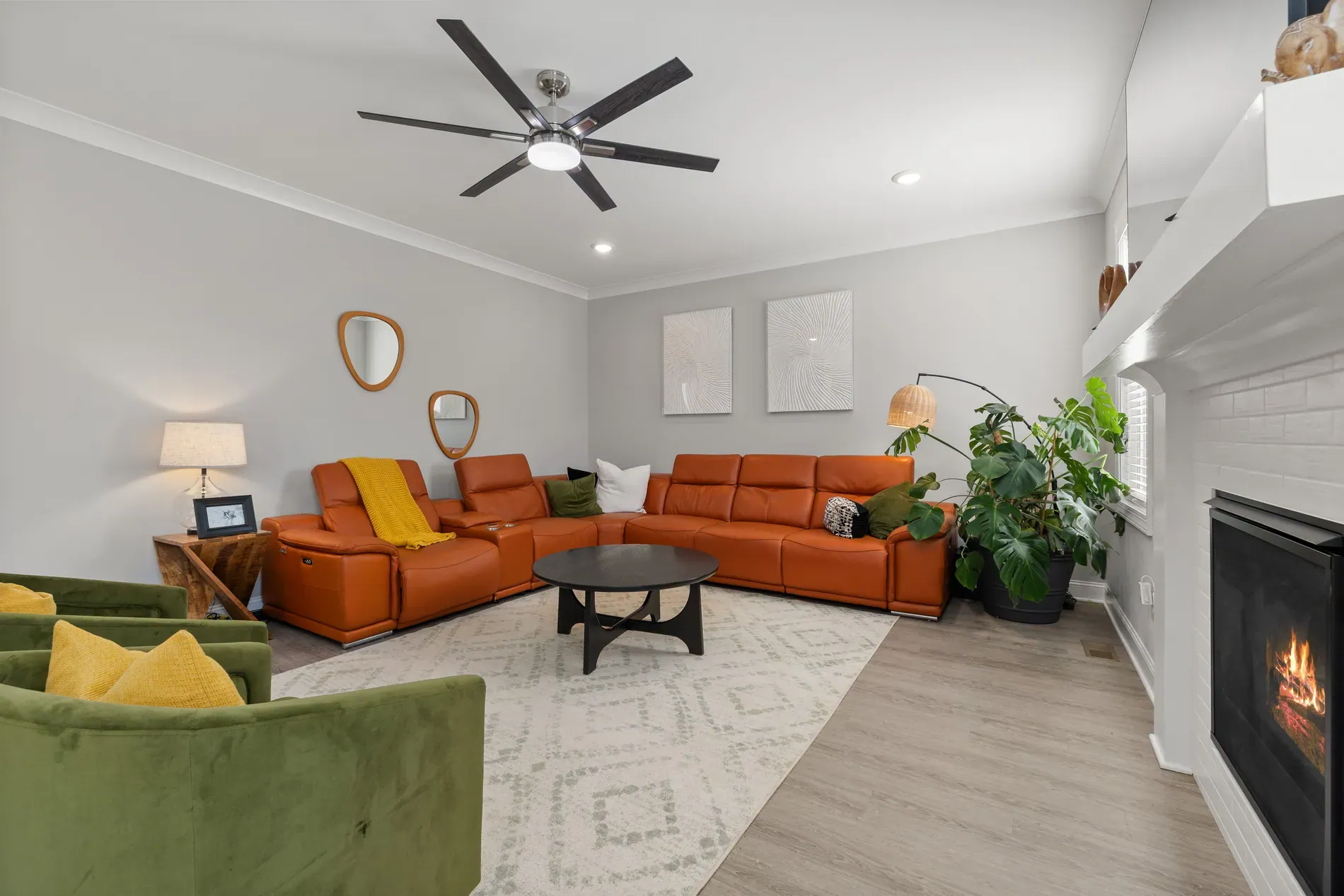
- Occupied homes where the furniture is good but the room looks lived-in.
- Rooms with dated decor but solid main pieces, like a good sofa with tired cushions and throws.
- Sellers who want their home recognizable in the photos.
- Rooms you can't empty, where full staging would sit awkwardly with existing furniture.
For more help with furnished homes, see subtle virtual staging.
What about cluttered rooms?
If a room is full of the seller's things, subtle staging may not be enough. Declutter first to remove furniture and objects, then show the room empty or stage it fully. We walk through that choice in declutter, stage or show it empty.
Keep one style across the listing
Whichever mode you use, choose one style for the whole listing. Mixing a Scandinavian bedroom with an industrial living room makes the home feel like a showroom, not a place to live. If a room appears in more than one photo, multi-angle staging keeps the furniture the same from every angle.
Keep it honest
Both modes change what's in the photo. Label staged photos where your portal or MLS asks, keep the original photo in the listing, and never use staging to hide the condition of the property. See the rules for edited and virtually staged listing photos.
Each staged photo uses 1 credit and includes 9 free re-renders, so you can try both modes before choosing.
Frequently asked questions
Full staging adds complete furniture and decor to a room. Subtle staging refreshes the decor and small items and keeps the main furniture as it is.
Yes. Subtle staging is made for furnished rooms: it refreshes decor and keeps the main furniture. For cluttered rooms, declutter first and then stage.
For empty rooms, rooms after decluttering, new builds and vacant homes, and spare rooms you want to show with a clear use.
Stager AI offers 11 styles and 19 room types for full staging.
Label them wherever your portal, MLS or local rules ask, and keep the original photo in the listing.