On this page
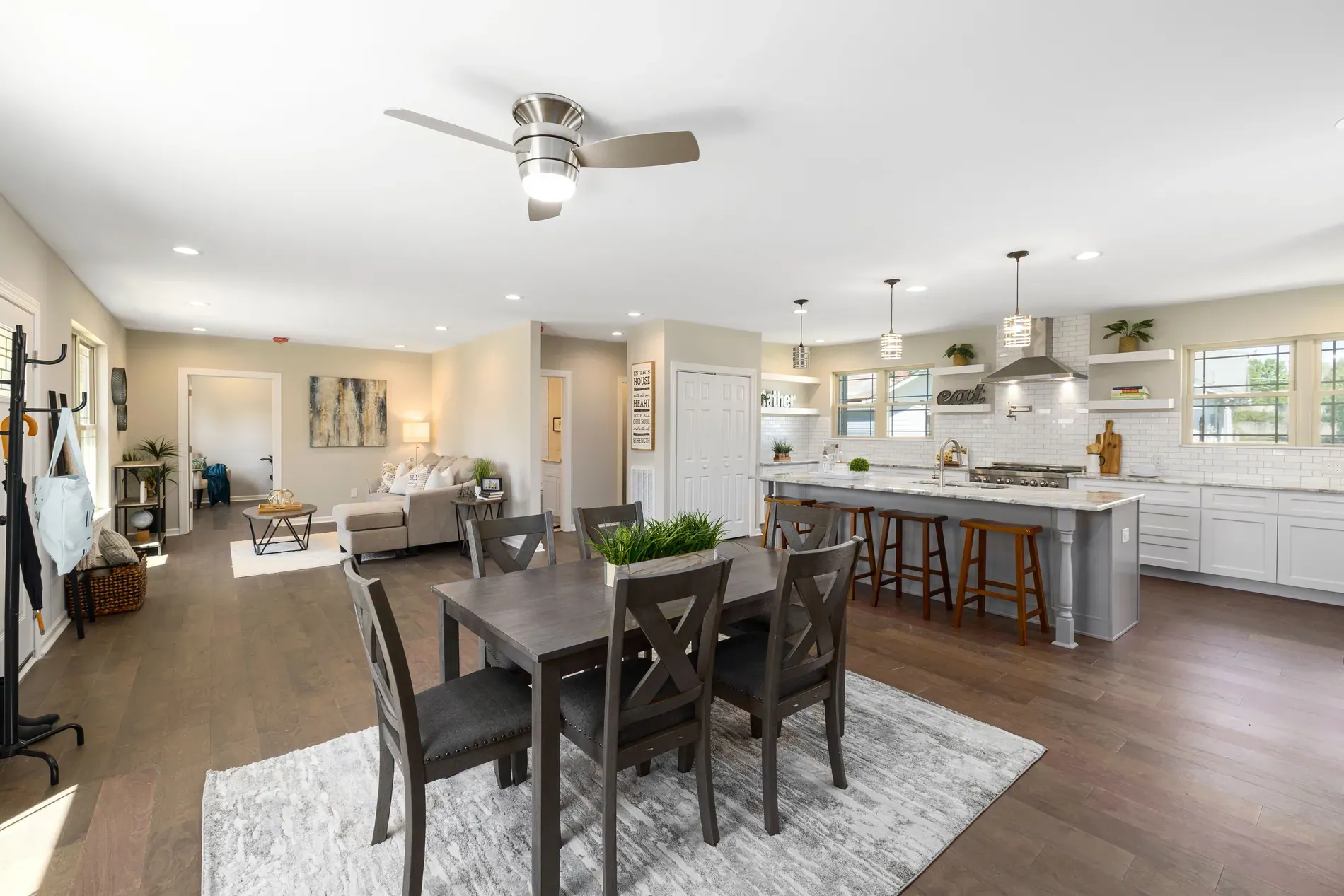
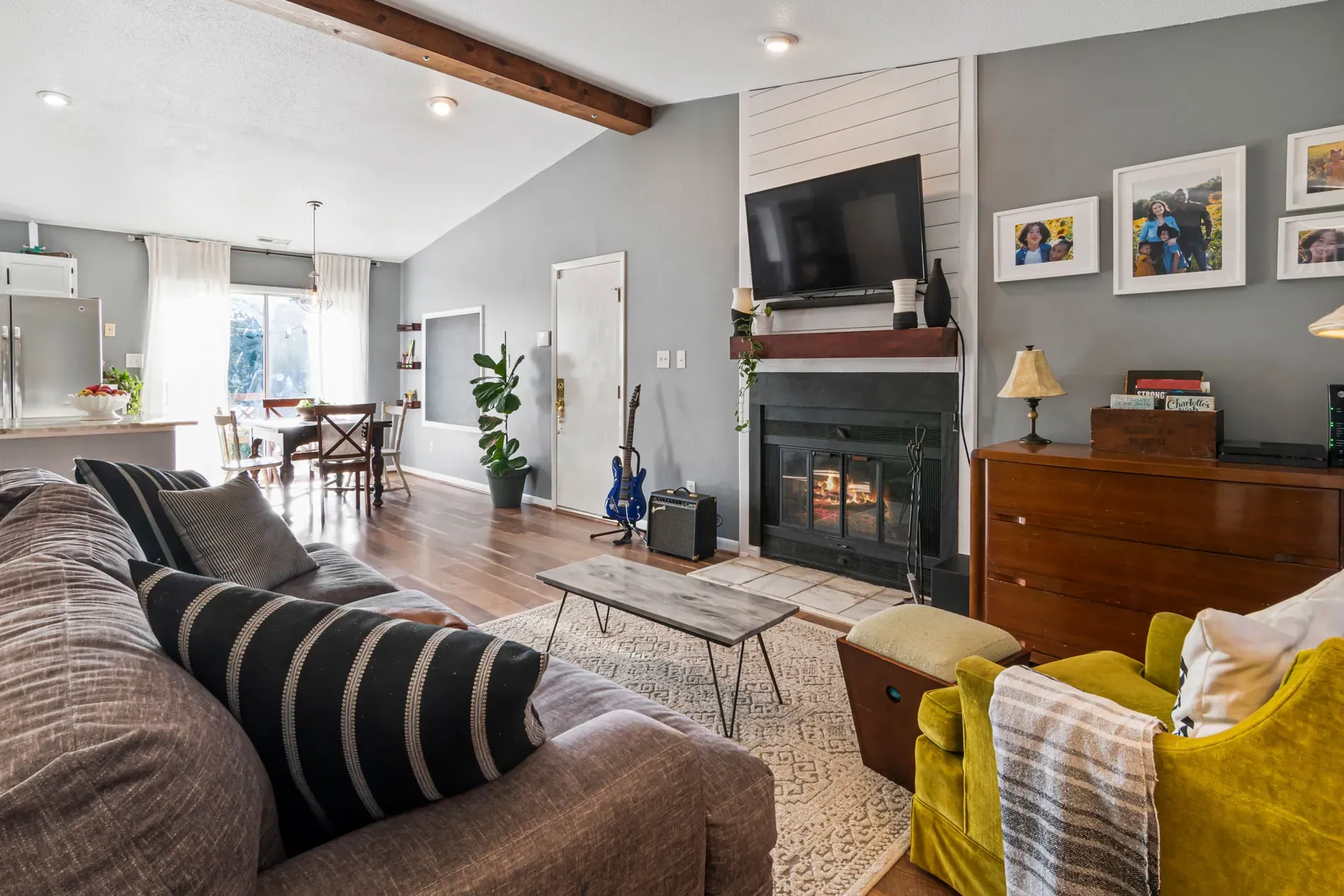
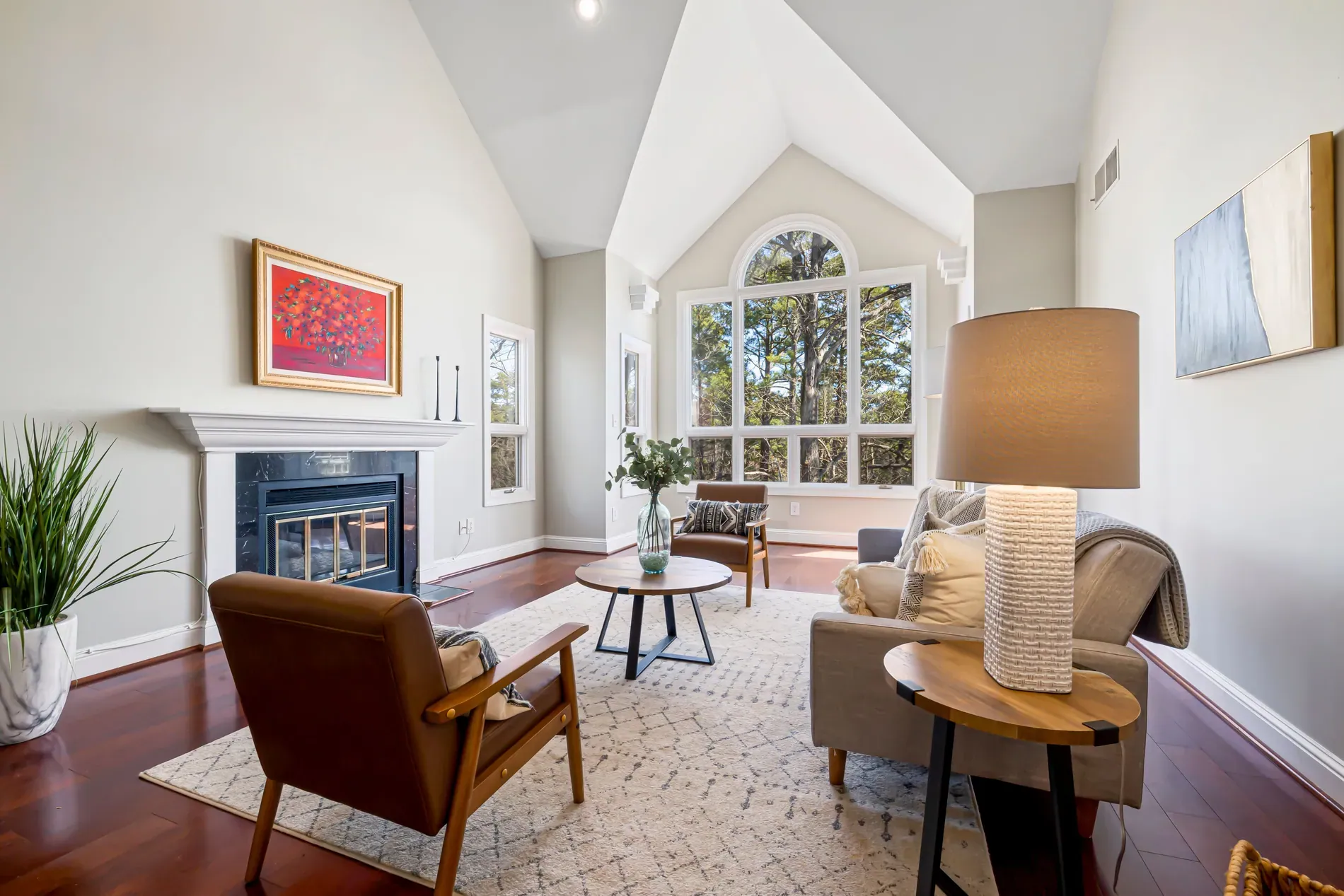
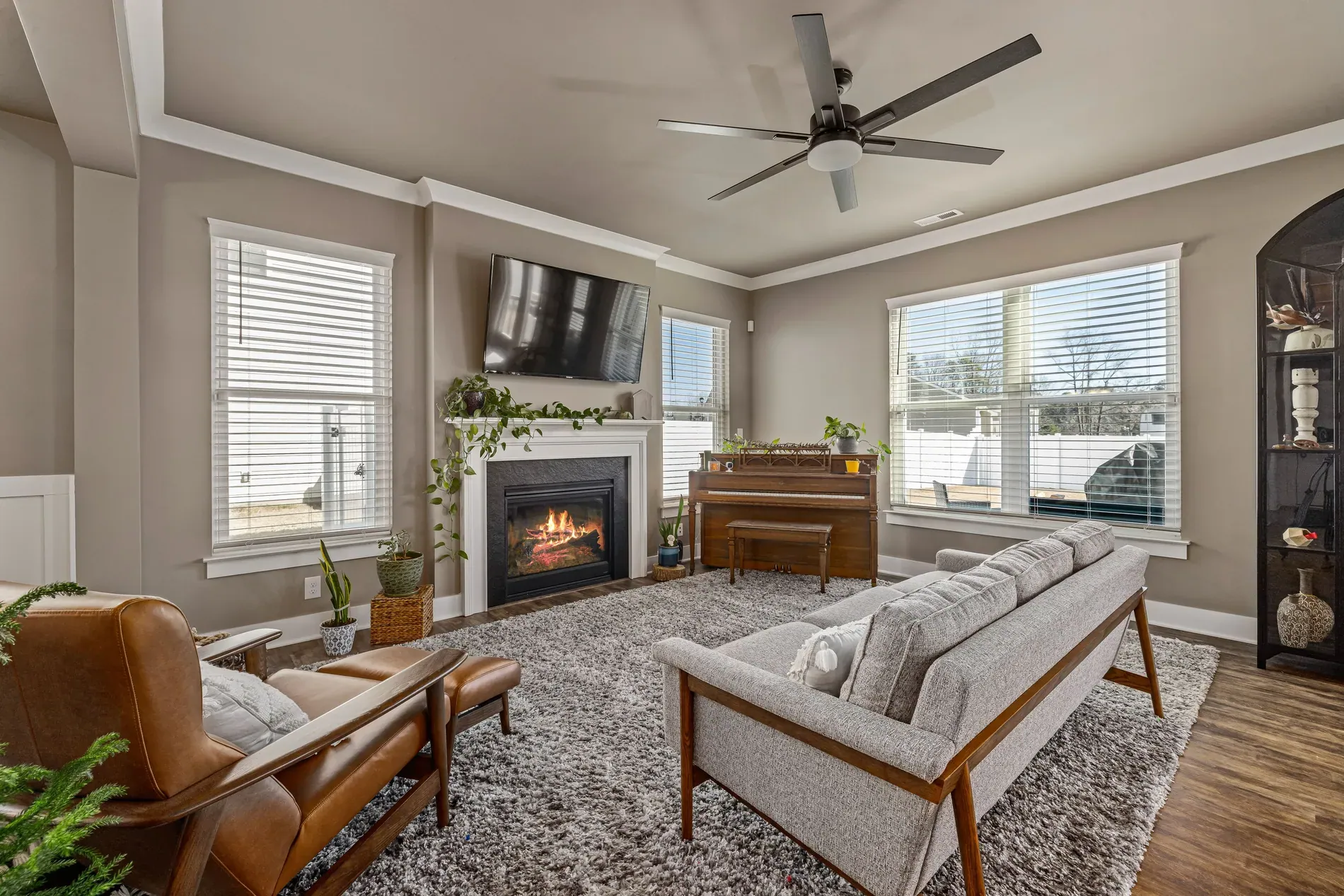
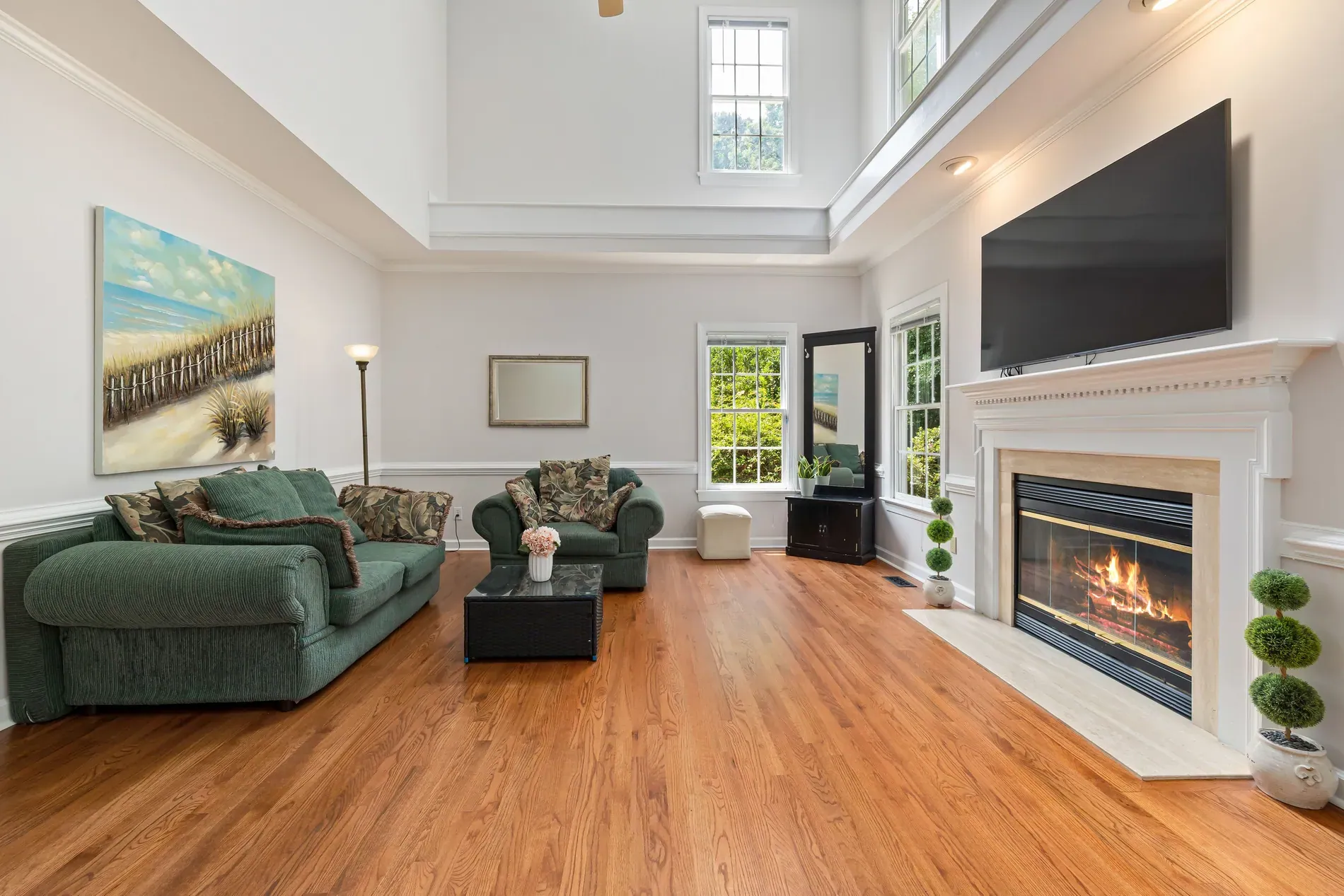
Video gets attention on social media and portals, and agents know it. But a video shoot means another visit, more gear and more editing, which most listings can't justify. Real estate video from listing photos fills that gap: the photos you've already shot become a short listing video, with camera movement, transitions and music.
Which video for which listing
With AI real estate video in Stager AI, you choose a template for the kind of story the listing needs:
| Template | What it shows | Good for |
|---|---|---|
| Listing walkthrough | A cinematic tour through the property's photos | Most listings |
| Empty-to-staged room reveal | Empty rooms turning into furnished ones, from before-and-after pairs | Vacant homes with virtual staging |
| Before and after renovation | Rooms changing from their old to their new look | Renovations, flips and new finishes |
| Day to night tour | Daylight moving to sunset and evening | Exteriors and homes with views |
| Floor plan animation | A 3D floor plan brought to life | Explaining the layout |
See the dedicated pages for virtual staging videos, room transformation videos, day-to-night videos and floor plan videos.
How to build a listing video
- 1Create the video and assign it to the listing.
- 2Choose the format: landscape for portals and websites, vertical for social media.
- 3Pick the template.
- 4Arrange the photos. Drag them into the order of a visit; for staging reveals, each before-and-after pair becomes one scene.
- 5Add instructions per clip if you want, such as focusing on the fireplace or a slow pan.
- 6Choose a soundtrack, or upload your own MP3.
- 7Generate. Each clip takes around 2 to 3 minutes, and a full video can take up to 10 minutes. The credit cost is shown before you start.
Which photos make a good video
- Wide, bright shots of the main rooms and the exterior.
- A logical order: exterior, entrance, living areas, kitchen, bedrooms, outside. See what order listing photos should go in.
- Staged or twilight versions where you have them; they make the strongest scenes.
- Fewer, better photos. A short video with the best rooms beats a long one with every angle.
Selling video as an add-on
Because the video comes from photos you already shot, it costs you time at the desk, not another visit. That makes it easy to offer per listing, or to include in a premium package next to twilight and staging. Show agents a sample in both formats, so they see how it works on their portal and on social media. For packaging, see how much to charge for real estate photography.
AI video generation is available on all paid plans.
Frequently asked questions
Yes. With Stager AI you choose a template, arrange your listing photos and generate a video with camera movement, transitions and music, without a video shoot.
Each clip takes around 2 to 3 minutes, and a full video can take up to 10 minutes.
Yes. Choose vertical for social media or landscape for portals and websites.
Yes. Choose a soundtrack or upload your own MP3.
AI video generation is available on all paid plans. The credit cost is shown before you generate.