On this page
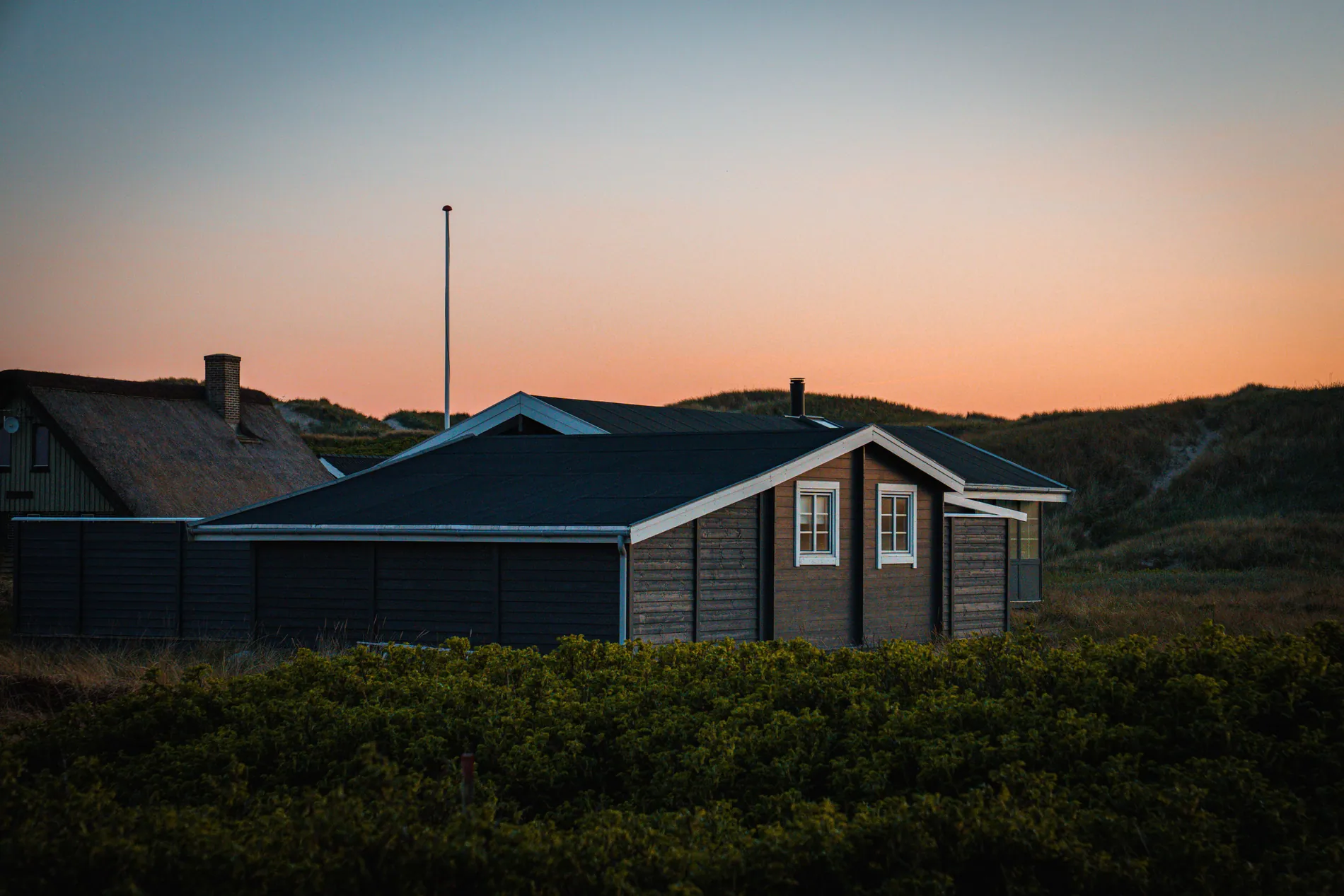
In Oslo, Stockholm or Helsinki, the sun is up for about six hours around the winter solstice. A photographer with three shoots booked that day will finish at least one of them in the dark. Until now, that meant two options: fight the darkness to make the photos look like daytime, or edit them by hand into an evening look. Stager Twilight is a new Auto HDR editing style built for the second option.
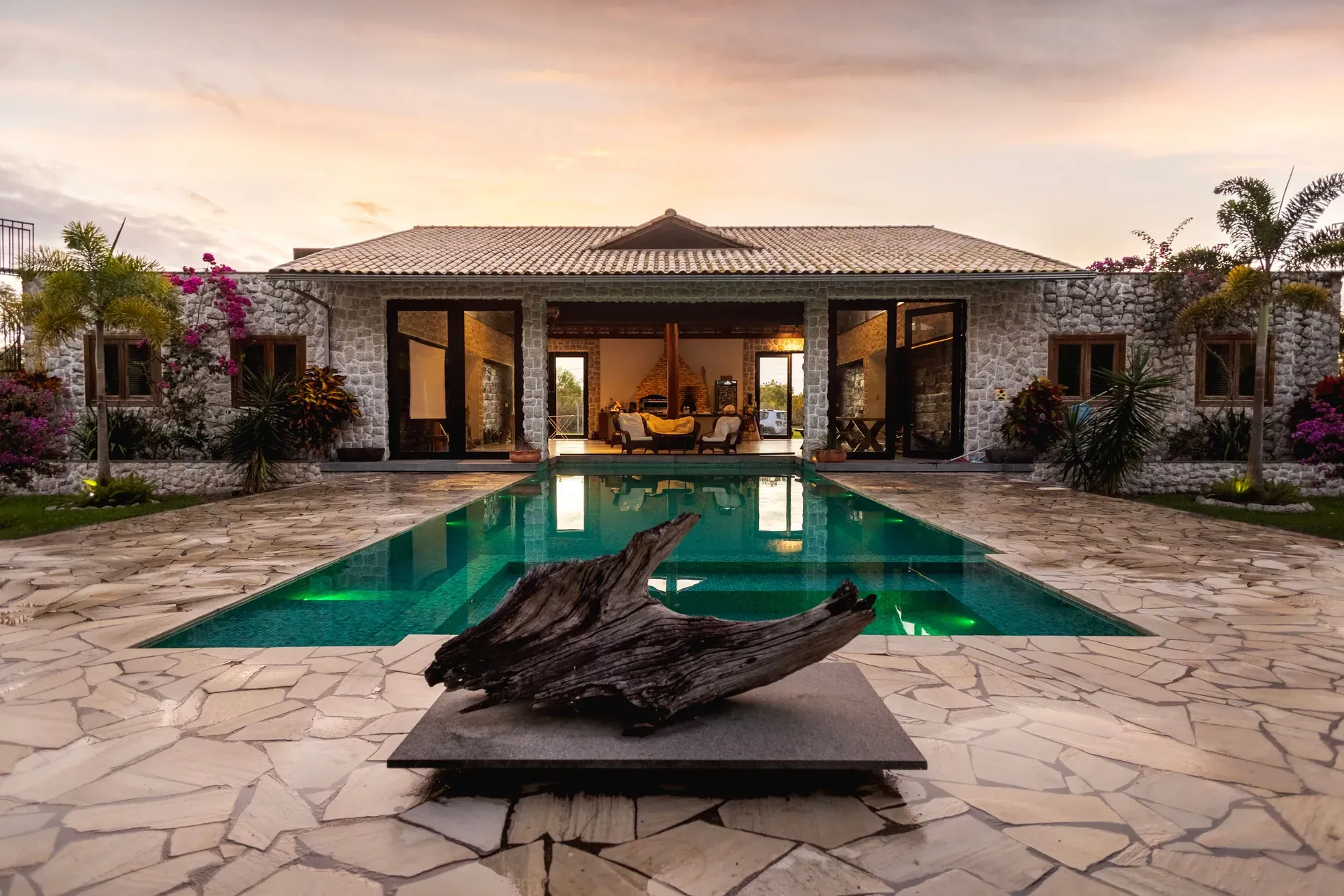
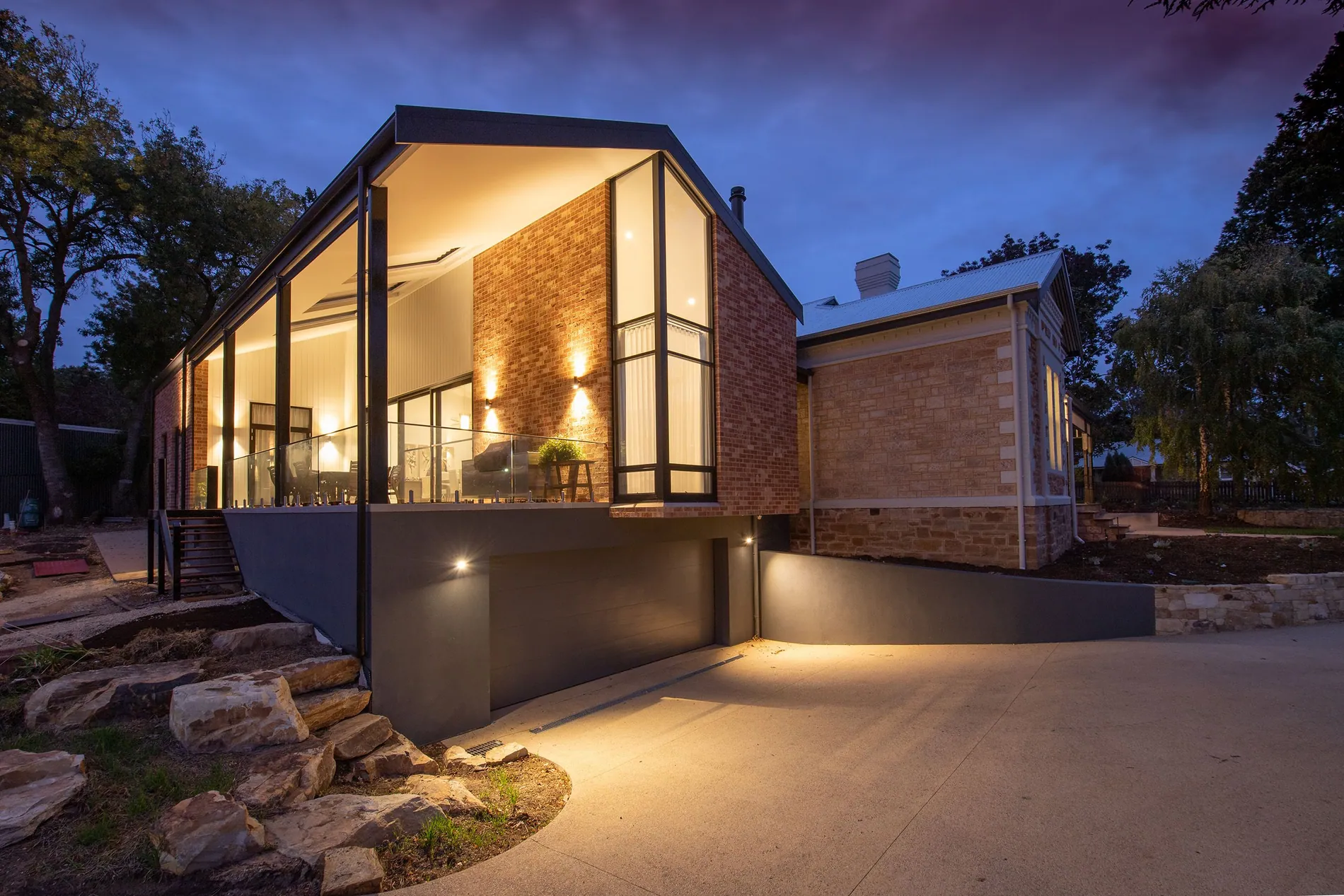
It's made for dark-season real estate photo editing. Upload the brackets you shot in low light or after dark, pick Stager Twilight, and you get back a twilight edit of the whole shoot: deep blue sky, warm glowing windows and lamps, and clean, controlled shadows. It works on interiors and exteriors.
Why dark-season shoots need their own editing style
Most HDR editing styles are trained to produce bright, daylight-looking photos. Give them brackets shot at 4 pm in a Nordic December and they try to do the same thing. The result is often grey: a flat sky, muddy shadows, noise in the corners and windows that look neither day nor night.
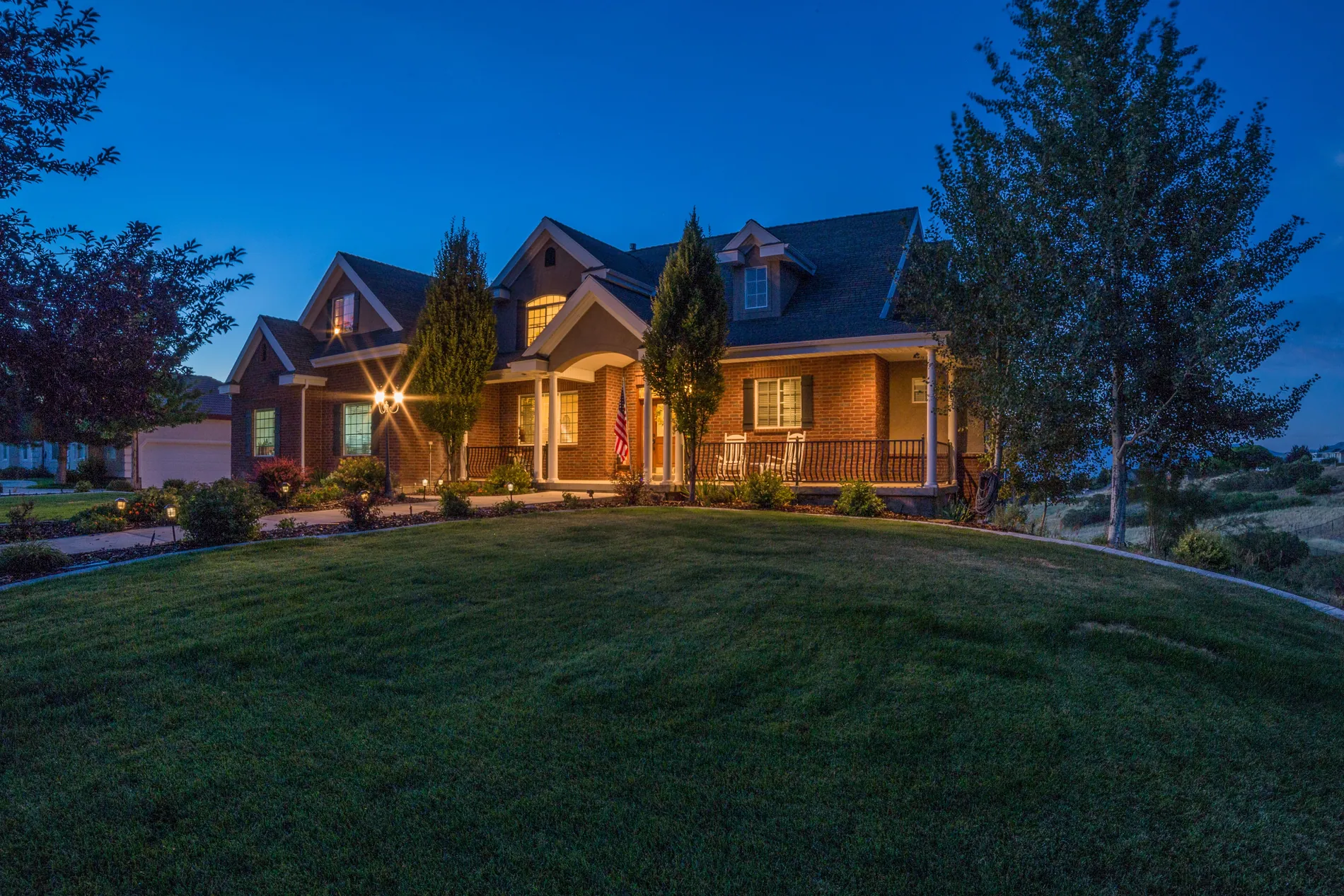
Agents and buyers in the north know what a winter listing looks like. A photo that pretends it's noon in July doesn't fool anyone. What does work is the image people already associate with a good home in winter: a deep blue sky outside and warm light inside. That's the look Stager Twilight is built to deliver.
What Stager Twilight does to your photos
- Skies become a clean twilight blue instead of grey or black.
- Windows, lamps and outdoor lights glow warm, the way they look at dusk.
- Shadows stay dark enough to feel like evening, but with detail kept and noise controlled.
- Interiors keep the warm, lived-in feel of a lit home after dark.
- Exteriors get the classic twilight cover-photo look, without a separate sky replacement step.
Like every Auto HDR style, it edits the photo you took. The rooms, furniture, garden and architecture stay as they are, and the photo comes back at full resolution, the same size as your originals.
Stager Twilight vs day to dusk
Stager AI already has day to dusk, so it's worth being clear about the difference. They solve opposite problems.
| Stager Twilight | Day to dusk | |
|---|---|---|
| What you shot | Brackets taken in low light or after dark | A daytime exterior |
| What it does | Edits the whole shoot into a twilight look | Turns one bright exterior into an evening scene |
| Interiors | Yes | No, exteriors only |
| Where you choose it | Editing style in Auto HDR, before the edit | Twilight tab or Sky Replacement & Twilight panel, after the edit |
| Typical use | Dark-season shoots, late-afternoon bookings | A twilight cover photo from a daytime shoot |
If you shot in daylight and the agent wants a twilight cover, use day to dusk. Our guide to selling virtual twilight as an add-on covers that case. If the shoot itself happened in the dark, use Stager Twilight.
How to use Stager Twilight
- 1Shoot your brackets as usual, on a tripod, with the interior and exterior lights on.
- 2Upload them to Auto HDR. In the HDR settings, open the interiors style row and pick Stager Twilight. The exteriors style picker hides, because Twilight has its own look for exteriors.
- 3Start the edit. Photos in a shoot are processed in parallel, so the whole shoot is ready in about 1–5 minutes.
- 4Review and download at full resolution, or reprocess single photos with another style if you want a daylight version.
You can also set Stager Twilight as the editing style for Dropbox auto-import, so dark-season shoots you drop into a folder come back edited in the twilight look. For the shooting side, see our low light real estate photography guide.
Who it's for
Real estate photographers in the Nordics, the Baltics, Scotland, Canada or anywhere with short winter days, who can't fit every shoot into the hours of daylight. Real estate media companies whose teams shoot back-to-back from morning to evening and need one consistent look for the late ones. And agents who want listings that look like a warm home on a winter evening, rather than a dim one.
Pricing and availability
Stager Twilight is available today in every Stager AI account, marked beta. It's an editing style, not an add-on, so it costs the same as any other Auto HDR edit. Plans start at 10 photos a month and unused photos roll over; see pricing for the details.
It's in beta because we're still learning from real dark-season shoots. If a photo doesn't come out the way you expected, tell us in the chat. Those examples are exactly what makes the style better.
Frequently asked questions
An Auto HDR editing style for real estate photos shot in low light or after dark. It edits the whole shoot into a twilight look: deep blue sky, warm glowing windows and lamps, and controlled shadows.
Yes. It works on interiors and exteriors. When you pick it, the exteriors style picker hides, because Twilight has its own look for exteriors.
Stager Twilight edits brackets that were already shot in the dark. Day to dusk turns a bright daytime exterior into an evening scene.
The same as any Auto HDR edit: photos in a shoot are processed in parallel, so the whole shoot is ready in about 1–5 minutes.
No. It's an editing style, so it costs the same as any other Auto HDR edit.