On this page
Ask a real estate media company what makes its photos theirs, and the answer is rarely one setting. It's how bright the rooms feel, how warm the wood looks, how much of the view comes through the window, how the sky sits over the roof. Clients notice it, and it's often why they book you again.
Built-in editing styles get close for many teams. When they don't, Stager AI can train AI on your editing style: a style model built from your own finished photos, applied to every shoot on your account. This post explains how that works, what we need from you and what a trained style can and can't do.
Why a preset isn't the same as your look
A preset applies the same adjustments to every photo. Your editors don't work that way: a dark bedroom, a bright kitchen and a front elevation under a grey sky each get treated differently, and the consistency is in the result, not in the sliders.
A trained style learns from examples of those results. Instead of describing your look in numbers, you show it, and the model learns how your finished photos tend to look across different rooms and light.
| Built-in style | Your trained style | |
|---|---|---|
| Based on | The Stager look | Examples of your own finished edits |
| Interiors and exteriors | Shared defaults | Each trained separately |
| Setup | None: pick it in the sidebar | We train it, you approve test edits |
| Applies to | Shoots where it's selected | Every shoot on your account |
The built-in styles are a good place to start: Stager Luma, the newest and the default, and Stager Classic V2, with natural, true-to-life light and color and crisp window views. Many teams use them as they are. A trained style is for when your clients already expect something specific.
How we train your style
- 1Tell us about your look. Message us in the chat with what your edits look like and what you'd like to keep or change.
- 2Send examples of your finished edits. Finished photos are enough; you don't need to send the original brackets. We'll tell you how many we need for your case.
- 3We train your style. Interiors and exteriors are trained as two separate styles, so a living room and a front elevation each get the treatment that fits them.
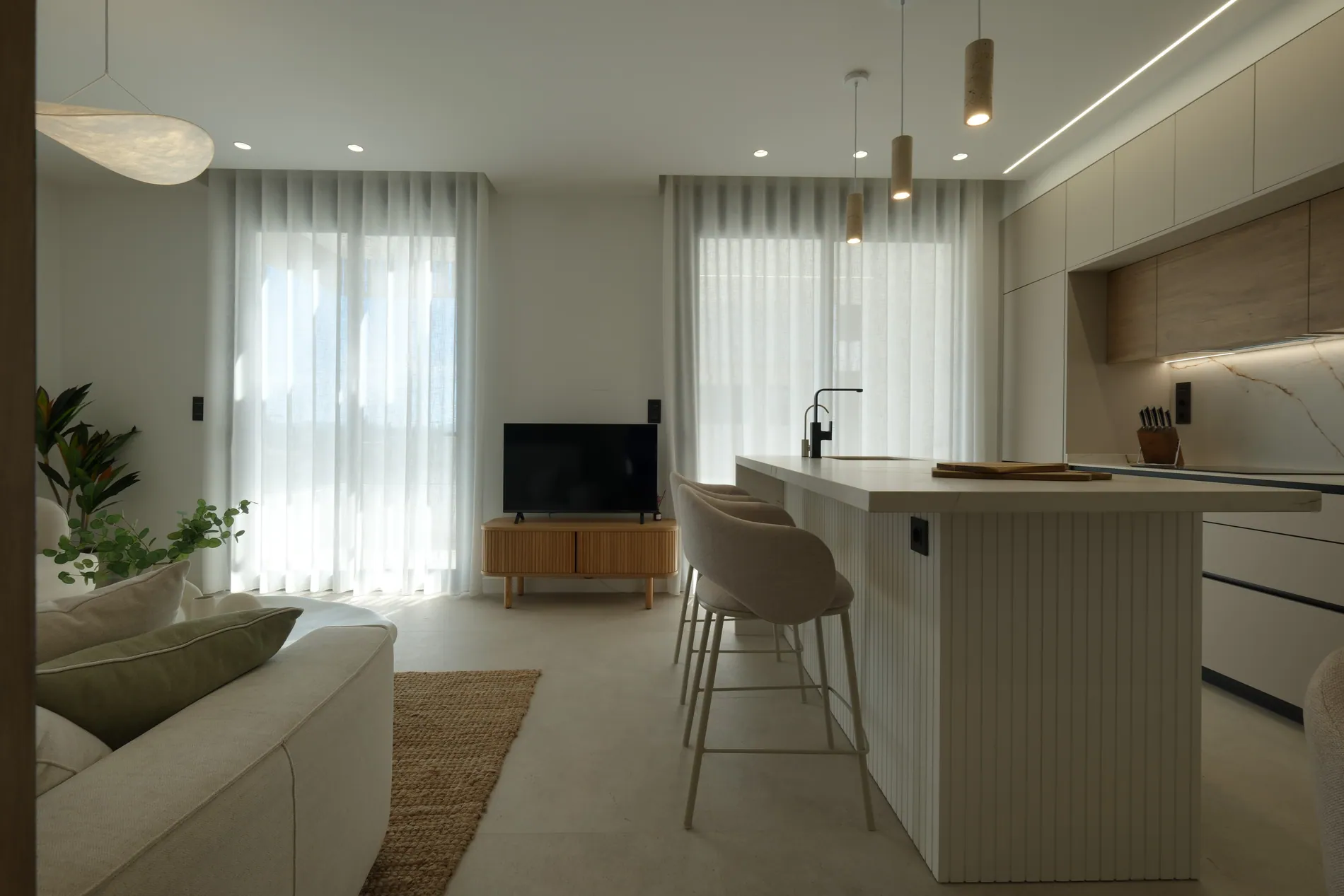
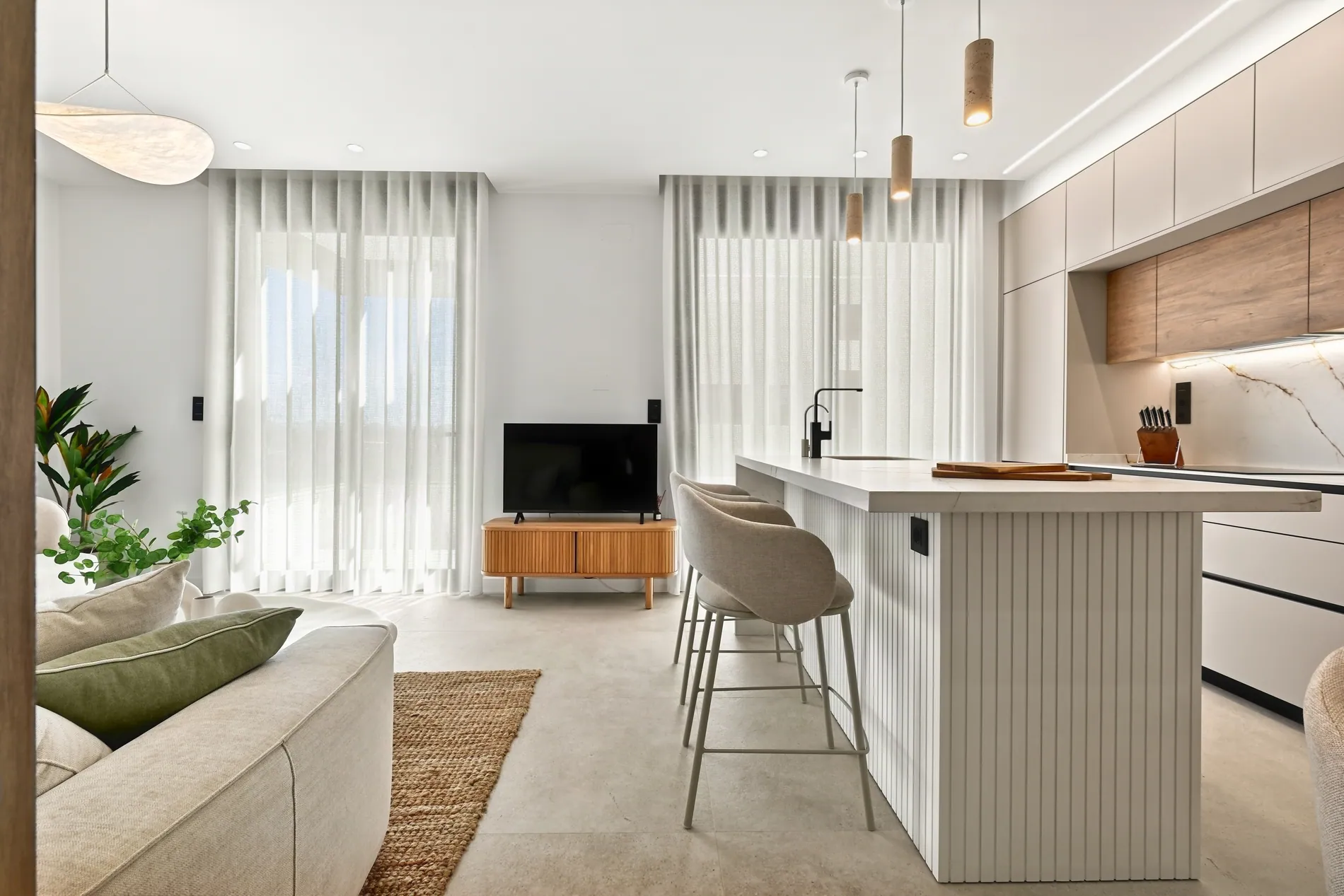
- 4You review test edits. We run the trained style on your own brackets and send you the results to compare with how your team would have edited them.
- 5It goes live on your account. From then on, every shoot you edit uses it.
- 6We refine it if needed. If something drifts on certain rooms or light, tell us and we adjust the style.
What makes a good set of examples
The style learns from what you show it, so the examples matter more than anything else. A few guidelines:
- Only edits you'd deliver today. Leave out old work and photos you wouldn't show a client.
- One look. If two editors on your team have different styles, choose the one you want to keep. Mixing them teaches a mix.
- Variety of rooms and light. Living rooms, kitchens, bedrooms and bathrooms, bright and dark spaces, and exteriors in different weather.
- Interiors and exteriors both, since each is trained separately.
- Your usual finish. If you always deliver windows with a clear view, the examples should show that.
What a trained style can and can't do
A style controls how a photo looks: exposure and brightness, contrast, how warm or neutral the color is, saturation, how windows and skies come out, and the overall mood. It works together with the rest of the edit, like bracket merging, perspective correction and photographer removal, which are settings of their own.
What it doesn't do is change the property. A style changes light, color and mood, not the rooms, the views or their condition, and the final image is built with the fine detail from your own brackets, at full resolution. It also won't take over decisions that aren't about the look, like which angles to shoot, what to retouch, or virtual staging.
One style for every shoot, however it arrives
A trained style is set on your account, so it doesn't depend on who uploads or how. Shoots edited in the web app, picked up from your Dropbox folder or sent from your platform through the API all come back in the same look. That's what lets a growing team add photographers without adding editors or briefing anyone on the style. Our Dropbox workflow for real estate photography teams covers the rest of the setup.
It's still worth a regular check. Run AI QA on finished projects and compare a few shoots with your reference gallery now and then, using our real estate photo QA checklist.
When a trained style is worth it
- Your clients book you for a recognizable look, and built-in styles don't match it.
- You're moving from in-house or outsourced editors to automated editing and want galleries to stay the same.
- You work with several photographers and want one look, without one editor checking everything.
- You deliver for brands, such as a brokerage, that expect every listing to match.
If the built-in styles already match what your clients expect, you don't need one: they're included in every plan. For a trained style, tell us about your look or message us in the chat, and we'll tell you what we need and what it costs. Each edited photo uses 1 photo credit, like any Auto HDR edit.
Frequently asked questions
Yes. We can train a style model on examples of your finished edits and apply it to every shoot on your account, from the web app, Dropbox or the API.
Examples of your finished edits. You don't need to send the original brackets. We'll tell you how many examples we need for your case.
No. Interiors and exteriors are trained as two separate styles, so each gets the treatment that fits it.
Yes. We run it on your own brackets and send you test edits to approve. After it's live, we can refine it if something needs adjusting.
No. A style changes light, color and mood. The rooms, views and condition stay as shot, and the final image is built with the detail from your own brackets, at full resolution.
Message us in the chat and we'll tell you what it costs for your volume. Built-in styles are included in every plan, and each edited photo uses 1 photo credit.