On this page
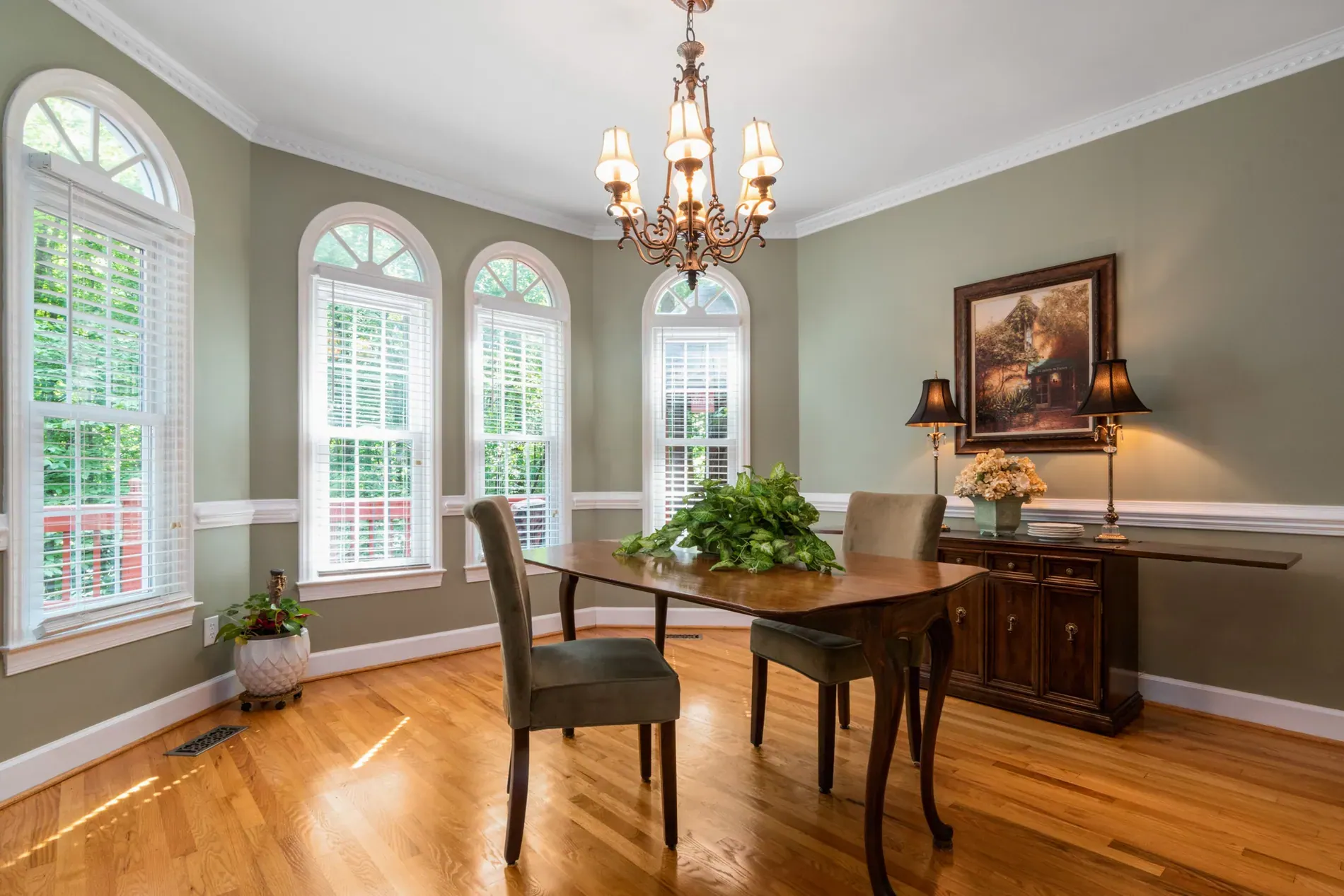
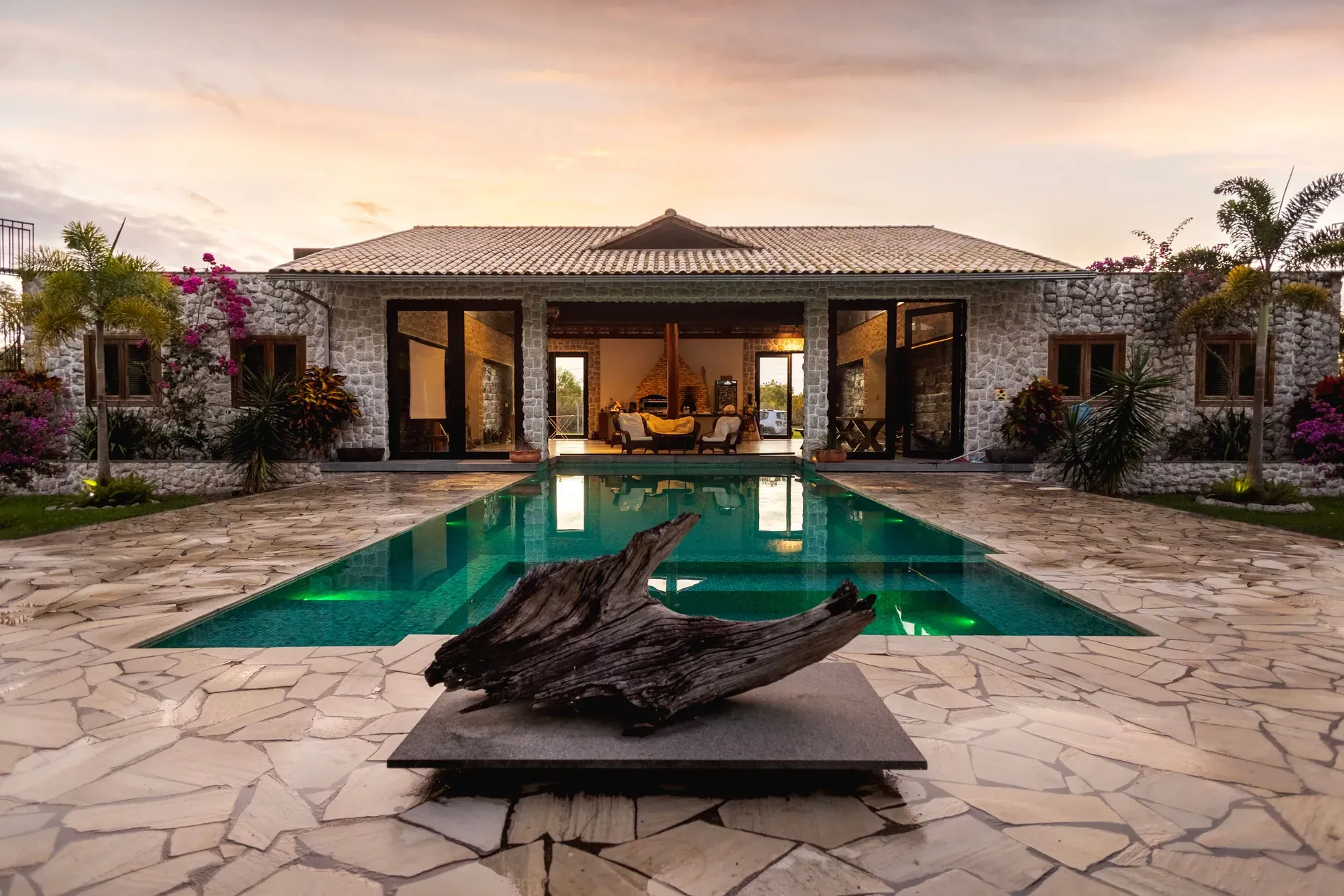
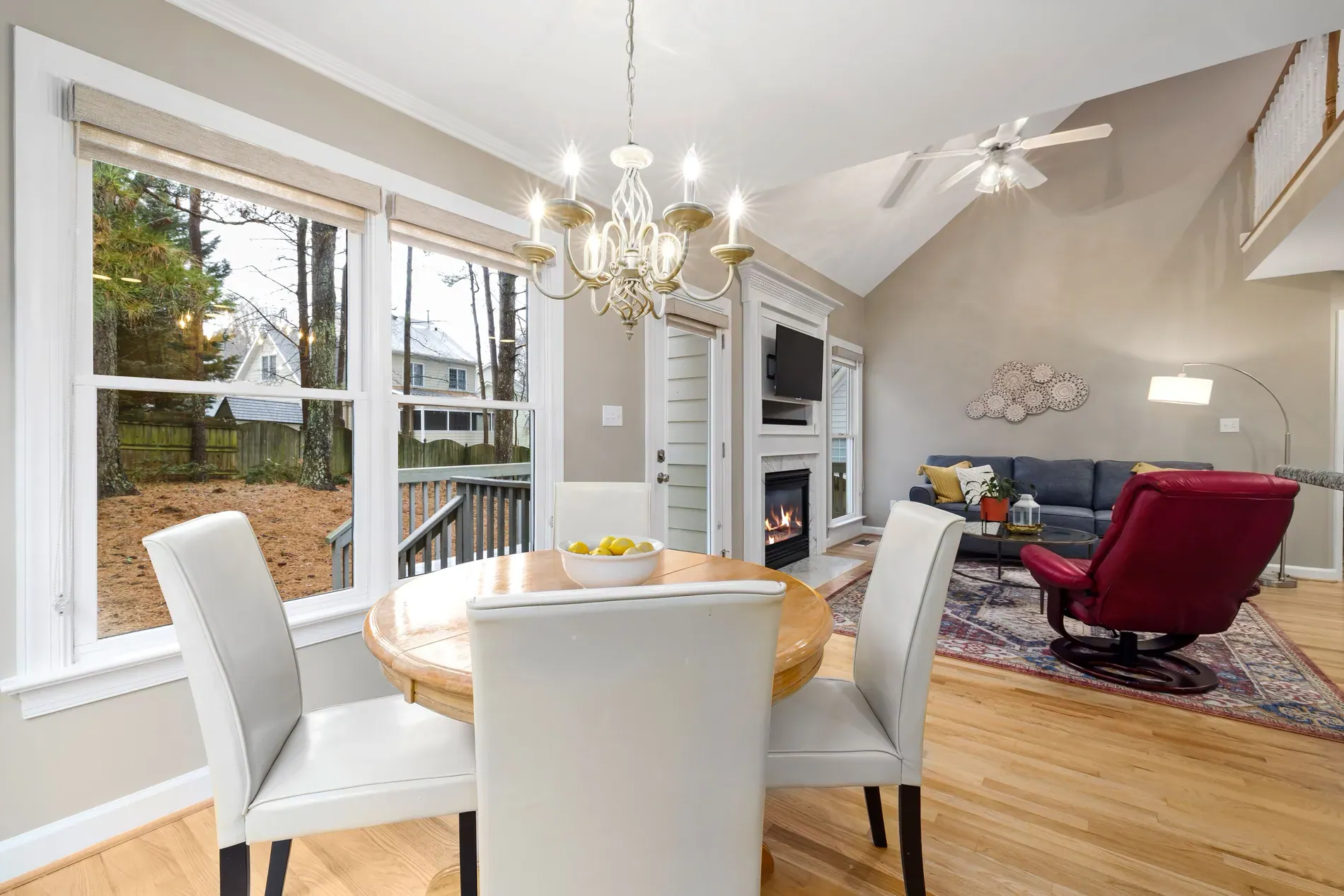
Buyers look at the windows. A living room that opens onto a garden or the sea is a selling point, and a blown-out white rectangle where that view should be throws it away. A window pull in real estate photography is the technique that brings the view back while keeping the room bright.
This guide covers what a window pull is, how to shoot so you have something to pull, how it's done by hand and with AI, and how to choose a strength that looks natural.
What a window pull is
Outside is much brighter than inside. Expose for the room and the windows turn white; expose for the view and the room goes dark. A window pull takes the view from a darker exposure and blends it into the windows of the bright one, so you see both the room and what's outside.
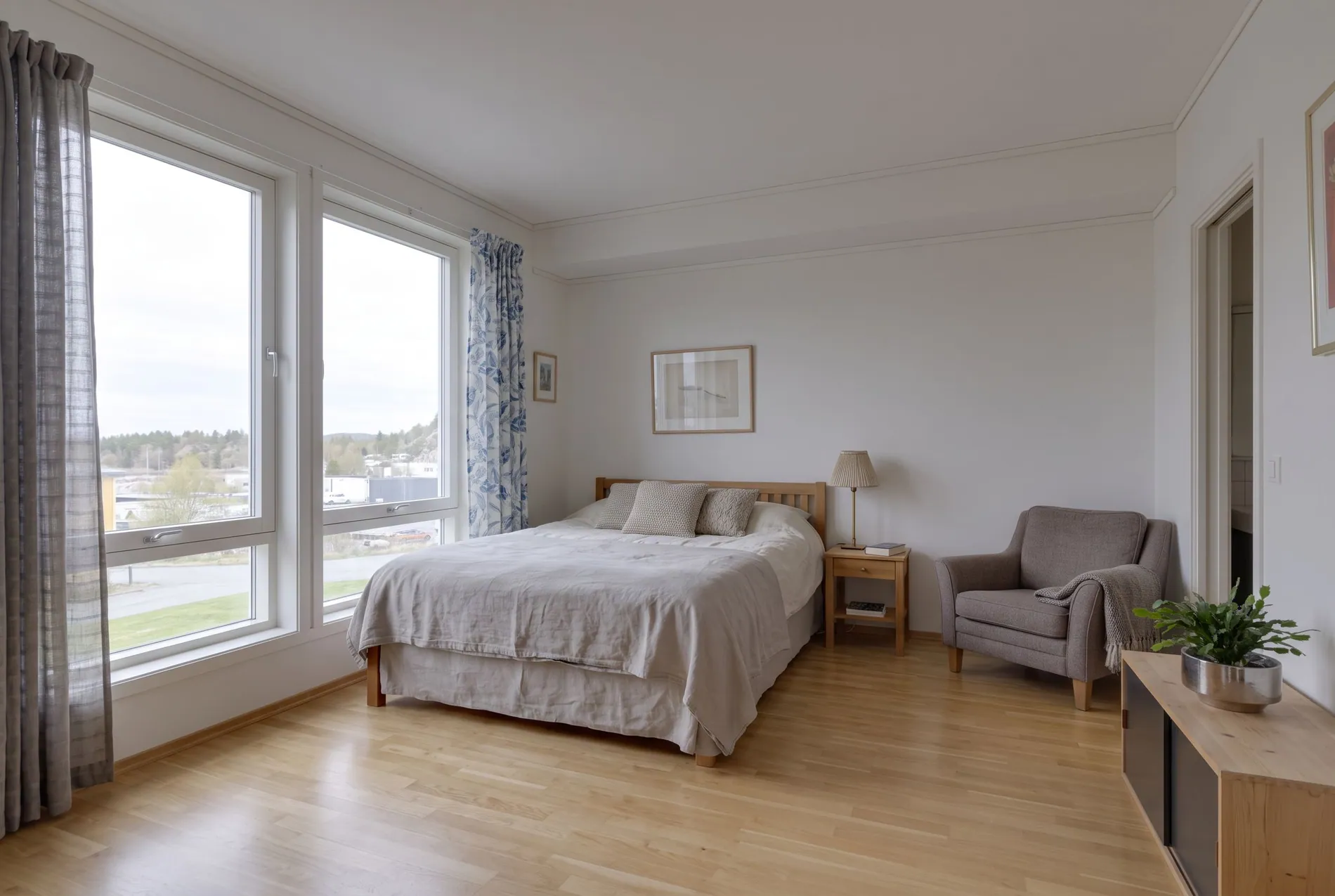
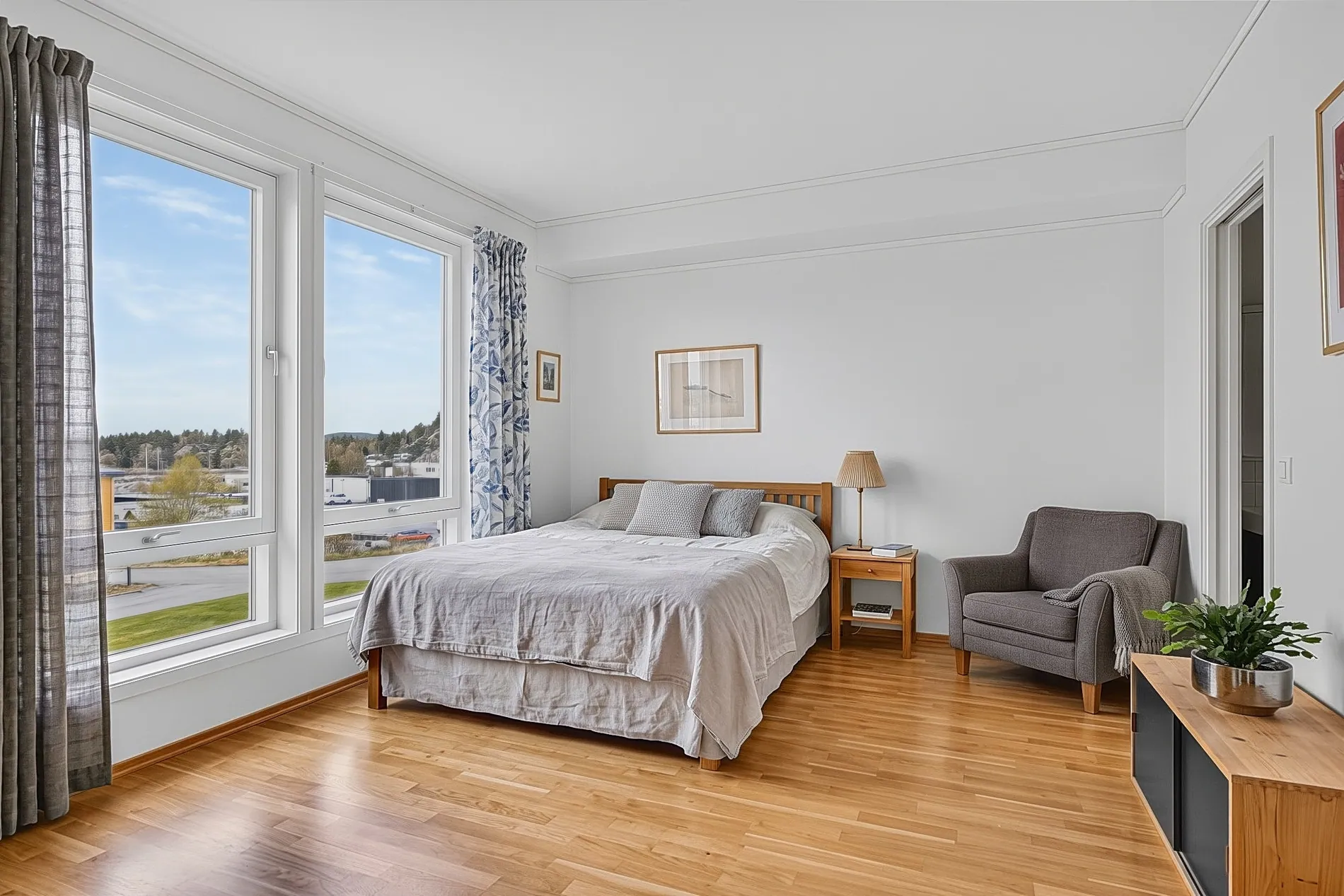
Shoot so there's a view to pull
A window pull can only use what the camera captured. If the view is white in every frame, there's nothing to bring back. Two ways to make sure it's there:
- Bracket deep enough. Your darkest exposure should show the view clearly, with detail in the sky and the garden. In bright rooms that often means 5 brackets instead of 3. See our real estate photography bracketing guide.
- Add a flash frame. Some photographers shoot a flash exposure for the room and expose the view separately, the flambient approach. See AI flambient editing.
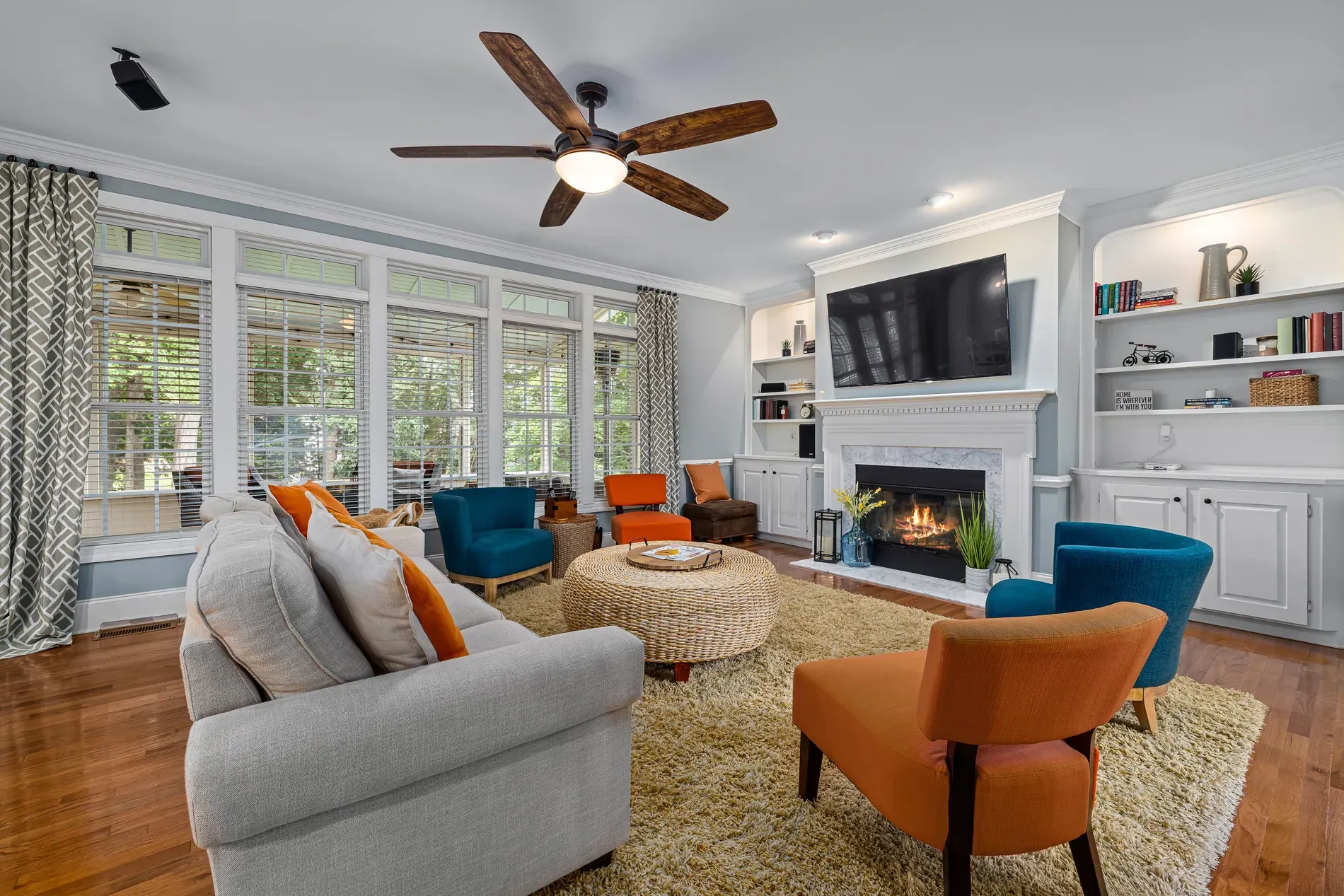
Keep the camera still between frames, and avoid shooting the moment wind moves trees outside the window, because movement makes clean edges harder.
How a window pull is done by hand
- 1Stack the bright frame and the dark frame as layers in your editor.
- 2Mask the window panes on the dark layer, following the frames and the glazing bars.
- 3Blend the view in, and soften the transition so the edges don't glow.
- 4Match the color and brightness of the view to the room, so it doesn't look pasted in.
- 5Repeat for every window in every photo.
It works, but it's slow. Masking around blinds, plants and window bars is the most time-consuming part of editing a real estate shoot by hand, and the results vary from editor to editor.
Window pull with AI
With Stager AI Auto HDR, window pulls are part of the edit. Stager AI merges your brackets, finds the windows and pulls the view from the darker exposures, on every photo of the shoot, at full resolution.
Choose how strong it looks
Taste varies. Some markets like a deep, crisp view; others prefer windows that look like natural daylight. The Window view setting has four levels:
| Setting | What it looks like | Good for |
|---|---|---|
| Strong (the default) | A deep, crisp pulled view | Views that sell the home: sea, mountains, gardens |
| Medium | Clear view, a little softer | A view that's good but not the main feature |
| Soft | Closer to natural daylight | Rooms where a strong view looks out of place |
| Very soft | Bright, natural window light with a hint of the view | An airy look, or plain views |
For one photo, open Review Images, click Detect windows and use the Window pull slider to adjust that photo alone.
Common window pull mistakes
| Mistake | What you see | Fix |
|---|---|---|
| View too dark or too saturated | Windows look like posters | Choose a softer strength |
| Glowing edges around frames | A halo along the window bars | Check for camera movement; reprocess |
| View doesn't match the light | Blue sky outside, warm room inside | Balance white balance, or soften the pull |
| No view in any frame | White windows after the merge | Shoot a darker bracket or a flash frame |
For a full review before delivery, see our real estate photo QA checklist. If your HDR photos look flat or grey overall, read why HDR real estate photos look fake.
Frequently asked questions
It's an editing technique that takes the view from a darker exposure and blends it into the windows of a brighter one, so both the room and the view outside are visible.
Make sure the view is captured in at least one frame: bracket deep enough that your darkest exposure shows the view, or add a flash frame and expose the view separately.
Yes. Auto HDR in Stager AI finds the windows and pulls the view from your darker exposures on every photo of the shoot.
It depends on the view and your market. Stager AI offers strong, medium, soft and very soft. Strong keeps a deep, crisp view; softer settings look closer to natural daylight.
A view that was completely white in every frame can't be recovered. Shoot a darker bracket or a flash frame so the view is captured.